The small skill sends you into a hosted design workflow
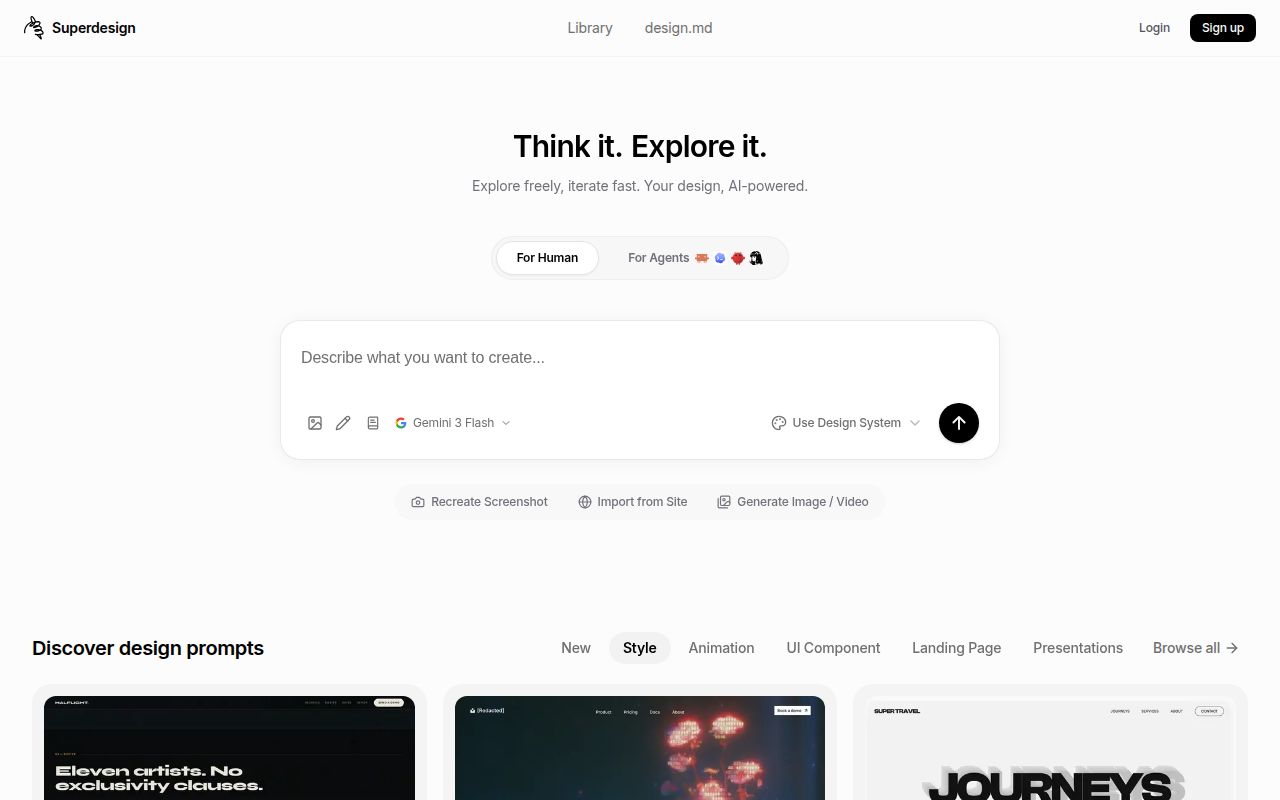
Superdesign's repository installed in 2 seconds in our sandbox, but useful design work requires a separate CLI and a Superdesign login. That distinction decides who should adopt it. You get instructions that teach a coding agent to gather context and work with drafts on the Superdesign canvas. You should want that canvas and account relationship before adding the skill to a project, especially if the interface contains private product information.
The README's existing-app workflow starts by investigating the current interface and preparing a design system. It then uses an HTML replica of the existing page as context for a redesign. That is a sensible way to avoid proposing a page unrelated to the application. It also means someone must check that the replica represents the real page accurately before judging the resulting design.
What happened when we ran it
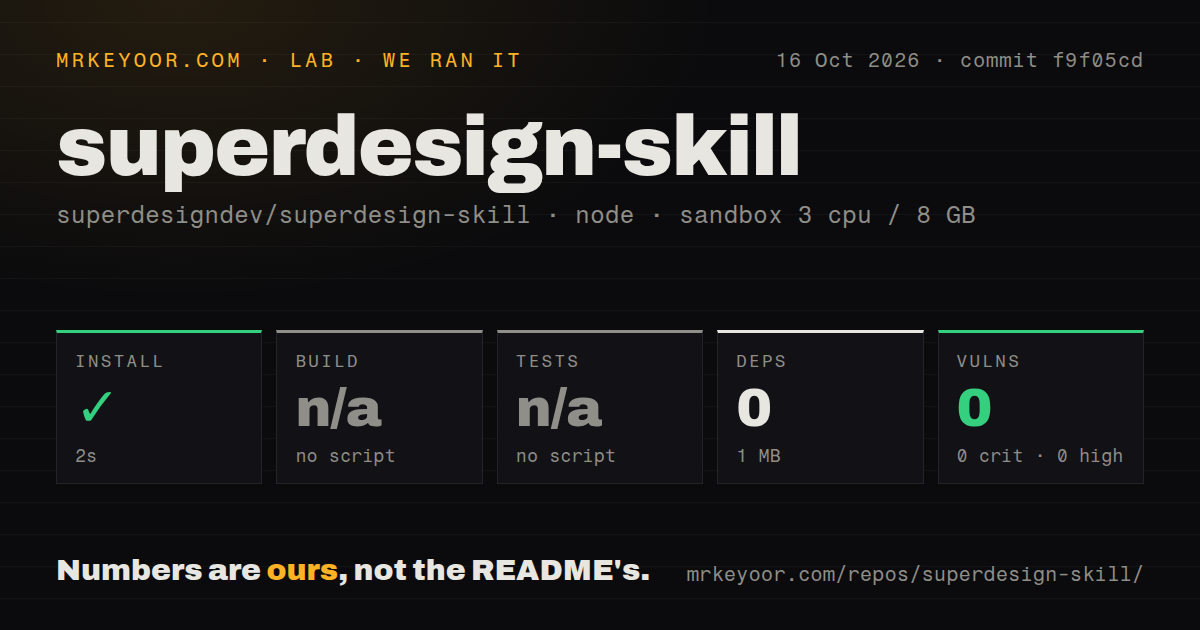
Our run installed commit f9f05cd in 2 seconds, added 0 packages, and occupied 1 MB on disk. We used an unprivileged Debian container running lab-node:22 on October 16, 2026, with 3 CPUs, 8 GB of RAM, and no secrets. Npm audit reported 0 known vulnerabilities across its severity categories. These are measurements of the public repository path, with no authenticated design-generation result attached.
The harness skipped build and tests because it found no scripts or targets for either. The checkout had 31 files, roughly 113 lines of source, and occupied 0.2 MB. Its scan found no CI workflows, Dockerfile, or tests directory. A successful dependency-light repository install fits an instruction package. It cannot establish whether a hosted draft follows your brief or whether the separate CLI works with your account.
Claude Code users should choose the plugin route once
The README gives Claude Code a namespaced plugin route and explicitly warns against adding the same skill through the generic skills installer as well. That warning is useful: duplicate instructions are an unnecessary source of confusion when an agent chooses which workflow to follow. Other supported coding agents use the general skill route. Either route still needs the separate Superdesign CLI and authentication before the canvas commands become useful.
The measured 1 MB environment excludes any claim about the separate CLI's footprint. There is also a documentation difference worth noticing. The README shows a global CLI command, while the skill entry point specifies an on-demand runner using the latest CLI. Teams that need reproducible agent behavior should record their working skill and CLI combination. A moving latest reference makes that choice less explicit than a pinned toolchain would.
Saved project context can reduce repeated discovery
The skill describes local resume state in .superdesign/resume.json, including the selected project and draft context. On a valid continuation, it reuses that information and checks source fingerprints rather than rereading the whole application. This addresses a familiar annoyance: asking for a small visual change should not restart a full tour of the codebase. Changed source can trigger a narrower refresh, with a cold start reserved for unusable context.
Our checkout's roughly 113 source lines tell you little about that agent behavior because much of the product here is written instruction. Read the workflow references as carefully as you would executable code. In particular, review the context-file selection and relevant asset-upload steps against your team's data rules. The hosted service receives selected material to inform design generation. Public MIT licensing for this repository does not make that hosted workflow a locally operated service.
Presentation export has a conditional path
The changelog records presentation guidance in version 0.6.0, including approval of the outline and preferences before generation. That is a better fit for a product deck than asking an agent to invent every slide while drawing it. Approving an outline lets you catch the missing customer story or unsupported claim before the visual draft makes those mistakes harder to notice.
Editable PPTX output needs a closer reading. The changelog prefers native export where available and otherwise describes reconstruction through a host presentation tool in supported environments. Buyers who need a dependable PowerPoint handoff should verify that exact route first. Our 2-second install did not exercise it. Likewise, the skill says generation spends credits, so the public repository's license does not establish a free allowance or a fixed service price.
August code activity and September reports tell different stories
The last repository push was August 21, 2026. GitHub reported 812 stars and 7 open issues and PRs when checked. The activity feed included the merged presentation-workflow and manifest-update PRs from August, followed by September issue reports. That is evidence of recent feature work and later user activity, with no newer push visible in the fetched metadata. The latest-release endpoint returned no release object, while the changelog still documented versions.
Our scan found 0 CI workflows, and build and tests were skipped. I would therefore evaluate changes by reading the instruction diffs and checking the particular design path the team uses. September issue activity alone cannot show that a maintainer has resolved a report. The README also distinguishes this skill from the archived Superdesign editor extension, so complaints or abandonment claims about that older project need separate evidence.
Choose another tool if you do not want the canvas
Impeccable is worth comparing when you want design guidance and critique within a coding-agent workflow. UI UX Pro Max is another skill-based option for design recommendations. Penpot serves teams that want a collaborative design application with a self-hosting route. None of those choices establishes better generated work without trying the same brief.
Superdesign makes sense for a developer who wants to compare and refine drafts in its canvas and accepts the account dependency. Start with an existing settings page and check how faithfully its current state reaches the draft. If your requirement is an offline design workflow, the hosted canvas and login requirement are enough reason to choose something else before spending time on integration.