Penpot uses browser standards instead of a private design format
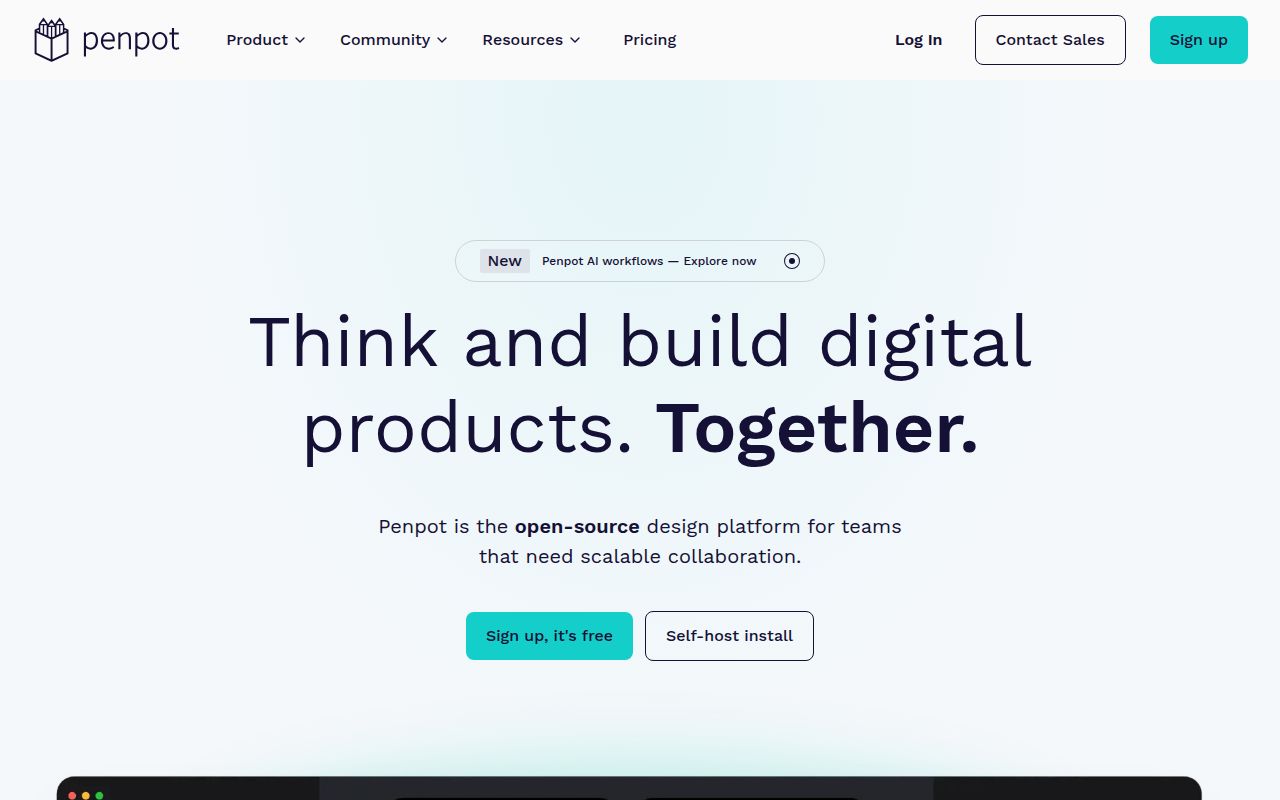
Penpot is a collaborative design and prototyping application built around SVG, CSS, HTML, and JSON. Designers get components, variants, design tokens, Grid and Flex layouts, while developers can inspect generated web code instead of translating every measurement by hand. Files can live in Penpot's hosted service or in a private deployment. The MPL-2.0 license allows teams to inspect and modify the platform while keeping the license obligations attached to changed source files.
The proposition is strongest for teams that already think in browser primitives. A responsive layout expressed with Grid and Flex has a clearer relationship to the eventual interface than a canvas full of absolute positions. Native tokens also give designers and developers a shared vocabulary for color, spacing, and typography. Penpot still does not make generated code production-ready by itself. Inspect output is a reference, and engineering judgment remains between a design and a shipped component.
The 12-second install covered only one layer of the monorepo
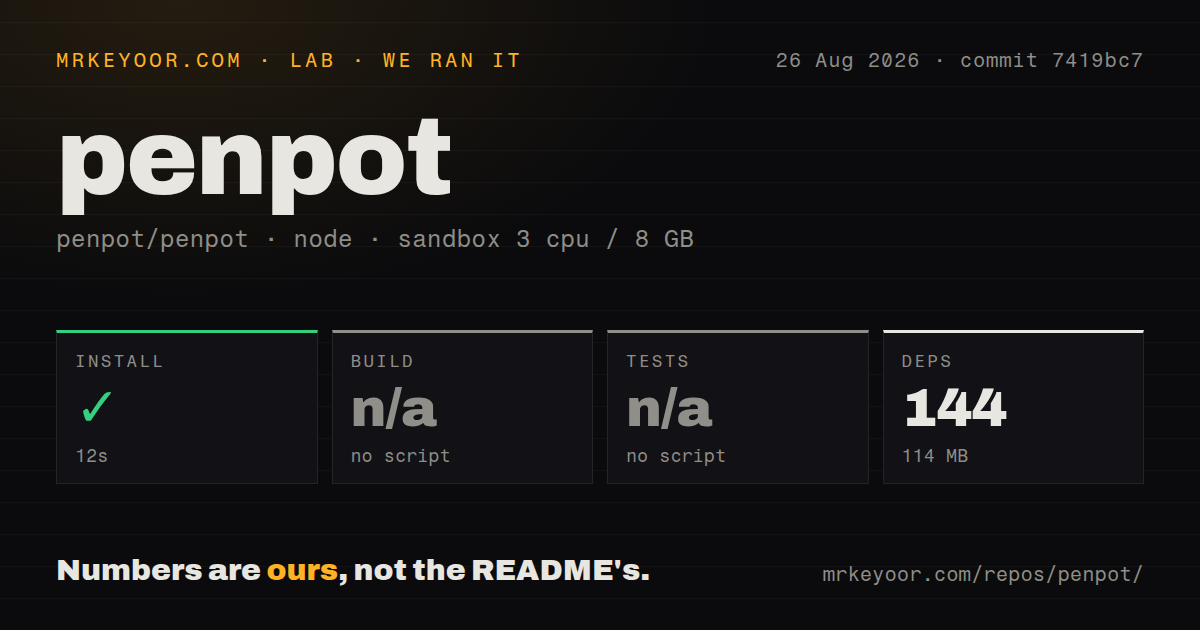
We cloned commit 7419bc7 into an unprivileged Debian container with 3 CPUs and 8 GB of RAM. The pnpm install succeeded in 12 seconds, adding 144 packages and taking 114 MB on disk. The repository contained 6,088 files and roughly 128,373 source lines. Those numbers describe a substantial codebase, even though its JavaScript dependency installation was quick.
The root package is private and has no build or test script. Our harness therefore skipped both steps. That is not a failed build, and it is not a clean build either. Penpot spans Clojure services, a JavaScript frontend, an exporter, WebAssembly rendering code, plugins, and an MCP component. The 26 CI workflow files show extensive automation, but a contributor has to follow the project's specific development commands instead of expecting the usual root-level pnpm sequence.
What happened when we ran it
Our run installed 144 packages in 12 seconds and used 114 MB. No install error appeared. The available root manifest then gave the harness no build target and no test target, so it skipped both. We cannot turn that result into a claim about whether the frontend compiles, the Clojure backend starts, or the editor's interaction tests pass at commit 7419bc7.
The scan found a pnpm workspace and 26 CI workflows, but no root Dockerfile and no tests directory. Penpot does keep deployment material under a docker directory, and the public guide points operators to a Compose file and published images. That distinction matters: cloning the repository and installing its Node packages is a contributor setup fragment, while running Penpot is a service deployment. Our sandbox measured the former.
Self-hosting means owning data, mail, storage, and upgrades
The Docker guide expects Docker Compose knowledge, DNS, and proxy configuration. Its default stack listens locally on port 9001 and uses published images. Operators are told to pin a Penpot version rather than accept the latest image implicitly. The application also needs a public URI served over HTTPS because the configuration guide says clipboard behavior does not work over plain HTTP.
PostgreSQL stores application data, while uploaded images and SVG assets need persistent file storage. Valkey coordinates WebSocket notifications. A useful backup therefore covers the database and asset volume, not a copied container directory. High-availability setups add replicated application components and centralized storage such as S3 or a Kubernetes volume. This is normal work for a serious collaborative service, but it makes Penpot a poor first self-hosted app for an inexperienced operator.
Email is part of the ordinary team flow. The guide says SMTP is disabled by default and mail goes to logs, while invited members need the invitation message to join. Google, GitLab, GitHub, OpenID Connect, and LDAP authentication each introduce provider settings or secrets. An organization choosing Penpot for governance should budget time for registration policy, secret rotation, restore drills, and an upgrade rehearsal.
PDF and token regressions deserve workflow tests
The latest release was 2.17.1, published August 17, 2026. Its notes list fixes across variants, imports, browser crashes, S3-backed asset downloads, exports, and MCP connection handling. GitHub recorded another push on August 26 and listed 769 combined issues and pull requests. That count is not a defect total, but the same-day activity shows maintainers and contributors are working through a large queue.
Two current reports are especially relevant to buyers. Issue #11361 says image clipping masks and scaling can render incorrectly in PDFs opened with macOS Preview and browser viewers, while the reporter saw correct output on Android. Issue #11362 says typography and color tokens detach when editing component text with the new renderer in a reported configuration. Neither report proves every user is affected. Both identify workflows worth turning into acceptance tests before a team depends on Penpot for handoff.
The API and MCP server make designs programmable
Penpot has plugins, webhooks, access-token APIs, and an MCP server for connecting design work to code tools. Release 2.17.1 fixed three MCP problems involving call timeouts, stale file sessions, and duplicate WebSocket connections. That is useful evidence of active integration work and a reminder that agent access adds another live connection path to monitor. Automation should use scoped tokens and a test file before touching a shared library.
The programmable layer separates Penpot from simpler drawing boards. Excalidraw is quicker for workshops and rough diagrams. tldraw is a better base when you are building a custom canvas product. Figma remains the easier managed choice for teams that value its existing ecosystem over infrastructure control. Penpot earns the heavier operational cost when open formats, source access, and private hosting are requirements rather than preferences.