One skill turns 24 design actions into a shared workflow
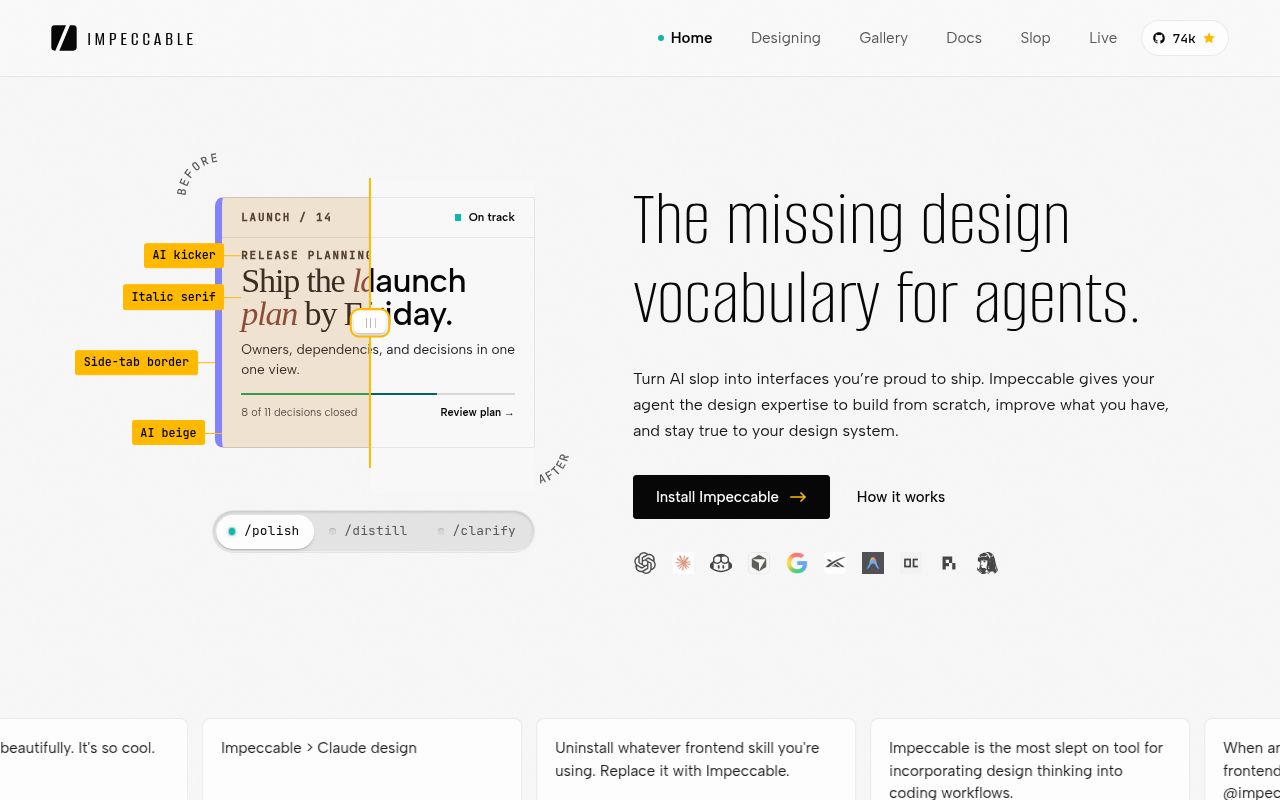
Impeccable gives an AI coding agent 24 named design actions, including shape, critique, audit, polish, harden, and adapt. That naming matters. Asking an agent to "improve the UI" leaves composition, accessibility, copy, and resilience tangled together. A command such as /impeccable harden checkout puts the work inside a narrower box: error states, text overflow, localization, and edge cases. The agent still makes judgments, but you can tell which kind it is supposed to make.
The first command, /impeccable init, records durable product facts in PRODUCT.md. An existing visual system can live in DESIGN.md, while individual surfaces get their own direction. This is the strongest part of the project. It separates who the product serves from how one screen should look, so a later polish pass has more than the current DOM and a vague prompt to work from.
The detector has 61 rules, but zero findings is not a guarantee
The standalone detector checks 61 deterministic rules without sending code to an LLM or requiring an API key. It can scan a source directory, one file, or a rendered URL. The rules cover familiar AI-made patterns, such as gradient text and nested cards, along with smaller touch targets, cramped padding, skipped headings, and long lines. A JSON mode makes the result usable in CI.
Coverage depends on the input. Open issue 884 feeds byte-identical markup to HTML, Astro, JSX, Svelte, and Vue files. Three rules fire on the HTML file, while only the gradient rule fires on the other four. The report also describes an Astro source scan returning zero findings before a browser scan caught small text. Impeccable's own README gives the right interpretation: a clean scan is evidence, not proof. Scan source for fast feedback, then scan the built page and inspect it yourself.
What happened when we ran it
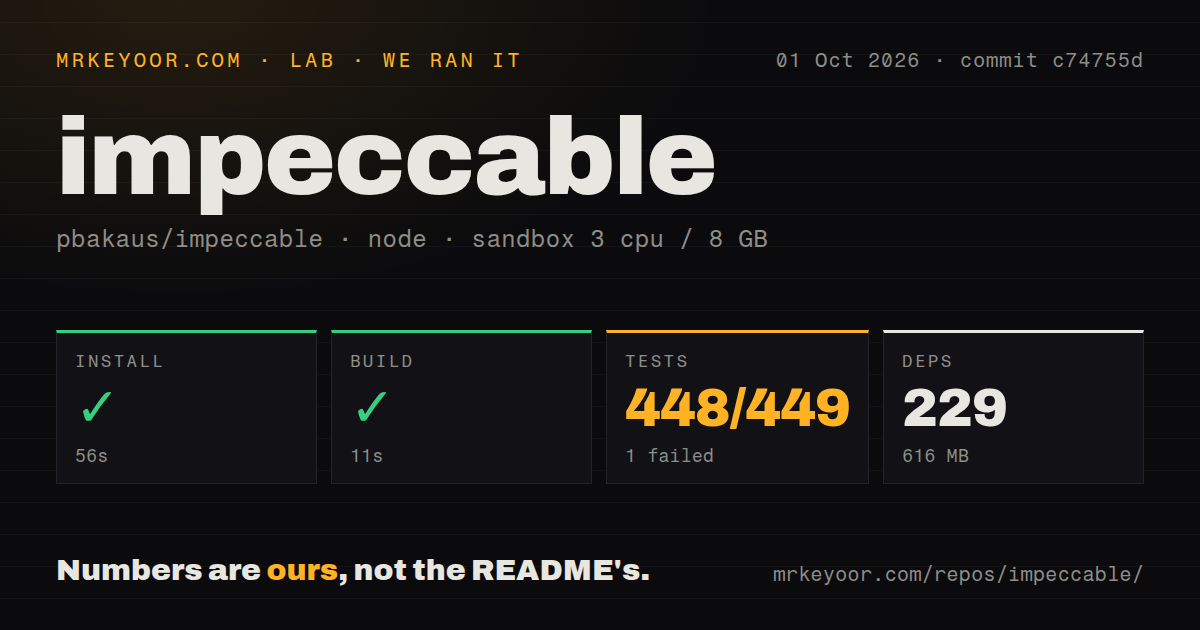
Our sandbox installed commit c74755d in 56 seconds with Bun. The checkout held 3,287 files, roughly 489,024 lines of source, and occupied 68.3 MB. Installation added 229 packages and expanded the environment to 616 MB. The build then completed successfully in 11 seconds on 3 CPUs with 8 GB of RAM, without secrets or elevated privileges.
The test command failed after 13 seconds. Bun reported 448 passed and 1 failed out of 449 tests across 17 files. The log tail lists a series of passing Test Provider cases, then says one test failed. It does not name that test or show its assertion, so the failure is real but its cause is not available in the supplied evidence. The repository has 4 CI workflow files and a tests directory, but no Dockerfile.
Those results put the setup in an awkward middle. The install and build are straightforward, and nearly the whole suite passed. A team with a strict green-suite rule still has to stop at the same place we did, reproduce the failure, and identify it before pinning commit c74755d. Calling 448 passes good enough would quietly change the release standard.
Live mode can change source files, so use a clean commit
Live mode lets you pick an element in the browser, generate variants, and accept an edit back into the source. That is more useful than a static prompt when spacing or visual weight needs several rounds. It also crosses a serious boundary: the design assistant can write to the checkout. The README limits this feature to trusted local projects and says its optional validation command runs with your user permissions.
Issue 875 gives that warning a concrete shape. In the reported React case, live mode could not locate a multiline JSX input. After the user applied the documented manual wrapper fallback, discarding the variant removed the original input block instead of restoring it. The issue's workaround is sensible: begin with a clean committed tree and inspect the diff after a discard. I would add live mode only after the instruction-only workflow proves useful.
Agent support is broad, while hook trust stays host-specific
The installer targets Claude Code, Codex, Cursor, Gemini CLI, GitHub Copilot, Grok Build, Hermes, and several other agents. It can install per project or globally, and the repository also documents manual copies and a Git submodule route. The launcher runs a self-contained engine binary, downloading the pinned build once when it is absent. Node is needed for the npx installer, not for every hook run.
Each host still has its own approval model. Codex asks you to approve the project hook after installation or an update. Cursor can run checks before edits land, while several other hosts report findings afterward. Windows deserves extra caution: issue 848 reports that Codex sessions using PowerShell cannot parse the installed cmd.exe hook command, so both edit and stop hooks fail on every trigger in that environment.
An October 2 push and release show fast maintenance
GitHub recorded a push on October 2, 2026, the same date as release skill-v4.5.0. The release addressed linked-worktree ignore placement, live-mode checkpoint order, an unresolved CSS padding false positive, and image handling inside SVG definitions. GitHub also listed 52 combined issues and pull requests and 73,792 stars that day. That is an active project with a busy defect queue, not a settled utility.
Impeccable is most convincing as a shared language and review layer for developers already using coding agents. Its files make design intent persistent, and its commands turn an open-ended visual request into work you can inspect. The detector and live editor need human checks for different reasons: one can miss framework-source problems, while the other can alter source. Keep those boundaries, and the project earns a place beside your agent rather than authority over your interface.