Sim joins a 1,000-plus integration canvas to its own workspace
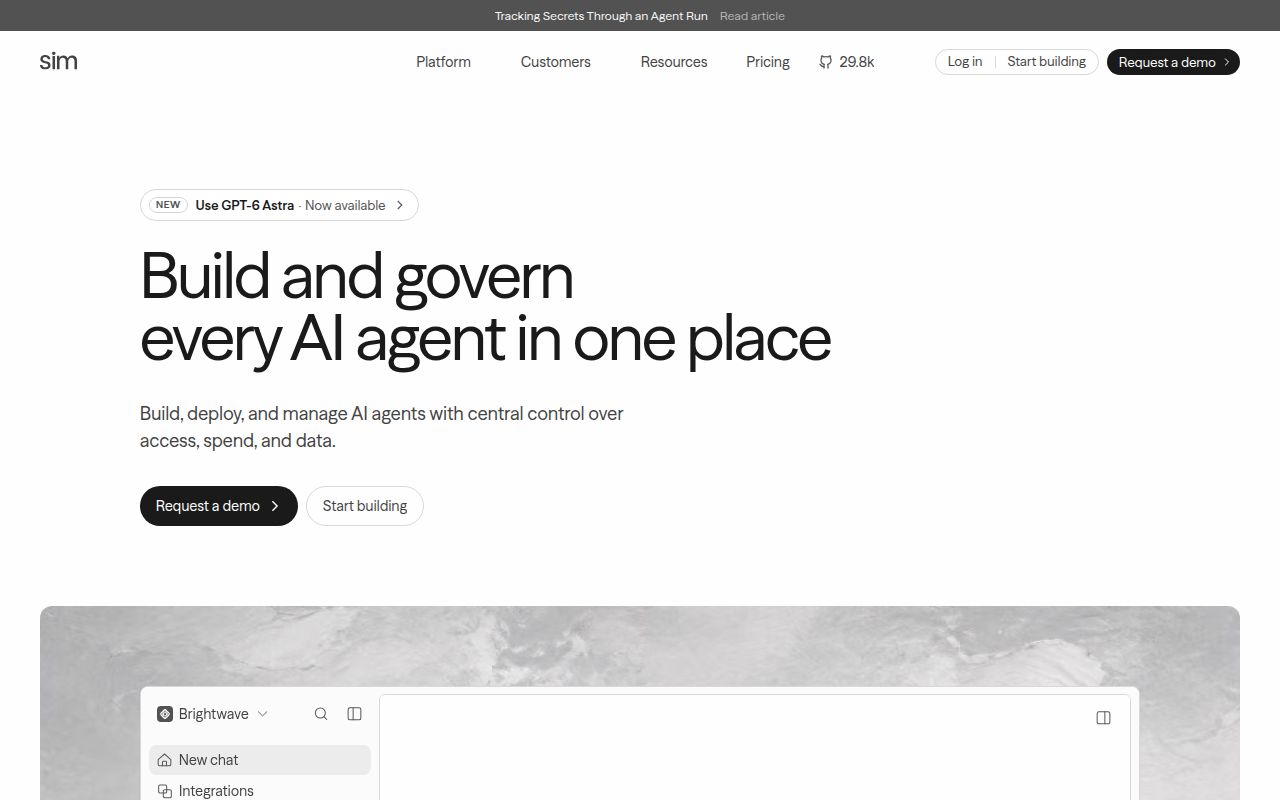
The README presents Sim as more than a visual chain of model calls. It says the workspace can connect more than 1,000 integrations, ingest files, hold structured tables, search knowledge bases, schedule work, and monitor runs. A builder can use the canvas, chat, or code. That breadth suits a team whose agent work already touches Slack, Notion, HubSpot, Salesforce, and internal data, because the workflow and its operating history live together.
The source reflects that ambition. commit 7cf57f3 checked out at 418.2 MB with 22,146 files and about 3,663,950 lines of source. It is a Bun monorepo built around Next.js, PostgreSQL, Drizzle, Better Auth, Socket.io, Trigger.dev, and a separate desktop application. This is an application suite, not a small workflow library you drop into an existing service.
The setup wizard avoids cloning 418.2 MB of source
For a normal self-hosted installation, the README points you to npx sim-setup. The wizard creates a deployment directory, generates secrets, provisions the database, writes the environment file, connects a Chat API key, and starts published images through Docker Compose. It does not clone the repository. Management commands cover status, logs, updates, restarts, diagnosis, and taking containers down while retaining their data.
Node.js 20 and Docker are the stated starting requirements, while the linked guided setup flags 12 GB of RAM as the floor. Optional commands add email, object storage, sandboxing, background jobs, cache, knowledge, local or hosted models, and integrations such as Slack. Each addition brings another service, credential, or backup obligation. Port 3000 loading successfully proves much less than a workflow completing across all of those dependencies.
What happened when we ran it
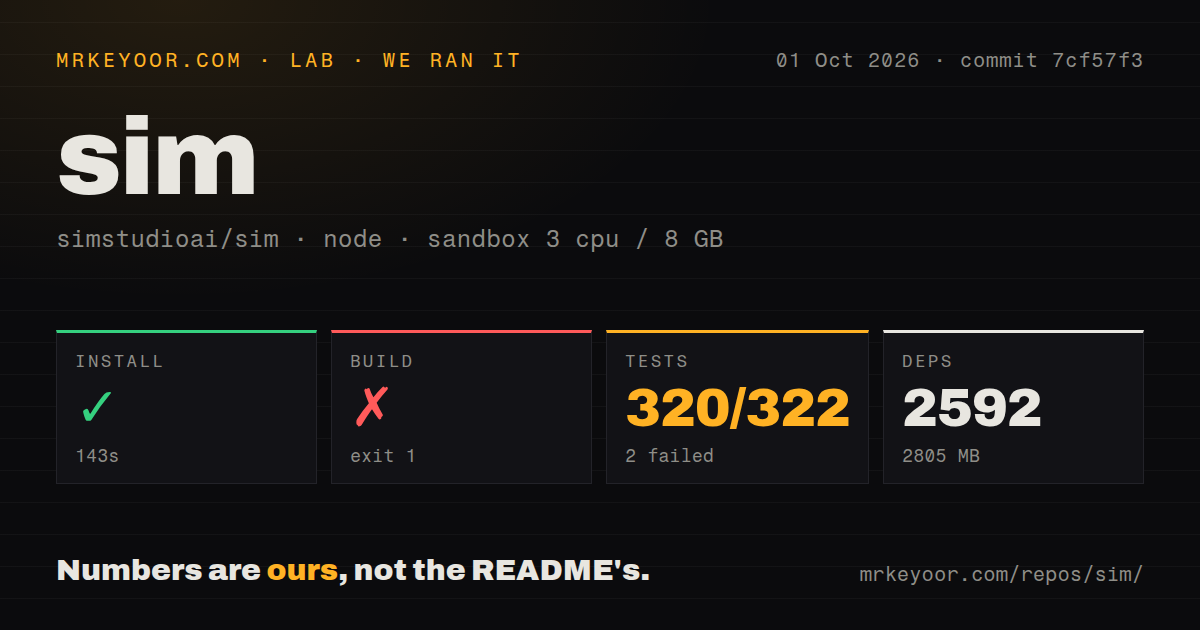
Our sandbox installed commit 7cf57f3 in 143 seconds. Bun pulled 2,592 packages, and the result occupied 2,805 MB on disk. The environment was a fresh unprivileged container with 3 CPUs, 8 GB of RAM, Node 22, and no secrets. Installation succeeded, so dependency resolution itself cleared the exact environment we were given.
The build failed after 11 seconds. Its final lines show the desktop package trying to rename a downloaded node-pty prebuild from /tmp into node_modules/@lydell/node-pty-darwin-arm64. The operating system returned EXDEV: cross-device link not permitted, and the desktop build exited 1. Four of 7 tasks had completed. The log identifies the failed operation, but it does not justify a broader claim about why the build uses that rename or how maintainers intend it to behave in this container layout.
The test command also exited 1 after 30 seconds. Vitest reported 320 passing tests and 2 failures out of 322, spread across 29 test files with 28 files passing. Both failures were in scripts/desktop-prune-workflow.test.ts. The supplied log tail does not include the failed assertions, so calling them flaky or assigning a code defect would be guesswork. The useful finding is that the repository did not clear its full test command at this commit.
Our scan found 16 CI workflow files, monorepo workspaces, no Dockerfile, and no tests directory. Those signals do not conflict with the published Docker Compose route: the README says the setup wizard starts published images. They do matter to contributors, who face a source checkout with desktop-specific work and checks that were red in our fresh Debian container.
Self-hosted Chat still depends on a Sim key
The README calls Chat a Sim-managed service. The setup flow opens a sign-in and stores a Chat API key, which you later manage at sim.ai. Ollama and vLLM are supported for local models, but that does not make the Chat surface independent of Sim's service. Buyers with an air-gap requirement should map the exact features they need instead of reading "self-hosted" as a blanket statement about every request.
One current report adds a more specific operating concern. Open issue 8452 says the v2 API applies a fixed pre-authentication limit of 300 requests per minute per IP, even when billing is disabled. In the reporter's Docker Compose setup, local callers shared the bridge gateway address and began receiving 429 responses. It is a user report, not something our sandbox measured, but it deserves a reproduction test before a high-volume rollout.
October 4 activity is strong, while the checks remain the adoption gate
GitHub showed 29,769 stars, 133 open issues, and 249 open pull requests on October 4, 2026. The repository was pushed that day, and v0.9.13 shipped fixes for tool request paths, webhook ownership, hosted-key usage checks, and documentation search limits. Apache-2.0 licensing and current release work make the project easy to evaluate on paper. The issue and pull-request counts also show how much code is moving.
Sim earns its weight when it replaces several internal systems. If you need only a few model chains, Langflow is narrower; n8n is the more natural comparison for business automation; Dify centers packaged AI applications. For Sim, start with the published images and a representative workflow. Our 2,805 MB source install completed, but the failed build and 2 failed tests leave contributors with work to reproduce before they can trust commit 7cf57f3 as a clean base.