Supersidian is public to read and has no license
Supersidian's README opens by saying it was built for one tablet, one laptop, and one vault. It explicitly offers no support for other setups and says it has no license. You can learn from a detailed personal workflow here, but a publicly visible repository is insufficient grounds to adopt or redistribute its code.
Our 25 passing tests show that its checked software path works in a sandbox. They do not broaden that promise of support. The actual workflow is unusually specific: handwritten Supernote pages become images inside dated Obsidian lecture notes, then Claude Code transcribes them and links related material. It makes the most sense to someone whose school notes already resemble the author's course-and-term folder structure.
What happened when we ran it
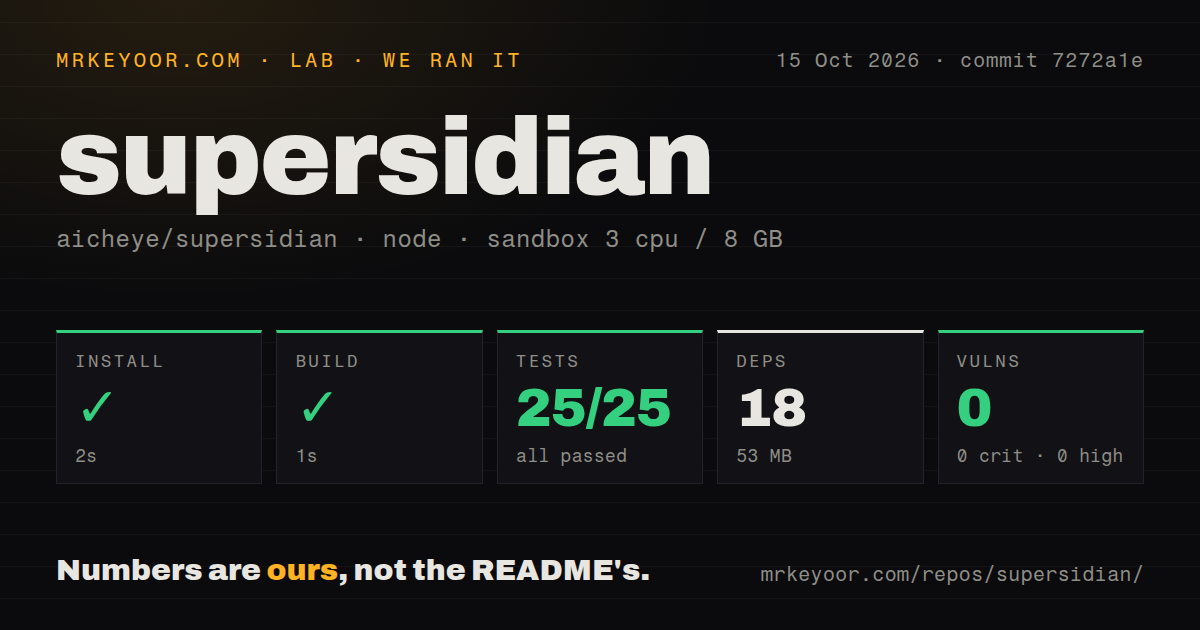
Our run of commit 7272a1e installed 18 npm packages in 2 seconds and used 53 MB on disk. The build passed in 1 second, followed by 25 passing node:test cases in another 1 second, with 0 failures. We ran it on October 15, 2026 in the lab-node:22 image, using an unprivileged Debian container with 3 CPUs, 8 GB of RAM, and no secrets.
Npm audit reported 0 known vulnerabilities, including 0 critical, high, moderate, or low advisories. The checkout contained 84 files, about 7,000 source lines, and occupied 1 MB. It had a tests directory, no CI workflow files, and no Dockerfile. These are reassuring repository checks for a small tool, without evidence that a physical tablet, Obsidian session, or transcription login participated in the run.
The 53 MB footprint covers the measured npm environment. The README separately calls for a Python renderer using supernotelib, host adb access, and a tablet plugin. Our measurement does not establish that the Android companion was packaged or that an actual notebook survived a complete sync.
The desktop plugin expects Linux and a particular tablet setup
The README identifies the Obsidian component as desktop Linux software and names a Nomad running a particular Chauvet beta firmware as its device reference. Setup includes enabling sideloading, starting a host adb service, and symlinking plugin files into the vault. Flatpak users also receive an MTP access step. This is a manually assembled desktop integration rather than an install-and-forget community plugin.
A 2-second npm install therefore understates the work needed to reproduce the author's environment. The renderer needs its own Python environment, and the companion plugin needs a separate build and installation on the Supernote. Changing hardware or firmware means taking responsibility for behavior the author does not support. If you mainly want to view exported handwriting in Obsidian, the live pen integration is probably an unnecessary commitment.
Notebook pages follow their creation dates into lecture notes
Supersidian maps the tablet's term and course folders to matching vault folders, then embeds page images into notes for the dates on which the pages were created. Text typed underneath an image stays with that page across syncs, and text from a deleted page moves to the end of the managed block.
The 84-file checkout also contains the live-ink machinery that makes this more than a file converter. The tablet sends pen positions and finished outlines, and Obsidian draws them over the saved page image. Those strokes live in a temporary display layer until a saved image catches up. The README says restarting Obsidian drops unsaved live strokes, which matters if you mistake the laptop preview for a durable copy of the notebook.
Wireless sync uses Tailscale because tablet adb lacks authentication
The known limits say the tablet firmware accepts adb connections without a key and instruct users to keep adb on USB. The optional wireless path instead sends HTTPS requests through Tailscale to a localhost server on the laptop. Requests carry a token transferred over USB. That design avoids making the tablet's unauthenticated adb service the wireless entry point.
Our 25 tests do not validate your tailnet policy or firmware configuration. Wireless transfer also has a documented completeness limit: only notebooks saved or closed while the tablet plugin runs are sent. This can leave an older notebook absent from the laptop even when networking works. Establish what has actually transferred before relying on a cable-free session, and keep the source notebook as the reference when comparing pages.
Transcription depends on a Claude Code login
The transcription route runs claude -p using the user's Claude Code login rather than a separate API key. It creates collapsed page transcripts and uses extracted concepts to connect related notes. The README also describes Gmail reading for deadlines and Google Calendar updates. Those account integrations belong in the setup decision, particularly if you want handwriting conversion without connecting your school workflow to additional services.
The 1-second build cannot tell you whether a transcription preserves a formula, a name, or an assignment date. Check those against the page image. Supersidian preserves the handwriting alongside generated text, which gives you something concrete to compare. Deadline completion also remains manual according to the README, so the dashboard should not be treated as proof that coursework was submitted.
October activity does not change the unsupported status
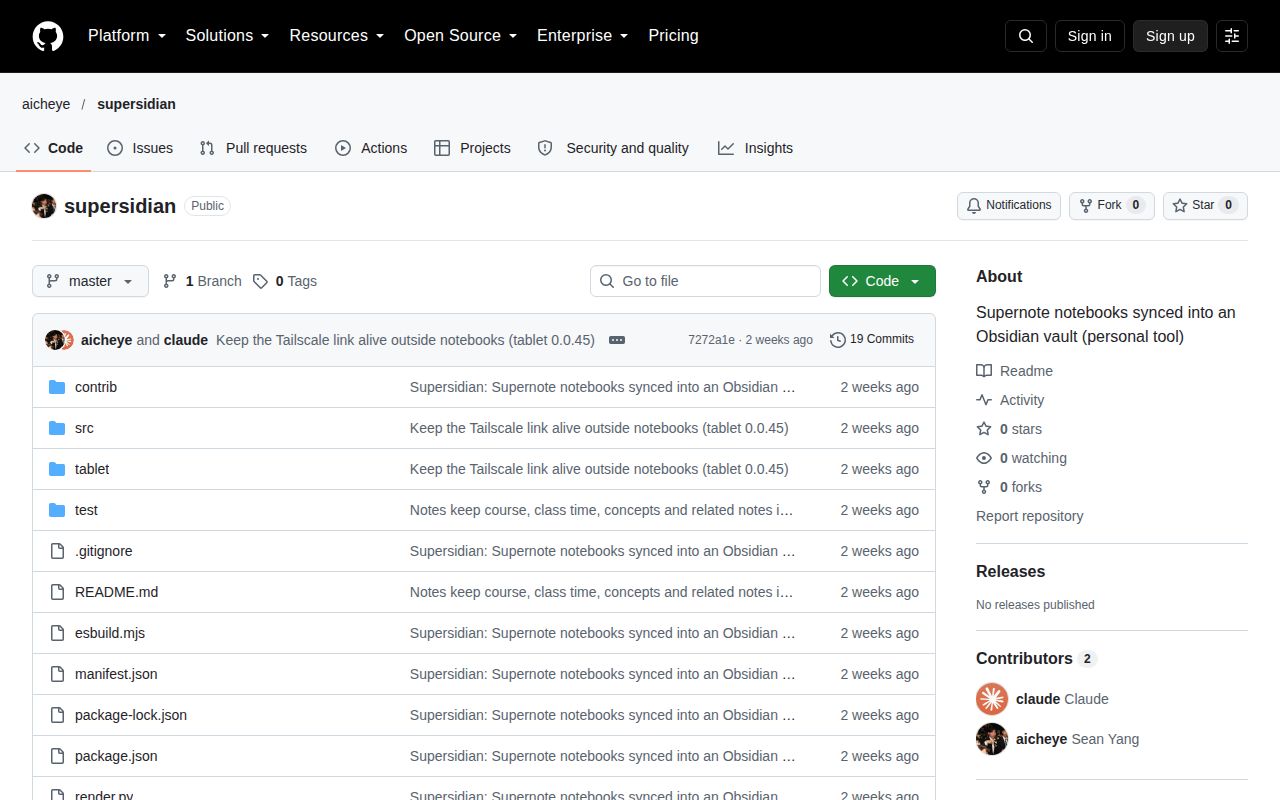
GitHub recorded a push on October 2, 2026, with 0 stars and 0 open issues and PRs. The recent issue endpoint returned no entries, and no latest release was returned. The absence of an issue queue cannot establish reliability or an available support channel.
The passing 25-test run makes Supersidian interesting to inspect, but its stated lack of a license and support keeps it off my general recommendation list. Compare Supernote (Unofficial) for a community-plugin route, or Supsidian for a macOS workflow with selectable OCR. If this author's lecture layout is exactly what you need, clarify code-use permission before deciding to reproduce the setup.