Read access is part of every ORC8R connection
Connecting the ORC8R plugin means granting Claude permission to read resources your ORC8R account can access. The README says orc:read is always granted, while orc:write is an optional choice on the consent page. That is the adoption decision I would make first. If you only want an assistant to inspect nodes or explain usage, leave write access unchecked and decide whether the available reads are appropriate for that client.
The plugin's configuration is small and specific: it defines an HTTP MCP connection to orc8r.com/mcp. Its operating skill tells Claude how to inspect operations, make authorized requests, and report results. Nothing in that packaging supplies an infrastructure service locally. Our October 14 inspection of commit c8804c8 therefore needs a different standard from a server review: the useful question is what account access this convenience package introduces.
What happened when we ran it
We did not run ORC8R plugin commit c8804c8 because our harness detected no supported ecosystem and found no Dockerfile. The lab recorded language null. The scheduled sandbox had 3 CPUs and 8 GB of RAM, but those resources produced no runtime result for this repository. There is no measured install duration, successful authentication, or tested operation to report.
That boundary matters when reading the installation directions. The repository can describe a plausible marketplace and OAuth flow without our lab having completed it. We haven't verified which resources an authenticated client sees or what a denied operation looks like. Judge the connection instructions as documentation, and require an account-level check before trusting the plugin with changes to infrastructure you care about.
The bundled skill makes changes reviewable
The included operating skill names dedicated tools for listing nodes, retrieving a node, reading logs, and checking organization usage. For other requests, it directs Claude to search available operations and inspect their inputs. For a change, it says to state the target and expected effect and avoid actions the user hasn't authorized. It also requires reporting permission errors and actual results.
Those are sensible instructions, though they are instructions to a model. Their presence doesn't prove how every session behaves. The manifest identifies plugin version 0.1.5, while GitHub returned no latest release entry. Pin the source revision you approve if your team distributes this package. That gives you something concrete to compare when the remote endpoint or the skill changes, without mistaking a manifest version for a tested release.
Self-hosted servers need a custom connector
The README's self-hosting section directs users to add their own server's /mcp endpoint as a custom connector. The shipped configuration targets ORC8R Cloud. If your organization's reason for running ORC8R yourself is control over its service boundary, use that documented custom path. Installing the marketplace package as written doesn't select your private server.
For Claude Code, the README gives marketplace commands, then asks you to start a new session and authenticate the plugin through /mcp. Claude.ai and Desktop users get graphical installation steps. Team and Enterprise organizations may require an owner to add the connector first. These are useful distinctions because a personal installation and an organization-approved connection aren't necessarily the same task.
Log inspection stops instead of following indefinitely
ORC8R's MCP service documentation describes bounded node-log reads and excludes live log streams and terminal sessions. That suits an assistant inspecting a snapshot. It doesn't replace the tools you use to watch a process fail as it happens or enter a shell to investigate it. Keep that limit visible when deciding which operations belong in a chat workflow.
The same service documentation says scopes cannot exceed the user's existing roles. Write consent therefore doesn't confer rights your account lacks. Reads and writes use separate tools, which helps you distinguish an inspection request from a mutation. If a requested operation is denied, the useful result is the denial and its reason. A proposed request is insufficient evidence that a resource changed, a point the bundled skill states explicitly.
September's correction is useful evidence of maintenance
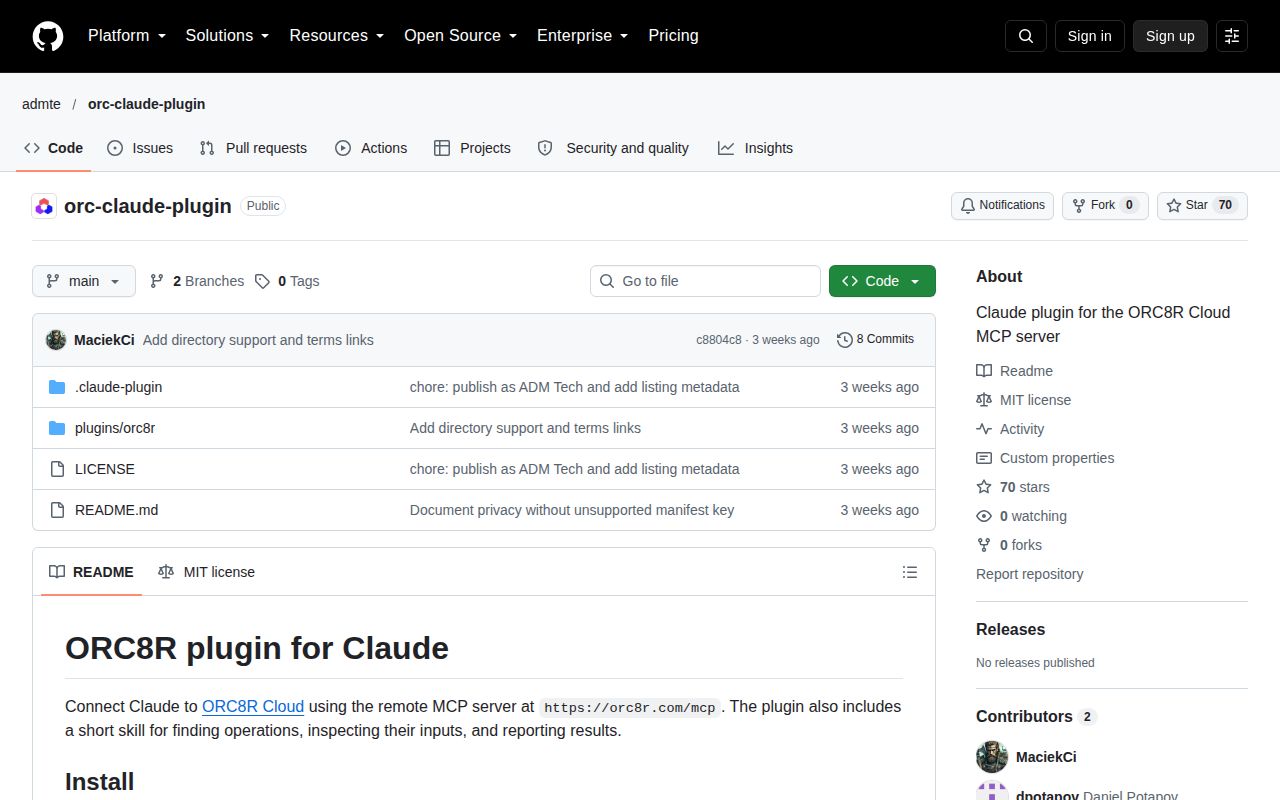
GitHub recorded the last push on September 27, 2026, with 70 stars and no open issues and PRs when checked. A closed documentation PR from that date corrected misleading wording about read consent, named the dedicated read tools, and added the self-hosted connector guidance. That is specific maintenance evidence. An empty open queue, by itself, tells us little about how many people have exercised the plugin.
The scope-wording correction is particularly relevant because it changes how a user understands consent: read access cannot be unticked. I prefer this candid description to a vague promise of configurable access. It also shows why reading the current instructions matters more than assuming the first marketplace installation will behave like another connector you've used.
Start with an account whose permissions you understand
The service's privacy policy covers account information, usage data, and content handled by ORC8R. Client-side handling is a separate consideration when you connect an assistant. The plugin contains no API keys or user credentials according to its README, but an approved OAuth connection still carries authority. Review the granted scopes and know how to revoke the connection through ORC8R's connected-app controls.
For an existing ORC8R Cloud user, this is a reasonable package to evaluate for occasional inspection. Its strongest feature is the explicit path from discovering an operation to reporting its result. I would keep writes disabled until a real read-only session confirms the expected account and resources. If you already manage MCP connections centrally, the direct endpoint may be enough without adding this marketplace package.