The canvas is useful when someone else must edit the workflow
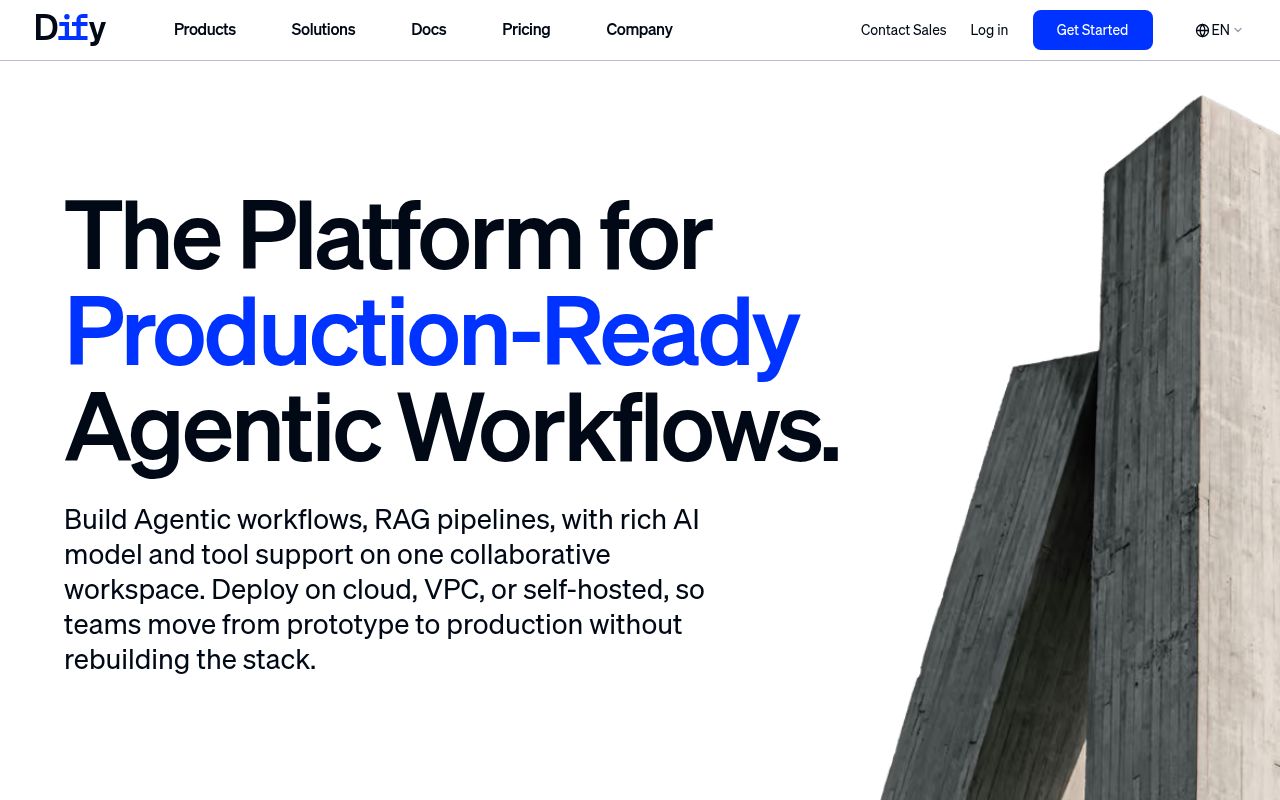
Dify lets a colleague change a document-answering workflow without editing your application code. Its visual editor connects model calls, document retrieval, and tools, then exposes the result through an API. That's the reason I'd consider it for an internal support assistant: the person responsible for the answers can work on the flow while a developer owns the surrounding application. The English README describes both hosted and self-hosted editions.
That convenience has a substantial codebase behind it. Our checkout contained 14,173 files and roughly 2,318,936 source lines across a workspace monorepo. Adopting Dify means taking responsibility for a platform that manages application data and model connections. If your entire requirement is a model request with a fixed prompt, I'd keep that request in the application. The canvas earns its place when workflow editing becomes a recurring job.
What happened when we ran it
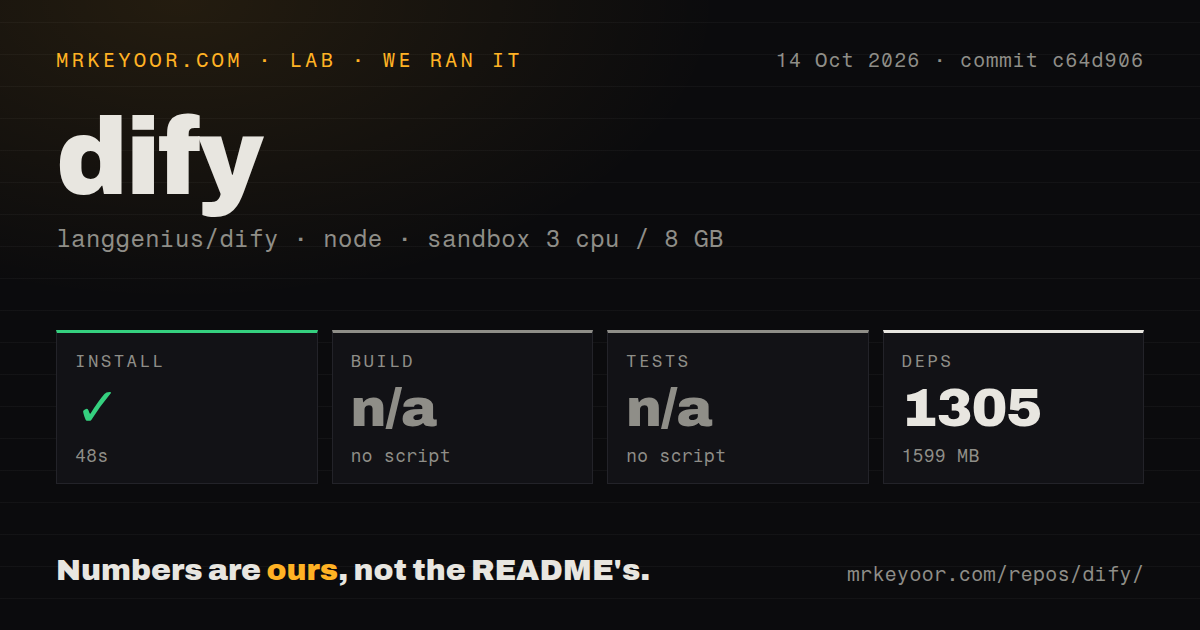
Our Dify run installed 1,305 pnpm packages in 48 seconds and occupied 1,599 MB on disk. We cloned commit c64d906 on October 14, 2026, into an unprivileged Debian sandbox with 3 CPUs, 8 GB of RAM, the lab-node:22 image, and no secrets. Installation succeeded. The checkout occupied 127.2 MB before that step, so dependencies account for a meaningful part of the local footprint.
Build and tests were skipped because the sandbox found no script or target for either step. Our scan reported 40 CI workflow files, no Dockerfile, and no tests directory. Those are findings from this run's detection, not proof that upstream lacks container definitions or testing elsewhere. We have no passing build or test result to attach to the successful install, and no measured answer quality or running-service result.
Compose starts a platform with persistent state
The documented server route uses Docker Compose, while our 48-second measurement covers pnpm installation. The README tells you to copy the example environment file and open the initialization page after starting Compose. The checked-in configuration includes an API, background workers, Redis, and database services, with Weaviate selected as the default vector store. A completed JavaScript install doesn't establish that these services can start or that document ingestion works.
You'll need model-provider credentials or a reachable self-hosted model endpoint before the workflows can do useful model work. Database access, application secrets, plugin connections, and persistent storage also need deliberate configuration. Keep the measured 1,599 MB separate from any capacity estimate for that deployment: our environment did not account for a populated knowledge base or a working production stack. Backups must cover the data services and uploaded files you actually configure.
Existing Weaviate deployments need a staged upgrade
The 1.17.1 release notes warn that existing deployments using bundled Weaviate need a manual staged upgrade. They say pulling the new images and restarting can permanently break vector search. Fresh deployments and other vector-store arrangements are explicitly excluded from that warning. For an existing installation, I'd make a verified backup and follow the release's upgrade guide before touching the application images.
The same release describes document extraction fixes that don't repair previously indexed content automatically. Affected documents need re-importing. That's a concrete operating task for anyone building a knowledge assistant: a corrected extractor cannot make old answers trustworthy until the stored text is corrected too. Our 1,305-package install tells you nothing about that content. Keep representative source documents and compare their extracted text after an upgrade, especially when formatting carries meaning.
The license limits tenant hosting and frontend branding
Dify's license adds conditions to Apache 2.0. Its text requires written authorization for using the source to operate a multi-tenant environment and defines a tenant as a workspace. It also restricts removing or modifying logos and copyright information when using Dify's frontend. A consultancy intending to host separate customer workspaces or sell a rebranded console should resolve those conditions before choosing the platform.
The README separately directs organizations seeking SSO, RBAC security, and support SLAs to Enterprise. Don't assume the Community Edition satisfies an organization's identity requirements because the source is available. Our 3-CPU sandbox didn't evaluate either edition's access controls. For an internal deployment, map who can change workflows, use model credentials, and read uploaded documents to the edition you're considering. Those permissions matter more than how attractive the canvas looks.
October activity supports adoption, with an upgrade owner
The last push was October 15, 2026, and the recent activity feed included work on dataset re-indexing and tracing configuration that day. GitHub listed 158,520 stars and 1,121 open issues and PRs. Together, the push date and active engineering discussion support a judgment of ongoing maintenance. The latest release endpoint returned 1.17.1 from September 10. That older release date alone doesn't make this an abandoned project.
Langflow is worth comparing if you want a visual editor with Python component customization and API or MCP exposure. LangGraph suits a developer who wants to own agent orchestration in code. I'd choose Dify when a shared editing surface and document workflows justify operating its services. Before committing, get your own representative document through retrieval and an answer, then rehearse its upgrade path. Our 48-second install is a useful starting result, and leaves that adoption decision unfinished.