Pi users get a review desk instead of another agent
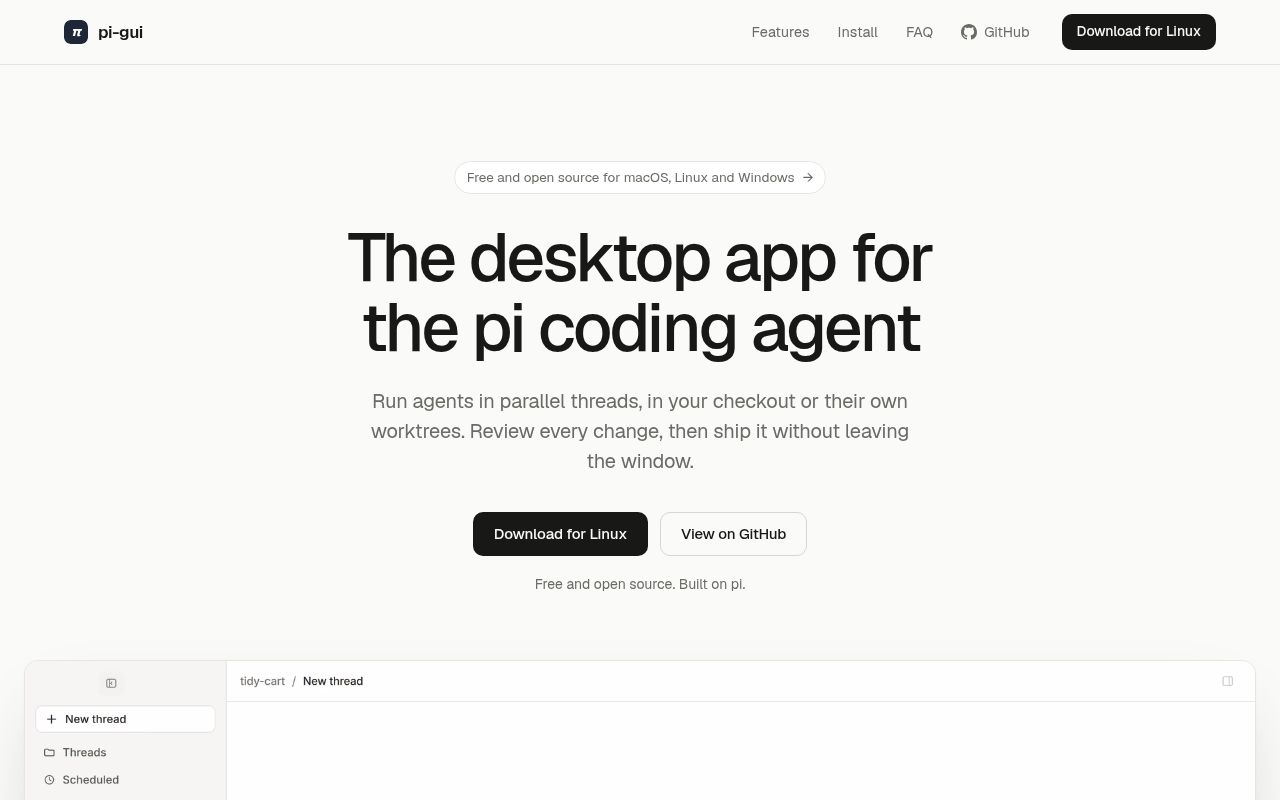
Pi-gui does not replace the Pi runtime. It wraps Pi's sessions, models, authentication, skills, and tools in an Electron app. Each task lives in a thread, and a thread can run in the current checkout or a fresh Git worktree. The sidebar shows whether work is running, finished, failed, or waiting for input. That makes parallel agent work easier to scan than several terminal tabs.
The useful part is the workbench beside the conversation. It contains a file tree, editor, real terminal, and review panel. You can compare uncommitted changes, staged files, a branch against its base, or one captured turn. Files can be staged or unstaged from the review. Release v1.0.1 also split staged and unstaged views and made review refresh when the app regains focus.
Local session files keep the command line and GUI together
Pi's JSONL session transcripts remain the source of truth. Pi-gui reads those files instead of maintaining a separate conversation database, so a session opened in the command line can carry into the desktop app. Provider credentials and skills are shared too. This lowers migration friction for an existing Pi user and creates a clear dependency on upstream Pi behavior.
The architecture tries to contain that dependency. A typed preload bridge sits between the React renderer and Electron main, and the renderer receives no general Node access. The Pi adapter is kept in its own workspace package. Its compatibility code still uses private Pi 0.87.1 APIs in two isolated places, so an upstream shape change has a named failure boundary rather than being scattered across the app.
What happened when we ran it
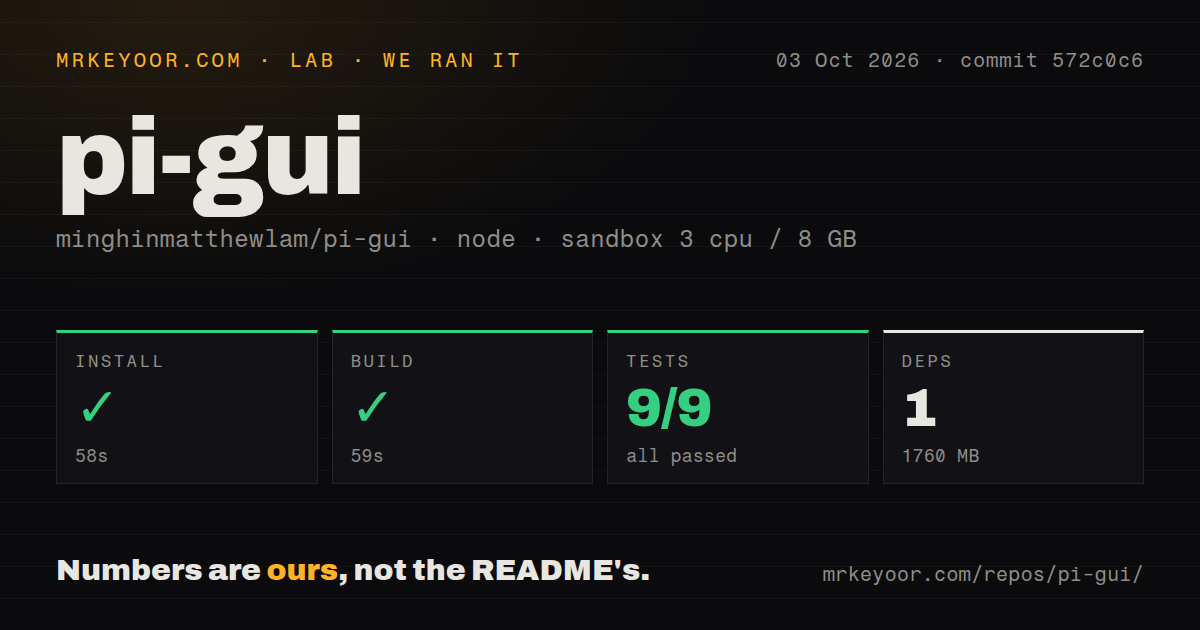
Our sandbox installed commit 572c0c6 in 58 seconds. Pnpm reported 1 package installed, and the monorepo used 1,760 MB on disk. The build succeeded in 59 seconds. The checkout contained 754 files, about 124,548 lines of source, and occupied 11 MB before installation. We used Node 22 in an unprivileged container with 3 CPUs, 8 GB of RAM, and no secrets.
The recursive test command ran for 107 seconds and exited 1. The supplied node:test summary said 9 passed, 0 failed, and 0 skipped out of 9. The tail then identified @pi-gui/pi-sdk-driver as the first failed workspace command: it runs TypeScript compilation followed by Node's test runner. A later summary line showed subtest 60 passing.
Those lines conflict at different reporting levels. They establish that the root workspace command failed, but they do not show the earlier error that made it fail. We will not turn that gap into a claim about a broken test or compiler. The repo has no top-level tests directory, yet package tests, guard scripts, Playwright lanes, and 6 CI workflow files are present across the monorepo.
Platform support stops at Apple Silicon and x64
The official downloads cover Apple Silicon macOS, x64 Linux, and x64 Windows. Mac releases are signed and notarized. Windows releases are not code-signed, so SmartScreen may ask users to confirm them. Open issue 92 requests an Intel Mac build, while issue 105 asks for native WSL support. These gaps matter in a company rollout with mixed developer hardware.
Source development requires Node 22.19 or newer and pnpm through Corepack. The root pnpm check command covers formatting, lint, architecture boundaries, types, guards, and driver tests. Desktop changes need Electron verification, not only unit tests. The documentation is unusually direct about levels of proof, including the difference between static checks, fixture-driven Electron, a real provider session, and native packaged behavior.
Scheduling and computer control stay local and bounded
Scheduled prompts can run dependency checks or other repeated work, but only while pi-gui is open. Threads can also start and message child threads. Users may disable the orchestration and scheduling tools that pi-gui adds to sessions. That switch is useful when a project should keep Pi's ordinary tool surface and avoid background delegation.
Native computer use is absent. The README points users to a separate MCP server for browser and desktop control. Remote Pi sessions are absent too, with issue 249 asking for a connection to sessions on another machine. This is a local desktop cockpit, not a headless agent server. Its safety and convenience come from keeping the terminal, files, worktrees, and user in the same machine boundary.
v1.0.1 is active, but Windows has a launch report
GitHub showed 1,135 stars and 20 combined open issues and pull requests on October 3, 2026. The project was created on March 20, pushed on October 2, and released v1.0.1 on September 26. The open queue split into 16 issues and 4 pull requests, so the combined count should not be read as 20 bugs.
Issue 254 reports the Windows app exiting a few seconds after a project folder is added. That is one user report, not evidence that every Windows install fails. Together with unsigned installers and our failed 107-second workspace test command, it supports a cautious rollout on Windows. Existing Pi users on Apple Silicon Macs have the cleanest case: install the notarized app, open a disposable worktree, and verify review plus recovery before trusting several parallel threads.