A local bridge gives an agent your existing browser session
BrowserSkill connects a coding agent to Chrome or Edge without asking you to recreate every login in an automation profile. The agent calls the bsk command, a local daemon passes the request over WebSocket, and the extension acts through Chrome DevTools Protocol. A task normally opens a visible Agent Window, keeping ordinary windows separate. An existing user tab moves there only after an explicit borrow request.
That is a useful middle ground between copy-and-paste work and a full browser test suite. The command set covers navigation, semantic observation, accessibility snapshots, clicks, form filling, screenshots, console output, network responses, device emulation, and action recording. When a captcha, OTP, login, or consequential confirmation appears, bsk request-help gives control back to the person and waits for a stated completion condition.
The 4-step session lifecycle limits accidental browser control
The supplied skill requires every task to start a session, pass its 4-letter ID to tool commands, and stop that session even after an error. Stopping closes the Agent Window and returns borrowed tabs. The instructions also tell agents to stop as soon as the user's observable goal is met, with at most one verification step. This is concrete operational guidance for browser agents.
The boundary still depends on the agent following the skill. bsk evaluate can run JavaScript inside an agent tab, and borrowed tabs carry the user's real login. The project tells agents not to extract cookies, tokens, or local storage from sensitive sites. Organizations should enforce a domain allowlist and use a browser profile with the minimum accounts needed, because prompt instructions alone are not an access-control system.
What happened when we ran it
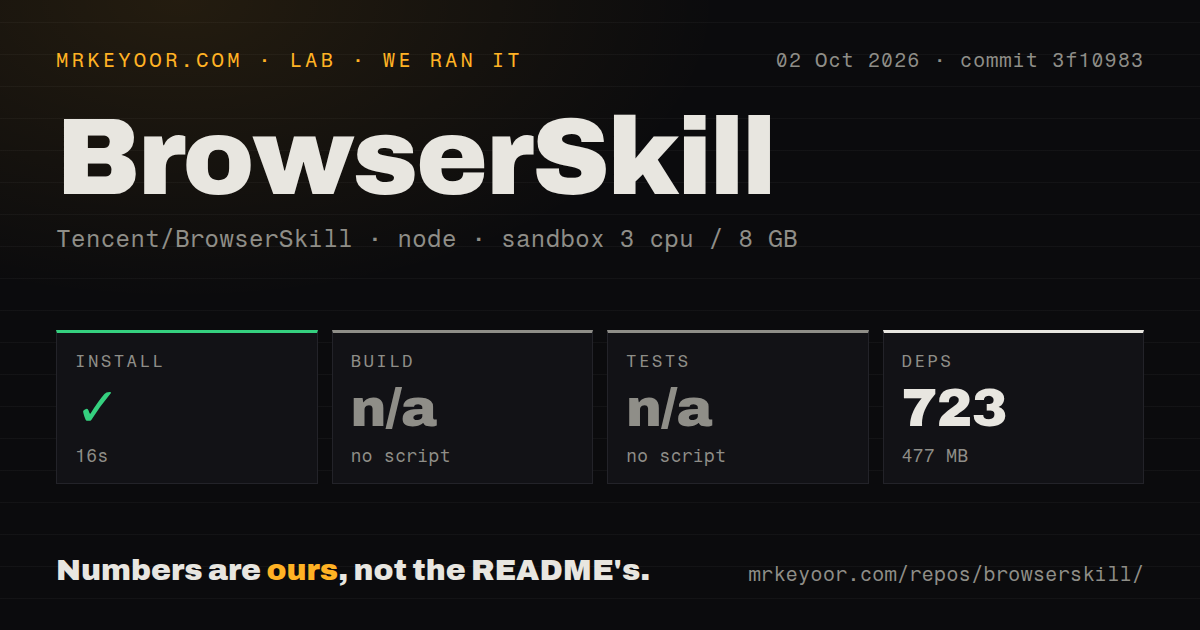
Our sandbox installed 726 pnpm packages in 45 seconds and occupied 471 MB on disk. The repository contained 498 files, roughly 95,448 lines of source, and 5.9 MB before dependencies. It is a pnpm workspace that also contains Rust crates for the CLI and protocol. Our scan found 4 CI workflow files and no Dockerfile.
There was no root script named build, so the build step was skipped. There was also no root script named test, so tests were skipped. The root package instead exposes narrower commands such as cli:build, ext:build, ext:test, vom:test, and lint. We did not substitute those for the lab's standard targets, and their presence is not a passing build or test result.
The measured run did not install the store extension, attach to a logged-in browser, or automate a live site. Its 45-second result covers dependency installation only. Test the exact CLI and extension release together, confirm bsk doctor is clean, then use a disposable profile before granting access to accounts that can publish, buy, or administer.
Port 52800 is local, but local does not mean authenticated
The privacy policy says the extension contacts no remote service of its own and connects to ws://127.0.0.1:52800. Page data goes back to the local daemon, after which the chosen AI agent's privacy terms apply. The same policy warns that any local process able to bind to that port could theoretically send commands to the extension. This matters because those commands act through logged-in pages.
Open issue 118 argues that checking a client-supplied extension origin does not authenticate the peer and proposes a random per-install token. The report says a local process could forge the origin and reach browser-control RPCs. That is a report, not an independently reproduced exploit. It is still a specific concern to resolve before deployment on a shared workstation.
Port configuration has a more ordinary edge case. Issue 114 reports that Windows reserved the default port, while the CLI could start on another one and the store extension kept trying 52800. Users with WSL, Hyper-V, or other local networking tools may hit that mismatch. The README supports macOS, Linux, and Windows, but local network layouts differ.
Canvas, files, and complex apps expose the current limits
BrowserSkill reads the DOM, accessibility tree, and layout into a semantic view that costs fewer tokens than raw HTML. Canvas-only text and controls do not exist in those sources. Issue 137 asks for on-demand canvas expansion because interfaces drawn as pixels can be invisible to the agent. Screenshots remain available, but visual interpretation is less precise than named controls with stable references.
File workflows are another gap. Issue 70 says there is no dedicated upload or download command. A native file picker cannot be driven by the page-level commands, and a download may land inside the Agent Window's isolated profile. The suggested Chrome DevTools commands were still a feature request, so verify current behavior before adopting it for file work.
A separate issue documents ChatGPT's composer accepting a fill and reporting press Enter as successful while no message was submitted on Windows. Command success and user-visible success can diverge. BrowserSkill's observe-after-action loop helps, but each important workflow still needs a concrete completion check.
August releases show fast work and a young interface
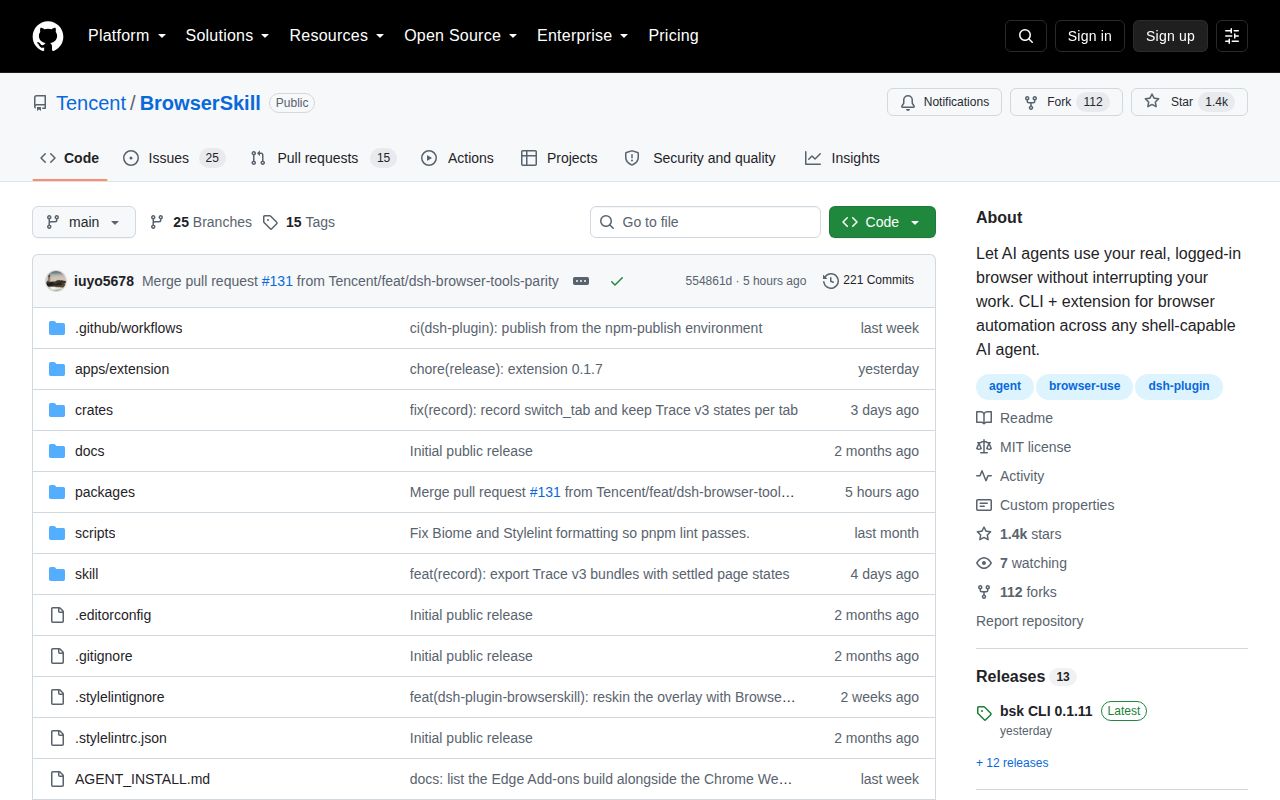
GitHub recorded a push on August 27, 2026, 1,398 stars, and 40 combined issues and pull requests. Release cli-v0.1.11 arrived on August 26 with platform archives for 5 targets and extension, session, recording, and DeepSeek Harness changes. The active queue includes bugs, security discussion, and feature proposals.
The pace is encouraging for fixes, yet a 0.1.11 CLI that controls real accounts should be treated as young software. BrowserSkill is most convincing when a human watches a bounded task and can close the Agent Window. For unattended jobs, sensitive admin pages, or regression suites, conventional browser automation offers a clearer trust and repeatability story.