pymupdf-layout review
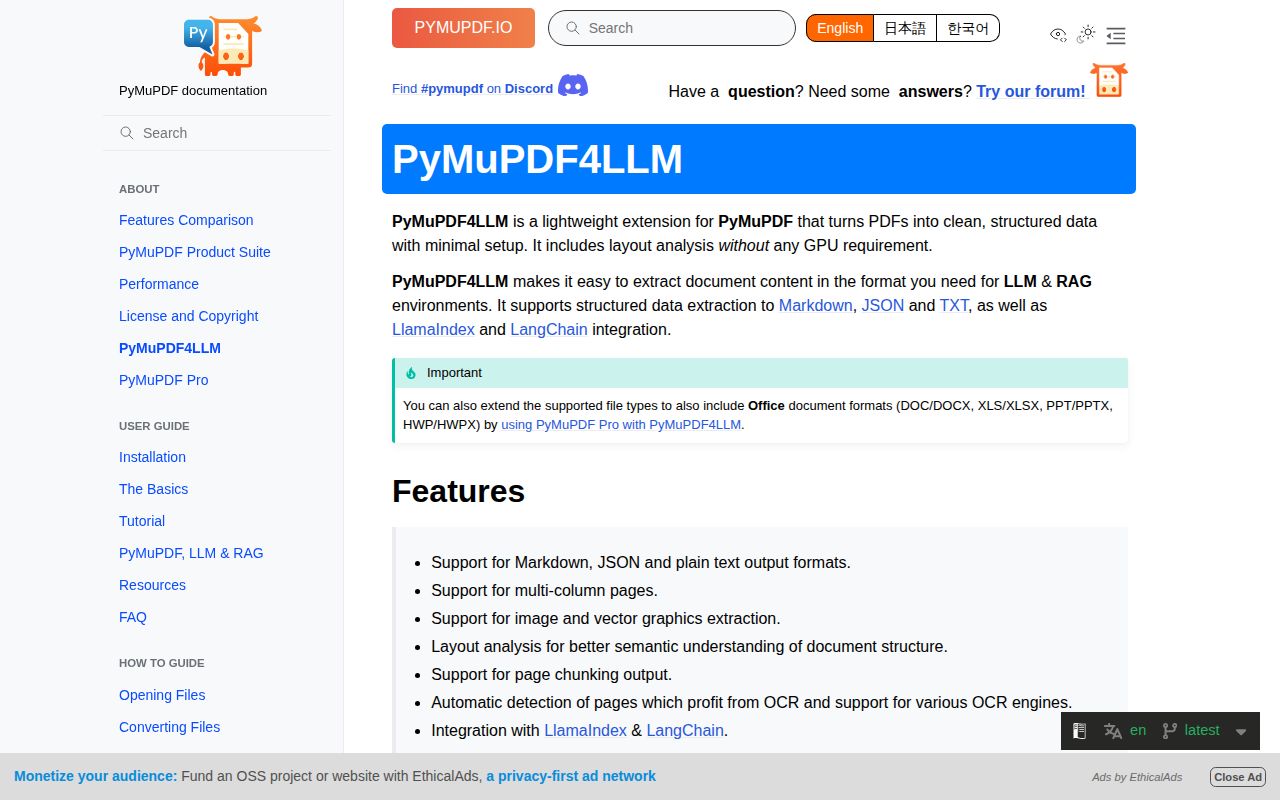
PyMuPDF Layout 1.28.2 is the model package that teaches PyMuPDF how to recover page structure from PDF internals. Importing `pymupdf.layout` loads an ONNX graph neural network and registers it with PyMuPDF. PyMuPDF4LLM then uses that callback to order columns, classify headings and footers, identify pictures, and reconstruct tables for Markdown, JSON, or plain-text output. This is an engine component rather than a friendly conversion API. The 1.28.2 line retrained its model after PyMuPDF 1.28 fixes, refactored image-feature interfaces, corrected a grid-model version typo, and updated tests for MuPDF versions before 1.29.
PyMuPDF Layout 1.28.2 installed in 1.4 seconds and produced a 241 MB environment with 9 packages and no pip-audit findings in our sandbox, but it is still an indirect engine with an exact PyMuPDF pin. Get it through PyMuPDF4LLM when its local layout model improves your real documents and the AGPL 3.0 or commercial license is acceptable; otherwise install a smaller PDF tool.
We installed it
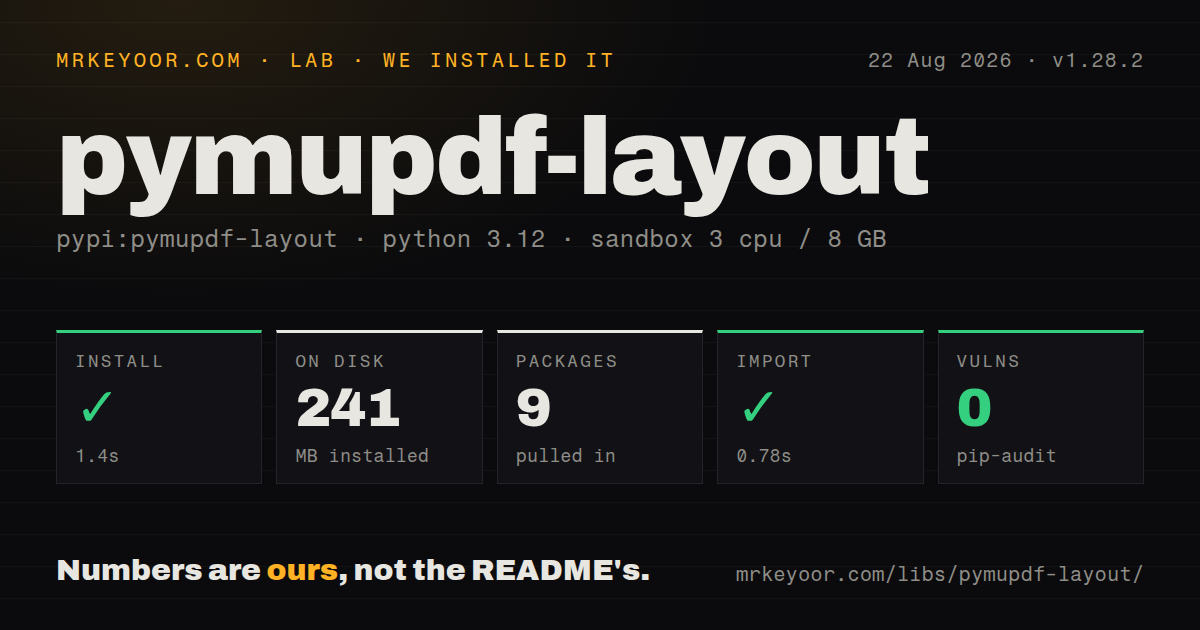
| Install | ✓ · 1.4s | 9 packages on disk · 241 MB |
| Import | ✓ | import pymupdf in 0.78s · compiled extensions · requires Python >=3.10 |
| Known vulns | 0 | (pip-audit) |
Answers from our run
Does pymupdf-layout install cleanly?
Yes. In a fresh container with an empty cache, pip install pymupdf-layout finished in 1 seconds, leaving 9 packages and 241 MB on disk. pip-audit reported no known vulnerabilities.
What does pymupdf-layout need to run?
Python >=3.10, and a platform wheel with compiled extensions. In our run import pymupdf succeeded in 0.78s.
pymupdf-layout or pymupdf: which should you use?
pymupdf: Use base PyMuPDF when direct extraction, rendering, editing, and page geometry are enough without the layout model. PyMuPDF Layout 1.28.2 installed in 1.4 seconds and produced a 241 MB environment with 9 packages and no pip-audit findings in our sandbox, but it is still an indirect engine with an exact PyMuPDF pin.
When should you not use pymupdf-layout?
A closed-source service has no approved Artifex commercial license and cannot follow AGPL 3.0. PyPI labels 1.28.2 as dual licensed under those two paths.
Use it if
- PyMuPDF4LLM should recover reading order and page regions from born-digital PDFs without calling a hosted vision service.
- Multi-column reports, headers, footers, pictures, and reconstructed tables matter more than the smallest possible PDF dependency set.
- The deployment runs CPython 3.10 or newer on a platform covered by the published macOS, manylinux, or Windows wheels.
- Your product can follow AGPL 3.0 obligations or has an Artifex commercial license approved for this use.
- A closed-source service has no approved Artifex commercial license and cannot follow AGPL 3.0. PyPI labels 1.28.2 as dual licensed under those two paths.
- You expect a direct document-conversion interface from this package. Its README gives no conversion example and points users to PyMuPDF4LLM for Markdown, JSON, and text output.
- The application only needs text, links, rendering, splitting, or merging from ordinary PDFs. Base PyMuPDF avoids the layout model and its ONNX Runtime dependency.
- Your environment is PyPy, 32-bit, musl-based Alpine, or another unlisted target. PyPI supplies CPython ABI3 wheels for selected macOS, manylinux, and Windows targets, with no 1.28.2 source archive.
- An exact PyMuPDF pin conflicts with another document tool. Version 1.28.2 requires `PyMuPDF==1.28.2`, so the resolver cannot choose a newer or older PyMuPDF release.
Setup reality
We installed pymupdf-layout 1.28.2 in a fresh Python 3.12 Bookworm sandbox. It completed in 1.4 seconds and left 9 packages using 241 MB. The distribution declares 5 direct dependencies and requires Python 3.10 or newer. import pymupdf worked in 0.78 seconds. We found compiled .so files, no py.typed marker, and zero known vulnerabilities in pip-audit.
There are no API keys or cloud accounts to configure. The package runs its ONNX layout model on CPU and activates itself when pymupdf.layout is imported. Its dependency list pins PyMuPDF==1.28.2 and also brings NumPy, ONNX Runtime, NetworkX, and PyYAML. That exact pin is the first resolver constraint to test in an existing PDF stack.
Most applications should install pymupdf4llm, which requires this same 1.28.2 package, then call to_markdown(), to_json(), or to_text(). Layout mode is enabled by default when the model import succeeds. OCR is separate: scanned or damaged text needs Tesseract or rapidocr_onnxruntime, and forcing OCR can make clean text worse. Keep sample PDFs with known column order, tables, and headers in regression tests because the model output is inferred.
PyPI publishes CPython ABI3 wheels for Intel and Apple Silicon macOS, x86-64 and ARM64 manylinux, and 64-bit Windows. Version 1.28.2 has no source distribution, so unsupported platforms do not get a normal tarball fallback. The license is AGPL 3.0 or a paid Artifex commercial license. Resolve that choice before the package reaches a network service or distributed product; zero audit findings do not answer the licensing question.
Patterns
Activate the model in PyMuPDF activate-layout-model
import pymupdf
import pymupdf.layout

assert callable(pymupdf._get_layout)
Importing `pymupdf.layout` loads the model and assigns PyMuPDF's private `_get_layout` callback. Treat that name as a diagnostic, not an application API.
Convert a PDF with layout enabled extract-markdown
import pymupdf4llm

markdown = pymupdf4llm.to_markdown("report.pdf")
PyMuPDF4LLM enables Layout by default when `pymupdf.layout` imports successfully. Install `pymupdf4llm` for this conversion API.
Read structured page elements extract-json
import json
import pymupdf4llm

payload = pymupdf4llm.to_json("report.pdf")
elements = json.loads(payload)
The JSON form includes bounding boxes and layout data. `to_json()` returns serialized JSON, so parse it before traversing fields.
Keep reading order without Markdown extract-plain-text
import pymupdf4llm

text = pymupdf4llm.to_text("report.pdf")
Plain-text output drops Markdown formatting. Use JSON when coordinates and region classes must survive extraction.
Process selected pages select-pages
import pymupdf4llm

markdown = pymupdf4llm.to_markdown(
    "report.pdf",
    pages=[0, 2, 5],
)
The `pages` list uses zero-based indexes. Selecting pages avoids running layout inference across the whole document.
Return one retrieval chunk per page create-page-chunks
import pymupdf4llm

chunks = pymupdf4llm.to_markdown(
    "report.pdf",
    page_chunks=True,
)
for chunk in chunks:
    index_page(chunk["metadata"]["page_number"], chunk["text"])
`page_chunks=True` returns dictionaries with page text and metadata. Page boundaries are mechanical and may still need semantic splitting.
Save detected pictures beside Markdown write-layout-images
import pymupdf4llm

markdown = pymupdf4llm.to_markdown(
    "report.pdf",
    write_images=True,
    image_path="./extracted-images",
    image_format="png",
    dpi=150,
)
`write_images` writes files and inserts references in Markdown. It cannot be combined with `embed_images=True`.
Embed pictures in the result embed-layout-images
import pymupdf4llm

markdown = pymupdf4llm.to_markdown(
    "report.pdf",
    embed_images=True,
    dpi=120,
)
Embedded images are base64 strings and can make the returned Markdown much larger. Do not also pass `write_images=True`.
Emit reconstructed tables as HTML render-html-tables
import pymupdf4llm

markdown = pymupdf4llm.to_markdown(
    "tables.pdf",
    table_output="html",
)
`table_output="html"` keeps layout-based reading order and swaps table rendering from GitHub-style Markdown to HTML.
Adjust region grouping confidence tune-layout-edges
import pymupdf4llm

markdown = pymupdf4llm.to_markdown(
    "columns.pdf",
    edge_threshold=0.75,
)
`edge_threshold` is passed to `page.get_layout()`. Compare changes against a fixed PDF set because a better value for columns may hurt tables.
Avoid OCR on digital PDFs disable-ocr
import pymupdf4llm

markdown = pymupdf4llm.to_markdown(
    "born-digital.pdf",
    use_ocr=False,
)
With OCR disabled, image-only pages can return no text. Layout analysis does not recognize characters inside scans by itself.
OCR known damaged pages force-page-ocr
import pymupdf4llm

markdown = pymupdf4llm.to_markdown(
    "damaged-text.pdf",
    pages=[2, 3],
    force_ocr=True,
    ocr_language="eng+fra",
)
Forced OCR needs Tesseract or `rapidocr_onnxruntime`. Applying it to clean text adds latency and can introduce recognition errors.
Alternatives
| Package | Registry | Pick it when |
|---|---|---|
| pymupdf | PyPI | Use base PyMuPDF when direct extraction, rendering, editing, and page geometry are enough without the layout model. |
| pdfplumber | PyPI | Use it when character coordinates and rule-based table inspection are preferable to inferred page regions. |
| pypdf | PyPI | Use it for pure-Python splitting, merging, metadata, forms, and basic text extraction rather than layout reconstruction. |
| marker-pdf | PyPI | Use it when a broader PDF-to-Markdown pipeline and its separate model stack fit better than an Artifex-only component. |
More ai / ml guides
@types/node · openai · @modelcontextprotocol/sdk · mcp · huggingface-hub · @anthropic-ai/sdk · the whole shelf →
Related reading
How this guide is made: grounded in the library's documentation, release notes, changelog, and issue history, on a fixed rubric — not a hands-on install of every release. The 50 most-downloaded entries are additionally install-verified in clean containers. Corrections: contact the desk.