webpack 5.109.2 remains the configurable bundler choice
webpack 5.109.2 builds a dependency graph from JavaScript modules and emits one or more browser assets. It understands ES modules, CommonJS, and AMD, can split code into asynchronously loaded chunks, and resolves dependencies during compilation. Loaders transform non-JavaScript inputs or transpile source, while plugins hook into the compiler and drive much of webpack itself. That separation is why webpack can process CSS, images, templates, and framework files without pretending every project has the same pipeline.
The flexibility is earned through configuration. A team can control entry points, output names, caching, chunk boundaries, target environments, source maps, loaders, and plugin behavior. Mature applications often depend on that precision, especially when a framework's build layer already generates the configuration. A small new site may gain little from owning it directly. webpack's README makes the same point in plainer terms: it is a low-level tool and is not always the easiest entry-level solution.
Our tests failed after 213 seconds on TypeScript errors
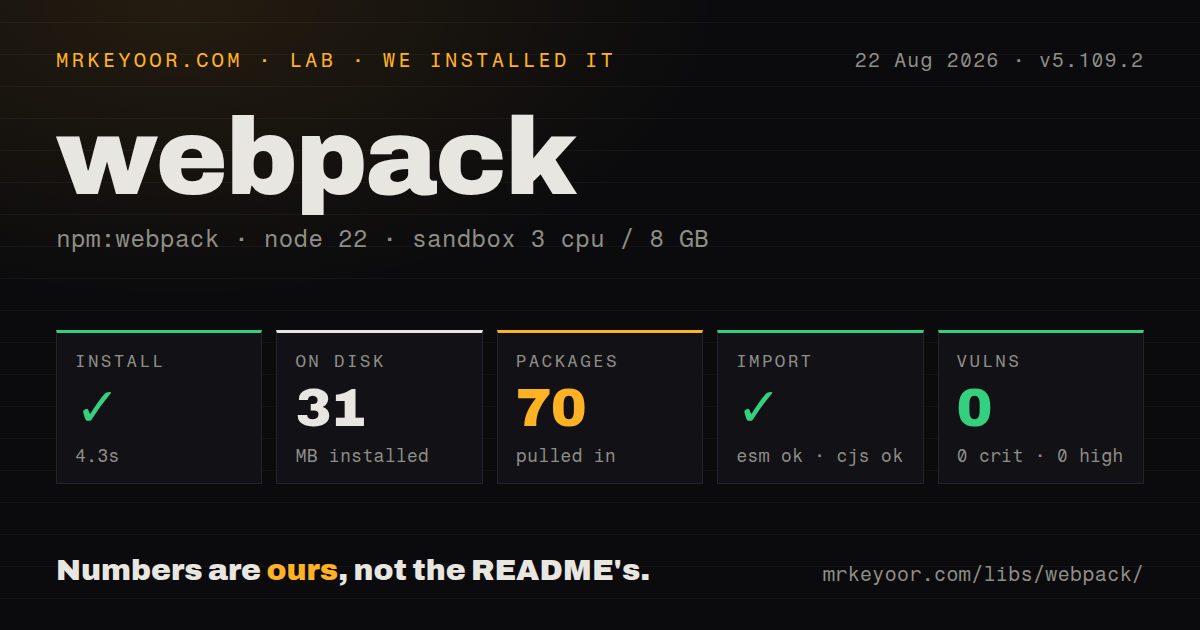
Our sandbox cloned commit 96fabb4 and installed 1,459 Yarn packages in 78 seconds. The dependency tree used 714 MB on disk. There was no build script or target, so the harness skipped that step. The test command ran for 213 seconds and exited with code 2. No test summary was printed, which means we cannot report how many cases began, passed, or failed before the command stopped.
The log tail is specific. TypeScript reported that getBinding, variables, and childScopes do not exist on typeof Scope in test/ScopeAnalyzer.unittest.js, then Yarn propagated exit code 2 through the command chain. The log does not say whether generated types, a dependency version, or source changes produced the mismatch. Our finding is therefore limited: installation completed, the repository exposed no separate build target, and its configured test command did not type-check at commit 96fabb4 in the fresh Node 22 sandbox.
A 714 MB install buys a very broad extension surface
Our measured checkout held 235,637 files, about 7,513,445 lines of source, and occupied 640.8 MB. After installation, 1,459 packages added another 714 MB. The repository has 12 GitHub Actions workflows, a tests directory, and no Dockerfile. Those figures describe contributor setup, not the runtime weight of every bundle webpack emits. They still matter for teams that plan to debug internals, maintain custom plugins, or pin a fork through major transitions.
Application setup starts with one development dependency, then grows with the assets being handled. TypeScript commonly adds a loader or a separate compilation step. CSS extraction, HTML generation, compression, framework components, and image work each introduce their own packages and options. This is webpack's strength when the pipeline is genuinely unusual. It is also how configuration becomes institutional knowledge that a team must test during Node, loader, plugin, and framework upgrades. A working config is code, not a permanent appliance.
ES5 support is broad, but old browsers still need limits
webpack targets ES5-compliant browsers and explicitly excludes IE8 and below. Dynamic import() and require.ensure() also depend on Promise, so older supported browsers need a polyfill before those paths execute. This is useful reach for products with conservative compatibility requirements, and it comes with more responsibility than a modern-only default. Teams must align emitted syntax, runtime helpers, loader output, and polyfills with the browsers they actually test.
The module story remains valuable for older codebases. ES modules, CommonJS, and AMD can coexist in the graph, while code splitting and hashed filenames support gradual loading and cache control. Current issue #20537 shows that tree-shaking around a Vue default export can still surprise users, and issue #20536 describes module concatenation bailing out around shared async chunks. Optimization is powerful, but it should be checked with bundle inspection rather than assumed from a production flag.
July release work and August issues show maintained 5.x code
Release 5.109.2 arrived on July 28, 2026, and fixed package-directory aliases, CSS source-map naming, filesystem-cache cleanup, universal targets, dead-branch handling, and generated type annotations. The repository was pushed again on August 25. GitHub displayed 133 open issues and pull requests, with issue updates in August covering tree-shaking and webpack 6 tooling. That combination shows active maintenance across the current major and future work.
The roadmap is still work, not a shipped promise. Issue #21409 tracks converting webpack itself to ESM when maintainers decide the time is right, and issue #21654 tracks moving to node:test under the webpack 6 label. Teams should choose webpack for what version 5 does now. Our failed 213-second test run is a warning for contributors, not evidence that released bundles are unusable. Existing webpack applications have good reason to stay; greenfield teams should demand a concrete plugin or compatibility need before accepting the larger toolchain.