Driver.js points at the interface you already have
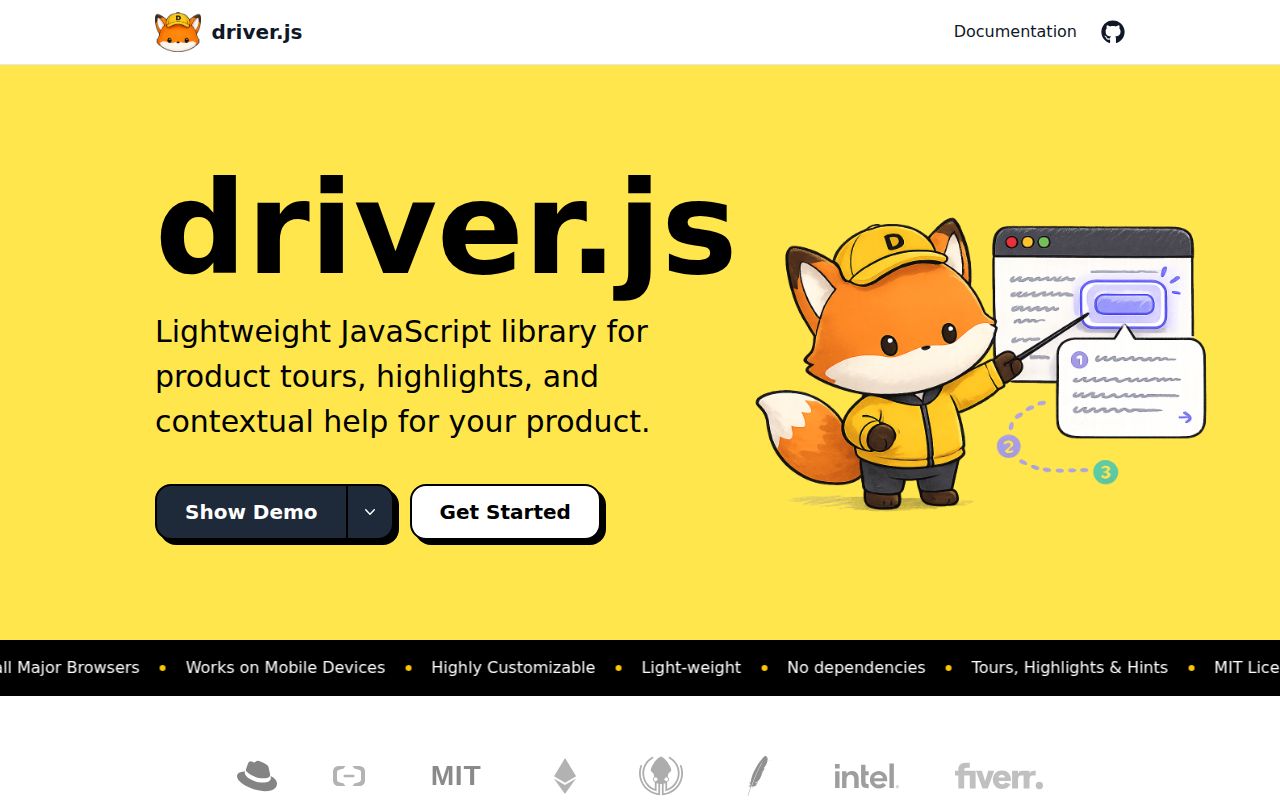
A tour becomes useful when it points at the control someone needs next. Driver.js takes a page element or selector, draws attention to it, and places explanatory text beside it. You can guide a sequence or highlight a single field without turning the whole screen into a tutorial. The TypeScript library suits a developer who owns the interface and wants to decide exactly when help appears. Its MIT license permits personal and commercial use.
Our checkout contained 205 files and roughly 12,650 source lines. That includes a workspace repository around the library, so evaluating it as a contributor means more than looking at the browser-facing API. For an application team, the attraction is direct control: define the target and text, then use lifecycle hooks to coordinate the explanation with your product. The trade is that those selectors and hooks become code your team must maintain when the interface changes.
What happened when we ran it
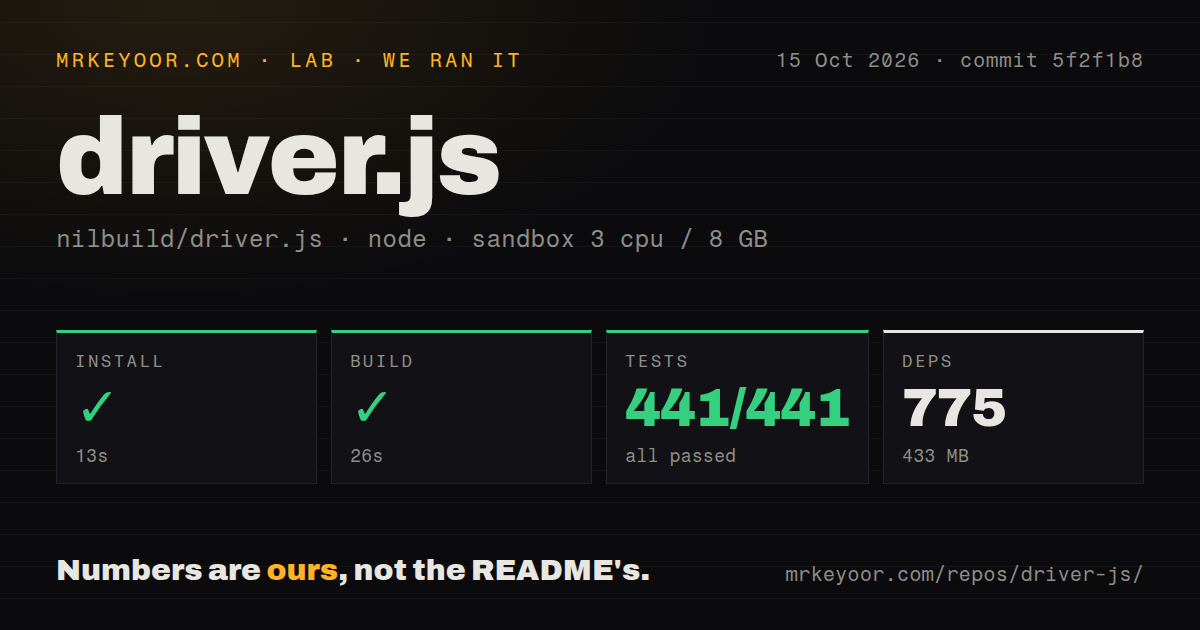
Our run installed Driver.js commit 5f2f1b8 in 13 seconds, adding 775 packages and occupying 433 MB. The build succeeded in 26 seconds. Tests succeeded in 21 seconds, with Vitest reporting 441 passed and 0 failed out of 441. We ran the checkout on 2026-10-15 in a fresh unprivileged Debian container using lab-node:22, with 3 CPUs, 8 GB of RAM, and no secrets. Every recorded execution step completed successfully.
The checkout occupied 5.4 MB before installation. Our scan identified monorepo workspaces and 1 CI workflow file, with no Dockerfile or tests directory reported by that scan. The directory signal should not obscure the stronger execution evidence: Vitest actually ran 441 tests. No vulnerability audit result was supplied for this run, so the successful checks should not be read as a clean dependency audit. They also do not measure browser bundle size or user onboarding outcomes.
Package use is simpler than the contributor README suggests
The installation guide shows importing driver and its stylesheet, then calling highlight with an element and popover text. A CDN route is available too. Hints and checklists use separate entry points and stylesheets, so include those assets when selecting those features. Basic browser integration requires no hosted service account or API key. In an application that renders on a server, start the DOM-dependent interaction after the relevant browser elements exist.
Our 775-package installation was the repository development environment, rather than a measurement of what a visitor downloads. There is also a documentation mismatch for contributors: the README describes root-level src and playground paths, while the current tree puts the library under packages/driver and the playground under apps/playground. Follow the actual workspace structure when editing code. The successful lab build supports that checkout's viability, but it does not make those README paths correct.
Dynamic targets need an explicit waiting policy
The interactive-tour guide supplies waitForElement for a target rendered on demand and advanceOnClick for continuing when the user clicks a highlighted control. Those options handle a common problem: the next step lives inside a modal that does not exist until the current button is pressed. If waiting expires, the documented choices are a centered fallback popover or skipping the missing target. Decide which behavior makes sense before putting a tour in front of users.
The 441 passing tests do not tell you whether your selectors survive a route transition. More involved asynchronous steps can override onNextClick, do the loading work, and call moveNext afterward. That makes application state your responsibility. A forgotten advance call can strand the tour even when the library works as documented. I would check a slow data response and a target that never appears, because both are plausible states for a real product.
Checklist progress belongs to your application
The checklist guide says the component does not store progress itself. Completed item identifiers come in, and an onProgress callback sends changes out. You can save them in browser storage or your own user record. That is a good fit when your application already has an account model. It adds work if you expected a ready-made onboarding service with persistence across devices and users.
Our 433 MB development environment buys no hosted progress database. You still choose stable checklist identifiers and decide what completing an item means. The configuration documentation also allows only one active driver instance on screen: starting another closes the current one. Teams needing independent simultaneous guided regions should treat that as a design constraint. For a focused explanation of one action, the limit is easy to accept and keeps the interaction predictable.
The October release fixes native-dialog and text-click defects
The latest GitHub release was 1.10.1, published on 2026-10-15, the same date as the repository's last push. GitHub listed 26,919 stars and 9 open issues and PRs on October 16. Release notes connect the update to issue 625, where hints appeared behind native modal dialogs, and issue 626, where a text-node click could throw in a popover. Both reports are closed and the release names the fixes, so neither should be presented as an unresolved current defect.
Our 21-second passing test run makes Driver.js a credible candidate for an application-owned tour. React Joyride is worth choosing when a React component or hook API better matches your app. Intro.js offers an HTML-attribute route, with its own licensing terms to check. I would pick Driver.js for explicit element targeting and direct integration hooks. Before shipping the tour, open your actual modal and complete the intended action using only the keyboard.