Sharing a mini-program and a website justifies Taro
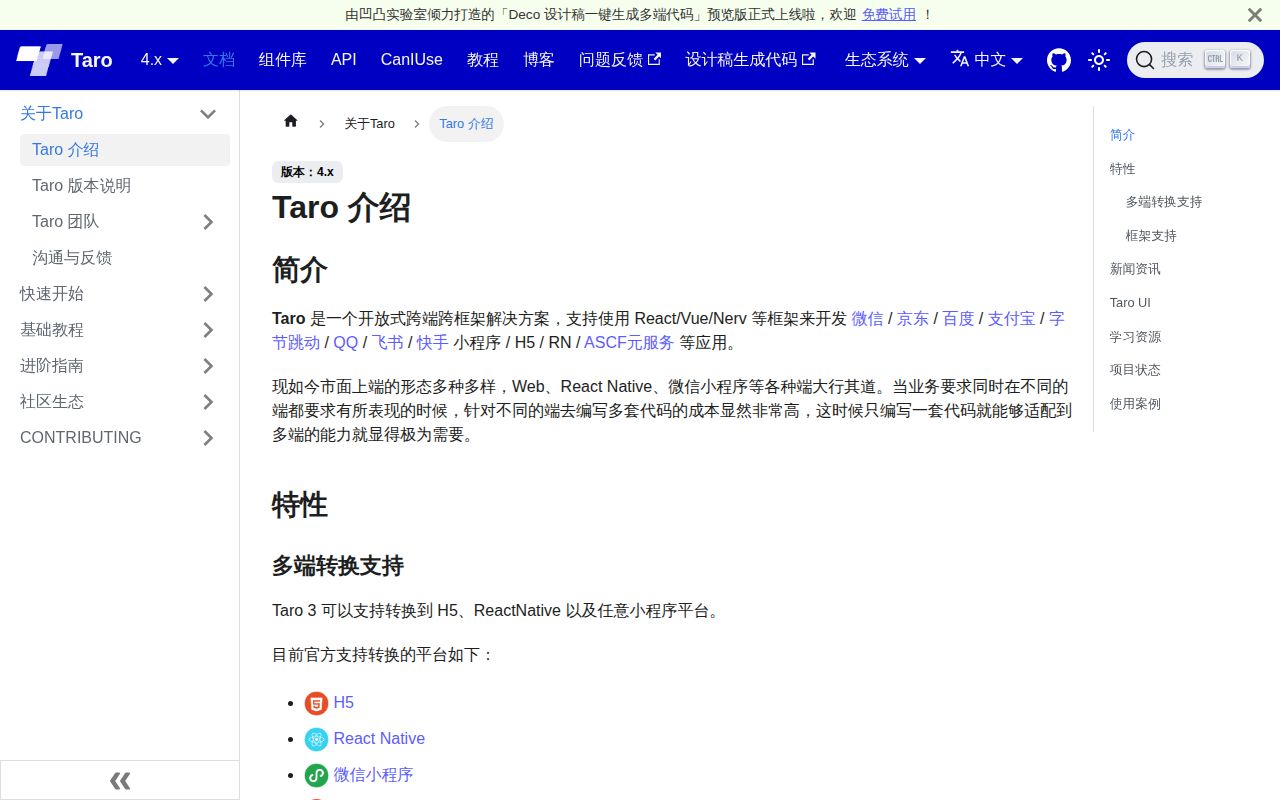
A checkout screen that must run inside WeChat and in a browser gives Taro a useful job. You write application code with React or Vue, then target the environments your customers use. The README also names Alipay, Baidu, and other mini-program platforms, plus React Native. For a team maintaining similar screens across those destinations, sharing code is a credible reason to accept another framework.
The framework itself is substantial: our checkout contained 5,271 files and roughly 396,449 source lines in 56.3 MB. Those are repository measurements, not the size of an application you ship. Taro's main README is Chinese, and English documentation exists, including an English README. Much of the recent issue discussion is Chinese too. An English-speaking team can get started, but investigating a platform defect may involve translation.
What happened when we ran it
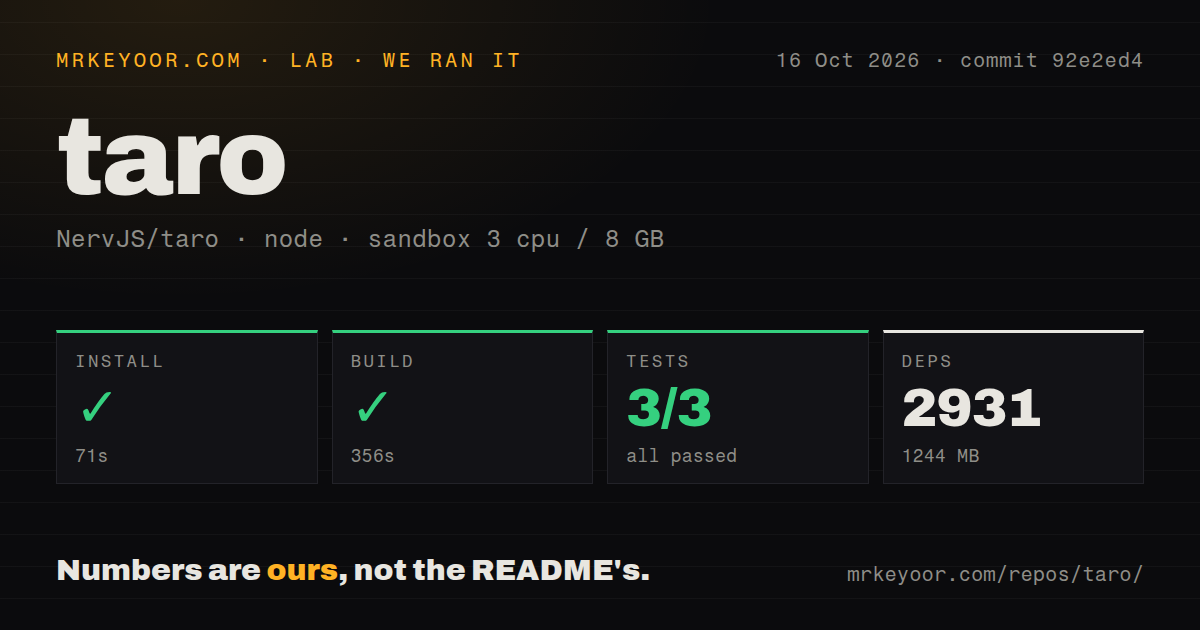
Our run installed 2,931 pnpm packages in 71 seconds and occupied 1,244 MB on disk. The build succeeded in 356 seconds. We ran commit 92e2ed4 on October 16, 2026, in a fresh Debian sandbox with 3 CPUs, 8 GB of RAM, and the lab-node:22 image. The container was unprivileged and had no secrets. This was a framework repository run, so these figures should not become estimates for a generated starter app.
The test command failed with exit code 1 after 112 seconds. Its tail names taro-helper: one suite failed and one passed, with 9 failed tests and 4 passing tests. Other packages did complete successfully. For example, taro-runtime reported 134 passed and 1 skipped. The excerpt gives no assertion messages or underlying exceptions for the helper failures, so it cannot tell us whether the cause was the environment or the code.
Our scan also found 8 CI workflow files, a tests directory, and workspace packages, with no Dockerfile. That is evidence of upstream automation and a multi-package development setup. It does not make the failed complete command disappear. The successful build establishes that this checkout could compile in our container. It says nothing about frame rates, application bundle size, or whether a checkout screen behaves correctly inside each host app.
Platform files make the remaining differences your responsibility
Taro's cross-platform guide documents process.env.TARO_ENV and filenames such as test.weapp.js and test.h5.js. Each platform implementation exposes the same interface, and the compiler selects the matching file. That is a sensible escape route when shared components stop being shared. It also means your team owns the divergent implementations and must keep their behavior consistent.
The guide's page-title example makes this easy to picture: the mini-program implementation calls Taro.setNavigationBarTitle, while the browser implementation writes document.title. Our 356-second repository build cannot validate either interaction inside a customer's application. Before adopting Taro, take a screen with platform-sensitive navigation or media behavior through every required target. That exercise will tell you more about the remaining work than a page full of supported-platform logos.
Native apps still require React Native skills
The native development guide describes adapting a React-based Taro project into a React Native bundle, followed by platform tooling for Android and iOS. It asks developers to learn React Native and prepare that environment. A Vue team choosing Taro mainly for native apps should stop at this distinction: the documented native route specifies React, despite the broader framework choices in the main README.
Our 1,244 MB installed repository environment does not price the native release workflow. The guide describes Android packaging with Gradle or Android Studio, and an iOS route involving certificates, CocoaPods, and Xcode. If native mobile is your whole product, direct React Native deserves a close look. Taro earns its extra layer when mini-programs or a shared web version are also firm requirements.
H5 media defects deserve checks on the release you choose
Issue 19518 reports the H5 Video component floating over the page in Taro 4.2.1. The report includes a small reproduction and a positioned-wrapper workaround. Both the issue and its linked fix pull request are closed. That is a specific historical defect with visible follow-up, rather than grounds to declare the current Video component broken. It does justify checking media layout on the version you intend to ship.
An open configuration-loading pull request addresses another boundary: importing @tarojs/taro from app.config.ts can evaluate browser-dependent runtime code in Node. The proposed change guards access to window and document. Treat that as an unresolved upstream proposal, separate from our sandbox result. The 9 failed helper tests have no supplied exception text connecting them to this report.
October activity supports maintenance, not automatic compatibility
GitHub recorded a push on October 16, 2026, alongside recent issue and pull-request activity around H5 media and runtime behavior. Release v4.3.0 shipped on September 29 with platform-specific scaffolding and fixes for page templates, styles, and other adapters. The API showed 37,714 stars and 1,598 open issues and PRs combined. Those dates and concrete changes support calling Taro maintained, while the queue still requires evaluating the reports relevant to your targets.
Choose Taro when mini-program delivery makes shared React or Vue application code worth maintaining across platform boundaries. Vue teams should also compare uni-app, whose approach centers on Vue. For native mobile alone, compare React Native. Before committing to Taro, reproduce the helper failure from our 112-second test run and put your hardest shared screen inside each host environment you actually need.