TeamAI 0.23.0 distributes agent instructions through Git
TeamAI CLI treats the instructions around coding agents as shared project material. A team repository stores skills, rules, documents, environment declarations, hooks, MCP definitions, and agent profiles. An administrator publishes changes through branches and merge requests; members pull approved material into each supported client's native directories. That flow is easy to reason about if code review already governs developer tooling. It also gives instruction changes authors, diffs, and rollback points instead of leaving them scattered through home folders.
The 895 MB dependency tree carries a broad CLI
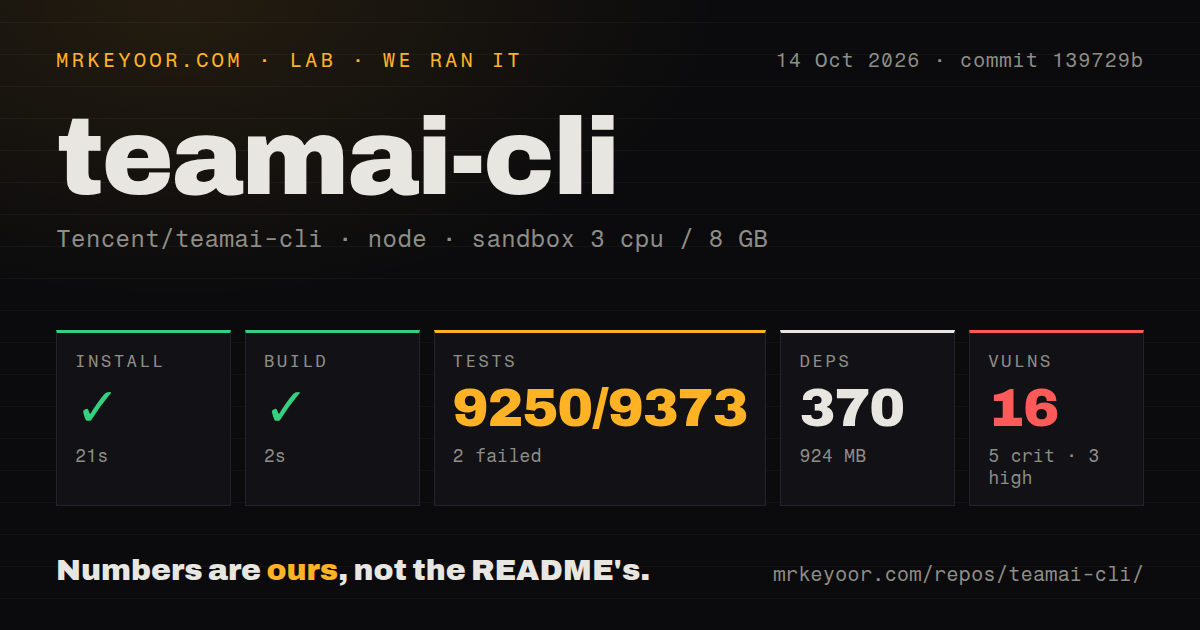
Our clean container installed 360 npm packages in 28 seconds and used 895 MB. The checkout at commit cb51ebc was only 5 MB, so dependencies dominate local disk use. TeamAI requires Node.js 20 or newer and Git. Provider-specific paths may also need command-line clients such as gf for TGit or cnb for CNB, although initialization can install those two. A global npm install is the documented user path.
What happened when we ran it
Our run installed 360 packages in 28 seconds, built the TypeScript project in 8 seconds, and completed the Vitest suite in 89 seconds. All 2,729 tests passed and none failed. Npm audit reported 0 known vulnerabilities in the installed dependency set. These results cover the repository mechanics at commit cb51ebc in a fresh Debian container with 3 CPUs and 8 GB of RAM; they do not test a team's Git permissions or every supported agent.
The repository held 502 files and roughly 117,460 lines of source. We found 2 CI workflow files, no Dockerfile, and a tests directory. The package exposes separate unit and end-to-end commands, while the supplied lab result covers the test target that produced the 2,729-test Vitest total. A passing local suite is meaningful for a tool that edits many configuration formats, though each organization's provider authentication and agent versions still need a small acceptance test.
Seven resource types can alter local agent configuration
TeamAI's pull flow handles 7 named resource classes in the quick-start description: skills, rules, documents, environment values, agents, hooks, and MCP servers. Automatic pull runs at session start on clients with lifecycle hooks. Project hooks can be injected into home-level tool settings because the dispatcher checks the current working directory at runtime. That choice makes synchronization convenient, while it also means administrators should inspect generated diffs and run teamai pull --dry-run before broad rollout.
Secret handling is the sharpest policy issue. MCP definitions may use environment-style placeholders in the team repository, but TeamAI resolves each value and writes the literal secret into the target client's config. New files receive mode 0600; project files still need ignore rules and must never be committed. The reason is practical: graphical IDE launches often lack the shell environment. Security teams may prefer a secret broker or agent-native interpolation even if that makes startup less predictable.
Ten supported agents still have different capabilities
The 10-row compatibility table contains visible gaps. WorkBuddy lacks distributed agent profiles, OpenCode omits usage, sessions, and dashboard features, and several lighter clients lack hooks or MCP support. The usage guide also says Codex has no project-scope MCP destination, although user-scope configuration is supported. Teams should map their required columns before adopting TeamAI, since the phrase "supported agent" does not promise the same behavior everywhere.
Open issue 435 reports duplicate Codex skills when a project already uses .agents/skills and TeamAI also writes .codex/skills. Issue 354 documents a host limitation where CodeBuddy and WorkBuddy discard Stop-hook output, forcing TeamAI to deliver its learning hint on the next user prompt. Both reports concern the cross-client reconciliation that makes the project useful. They are also a reminder to pilot with the exact agent versions and directory conventions your developers use.
The shared memory works only after teams curate it
Version 0.23.0 can collect friction signals from sessions, suggest that a useful lesson be shared, search approved learnings, and import code into a graph-backed wiki. Recall is disabled by default and deploys a retrieval subagent when enabled. Session summaries are described as privacy-scrubbed, and third-party packages are never installed automatically after a pull. Members must review a declaration and run the package command themselves, which keeps downloaded code behind an explicit action.
Copied public skills have a maintenance gap. Open issue 416 says vendored skills do not retain upstream provenance or warn when the original changes. TeamAI subscriptions can refresh compatible repositories, but most public skill repositories do not use its required layout. A team that customizes copied skills should record the upstream commit itself and schedule review until the proposed staleness command exists. Shared memory becomes useful through ownership and pruning; a larger index alone does not make an agent better informed.
A September 8 push shows active maintenance at v0.23.0
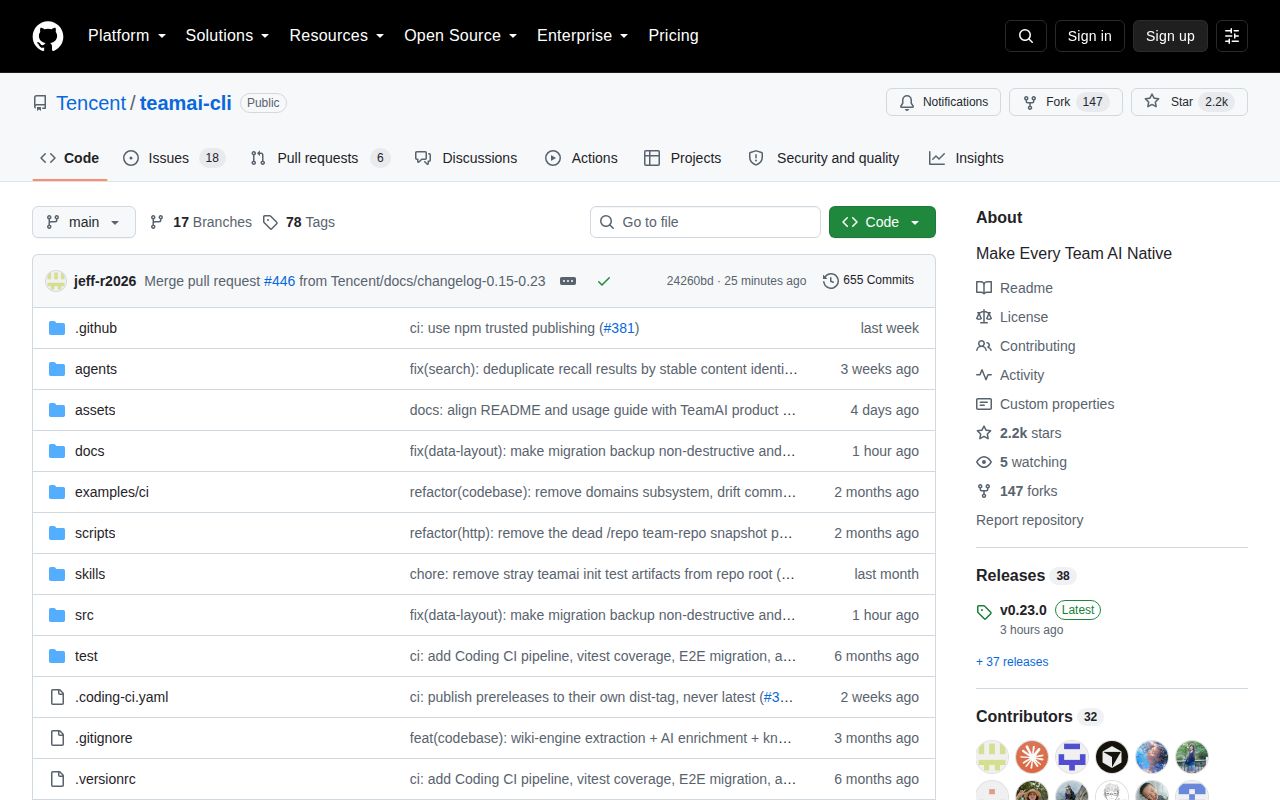
GitHub recorded a push on September 8, 2026, the same day v0.23.0 was published. The repository had 2,180 stars and 24 open issues and pull requests when fetched. It began in April 2026, so this is a young project shipping frequently. The current release notes contain only a comparison link, which is less useful than the detailed English and Simplified Chinese usage guides when deciding how an upgrade changes local state.
TeamAI is most convincing as internal developer infrastructure for a group already comfortable reviewing configuration in Git. The clean 2,729-test result lowers the technical risk of a pilot, while the 895 MB install, client-specific gaps, plaintext local secrets, and hook writes set the operational price. Start with one repository and two agent clients, inspect the generated files, test uninstall behavior, and decide who owns stale skills before making session-start synchronization a team default.