DSH Pocket lets a phone control a running DeepSeek Harness session on a computer that can execute code. That can help when a task needs an answer while you're away, but repository tests alone do not establish that remote approvals work on your phone. The supplied run supports a LAN trial, with phone access and public deployment still to check.
DSH Pocket extends an existing Harness session
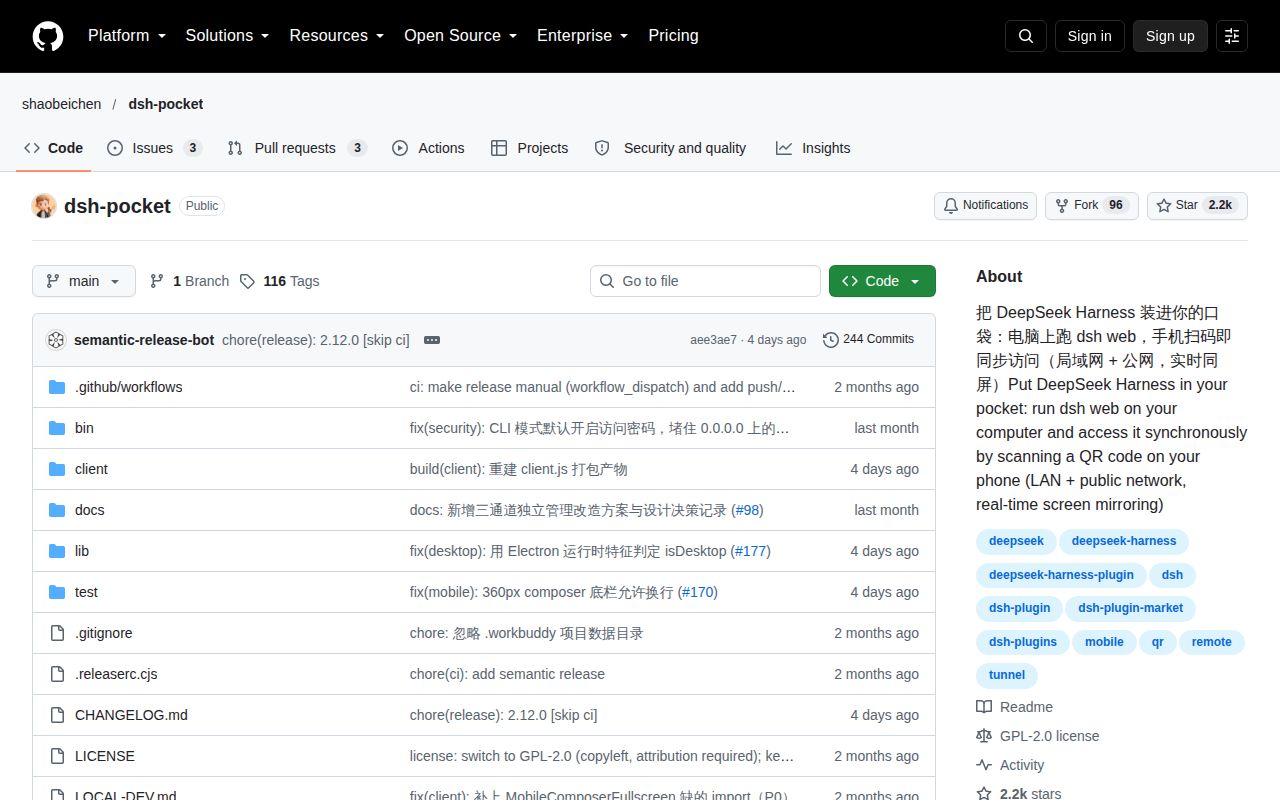
DSH Pocket is a plugin for DeepSeek Harness's web interface. Its English README describes installing the plugin in the web profile, restarting dsh web, then opening Phone access in Settings and scanning a QR code. DeepSeek Harness must already be installed on the computer.
The documented phone workflow includes sending tasks, watching output and tapping approvals. Streaming output passes through WebSocket forwarding. The README also describes a drawer layout for narrow screens and a full-width conversation. These are documented capabilities, not mobile behavior established by the supplied sandbox run.
What happened when we ran it
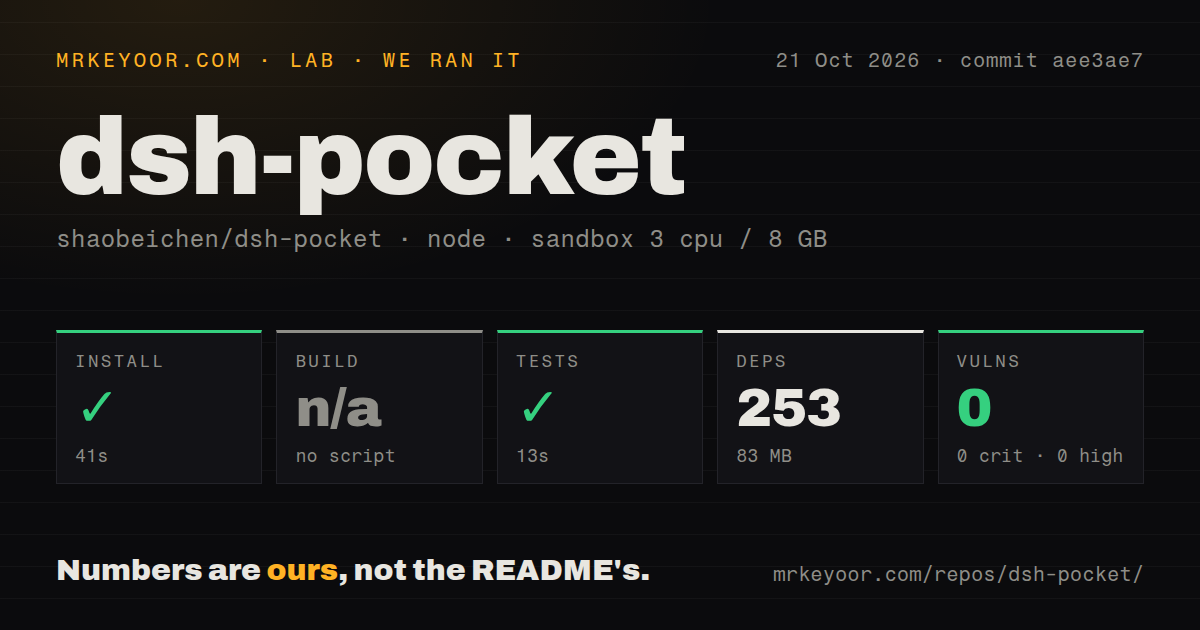
The October 21, 2026 sandbox installed commit aee3ae7 in 41 seconds, recording 253 dependencies and 83 MB on disk. Tests succeeded in 13 seconds. The run supplies no passing-case count.
The harness skipped the build step; the README documents a manual client build command that this run did not execute. That command is node client/build.mjs, described in the development instructions as rebuilding after edits to client/. A skipped harness step does not establish that the repository lacks a build command.
The recorded sandbox configuration had 3 CPUs and 8 GB of RAM, with image label lab-node:22. That label does not identify the actual runtime or operating-system version. The checkout contained 67 files, approximately 15,214 source lines and occupied 1.6 MB. The scan found 2 CI workflow files and a tests directory, without a Dockerfile. Npm audit reported 0 known vulnerabilities; that dependency audit does not establish remote-access security.
These measurements show that npm installation and the test command completed for the measured checkout. They do not establish phone rendering, successful remote approvals, tunnel recovery or compatibility with a particular Harness host. No mobile latency or compression result was measured.
LAN and public access use separate credentials
The English README says LAN access and its separate PIN are enabled by default. Public access uses a cloudflared tunnel and requires a public PIN. A quick tunnel gets a changing public URL. A fixed hostname requires a Cloudflare named tunnel, a Cloudflare account, your own domain and a Tunnel Token.
The credential behavior differs between modes. Default public PINs rotate when a tunnel starts, but custom PINs do not. The README also says named-tunnel mode keeps the public PIN across restarts. Manage that credential deliberately rather than assuming a restart revokes access.
Phone login state is tied to the running dsh web process, according to the README. Restarting or updating it requires another login. Keep another way to reach the host while evaluating remote access.
Check the documented limits before setup
Temporary guest PINs are unavailable. The README says the feature was removed after revocation caused crashes; its sharing instructions use the main PIN and refresh it afterwards. That does not meet a need for separate, revocable visitor credentials.
The README says DSH Desktop advanced mode does not support phone access and instructs users to switch to compatibility mode and restart. Mobile file browsing has a separate requirement: the Files entries need a host-side explorer panel and are hidden on stock DSH without it.
Automatic LAN address detection may also select an unreachable address in Tailscale or VPN setups, according to the docs. The settings page allows manual selection from detected addresses. Check the LAN route on your actual phone and host before configuring public access.
The mobile layout report concerns a specific environment
The supplied release page identifies v2.12.0 with commit aee3ae7 and the date October 17, 2026. Its release notes include a fix allowing custom public and LAN access PINs to be cleared. That is a documented fix, not verification of every credential workflow.
Issue 181 opened on October 20, 2026. The reporter describes input overlapping the send control and clipped control-row content with DSH Pocket 2.12.0, dsh-claude-style 0.17.0, DSH Desktop 0.2.1-rc.2 and Android Chrome 155 at a 361px layout viewport. The report attributes the problems to interactions between Pocket's mobile CSS and the skin's layout rules.
The sandbox did not reproduce these problems. The report concerns that stated combination and does not establish a general defect on stock Harness. If you use that combination, check the composer with text entered and confirm that the send control and model controls remain usable.
Alternatives depend on what you already run
Happy is an option for existing Claude Code or Codex terminal users. Its original CLI wraps the Claude Code and Codex harnesses directly in your terminal and lets you continue from your phone.
RustDesk is a remote desktop project. Its README describes using the project's rendezvous/relay server or setting up your own. Consider that category when you need access to the wider desktop rather than one Harness interface. Neither alternative was tested in the supplied run.
For DSH Pocket, start on LAN with the PIN enabled and a disposable Harness task. Check that you can read output, send an instruction and answer an approval on your phone. These are proposed acceptance checks, not results from the sandbox. If separate guest credentials or Desktop advanced mode are essential, the documented limits already rule it out.