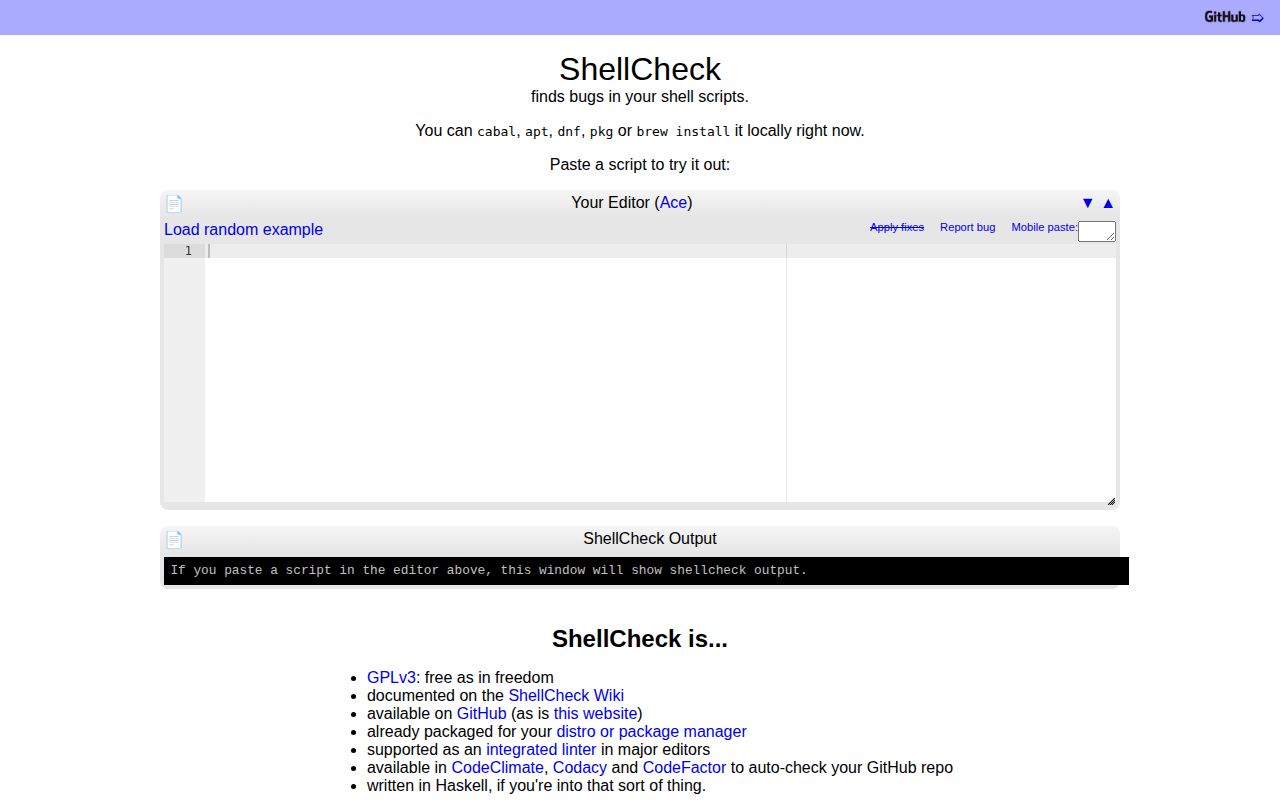
An unquoted variable can turn a filename into several arguments. ShellCheck's value is explaining shell behavior like that while you are still reading the script. Its documentation earns it a place in a Bash or POSIX sh workflow, provided you configure the dialect and understand which files it actually analyzes. We have no executed result for this review.
Quoting and portability are the reasons to choose it
The README's examples include unquoted variables, patterns expanded before find receives them, and redirections applied outside sudo. These are mistakes that can survive a casual code review because each command looks familiar. ShellCheck supplies warnings and suggestions about how the shell interprets the surrounding syntax.
The distinction matters when choosing a tool. A script can have consistent indentation and still pass the wrong arguments. ShellCheck explicitly leaves formatting and indenting style outside its remit. Pick it when you want to understand suspicious shell behavior. Add a formatter separately if visual consistency is also a requirement. Neither job implies that a deployment script will contact the right server or produce the intended operational result.
What happened when we ran it
Our lab did not run ShellCheck at commit 5b97ed1 on 2026-10-19 because the harness did not support Haskell and found no Dockerfile. The supplied record contains no installation, build, test or audit result. It cannot establish whether a supported ShellCheck setup succeeds or fails, and we assign no setup-ease score.
The README documents package managers, precompiled binaries and published Docker images. Those instructions remain documentation evidence. A checkout without a Dockerfile can still have a published image, so the harness finding should not be read as a general container-support limitation. We also have no measured analysis speed, memory use or warning accuracy to report.
The selected shell changes the warning you receive
The manual lists sh, bash, dash, ksh and busybox as dialect choices. It illustrates why the choice matters with arithmetic containing a decimal: the diagnosis changes with the declared shell. POSIX sh portability and Bash behavior are different questions. A generic shell-script extension does not settle which question you want answered.
Use an accurate shebang or an explicit dialect selection. For a library intended to be sourced, the manual documents a shell directive that supplies this context without a shebang. Fish and Zsh are absent from the supported dialect list, so do not treat ShellCheck as the checker for those languages. The resemblance between shell syntaxes is a poor basis for accepting diagnostics.
Sourced libraries need explicit analysis inputs
By default, ShellCheck follows sourced files only when they are specified on the command line, apart from the documented special case for /dev/null. The external-sources option allows following other files. The manual also provides source hints for paths determined at runtime and source-path controls for finding libraries.
This becomes an adoption task for repositories with shared shell helpers. Work out which scripts are entry points, which files they source and whether the checker can locate those files in CI. A warning-free entry point is weaker evidence if the library containing the interesting behavior was never available to analysis. Keep a source hint next to the dynamic include it explains so the relationship stays visible to the next maintainer.
Suppression is available for a command, block or wider scope. Use the narrowest scope that matches an intentional choice, and explain that choice in ordinary prose nearby. A blanket suppression can make an old script quiet while leaving its behavior just as confusing. The manual documents the controls, but deciding whether an exception is justified remains a code-review job.
Pin a version before warnings become a CI gate
The README advises selecting a specific ShellCheck version to avoid surprise failures when new warnings arrive. The v0.11.0 release notes, published on 2025-08-04, also show diagnostics being changed: SC2002, about unnecessary cat use, became disabled by default. A warning policy can therefore change in either direction during an upgrade.
Start by reviewing warnings on scripts you own, then choose which severity levels should block changes. Keep the selected version consistent between editor feedback and CI. An open report, issue 3593, says an unknown optional-check name passed to --enable is silently ignored. That is a user report, not a result we reproduced, but it gives you a specific configuration edge to check before relying on optional rules.
GitHub reported a last push on 2026-10-19 and 1,082 open issues and PRs. October issue activity alongside that push shows ongoing work despite the older tagged release. The combined count is not a count of confirmed bugs, and it does not establish response times. Community support and runtime maturity remain unassessed here.
Documentation earns 4 on our five-point scale because the README and manual pair concrete mistakes with dialect, source-file and warning-policy controls. The other dimensions remain N/A where our evidence cannot support a numeric judgment. That boundary matters more than treating a long-lived project as automatically verified.
shfmt and bashate solve different parts of shell review
shfmt formats shell programs. Choose it when indentation and layout are the immediate problem, or run it alongside ShellCheck when both jobs matter. It is part of mvdan/sh, which also provides a shell parser and interpreter.
bashate describes itself as an automated Bash style checker and lists whitespace and control-block conventions. It fits teams that want those specific rules. For ShellCheck, begin with one script whose behavior you understand, set its actual dialect and inspect each explanation. Before making warnings mandatory, confirm that the shared libraries you expect to check are included.