Version 0.47.0 spans local containers and Kubernetes
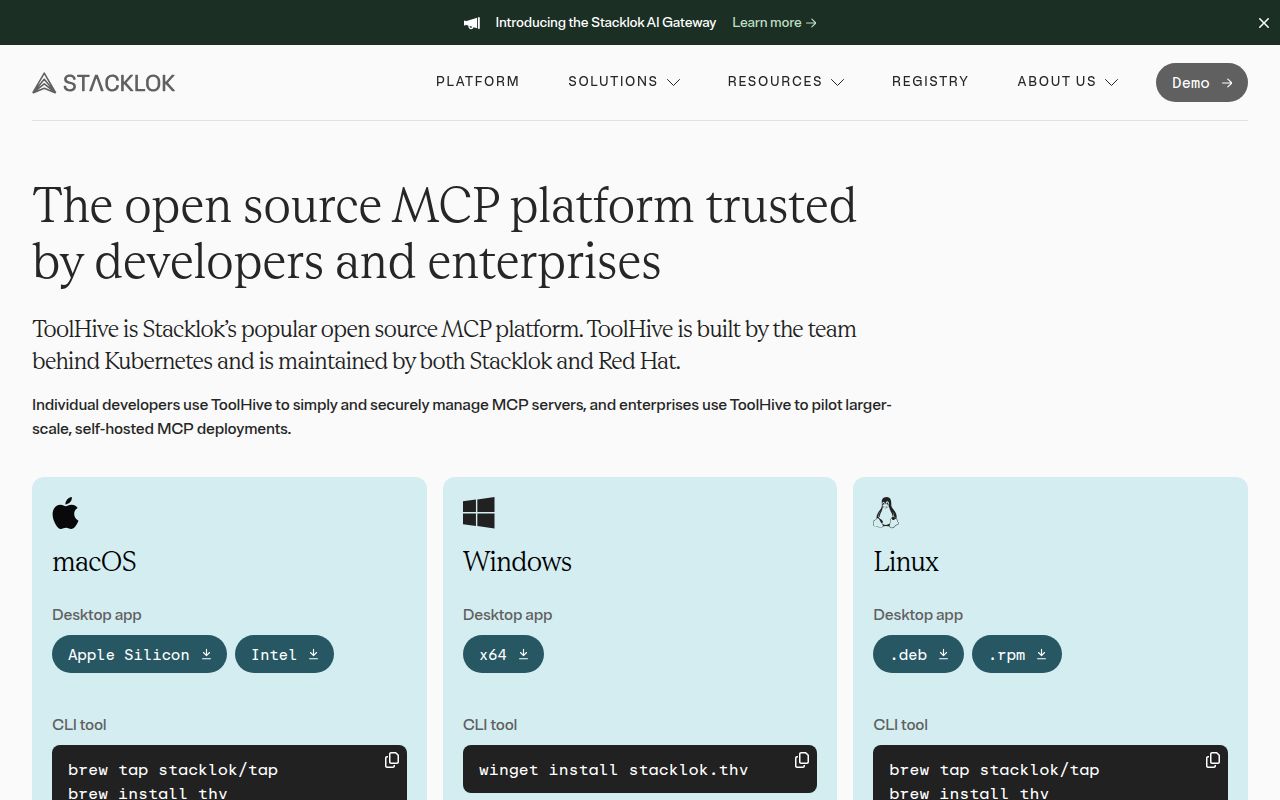
ToolHive v0.47.0 is several products under one name. The thv CLI and a separate desktop app run MCP servers locally through Docker or Podman. A Kubernetes operator manages server workloads and custom resources in clusters. A gateway can combine tools, apply access rules, filter what clients see, and connect to an identity provider. Registry support gives administrators a catalog of approved servers rather than asking each developer to install arbitrary packages from a command copied out of a chat.
The architecture is split across repositories. This checkout holds the CLI, API, and operator, while the desktop UI, registry server, built-in catalog, and user documentation have their own projects. That division is reasonable for maintainers, though it changes what a source build proves. Compiling stacklok/toolhive does not produce every component shown in the platform diagram. Buyers should list which pieces they need and track compatible releases across them.
Local v0.47.0 use still requires a container runtime
ToolHive runs a local MCP server from a container image or builds one from supported package-manager inputs. It can store secrets, restrict network access, proxy remote MCP services, connect compatible clients, and open an inspector. Container isolation is a material improvement over running an unfamiliar server directly as your user. It is not an absolute sandbox: mounted files, injected credentials, allowed networks, image provenance, and the container runtime still determine what the server can reach.
The Kubernetes path adds custom resource definitions for servers and registries, multi-namespace deployment, service discovery, ingress, OpenTelemetry, Prometheus, and OIDC or OAuth integration. Those capabilities fit an internal platform team. They also require cluster policy, certificate management, identity design, storage, upgrades, and incident ownership. The repository's contribution guide gives the operator's v1beta1 API a compatibility commitment, with breaking changes requiring an explicit exception, which is more reassuring than the overall pre-1.0 version alone.
What happened when we ran it
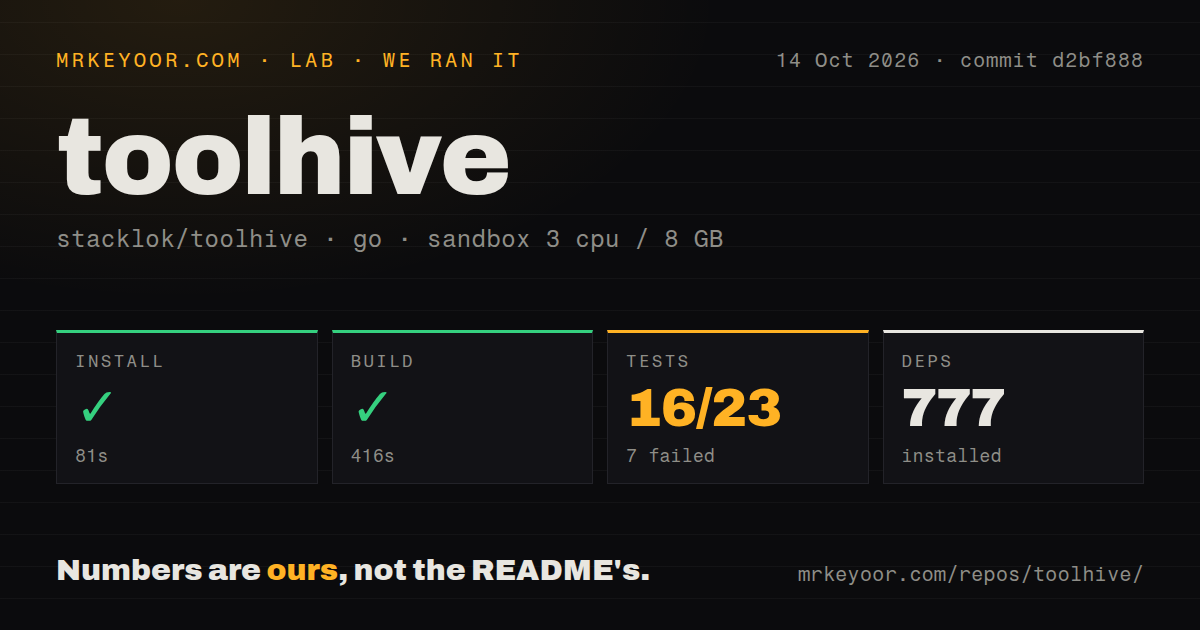
Our sandbox downloaded 796 Go packages in 116 seconds and built commit 2533388 in 295 seconds. The checkout contained 2,766 files, about 761,537 lines of source, and occupied 35.4 MB before dependencies. That is a large source tree with a long cold build. It has 31 CI workflow files and a tests directory, while no Dockerfile was present in the scanned repository.
The test command ran for 590 seconds and returned exit code 1. Its summary reported 16 passed and 7 failed out of 23 Go test targets. The final lines show TestE2E failing in the operator acceptance_tests and virtualmcp packages. Integration packages for authserver, vmcp, and its helpers passed in the visible tail. The log does not expose the assertion or prerequisite behind either E2E failure, so we cannot assign a cause.
Seven failed targets block a clean source verdict
A failure in 7 of 23 targets matters more here than it would in an optional example suite because ToolHive sells the operator path as a core deployment mode. Our unprivileged Debian container had 3 CPUs and 8 GB of RAM, which may differ from the project's intended E2E environment, but the supplied tail does not say that a cluster, binary, permission, or service was missing. The defensible finding is simply that the documented source test command was not green in our run.
Toolchain guidance also needs checking against the exact checkout. The developer guide names Go 1.25, while the reviewed go.mod declares Go 1.26.0. The guide recommends Task for builds and separates lint, unit, and E2E commands. Before contributing or pinning a build image, read the module declaration first. A production evaluation should then reproduce the operator suites on the project's expected cluster setup and record any exclusions instead of treating the 31 workflow files as proof by themselves.
Current client integrations still have platform-specific holes
Open issue 6293 reports that the Cursor LLM-gateway command writes keys that Cursor 3.15.19 never reads, yet tells the user setup succeeded. Issue 6507 covers a different path: ToolHive v0.46.0 refuses Claude Desktop gateway setup on Windows because its credential helper is a POSIX shell script. Both reports were open when checked. They do not invalidate normal MCP client registration, but they make LLM-gateway support something to verify per client and operating system.
Authentication deserves the same caution. Issue 6522 says two accepted thv run flags for insecure local OIDC and private certificate authorities were dropped before middleware configuration on v0.46.0 and the checked main commit. The result was a 401 even with a matching token. Version 0.47.0 includes several authentication fixes, yet the issue remained open after its report. Test the exact issuer, client method, certificate chain, and token exchange used by your deployment.
September 8 activity supports a guarded pilot
GitHub recorded the last push on September 8, 2026, the same day v0.47.0 was released. The repository had 2,129 stars and 381 open issues and pull requests when fetched. That combined count is not a defect total; it includes a busy pull-request queue and automated dependency work. The release notes name changes across private certificate authorities, OIDC discovery, VirtualMCPServer reconciliation, signed artifacts, connection pools, and operator resources, evidence of active maintenance across the platform's broad surface.
ToolHive is a reasonable shortlist choice when uncontrolled MCP servers have become a security and operations problem. Our 796-package download and 590-second failed test run show that the source tree demands more patience than the desktop quick start suggests. Trial one approved server locally, verify client configuration, then reproduce the operator E2E suites before placing the gateway in front of a team. If container wrapping is the only requirement, Docker MCP Gateway is the narrower comparison.