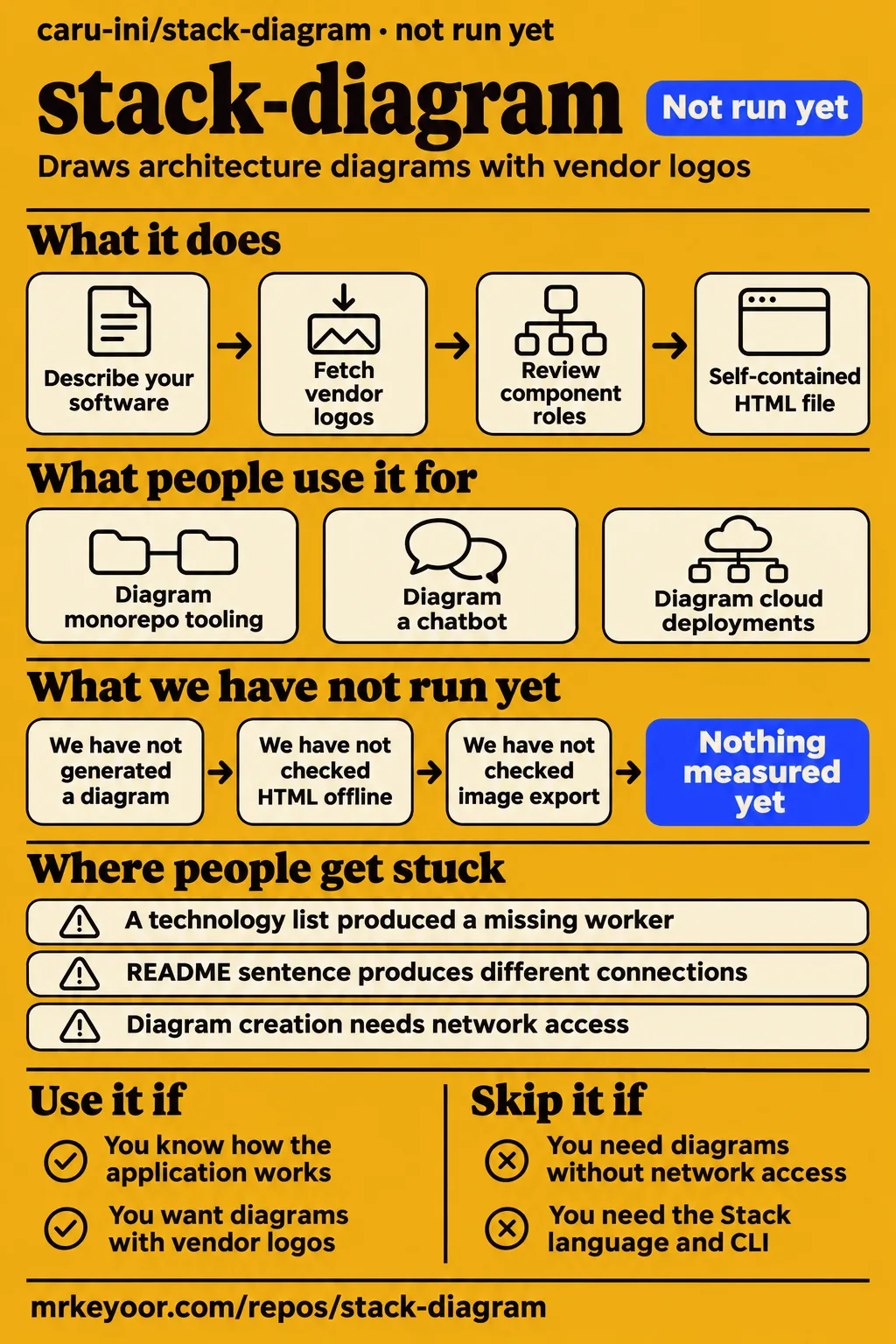
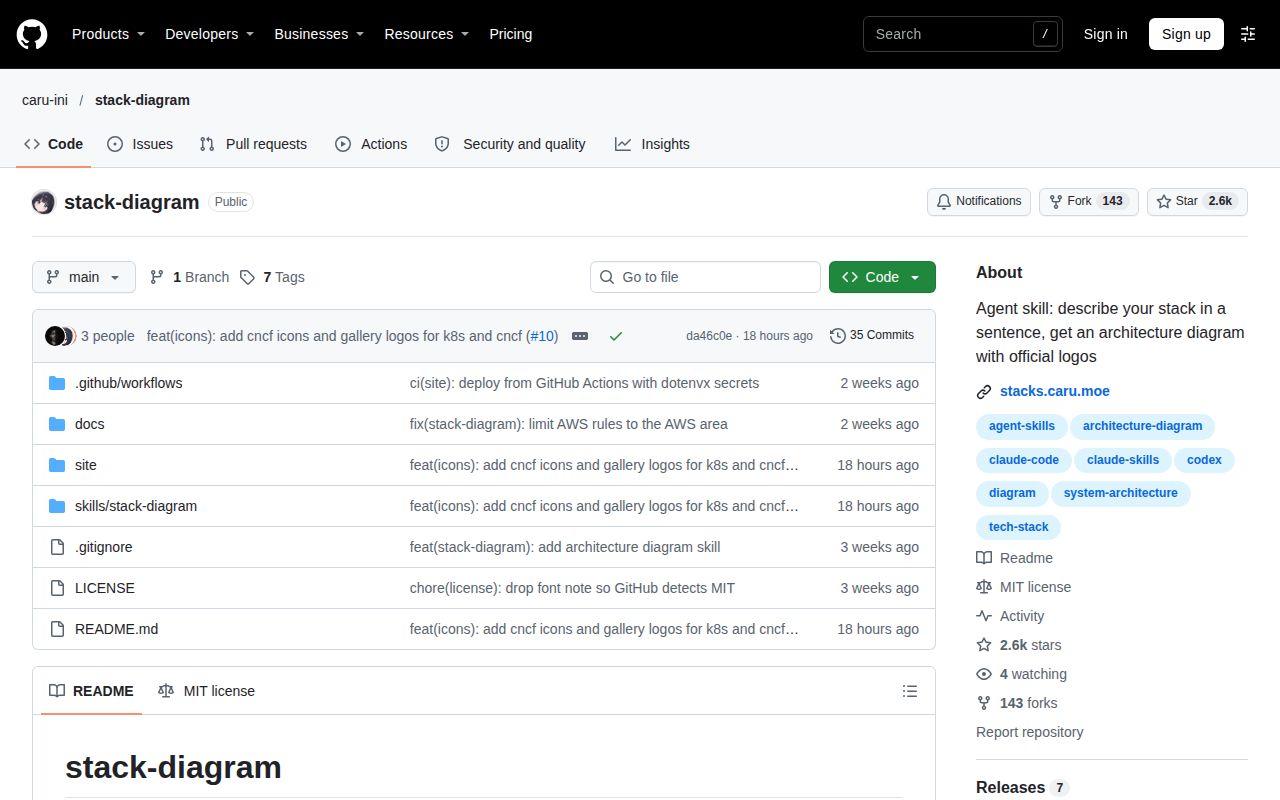
caru-ini/stack-diagram is an agent skill that turns a description of your software into architecture diagrams with vendor logos and a self-contained HTML file. Use it if you already know how the application works and want help drawing it. Skip it if you expect a technology list to establish the architecture for you. Our lab attempt stopped before execution; the strongest behavioral evidence here comes from an attributed video walkthrough.
What people use stack-diagram for
GitHub AI Repo's hands-on video shows both a diagram generated from the README's example and a correction after a sparse prompt produced the wrong architecture. The creator checks the result against an application they understand, rather than judging it only by its appearance.
| What the reviewer tried | What the reviewer reported | Source |
|---|---|---|
| GitHub AI Repo used the sentence from the project's README. | The agent fetched logos, created self-contained HTML, rendered an image and inspected it. The architecture differed from the README example. | README-sentence demonstration |
| GitHub AI Repo supplied a technology list, then explained the actual application flow. | The initial diagram assigned incorrect roles and omitted a worker. With the flow explained and a worker added, the reviewer considered it correct. | Correction demonstration |
The creator reused the project's own sentence, yet Clerk connected to a different box and an extra GitHub note appeared. That does not prove either architecture was necessarily wrong: the sentence left relationships open to interpretation. Copying a successful prompt does not specify an identical topology. If a diagram will explain a design decision, put that decision into the request explicitly.
The Project README illustrates monorepo tooling and a documentation chatbot, alongside cloud deployments. These are upstream examples. A tooling diagram can describe how GitHub Actions runs CI and publishes a package; a chatbot diagram can distinguish a request path from a background document-sync job. Know those relationships before accepting the drawing.
What happened when we ran it
Our November 19, 2026 sandbox attempt at commit da46c0e was not run: the harness reported no supported ecosystem for TypeScript and no Dockerfile. The recorded configuration was 3 CPUs and 8 GB RAM, with the image listed as n/a. These describe the attempted evaluation, rather than resources consumed by a running diagram workflow.
| Recorded check | Result | What it means |
|---|---|---|
| Build/test harness | NOT RUN: no supported ecosystem, language TypeScript; no Dockerfile | The harness did not execute the project. |
| Separate hands-on safety step | FAILED: none of compose.yaml, compose.yml, docker-compose.yaml or docker-compose.yml exists | This runner requires a Compose file and stopped at that prerequisite. |
| Hands-on teardown | ok | The attempt's cleanup step completed. |
The specific safety log calls the repository unsafe because the runner requires a Compose file. Read that as the runner's eligibility rule. It is not a finding that the skill contains malicious code. The teardown record reports successful cleanup.
A generic run record describes a Compose deployment with ports bound to 127.0.0.1. That conflicts with the specific failure above, so it cannot serve as evidence of a working deployment. Our attempt stopped before execution. Calling this a successful installation would give readers confidence the logs do not support. Calling it a broken product would make the opposite mistake: the README describes a skill installed into an agent, which is a different route from this runner's required container setup.
Where people get stuck: a product name leaves its role ambiguous
A bare technology list produced a missing worker and incorrect application roles in GitHub AI Repo's walkthrough. Redis was serving as a job queue in the actual application, and Stripe called the application through webhooks. The creator also explained that GitHub Actions deployed the API.
The fix in that example was to explain what the application actually did and include the missing worker. This is a prompt correction demonstrated by that reviewer, rather than evidence of a released bug fix. The creator also says the agent disclosed that it was making guesses. Keep those guesses alongside the drawing until a person who owns the system has accepted or corrected them.
| Symptom from the video | What to put into your request | Status of the evidence |
|---|---|---|
| Redis has the wrong role. | State that Redis holds background jobs and identify the consumer. | Part of the creator's corrected example. |
| Stripe's relationship is misleading. | Say which application endpoint receives Stripe webhooks. | The creator identifies webhooks as part of the real flow. |
| A worker is absent. | Name the worker and describe its relationship to the queue. | Adding the worker helped produce the result the creator accepted. |
| The README sentence produces different connections. | Specify the endpoints of relationships that matter to your diagram. | The video shows variation, without establishing a project-level fix. |
My advice is to review the diagram by tracing one operation through it. For a queued task, follow the request into the API, the enqueue operation and the worker that consumes it. For payments, check the webhook's direction separately from the outbound checkout call. This is a review method derived from the video's failure, not another measured run. A missing component becomes easier to spot when you ask who performs each operation.
The HTML travels offline; creating it needs network access
The README says the default HTML file contains its fonts and logos, while generating the diagram requires network access to fetch logos. An already-created file can travel into an offline wiki or repository; the documented creation workflow still needs access to its asset sources.
The project documents HTML, PNG, a dependency-free React component and an Artifact as output options. PNG export uses Playwright with Chromium. Start by choosing the artifact your reader needs: an image for a document, or HTML for a page that carries the diagram and its surrounding explanation. The README says the PNG and React component are rendered from the same HTML file, which gives you one drawing to review before distributing different formats.
The documented requirements include Python 3.9+ and a skill-capable agent: Claude Code and Codex qualify, as does Cursor. The README's installation command is npx skills add caru-ini/stack-diagram; it also describes uploading a release ZIP in the Claude apps. A one-line installer alone doesn't describe the working environment, since the host agent and asset downloads have jobs to do, as does the image renderer.
Security and sharing: the gallery makes diagram details public
The README says gallery posting exposes the light and dark PNGs, an English title, the technology stack and a display name, after two confirmations. It says the original prompt is never sent. An optional GitHub login enables later deletion and is never displayed.
For an internal architecture diagram, review what the image reveals before agreeing to share it: component labels and arrows can disclose information you would normally keep inside your team, even when the prompt stays private. You can use the documented file outputs for your repository or wiki without choosing the public-gallery step.
The project's code and documentation are MIT licensed, but brand logos remain their owners' trademarks. The README separates the code license from the font license and downloaded artwork; for a publication or consultancy, permission to use the code does not settle every use of a vendor's marks. Keep the notices with redistributed source and check the relevant vendor guidance before repurposing an icon outside an architecture diagram.
Recent release activity is clearer than evidence of adoption
The v0.7.0 release, published November 18, 2026, lists Databricks product icons and gallery allowlisting for Kubernetes community and CNCF artwork. Alongside those release changes, GitHub's repository facts also record a November 18 push.
In issue #3, a promoter advertised a guide, and the maintainer closed it as off-topic promotion. That is a moderation action, not a resolved diagramming defect or a customer success report. Issue #2 is titled "try" and has no discussion; its closed status supplies no further explanation of what happened.
Agentic Weekly explicitly labels its article reported news and says it did not test the project. Its feature summary describes what upstream advertised, while GitHub AI Repo's walkthrough supplies a sequence of inputs and outcomes. Give those sources different weight when deciding whether this workflow fits your team: recent commits answer whether work is happening; the video answers a narrower question about one person's experience generating and correcting a diagram.
stack-diagram vs Mermaid and manual diagramming
Mermaid uses Markdown-inspired text definitions. Excalidraw provides a canvas with drawing tools and bound, labeled arrows. The explainer favors stack-diagram's vendor iconography and argues that manual alignment is tedious; it supplies a qualitative comparison rather than a measured time saving.
| Approach | Why choose it | Decision to make |
|---|---|---|
| caru-ini/stack-diagram | You want the agent to fetch vendor logos and produce the documented HTML or image outputs. | Can someone review the inferred component roles and connections? |
| Mermaid | You want diagrams expressed through Markdown-inspired text definitions. | Would your team rather edit relationships directly in diagram source? |
| Manual diagramming, such as Excalidraw | You want a canvas with shapes, arrows and direct editing. | Is controlling placement during discussion more useful than having the agent compose it? |
Mermaid's README describes a JavaScript diagramming tool with a renderer and editable text definitions. Choose it when the diagram source is the thing your team wants to maintain. The explainer's criticism of typical AI-generated monochrome boxes should not become a claim that Mermaid cannot support richer presentation. The comparison concerns the workflow shown in that video.
Excalidraw's README documents a canvas whiteboard, labeled arrows and PNG/SVG export. I'd choose a manual canvas while a group is still negotiating the architecture and moving parts around; I'd consider stack-diagram once someone can state the agreed relationships and wants a presentable artifact.
What the other reviews get wrong
ClaudeMap's recommendation for situations where a picture must stay faithful to its stack needs a qualification: GitHub AI Repo's video shows an underspecified prompt yielding incorrect roles and an omitted worker. ClaudeMap describes rendering and visual inspection, but that inspection is no substitute for knowing how the application works.
The evidence supports that inaccurate inferred architecture and the creator's subsequent correction. It does not turn every generated diagram into a failure. Keep the project's visual checks and your architecture review as separate tasks: one checks the drawing, while the other checks whether the drawing describes your system. A webhook pointing in the wrong direction can remain perfectly readable.
Search results also mix this repository, caru-ini/stack-diagram, with Stack at stack-diagram.com. That site's documentation describes a declarative .stack language and a CLI, and its agent instructions name stack-sh/cli. Keep their commands and outputs separate: an SVG or language limit documented for Stack is not automatically a feature or restriction of this agent skill.
Questions people ask
Giving stack-diagram almost no architectural detail can produce a finished-looking diagram with incorrect relationships: GitHub AI Repo's technology-list example omitted a worker and misrepresented application roles. The creator corrected that example by supplying the actual flow.
What happens if I give stack-diagram almost no architectural detail?
The agent can infer relationships that do not describe your application. In the cited walkthrough, the reviewer explained Redis's queue role and the webhook flow, then included the missing worker to correct the result. Write the roles and connections you care about into the prompt, then inspect the output against them.
What does stack-diagram require?
The README lists Python 3.9+, network access for logos and Playwright with Chromium for PNG export. It names Claude Code, Codex, Cursor and other skill-capable agents as hosts. Pick your host and required output format before following its instructions, since the renderer requirement belongs specifically to image export.
What license does stack-diagram use?
The code and documentation use MIT, and bundled fonts use SIL Open Font License 1.1. Downloaded logos retain separate terms and trademark ownership. For shared documentation, distinguish the license of the skill from rights in the artwork it retrieves.
What we have not tested yet
We have not generated a diagram ourselves with this skill, reproduced the install in a supported agent environment, or checked the exported HTML offline. Setup ease is unassessed. Our sandbox configuration does not identify actual runtime versions, and no installation duration, dependency footprint, test result or performance measurement follows from the stopped attempt.
We also have not checked large diagrams, repeated regeneration from the same prompt, each supported host, image export or React integration. The video's correction is one creator's reported result, not an accuracy rate. Gallery consent, network traffic and deletion behavior have not been independently audited here; the sharing account above comes from the README.
For a next evaluation, use a small architecture you already know that includes a worker and a webhook, and record the intended relationships before asking for the drawing. Compare each component and arrow with that record. Accept a diagram only when you can explain every connection it contains.