Text diagrams put documentation changes into code review
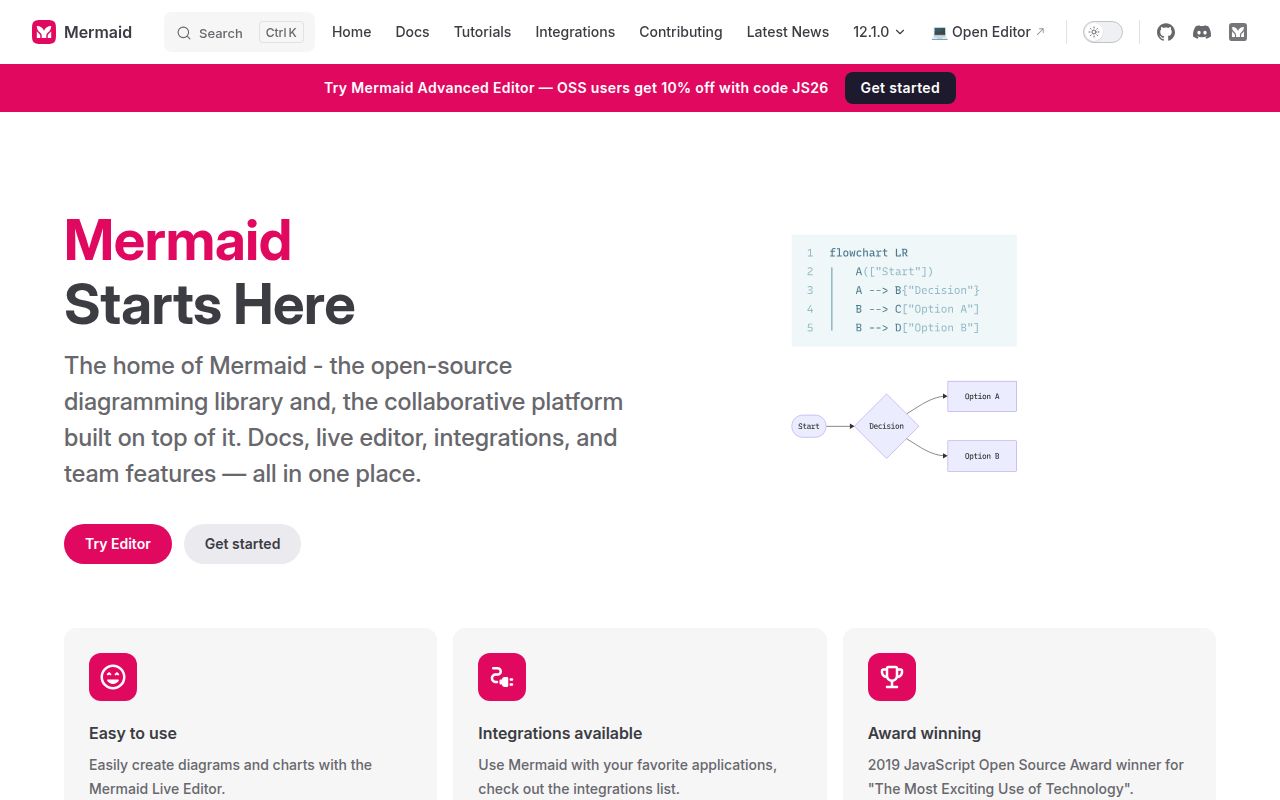
When a request starts passing through a queue, Mermaid lets you change an arrow in the same pull request as the code. Its diagram descriptions are text, so reviewers can see the changed relationship without opening a drawing application. The README shows flowcharts and sequence diagrams alongside other formats. I'd choose it for documentation that changes with a system, especially when GitHub already supplies the renderer.
The source repository is a bigger commitment than writing that arrow. Our checkout contained 3,231 files and roughly 206,558 lines of source, occupying 18 MB before installation. Those figures describe the workspace we measured. They do not describe the JavaScript downloaded by a documentation reader. Keeping that distinction straight matters: using Mermaid in Markdown and contributing to its renderer are different jobs, with different local costs.
What happened when we ran it
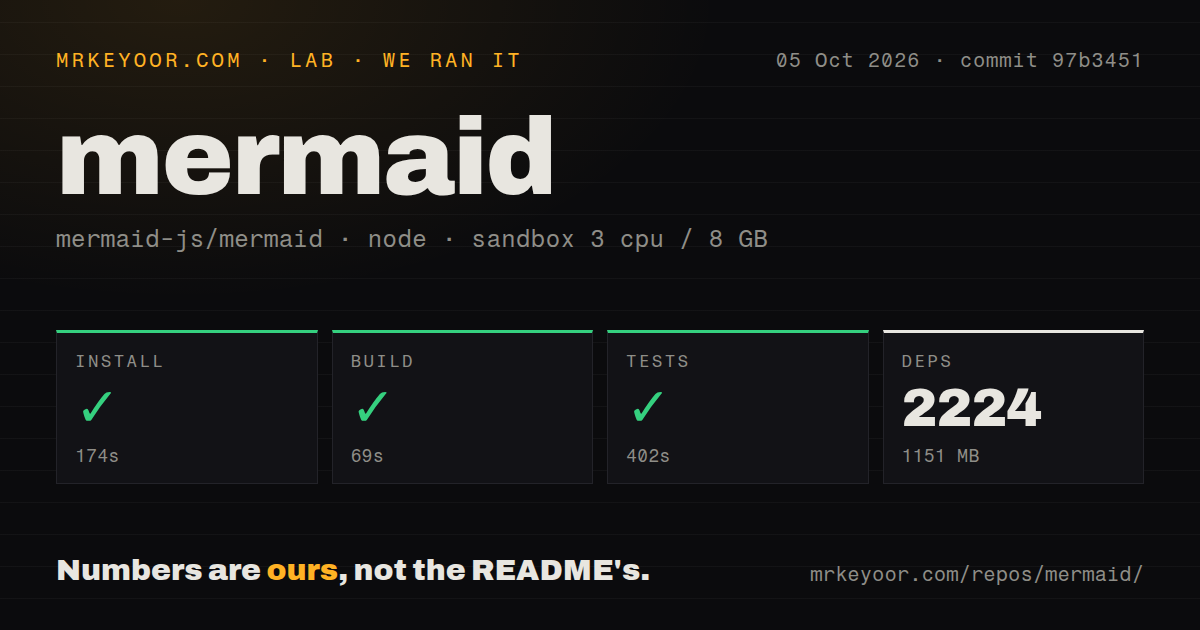
Our Mermaid run installed 2,224 packages in 174 seconds and occupied 1,151 MB on disk after installation. The build succeeded in 69 seconds, and the test step succeeded in 402 seconds. We cloned commit 97b3451 on October 5, 2026. The supplied measurement gives successful outcomes for each step, without a test-case count or a breakdown of which checks ran.
The measurement setup was a fresh Debian container with 3 CPUs and 8 GB of RAM, using image lab-node:22. It ran without elevated privileges or secrets. This is useful evidence that the measured repository workflow completed in that environment. The record does not establish rendering speed in a browser, memory use for a large diagram, or the behavior of every format in every embedding application.
Our scan found 23 CI workflow files, a Dockerfile, a compose file, a tests directory, and monorepo workspaces. Those are concrete repository signals rather than a promise about every upstream check. The passing 402-second test step gives a contributor more confidence than an unverified quick start would. It still leaves the final diagram worth viewing, because a readable picture is the thing your reader actually needs.
A Markdown user can avoid the full contributor workspace
The 1,151 MB installed footprint belongs to our repository run. You don't need that workspace just to author a diagram in a host that supports Mermaid. The live editor offers a way to try the syntax, while a website can use the published library or a CDN import. No hosted API key is required for the local library path. Decide which of these jobs you're taking on before cloning everything.
The current package manifest requires Node.js 22.12.0 or newer. The usage guide says published Mermaid bundles target ES2024, with a support aim of Safari 17.4 or later. Older browsers may need transpilation or polyfills. This is a real reason for a product with older embedded browsers to choose another rendering approach. The sandbox image name does not reveal its exact Node patch version.
Renderer upgrades can move existing arrows
The core 12.1.0 release changes ELK feedback-edge routing by default. An edge returning into a subgraph can now take a different route even when its description stays the same. The release documents elk.orientFeedbackEdges: false for retaining the previous behavior. Pinning a renderer version is therefore part of keeping published diagrams stable, particularly in training material or screenshots that people compare side by side.
A successful 69-second build cannot settle whether the drawing still communicates what you meant. Mermaid suits relationships whose placement can be delegated to a layout engine. For a slide where precise positioning carries the explanation, I'd use draw.io and move shapes directly. If you still want text as the source, D2 is worth comparing for its diagram language and layout choices.
Short diagram syntax still has parser rules
The flowchart documentation warns that lowercase end can break a diagram when used in a node. The syntax looks approachable, but labels and identifiers still pass through a parser. Open issue 7032 reports inconsistent whitespace requirements around edge IDs and different node-shape forms. Its example uses an older renderer, so it is a reported editing problem rather than a reproduction against our measured commit.
Untrusted diagrams change the interaction choices
Mermaid's configuration reference describes a strict default that encodes HTML tags and disables clicks. The sandbox setting places rendering inside an iframe and can limit interactive features. A public editor accepting diagram text from strangers has a different job from a private documentation site with reviewed authors. If your product needs clickable diagrams from arbitrary input, the trust setting belongs in the feature design before you promise that interaction.
We completed the repository workflow without secrets on 3 CPUs, but that result says nothing about a public editor's content policy. Evaluate the intended rendering mode with an actual diagram that needs links or callbacks. The README itself warns that sandboxing blocks some functionality. Turning a setting down to make a click work changes the assumptions of the integration, so it deserves an explicit decision by the application team.
Fonts and descriptions belong in the finished diagram
The usage guide warns that rendering before dynamically loaded fonts arrive can leave labels outside their bounds. Load the intended font before judging the result. Mermaid also supports accessible titles and descriptions through accTitle and accDescr. Write the relationship someone needs to understand into that description. A generated SVG can have accessibility attributes while still explaining very little if the author leaves those words unhelpful.
The last repository push was October 11, 2026, with issue and PR activity that day. GitHub listed 90,613 stars and 1,866 open issues and PRs, and the core 12.1.0 release shipped October 2. I'd use Mermaid when diagrams should travel with reviewed text. Our 174-second install is acceptable contributor overhead for that workflow. Start with a diagram your team regularly changes, render it where readers will see it, and check the labels before converting the rest.