Preact trades exact React behavior for a smaller runtime
Preact provides components, hooks, JSX, a virtual DOM, server rendering support, and browser developer tools in a library whose README describes the core as 4 kB. Its API will feel familiar to React developers, and preact/compat maps many React imports onto Preact. That makes migration possible without rewriting every component on day one.
The size claim is only one part of the decision. A smaller view library can reduce initial JavaScript, especially in an embedded widget or a page where the application code is modest. It matters less when a large editor, charting package, or design system dominates the bundle. Measure the final route rather than subtracting two package sizes on paper.
Browser-standard behavior explains the compatibility gaps
Preact's guide is candid that the project is not a React reimplementation. Core Preact uses native browser events instead of React's synthetic event system. Without the compatibility layer, form inputs normally use onInput, double-click handlers use onDblClick, and events do not bubble through portals in the same way. Custom elements and case-sensitive custom events follow the DOM more closely.
preact/compat removes many differences by aliasing React-facing imports and normalizing behavior. It is a practical bridge for shared component code, but the guide does not promise that every React package will work. Compatibility is measured against the current and previous React majors, and features are considered based on whether they fit Preact's size and design goals.
A React dependency can still expose different scheduling
Issue 5177 gives a useful example. A user reported three behavior differences in MUI X date pickers, including a minutes field that cleared the entire time under Preact. Their analysis points to render and effect timing in a component that uses timeouts and direct DOM changes. The report remained open after an August 6 update.
That does not make MUI X unusable, and the reporter describes fragile implementation details in the component itself. It does show why an alias is not enough evidence for a migration. Exercise date pickers, editors, portals, focus handling, suspense boundaries, and any library that relies on exact effect timing. A unit suite built around your own components may never touch the incompatibility.
What happened when we ran it
Our sandbox cloned commit 8b25c58 into an unprivileged Debian container with 3 CPUs, 8 GB of RAM, no secrets, and Node 22. The checkout contained 384 files, about 58,454 lines of source, and occupied 2.1 MB. It had 8 CI workflow files and a tests directory, with no Dockerfile at the root.
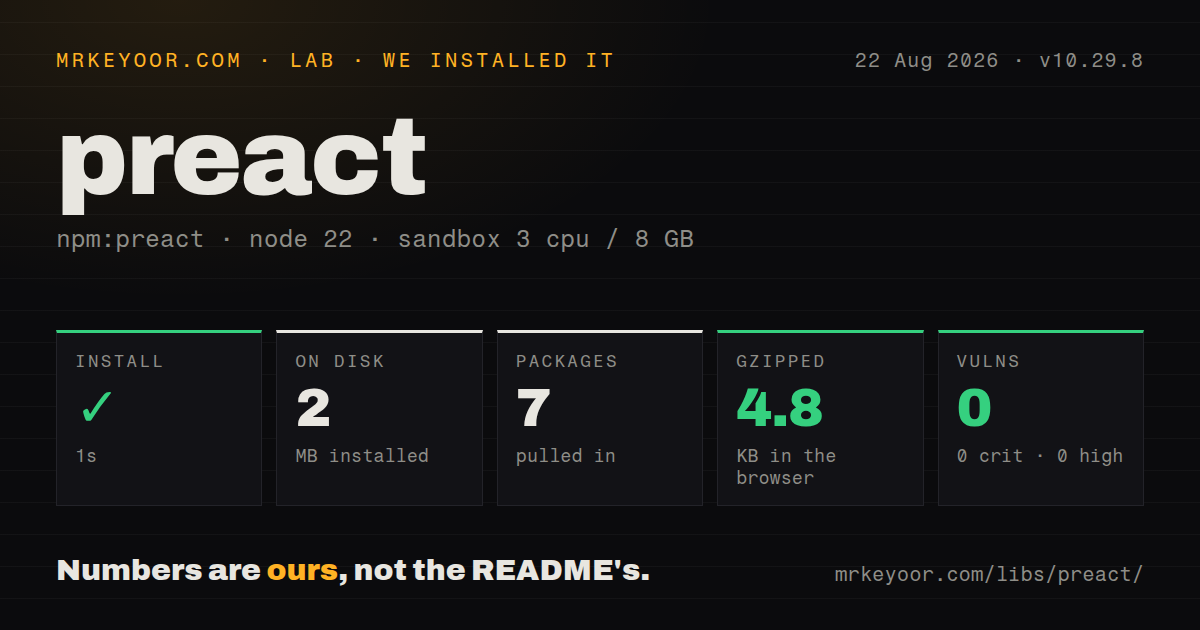
The npm install completed in 44 seconds, adding 318 packages and using 184 MB on disk. The build succeeded in 7 seconds. Vitest finished in 30 seconds with 1,301 passes, 0 failures, and 11 skips among 1,312 tests. npm audit reported 0 known vulnerabilities across all four severity levels.
This was a clean source verification, and it is unusually reassuring for a framework branch moving toward a major release. It does not measure browser download size, rendering speed, hydration time, or compatibility with an application's package set. Those questions require a built app and its real browsers. The run does establish that the documented repository could install, compile, and finish its own suite on our fresh box.
The main branch and stable v10 need separate decisions
The README warns that the main branch is for the upcoming release and directs v10 patches to v10.x. Our measured commit landed on August 25 and added HTML attribute types. The latest stable release was 10.29.8, published August 1, with two performance changes involving flushSync batching and retained subtree traversal.
A team adopting Preact today should choose whether it is evaluating stable v10 or the 11 release candidate, then keep documentation and dependencies aligned with that choice. The repository's 40 open issues and pull requests combined form a small queue, while the August 25 push and active 11.0 release pull request show that development is current. A small queue alone does not prove absence of bugs, but the issue and release activity look well tended.
Preact works best where you control the component surface
The best cases are sites, widgets, and product interfaces where the team owns most components and can verify the few React packages it reuses. Preact supports direct ES module loading, so it also suits small no-build experiments. For larger apps, add routing, data fetching, and application structure deliberately; the core library does not prescribe them.
Choose React for a product whose risk sits in a broad React-only component stack. Choose Solid when fine-grained reactivity matters more than React compatibility, or Vue when its template and official tooling suit the team. Preact earns the choice when its 4 kB target changes a measured page and your compatibility tests stay green.