Choose Vue for its component model
Vue's application model and its core contribution setup answer different questions. The documentation supports evaluating Vue for reactive interfaces and incremental adoption. Our recorded repository run establishes only that dependency installation stopped in the supplied environment.
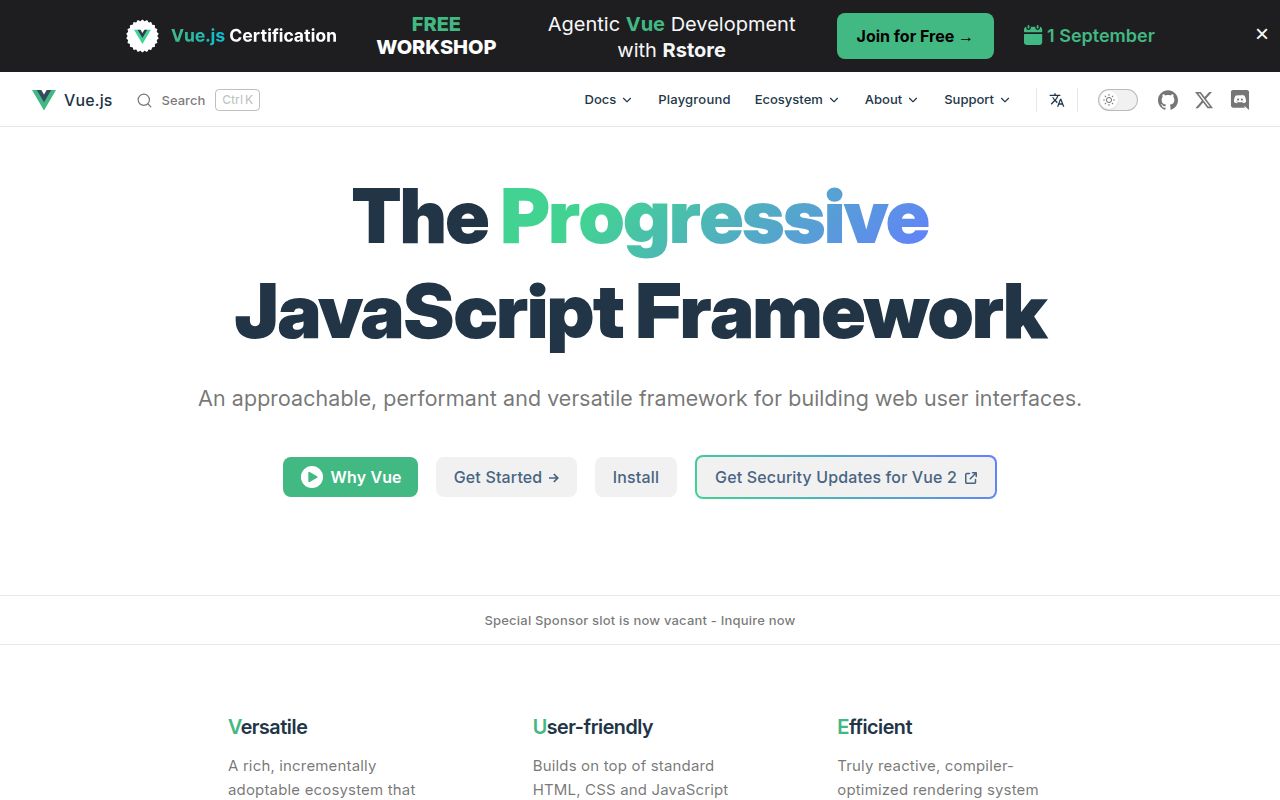
Vue's introduction explains the model: templates describe HTML output from JavaScript state, and Vue tracks state changes to update the DOM. A .vue single-file component can contain the template, script and scoped styles. That is a useful fit when a team prefers to see interface structure in HTML-like templates.
The introduction documents several adoption paths, including enhancing static HTML without a build step and building single-page or server-rendered applications. Those are documented capabilities, not workloads we exercised.
Pick an API style for the work
Options API groups component logic under options such as data, methods and mounted, with properties exposed through this. Composition API uses imported functions such as ref and onMounted; single-file components commonly pair it with <script setup>.
Both styles use the same underlying system. The official recommendation is Options API for production use without build tools or in low-complexity scenarios, and Composition API with single-file components for full applications. Use that guidance to choose a starting point rather than treating either style as mandatory.
What our recorded run establishes
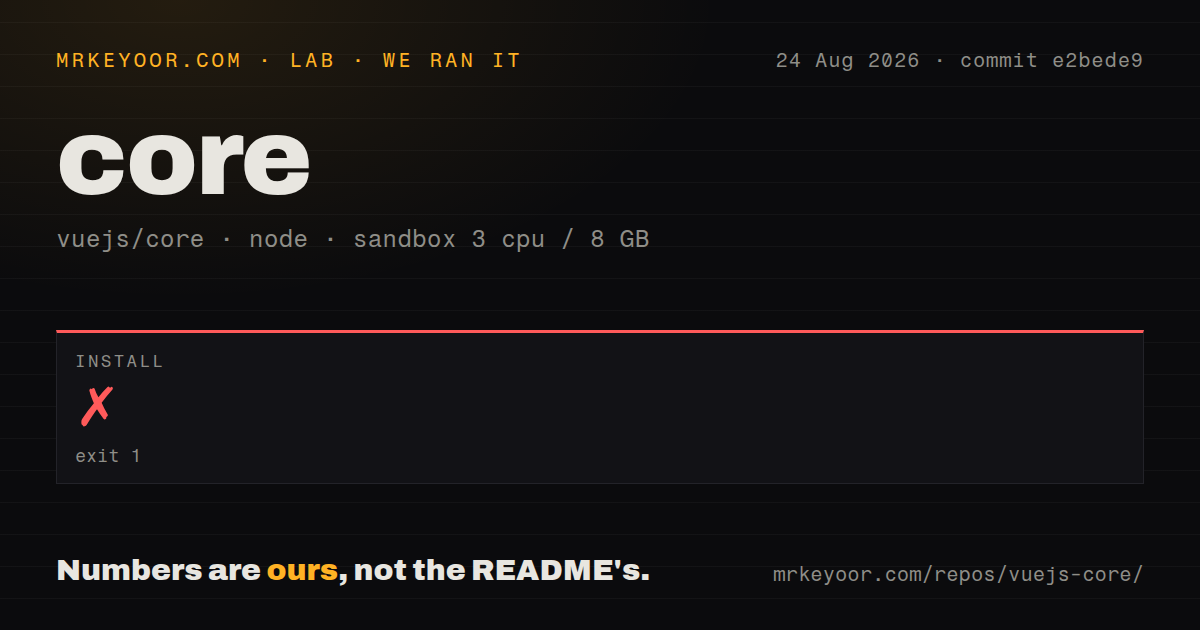
Our run was recorded on August 24, 2026 at 20:02:36.555 UTC against commit e2bede96134f757aad5c5b33ac9be055022dbfc8, abbreviated e2bede9. The configured sandbox had 3 CPUs, 8 GB RAM and image label lab-node:22. The recorded checkout summary contained 705 files, approximately 159,231 source lines and 6.3 MB. These are repository measurements, not application bundle sizes.
Dependency installation exited with code 1 after 10.414 seconds. The stored summary rounds that duration to 10 seconds. Its log says pnpm requires at least Node.js v22.13 while the current version is v20.20.2. The stack identifies pnpm 11.19.0 and an ERR_UNKNOWN_BUILTIN_MODULE error for node:sqlite.
That is concrete evidence of an incompatible Node/pnpm pairing in this run. The image label does not override the runtime reported by the log. Why the environment selected Node 20.20.2 remains unexplained, and no corrected-environment rerun was supplied.
The record does not establish how much dependency downloading occurred before the error. It contains no successful installation result, dependency count or installed disk measurement. Build and test results are null because those steps were not run. There was no recorded installed-binary check, application benchmark or security audit result. This run cannot support claims about Vue's rendering speed, test failures or security.
The structural scan recorded workspaces, 9 CI workflow files, no Dockerfile, no Compose file and no top-level tests directory. A missing root tests directory does not mean missing tests: the contributing guide places unit tests alongside package code in __tests__ directories.
Core contribution needs separate checks
The contributing guide directs contributors to the Node minimum in .node-version and the PNPM minimum in package.json. The supplied extracts do not establish the exact contents of those version declarations at the measured commit. The run does establish which versions actually appeared in its error log.
Before retrying a core checkout, verify the active runtime and package manager against both repository requirements and pnpm's runtime requirement. Meeting a repository's Node minimum alone would not resolve the mismatch shown here.
Vue core has separate build and validation steps. The guide says its build uses TypeScript transpilation without type checking; type checking runs separately. It also describes Vitest unit tests, browser tests against built files and tests of generated declarations. A completed build would therefore leave additional checks to perform. Our run reached none of them.
Browser and support boundaries
The Vue FAQ says Vue 3 requires browsers with native ES2016 support and excludes IE11. If IE11 is a requirement, Vue 3 does not fit that requirement.
Vue 2 reached end of life on December 31, 2023. The FAQ points teams that cannot upgrade toward extended support and recommends Vue 3 for new projects. It also documents breaking changes between the major versions, so an existing Vue 2 application needs a migration assessment.
The supplied changelog records v3.5.41 on August 5, 2026, including fixes to asynchronous SSR setup state and custom-element behavior. That is release-history evidence, not a version our run successfully built or tested.
How to read the ratings
These are editorial ratings out of five, not benchmark results or an overall product score. The rubric is: 1 means a documented blocker or little supporting evidence; 2 means substantial friction or incomplete validation; 3 means useful support with material gaps; 4 means strong documented support within the assessed scope; 5 requires comprehensive evidence for that category. Unknowns reduce confidence rather than count as positive results.
Setup is 2/5 for the recorded core contribution path because installation stopped before validation. Documentation is 4/5 because the supplied introduction, FAQ and contributing guide explain adoption choices, compatibility and separate contributor checks. Community is 3/5 because official sources describe full-time and volunteer maintainers and support channels, while response times and contributor throughput were not measured. Maturity is 4/5 because the sources document release history, migration boundaries and several validation layers; this run provides no independent reliability result.
For application selection, build a small component representative of your own state and interaction needs. For core contribution, resolve the runtime mismatch first, then record installation, build, type-check and test outcomes independently.