Six primitives expose an entire Mac
macOS Harness reduces desktop control to 6 ideas: see, key, type, click, Accessibility access, and AppleScript. A persistent Python process also exposes browser helpers, Path, and subprocesses. The agent can inspect a window, act on its owning process, query the accessibility tree, or write new Python when no prepared helper exists. This is a sharp design for odd, mixed application tasks because the extension mechanism is ordinary code rather than another tool protocol.
The same design makes the trust boundary unusually wide. An agent with screenshots, input events, Apple Events, file access, and shell commands can do meaningful work, including the wrong work. The README's lack of app-specific rails is intentional. Teams should use a separate macOS account or machine, keep valuable credentials out of reach, and require confirmation around destructive actions. A successful doctor check proves permission availability, not that an automation policy is safe.
Background control avoids 1 common desktop disruption
The README says the harness can capture a background application's window and send keyboard or coordinate input to its process without activating it. It can draw a click-through virtual pointer without moving the physical cursor. That is useful when an agent works beside a person rather than taking over the visible desktop, and it is more specific than generic screenshot-and-click automation.
Browser tasks are delegated to Browser Harness through Chrome DevTools Protocol, while native and Electron applications use macOS facilities such as CGWindow, CGEvent, Accessibility, and Apple Events. Keeping them in 1 Python process lets a workflow move between a logged-in website, a desktop application, and a local file. It also means a failure can cross those boundaries, so logs and approvals should distinguish browser navigation, native input, and shell execution.
What happened when we ran it
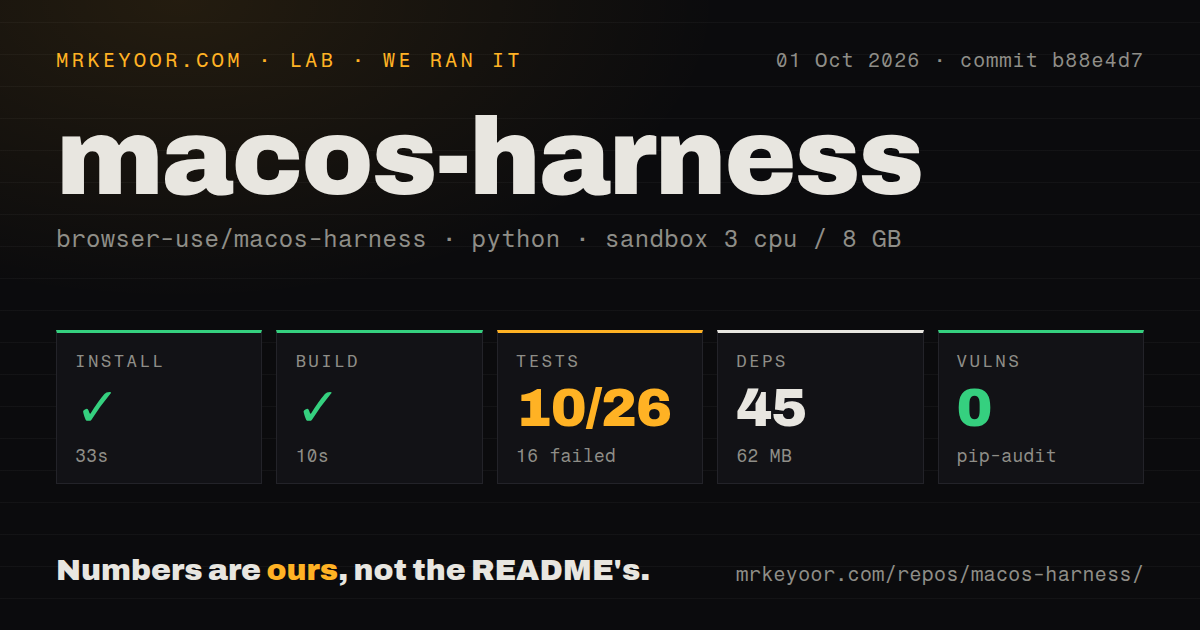
Our run cloned commit b88e4d7 into a fresh unprivileged Debian container with 3 CPUs and 8 GB of RAM. The repository was small: 26 files, about 3,157 lines of source, and a 0.4 MB checkout. Installation succeeded in 24 seconds, adding 45 packages and 61 MB. The build completed in 7 seconds, and pip-audit found 0 known vulnerabilities.
Pytest finished in 6 seconds with 10 passing and 16 failing tests out of 26. The displayed failures all raised macos_harness.macos.MacOSError because macOS ApplicationServices bindings were unavailable. They covered input refusal, physical event pairs, modifier transitions, clicking, Retina coordinate conversion, pointer controls, and screenshots. That result is a clean platform mismatch in the shown log, not evidence that those behaviors fail on a correctly prepared Mac.
The repository includes 2 CI workflow files, a tests directory, and no Dockerfile. A Dockerfile would not solve the central platform dependency because the useful APIs belong to macOS and its permission system. Our Debian run still checked packaging, compilation, platform-independent tests, and the error path for unavailable bindings. Native behavior needs a Mac with the declared dependencies and permissions.
Three macOS permissions define the risk
The install instruction targets Python 3.12 through uv, then asks the agent to register the generated skill and run macos-harness doctor. Screen capture, Accessibility, and Apple Events can expose UI contents or let the process act in other applications. macOS prompts and settings make those grants visible, but operators still need to decide which account, apps, directories, and browser profiles the agent may reach.
Anonymous telemetry is enabled by default. The project says it records command category, success, duration, package version, operating system and architecture, and the detected agent client. It says prompts, app names, screenshots, UI text, scripts, paths, and window titles are excluded. macos-harness telemetry disable turns collection off. That command belongs in managed setup when policy does not permit the default.
Version 0.1.2 is promising and plainly experimental
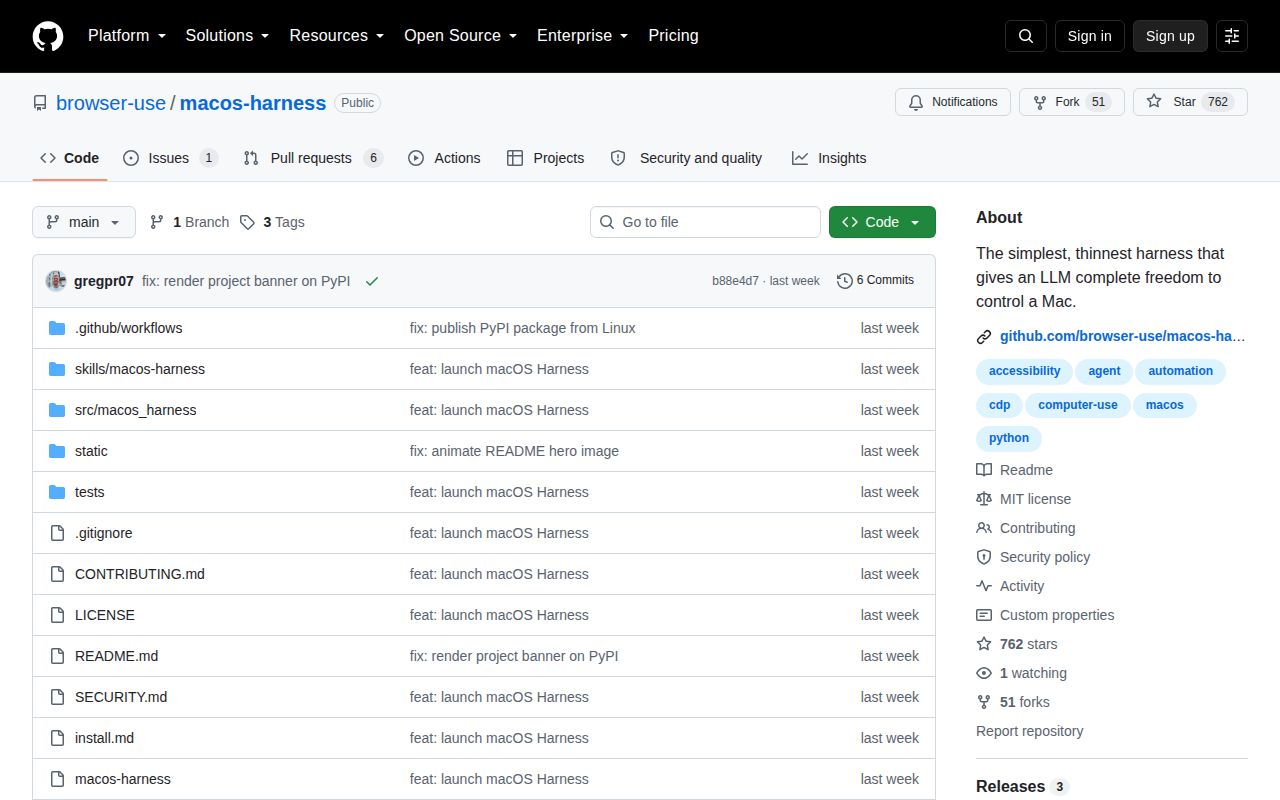
The latest published release was v0.1.2 on August 17, 2026, the same date as the last repository push. GitHub showed 762 stars and 7 open issues and pull requests combined. More recent activity included a v0.3.0 release pull request, Retina mapping changes, process-command privacy work, and a fix for dropped mouse events. Activity is current, though the release and README both place the project early in its life.
Issue 6 is the clearest operational warning: coordinate clicks were reported as doing nothing in native AppKit applications such as Finder and Calculator, while an Accessibility press on the same element worked. That is exactly the sort of app-dependent behavior a low-level harness encounters. macOS Harness is worth testing for varied desktop jobs that resist fixed integrations. For repeatable hotkeys or browser-only work, Hammerspoon or Browser Use gives you a narrower failure surface.