The 13,254-line app produces more than a square image
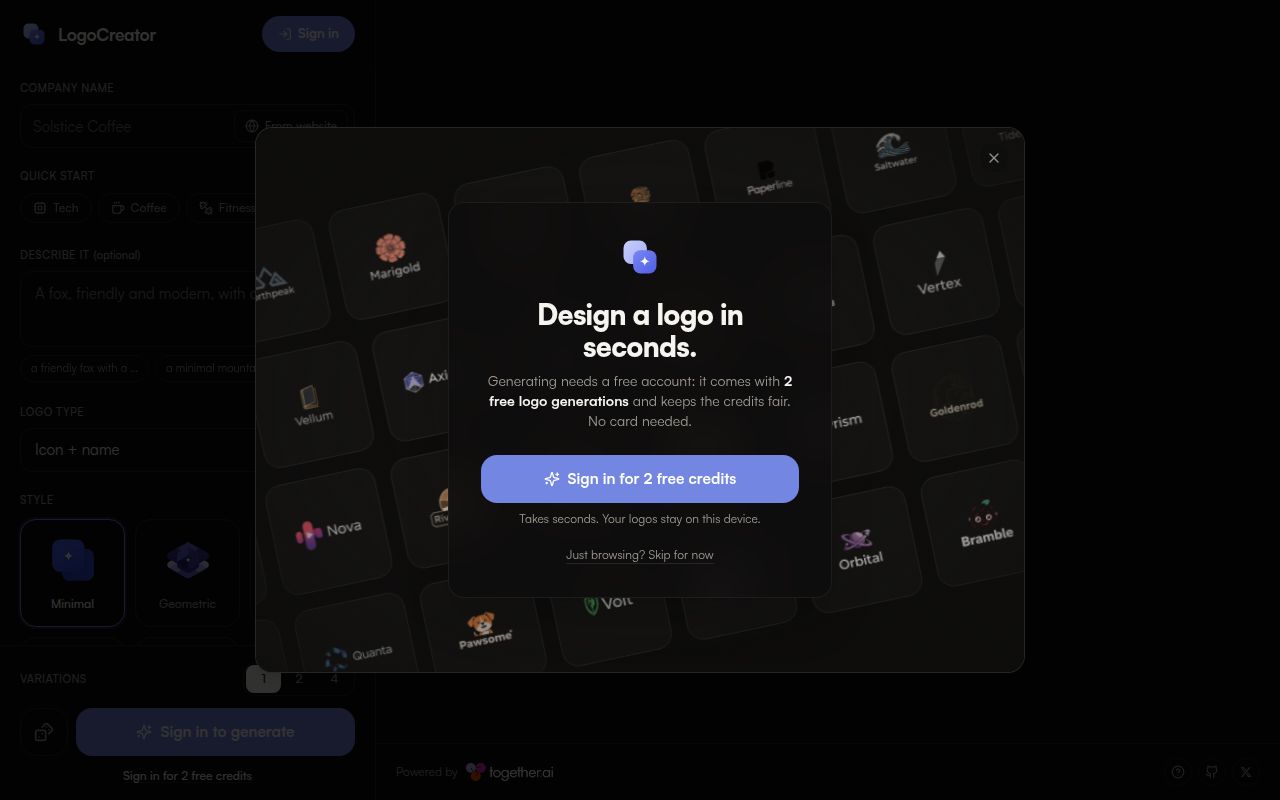
LogoCreator uses FLUX.2 Pro on Together AI for generation and FLUX.1 Kontext for edits. The form asks for a company name, logo type, style, colors, detail level, and optional reference. A user can request 1, 2, or 4 variations, keep a history, mark favorites, edit a result, or generate another take. This is a focused interface for logo exploration rather than a general image prompt box.
The 201-file checkout also contains a substantial browser-side brand-kit builder. It can remove a flat background, make light and dark variants, trace the raster result into SVG, create social and app images, prepare merchandise previews, write color values to CSS and JSON, and assemble a PDF style guide. That saves repetitive export work. Auto-tracing still converts pixels into paths, so a designer should inspect curves, tiny gaps, lettering, and trademark risk before treating the SVG as finished artwork.
Together AI remains the generation backend
The README names one required service: Together AI. Generation and editing routes accept either the server's TOGETHER_API_KEY or a visitor-supplied key. Clerk can add sign-in, and Upstash Redis can meter free use. Production code refuses to spend an unprotected server key when neither authentication nor rate limiting is configured. That safeguard is sensible, but operators still need to choose who pays for image requests and how abuse is contained.
Our 31.6 MB checkout stores a visitor's supplied key in browser local storage, then includes it in requests to the app's server routes. Generated logo history is different: images go into IndexedDB as blobs and stay on the device. This account-free design removes a project database from the basic path, but shared computers and browser profiles deserve attention. Users should understand that clearing site data removes history and that a saved provider key persists until removed.
What happened when we ran it
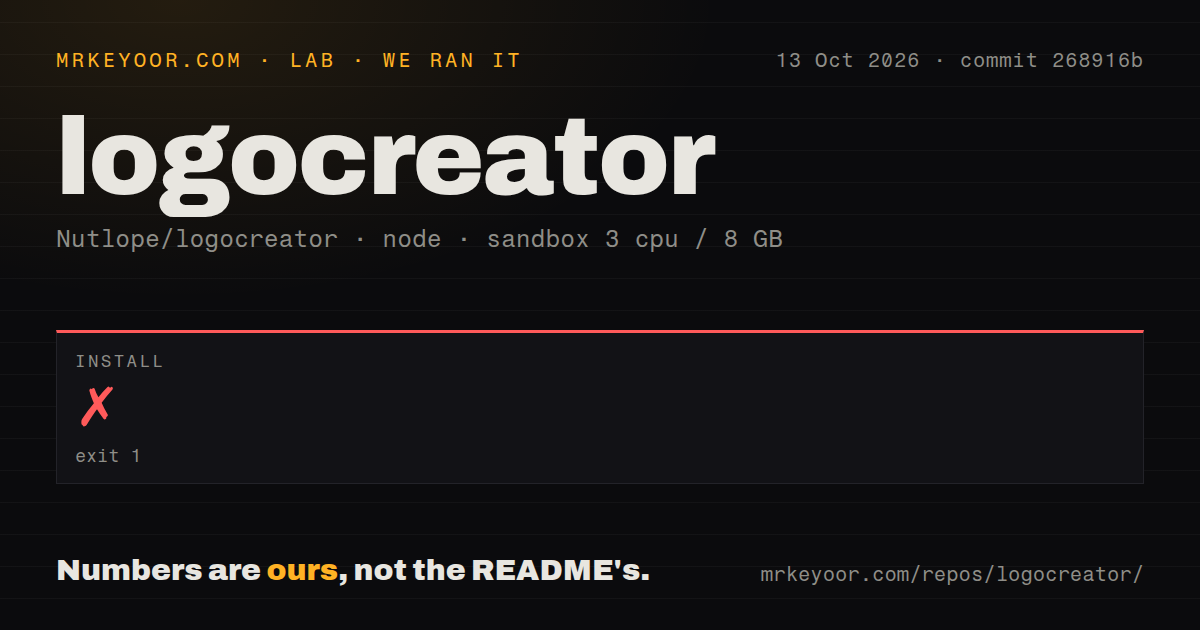
Our sandbox install of commit 268916b failed after 6 seconds. The final error was ERR_UNKNOWN_BUILTIN_MODULE, raised while pnpm was loading its store, npm resolver, project graph, and project filter modules. The log identified Node.js v20.20.2. It did not show an application compiler error, a missing Together credential, or a failed image request, so we cannot honestly move the failure to any of those layers.
The failed step was the documented pnpm install, before LogoCreator could provide a working server in our fresh Debian container. Our run therefore did not establish a successful build or test result. The repository scan found 0 CI workflow files, no Dockerfile, and no tests directory. A contributor has little upstream automation to compare against when the two-command quick start stops this early. The practical next check is a clean install on the adopter's target Node and pnpm combination.
Browser-side exports trade precision for speed
commit 268916b contains code for auto-traced SVG rather than a model-generated vector source. That distinction matters. A clean, flat mark may trace well, while gradients, soft edges, small type, or textured artwork can create awkward paths. The app tries to guide FLUX toward flat backgrounds and clear shapes, which helps its background removal and tracing code, but an exported .svg extension does not prove that the geometry is production ready.
The 13,254 source lines include useful details beyond export buttons. Brand imports validate public hosts and redirects before fetching a website, reference uploads are capped before being sent to a Together vision model, and local history handles storage failures. These are signs of care in the product code. They do not replace generated-image review. Spelling, distinctiveness, small-size legibility, and similarity to existing marks remain human decisions, especially when a model is asked to draw a wordmark.
No license and no release tags block conservative adopters
GitHub listed 8,597 stars and 16 open issues and pull requests when we fetched the repository. The last code push was August 3, 2026, and issue or pull-request activity continued later that month. That is recent movement, although the combined GitHub count is not a bug count. The latest-release endpoint returned no published release, so adopters must pin a commit rather than select a maintained release line.
The repository metadata reports no license, its 201-file tree has no license file, and issue 16 asks for clarification. That is a direct adoption problem, not paperwork trivia: public source does not by itself grant reuse rights. Issue 7 also asks for Ollama or ComfyUI support, while the current README still names Together AI as the generation service. Teams with procurement rules, offline requirements, or a local model fleet have clear reasons to stop here.
The failed 6-second install outweighs the polished feature list
LogoCreator has a sharper workflow than many image-generation demos. It carries a concept through variants, editing, on-device history, brand colors, social crops, icons, mockups, and a guide. The account-free option also makes a public demo easier to try. Yet operating the app means accepting a hosted model dependency, provider billing, browser-stored keys, and generated assets that need design review.
For an experiment, fork commit 268916b only after confirming that pnpm installs cleanly on the exact host you will use. For client or company deployment, wait for explicit licensing and add your own CI, tests, secret handling review, and output approval process. Our 6-second failure makes the current quick start unverified, and the repository gives no release tag or upstream test signal to offset that result.