Set the camera before paying for another generated take. That is the useful proposition behind CozyClay: arrange a rough 3D scene, decide where people stand and export references for an AI video model. Our source build completed, but the test command failed. The tool deserves a limited trial for shot preparation, with the exported reference as the thing you judge.
A rough scene gives the video model a concrete reference
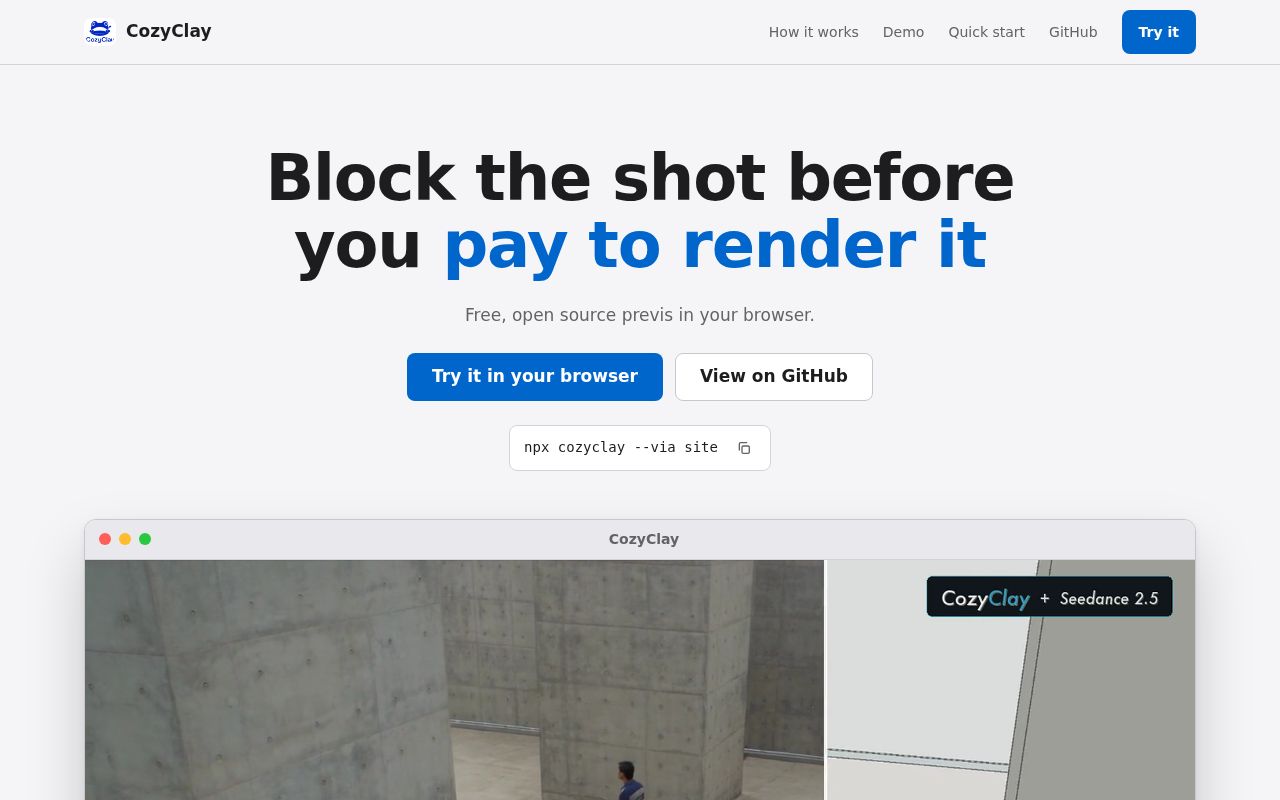
CozyClay's README describes primitives for building sets, rigged characters or capsule stand-ins for the cast, and a timeline for camera shots. Exports include first and last frames, a greybox reference clip and a prompt tied to the framing. Those choices address a practical problem: a text prompt alone leaves spatial relationships for the generation model to interpret.
For a conversation across a table, you could settle who sits where and which shoulder the camera looks past before generating a polished clip. That is a proposed use, not a result from our sandbox. We did not measure whether a video service preserves those choices or whether CozyClay reduces the number of paid attempts. Its exports give you a more concrete brief to evaluate.
The README also describes storyboard panels and animatics. You do not have to animate a rigged character to explain a sequence of shots. Keep that distinction in mind when choosing how much scene work to do. A static panel can answer a framing question without requiring a motion specification.
What happened when we ran it
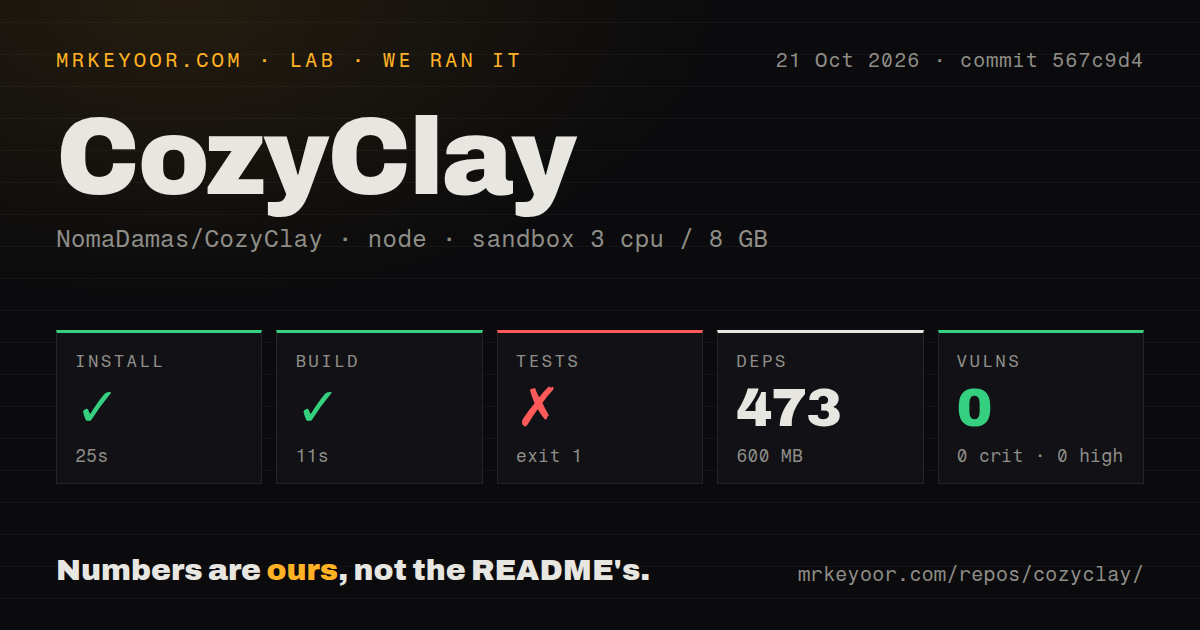
Our sandbox installed CozyClay commit 567c9d4 in 25 seconds on 2026-10-21, recording 473 dependencies and 600 MB on disk. Build succeeded in 11 seconds. Tests failed with exit 1 after 137 seconds. The supplied log tail contains passing cases about character changes, undo and guarded edits, but does not show the failure that produced the unsuccessful exit.
Calling that result a particular broken test or an environment problem would go beyond the evidence. We cannot report a passing-suite count either. The npm audit reported 0 known vulnerabilities in this run. That is a dated audit outcome, separate from the failed test command and from any assessment of the editor's runtime behavior.
The recorded sandbox had 3 CPUs and 8 GB of RAM with image label lab-node:22. That does not establish the actual Node.js or operating-system version. The checkout contained 1,327 files, roughly 179,686 source lines and 30.2 MB. The scan found 5 CI workflow files, no Dockerfile and a tests directory. We did not exercise scene editing or video export, so the successful build remains a source-build finding.
Chromium and a connected editor define the supported workflow
The setup guide requires Node.js 22.19 or newer and a Chromium-based browser. It explicitly excludes Safari and Firefox. The published package route starts a local studio, while source development is a separate route. Our source dependency footprint does not establish the size or startup behavior of that published package.
The guide also separates rigged animation from simple stand-ins. Compiled motion works on rigged characters in Animation projects. Capsule figures and Storyboard projects refuse that operation. Choose the project type according to the shot: a capsule can mark an actor's position, but the documented motion compiler needs the rigged route for limb movement.
MCP and terminal control add another boundary. Some scene tools work in memory without a browser, while frame capture and certain edits need a connected editor. A successful tool response therefore needs interpretation: confirm that the visible studio is connected before expecting it to change. That distinction matters if you are directing an assistant and watching the viewport for results.
Two live hubs can leave an agent disconnected
The setup guide says the studio and MCP server both try to host their live hub on port 5184. The second process can lose that port without reporting an error, leaving MCP working only in memory or the studio's Agent panel without a hub. It documents separate port settings and a terminal connection route for an already-running studio.
That is a concrete reason to read beyond the short launch instruction. Select one control surface first, confirm the editor connection, then ask for a small visible edit. For optional in-app AI work, the README offers a ChatGPT sign-in or supported provider credentials. Treat the separate video-model handoff as another choice rather than assuming a local studio makes the entire process local.
The official npm package sends anonymous usage counts, according to the guide, and offers a telemetry-off control. Source checkouts send no analytics under that policy. We did not inspect network traffic. A team that requires collection disabled should set the documented control before using the official package.
A project-opening report concerns the desktop preview
Issue 834, opened on 2026-10-21, reports a silent failure when opening an existing project in the Electron desktop preview. It names a NotAllowedError and a hidden failure message. This is a report about that preview, not proof that the documented Chromium workflow loses projects. GitHub recorded a push on 2026-10-22, alongside recent issue and pull-request activity.
Our documentation rating is 4 out of 5 on a scale from an unexplained entry path to fully reproduced instructions. The guide earns credit for naming browser, motion and connection limits. We have not reproduced the complete workflow. Before spending hours on a sequence, save a small project, reopen it and inspect its exported reference.
Blender and Storyboarder suit different production needs
Blender covers modeling, animation, rendering and video editing. Prefer it when your work needs that broader 3D production toolset. Storyboarder centers on drawing storyboards and showing animatics. Pick it when drawn panels communicate the idea better than a staged 3D scene.
CozyClay is worth trying when scene blocking and camera references are the missing step before AI video generation. Make one short shot, inspect the reference clip and compare it with what the downstream model produces. That comparison will tell you more about its value to your work than our successful build can.