Docker packages the emulator, but the host still needs KVM
Before you pull Docker-Android, check whether your machine can expose /dev/kvm to a container. The project's quick start passes that device into Docker and opens a browser view on port 6080. Without the host virtualization path, a convenient container command won't settle the deployment question. That's the first decision for a developer choosing this over a desktop emulator.
Docker-Android packages Android emulators with named device profiles, browser access through VNC, and control through Android Debug Bridge, or ADB. It suits a remote development machine or an automation worker where someone needs to watch the screen. Samsung skins make the display recognizable, but they don't establish that your app behaves like it would on the corresponding physical handset. Treat the profiles as emulator configurations.
The README describes Ubuntu as the host route and tells macOS and Windows users to use an Ubuntu virtual machine. It also provides separate Windows 11 WSL2 instructions involving KVM permissions and nested virtualization. That leaves you with platform work before Android starts. Choose the host first, then confirm that its virtualization settings survive a reboot.
What happened when we ran it
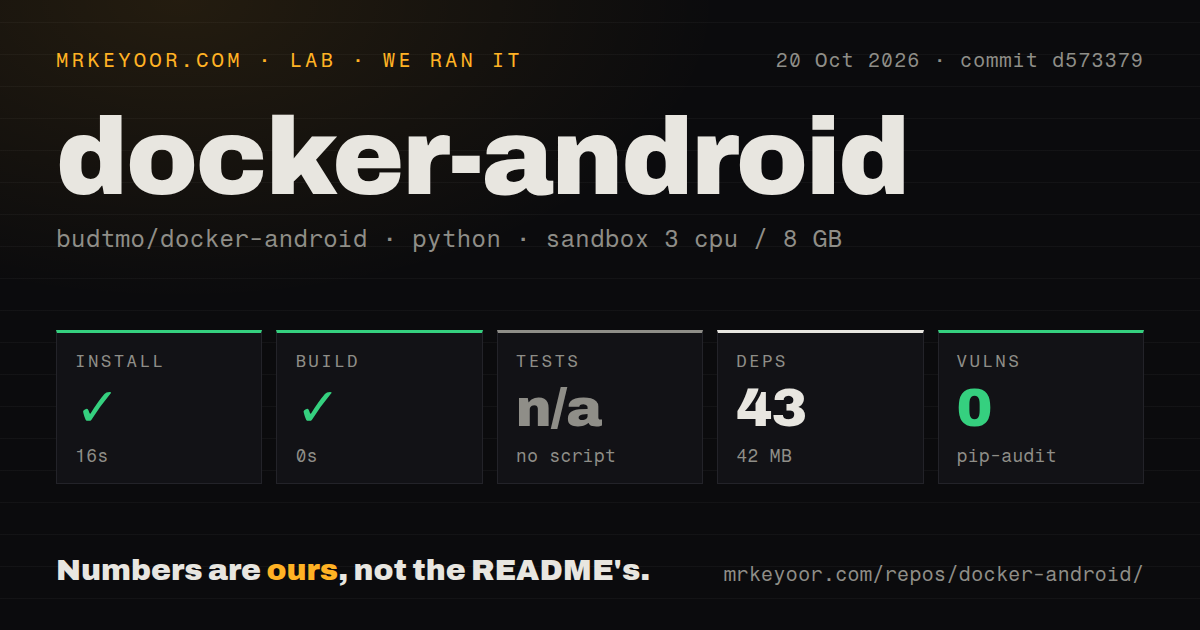
Our sandbox installed Docker-Android's Python project in ./cli/ in 16 seconds, recording 43 dependencies and 42 MB on disk. At commit d573379, the build step succeeded with a recorded duration of 0 seconds. Tests were skipped because the harness found no test script or target. Pip-audit reported 0 known vulnerabilities in the audited Python dependencies.
The October 20, 2026 run used a recorded allocation of 3 CPUs and 8 GB RAM. Its image label was ghcr.io/astral-sh/uv:python3.12-bookworm; that label alone doesn't establish the actual runtime or operating-system version. The checkout contained 325 files, about 1,965 source lines, and occupied 27.4 MB. The scan recorded three CI workflow files, no Dockerfile, and no tests directory.
Those findings describe the harness path. They don't establish emulator boot success, usable frame rates, Appium compatibility, or the footprint of a downloaded Android image. The 42 MB figure belongs to the Python environment, so using it to size an emulator host would be a mistake. Likewise, a skipped test step supplies no passing-test evidence. Budget a separate trial of the actual image and your app.
Device data disappears unless you mount a volume
The documented default destroys the emulated device on container restart. Docker-Android tells you to mount a volume at /home/androidusr to preserve it. For a disposable automation worker, a fresh device can be useful. For manual debugging, losing app state between sessions could waste the work you were trying to inspect.
Make persistence an acceptance check before you invest in a remote workspace: change a harmless device setting, restart the container, and verify the result. That is a suggested check, not an outcome from our sandbox. Also decide whether a browser session on port 6080 should be reachable through your private network or an authenticated gateway. The quick-start port mapping is a local access example, not a complete access policy.
The AI agent requires sponsor access
The feature list mentions a beta HTTP Model Context Protocol server and a beta AI agent with Ollama and vLLM support. The normal-versus-Pro table makes an essential distinction: the AI agent belongs to Pro, whose images require an active sponsorship. The public image table separately lists an MCP image. Don't buy into this as a free, complete local Android agent on the strength of the opening feature list.
Pro also reserves headless mode, on-the-fly proxy and language settings, and newer Android versions. The public image table reaches Android 14. Several Pro entries, including Google Play Store support, are marked as coming soon; that label doesn't establish availability. The same table says the normal edition includes user-behavior analytics while Pro does not. If that affects your privacy policy, resolve the collection details before deployment.
Active dependency work doesn't answer emulator support questions
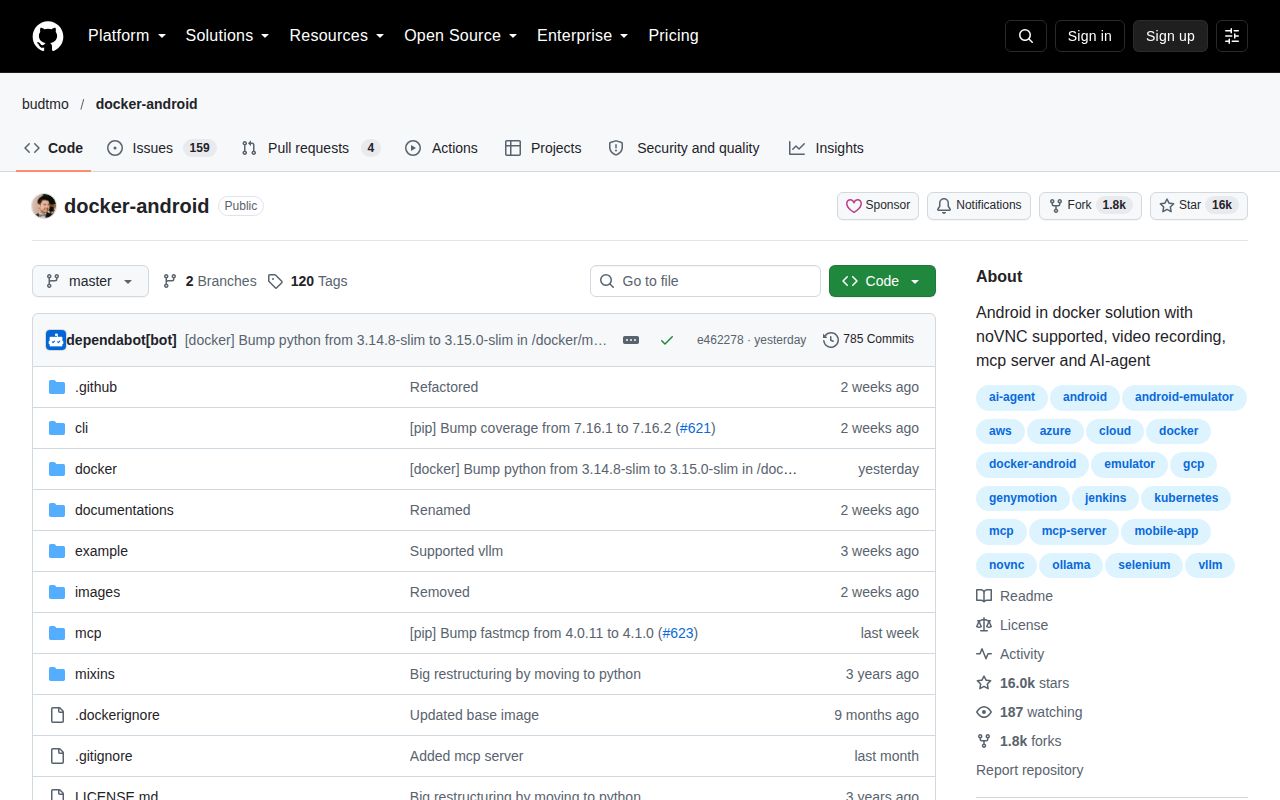
GitHub recorded a last push on October 21, 2026, and release v3.8.0-p1 on October 9. The recent activity list includes merged dependency updates, alongside an open FastMCP update. That is maintenance evidence, although it doesn't demonstrate that every host or Android image works. GitHub's 163 open issues and PRs are a combined queue, not a count of confirmed defects.
We rate documentation 4/5: on this scale, 1 means insufficient instructions to attempt the documented route and 5 means that route's prerequisites and edition boundaries are consistently explicit. The KVM, WSL2, and persistence instructions earn credit; the opening AI claims require cross-checking the Pro table. Setup and operational maturity remain unscored because our CLI run doesn't reproduce the emulator service. Support responsiveness also remains unscored.
A GitHub Actions job can use a narrower emulator runner
Android Emulator Runner is a GitHub Action for configuring and running accelerated Android emulators on Linux and macOS virtual machines. Pick it when a workflow needs an emulator for one job and doesn't need Docker-Android's browser workspace. Its host acceleration requirements still deserve attention.
Google's Android Emulator Container Scripts provide minimal scripts for running emulators in containers. Consider them when you want to own that container integration, accepting their experimental status. Docker-Android earns a trial when browser visibility and reusable device state matter. Start with one pinned image on a KVM-capable host, then prove that your app and restart behavior work before adding an AI agent.