Keep the editable diagram beside the exported picture
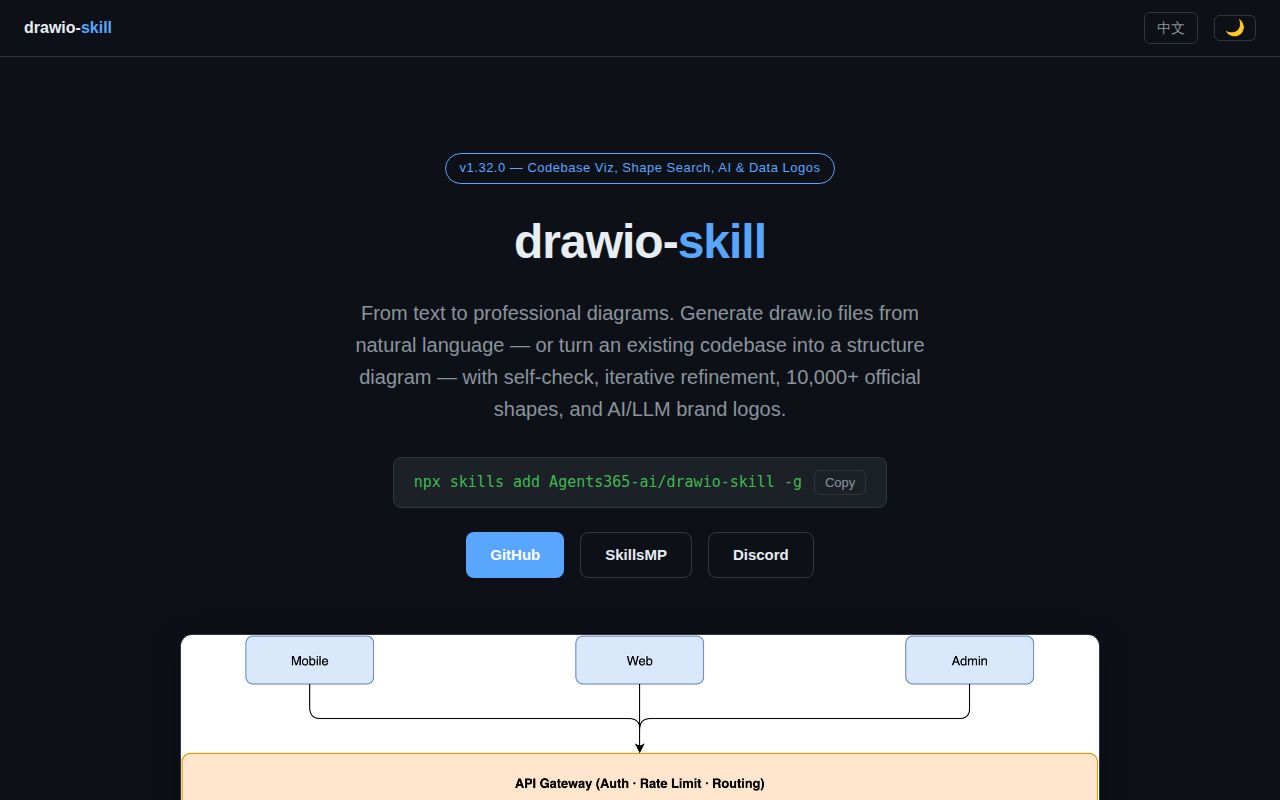
Drawio Skill gives you a .drawio file you can change after the agent finishes. That matters when a reviewer moves a service, corrects a dependency, or needs a different view for a meeting. A PNG alone leaves those changes with whoever generated it. Agents365-ai's skill works inside an existing coding assistant, including Claude Code, and combines instructions with Python tools for diagram generation and maintenance.
Its most useful promise is preserving work between revisions. The README describes source importers for code, infrastructure definitions, SQL, and API schemas. A shared intermediate model separates diagram meaning from geometry; synchronization is designed to preserve adjusted coordinates and annotations. That's worth evaluating if your architecture diagram needs another revision next month. We haven't measured how faithfully it preserves a particular team's edits.
What happened when we ran it
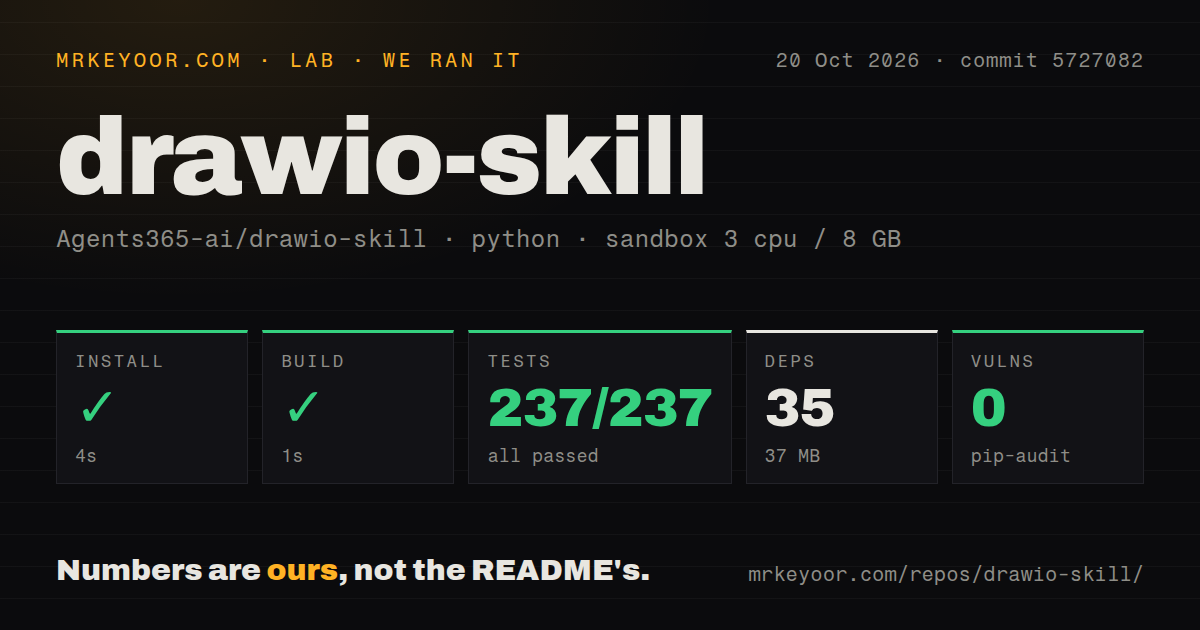
Our sandbox installed Drawio Skill at commit 5727082 in 4 seconds, recording 35 dependencies and 37 MB on disk. The build succeeded in 1 second, and the test step succeeded in 16 seconds. Pip-audit reported 0 known vulnerabilities in the audited Python dependencies. Those are repository results, with no measured diagram-generation speed or visual-quality result attached.
The supplied pytest summary reports 237 passed, 0 failed and 10 skipped. It also states a total of 237, which doesn't reconcile with the separate passed and skipped fields. We haven't reconstructed a collected-test total from that summary. The successful step is useful evidence, but it shouldn't become a claim that every rendering path passed.
The October 20, 2026 checkout occupied 5.1 MB across 195 files and roughly 16,822 source lines. The scan found three CI workflow files, a tests directory, and no Dockerfile. The sandbox allocation was 3 CPUs and 8 GB RAM, with image label ghcr.io/astral-sh/uv:python3.12-bookworm. Actual runtime and operating-system versions require the toolchain logs. Neither the label nor the passing Python checks establishes a working desktop export installation.
Native export adds draw.io to the Python workflow
The project's skill instructions say core model, XML, synchronization, and query work needs Python 3. Native export needs draw.io. The distinction lets you evaluate model operations without pretending a headless machine already has a functioning desktop renderer. Graphviz adds automatic layout, while Linux headless export has a separate Xvfb prerequisite in the README.
Draw.io 30 or newer is recommended for Mermaid conversion and the ELK layout pass. Older versions lack those routes, according to the documentation. Install the actual skill subdirectory into your host's skills location, keeping its SKILL.md directly inside the entry. Copying the repository root there is the wrong layout. These are specific prerequisites that the quick agent-install command doesn't complete for you.
The skill doesn't provide a model service. Prompt-driven work uses your existing assistant and its configured access. Optional MCP support exposes the diagram workflows to a compatible host, but you don't need it for the core CLI route. Privacy also depends on the chosen output: AI-brand icons reference the unpkg CDN by default, and the documented embed option makes those assets self-contained. Check that before promising an offline export.
A passing validator can miss a bent or obscured connector
The maintainer's rendering report in PR 132 describes edge and label defects that escaped both validation and visual review. Examples include a decision-diamond branch crossing its own shape and label chips interrupting connectors. This concerns the rendered diagram itself. It isn't evidence that the Python suite failed in our sandbox.
The current instructions add a fallback that inspects the renderer's document structure when an image check is inconclusive. They also tell the agent to distinguish extracted relationships from inference and avoid treating model findings as verified runtime facts. That's sensible guidance. A neat dependency arrow can still describe a relationship absent from the source, and an architecture rule only checks what you encoded into the diagram and policy.
For a trial, use a small system you know well. Generate its source-backed diagram, move a node manually, then change the source and inspect the synchronized result. Review edge direction, labels, and retained layout in the export. This is our recommended acceptance exercise, not something the lab results establish. It tests the reason to choose this skill: keeping a diagram useful after its first draft.
An October push accompanies documented rendering corrections
GitHub recorded a last push on October 11, 2026, with no open issues or PRs in the metadata snapshot. The merged rendering documentation change in PR 132 addresses concrete connector defects. That correction and the later push show maintenance beyond a release tag. An empty queue doesn't establish quick support or compatibility with every listed assistant, so community support remains unscored.
Documentation earns 4/5 on a scale where 1 means you cannot identify a usable route and 5 means prerequisites and failure handling are consistently clear. The native-export boundary, skill-folder recipe, and rendering fallback justify that rating. Setup and operational maturity remain unscored because the run doesn't establish a supported renderer and host integration.
Choose Mermaid when the text definition is enough
Mermaid renders diagrams from Markdown-inspired text definitions. Choose it for documentation where reviewing a compact text change matters more than moving individual draw.io shapes. Drawio Skill is worth the extra machinery when someone needs to keep editing the resulting canvas.
The official Draw.io MCP Server connects assistants to diagram creation and opening in the draw.io editor, with several integration routes. Start there if assistant-to-editor access is your whole requirement. For Drawio Skill, make one source change and one manual layout edit coexist successfully before adopting its synchronization workflow for architecture documents.