Lexical 0.49.0 uses immutable state instead of HTML as truth
Lexical 0.49.0 treats the DOM as a rendered view of editor state. That state contains a node tree and selection, serializes to JSON, and becomes immutable after an update commits. During updates, Lexical clones the current state, mutates a pending copy, batches synchronous work, and reconciles the result to the DOM. Application code gets one controlled document model even when equivalent rich text has many possible HTML shapes.
The model comes with rules. Dollar-prefixed helpers run inside an editor read or update context, and nodes use writable clones during mutation. Initial React configuration is read once. Collaboration can leave the root empty for Yjs, while ordinary initialization seeds a paragraph. The discipline costs more than setting innerHTML, but undo, persistence, transforms, and browser normalization share one state system.
The 2-package React start leaves the product editor to you
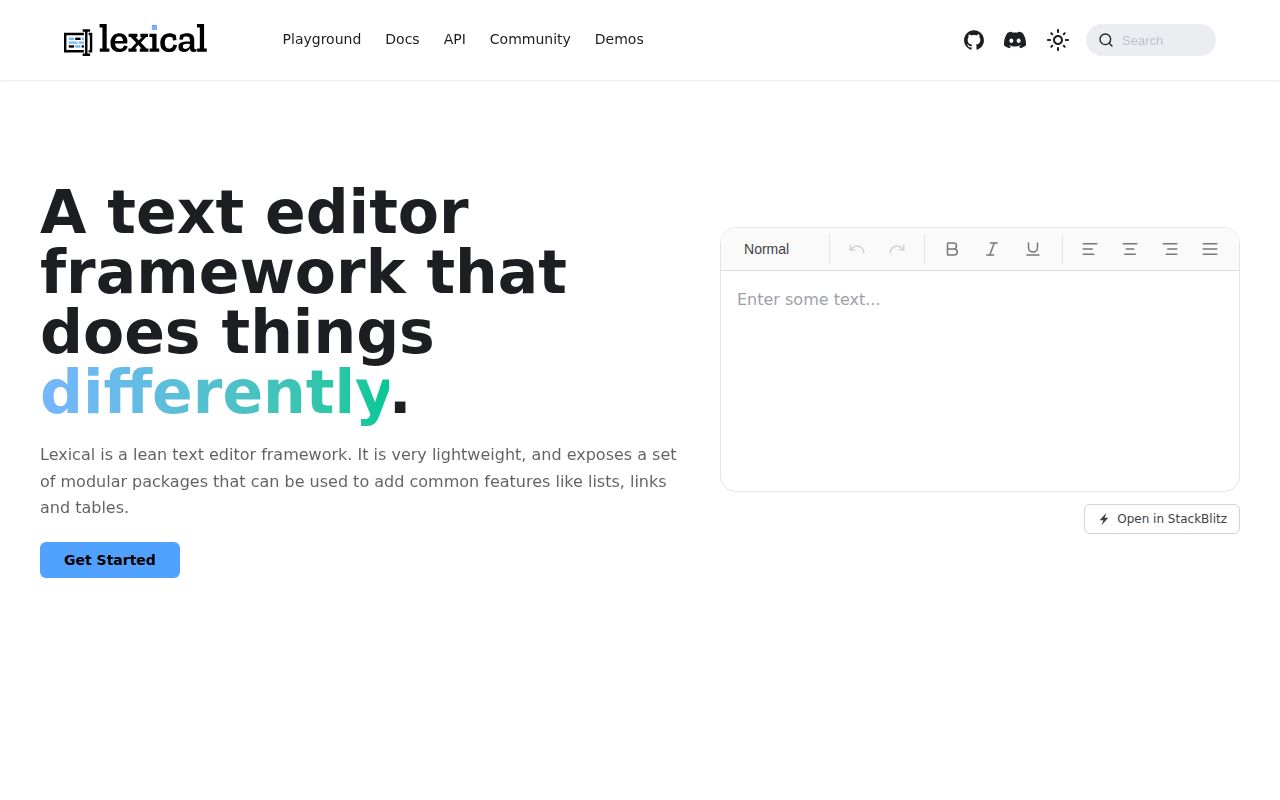
The README's React start installs 2 packages: lexical and @lexical/react. Its example composes an editor, a contenteditable surface, plain-text behavior, history, and an error boundary. Rich text, tables, lists, links, code blocks, Markdown, HTML conversion, and collaboration live in other packages or plugins. The team chooses and wires the behavior users will see.
Lexical has five base node types, and developers extend element, text, or decorator nodes for product content. Node properties must remain JSON serializable, setters use writable state, and collaboration needs predictable property initialization. Version 0.49.0 completed a $config() migration for built-in nodes. Custom content models need serialization fixtures and upgrade tests as well as an attractive toolbar.
What happened when we ran it
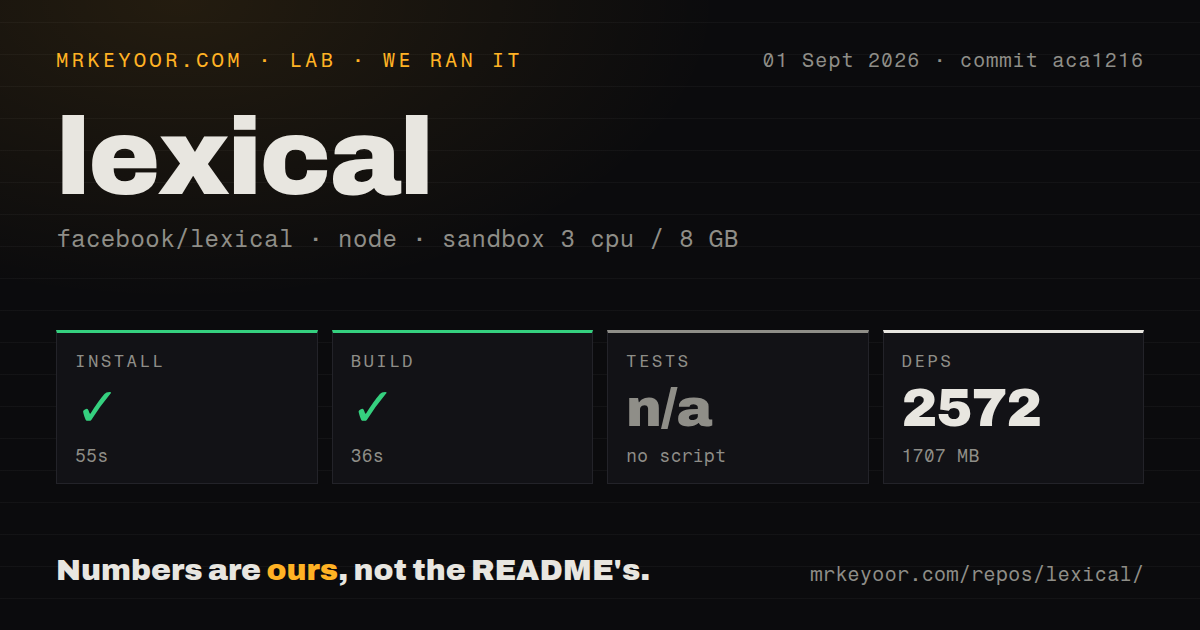
Our sandbox installed 2,572 pnpm packages in 55 seconds and consumed 1,707 MB on disk. The build passed in 36 seconds. We ran commit aca1216 in a fresh unprivileged Debian container with 3 CPUs and 8 GB of RAM. The repository itself was 20 MB, with 2,279 files and about 405,299 source lines. Dependency storage dominated the measured contributor setup.
The harness found no generic test script or target and skipped tests. Lexical still documents unit, browser, and Chromium end-to-end commands, so our run simply produced no test result. The scan found 13 CI workflow files, no Dockerfile, no tests directory, and a workspace monorepo. We did not measure editor speed, bundle size, or browser correctness.
The 1,707 MB install measures contributor tooling
The 1,707 MB pnpm tree covers core packages, React bindings, feature packages, the playground, documentation, build tooling, and several test systems. A product installing two published packages should expect a different dependency shape. A contributor changing Lexical needs TypeScript and Flow checks plus unit, browser, and end-to-end runs. The last path starts a playground and collaboration server before driving Chromium, Firefox, or WebKit.
Basic editor use needs no credential or hosted service. Yjs collaboration adds a provider to connect peers and handle awareness, with offline storage left to the chosen setup. JSON preserves Lexical state, while Markdown and HTML may not represent every custom concept. Teams should choose one canonical stored form and keep migration fixtures before customers create durable content.
Version 0.49.0 makes upgrades part of editor ownership
Release v0.49.0 shipped on July 30, 2026 with documented breaking changes. Built-in nodes moved to $config(), several static methods disappeared from those classes, and command payload typing became invariant. The release also fixed synthesized clone behavior, node-type collisions, and a stack overflow in compiled builds. Pin versions and read release notes before upgrading a production editor.
The same release fixed selection, tables, Markdown, HTML, code highlighting, and playground behavior. These categories expose the difficulty of rich-text software: correctness crosses document state, browser selection, clipboard formats, layout, and custom UI. Lexical cannot know whether a product's mentions, embeds, pasted office content, or mobile controls behave as users expect. Product-specific regression cases remain necessary.
Chrome 86 is supported, while older browser contracts are yours
Lexical documents Chrome and Edge 86+, Firefox 115+, and Safari 15+ as its browser floor. Enterprise applications with older managed browsers need another editor or their own compatibility work. Real browser tests matter because jsdom cannot reproduce every selection and geometry API. The project separates unit tests from Playwright-backed browser tests for that reason.
Accessibility still needs application-level testing. The README claims built-in accessibility and WCAG compliance, but a composed editor includes the product's toolbar, dialogs, labels, shortcuts, and custom nodes. Test keyboard editing, screen-reader announcements, focus recovery, high zoom, and decorators in the configuration you plan to ship.
289 issues and pull requests move with same-day commits
GitHub listed 23,823 stars and 289 combined issues and pull requests when fetched. The repository was pushed on September 2, 2026. Recently updated work included extension hot reload, shared-history fixes, block-cursor behavior, Markdown list structure, selection deletion, and a mobile image-click report. Several items closed on September 1 while new reports opened. The combined count includes pull requests.
Lexical fits a team that wants an editor framework and accepts responsibility for the finished experience. The 36-second build succeeded, while the test step was skipped and contributor dependencies occupied 1,707 MB. Compare Tiptap, Slate, and CKEditor 5 with the same custom nodes, paste samples, collaboration needs, and browser matrix. Lexical wins only when you want to own that testing and migration work.