Local browser decisions still need an Apple Silicon Mac
Laya Ultrafast can install cleanly on Debian while its actual decision model remains tied to a Mac. Our checkout occupied 2.7 MB, and the Python environment grew to 150 MB. That makes the code approachable, but the hardware restriction decides whether you can use it. The project README requires Apple Silicon because local decisions run through MLX. A Linux server passing the offline suite does not establish that it can run the local agent.
The port takes Browser Use's Jev Ultrafast browser loop and replaces its hosted decision calls with Laya. A separate text model turns your goal into field values and a finish condition. Laya then answers narrower questions, such as which field means destination or which suggestion matches London. Rules connect those answers into actions. This is most appealing when you already have the right Mac and want to keep repeated decisions local.
What happened when we ran it
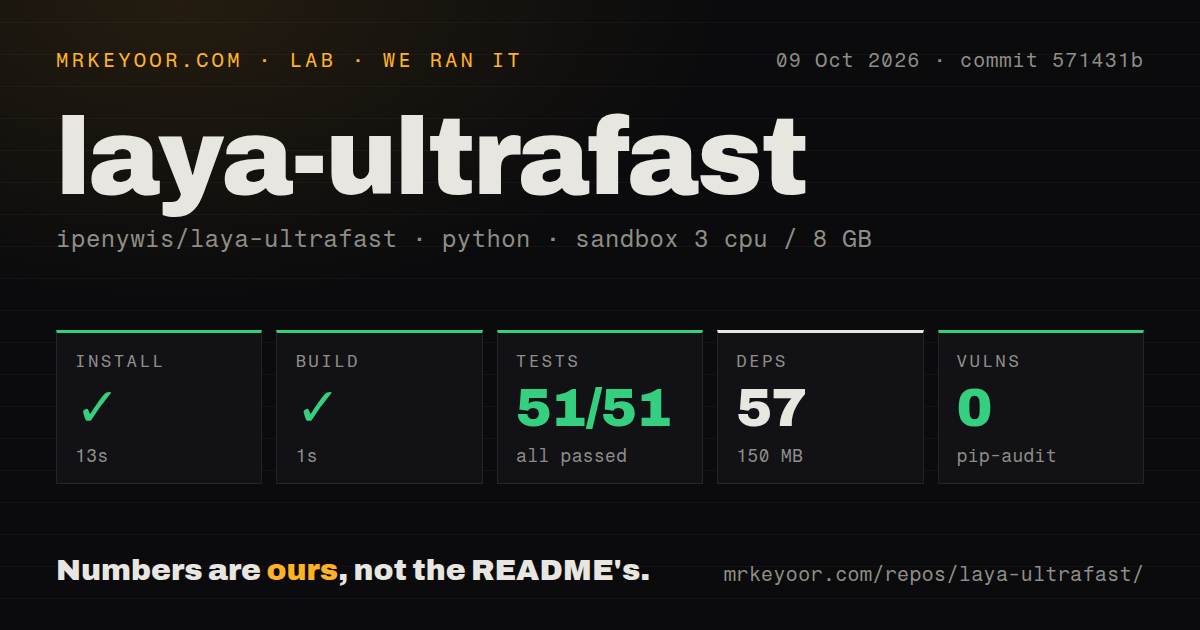
Our run installed commit 571431b in 13 seconds, adding 57 packages and using 150 MB on disk. The build succeeded in 1 second. Pytest finished in 3 seconds with 51 passed and 0 failed. We ran the October 9, 2026 check in an unprivileged Debian container with 3 CPUs, 8 GB of RAM, Python 3.12, and no secrets. Pip-audit reported 0 known vulnerabilities.
Those 51 passing tests support a narrower conclusion than the name suggests. The offline policy tests replace Laya with a fake model, so they can check action selection and state handling without downloading weights or making paid calls. The supplied measurements contain no browser-task latency or success rate. They show that installation, packaging, and the available suite worked in our sandbox. They leave real inference and website behavior for a separate trial.
The planner can still send your goal to a hosted model
The 57-package installation does not include a decision about where planning happens. By default, the text endpoint points to OpenRouter and requires TEXT_MODEL_API_KEY. You can instead set TEXT_MODEL_BASE_URL to a local OpenAI-compatible server, such as Ollama. With that choice and cached Laya weights, planning and decisions can stay on your machine. Websites the browser visits still receive its requests.
Follow the quick start beyond uv sync: download the named Hugging Face checkpoint, configure the planner, and connect Chrome through Browser Harness. Chrome needs remote debugging enabled, and the README supplies browser-harness --doctor for connection problems. The inspector gives you a way to watch the agent work. I would start with a separate browser profile and a harmless search task, then check whether its chosen fields match what you intended.
A DONE decision needs an independent page check
Our 3-second test step cannot certify that a flight search returned the right itinerary. The README explicitly warns that a DONE decision is not proof of success. Its flight examples inspect the final page independently and stop before selecting or booking a flight. That separation is worth keeping in your own integration: finishing the action loop and satisfying the user request are different events.
The model's job is deliberately constrained. It chooses among elements the agent observed instead of inventing a target. The inherited executor also checks whether the page is fresh and a target is covered. Those checks can prevent some bad clicks, but they do not establish that the goal was understood. For a search, verify the query and returned item. For a form, inspect saved values before allowing any consequential submission.
Frames, uploads, and robot checks remain outside the useful path
The 51-test result should not outweigh the README's explicit exclusions: shadow roots, frames, canvas, uploads, pop-up tabs, nested scrolling, and arbitrary keyboard widgets. If your internal app depends on a framed editor or an upload flow, that is a reason to choose another approach immediately. Testing a supported hotel fixture will not make those unsupported controls usable. Map your actual screens against this list before investing in integration.
Skyscanner adds another boundary. The README says the agent stops at its robot check and expects you to solve it in everyday Chrome. That makes attended browsing a better fit than unattended travel scraping. Planning can also return malformed JSON, for which the project retries. A local decision model removes repeated decision API calls, but it does not remove planner errors or a website's ability to block automation.
The small checkout has a small maintenance record
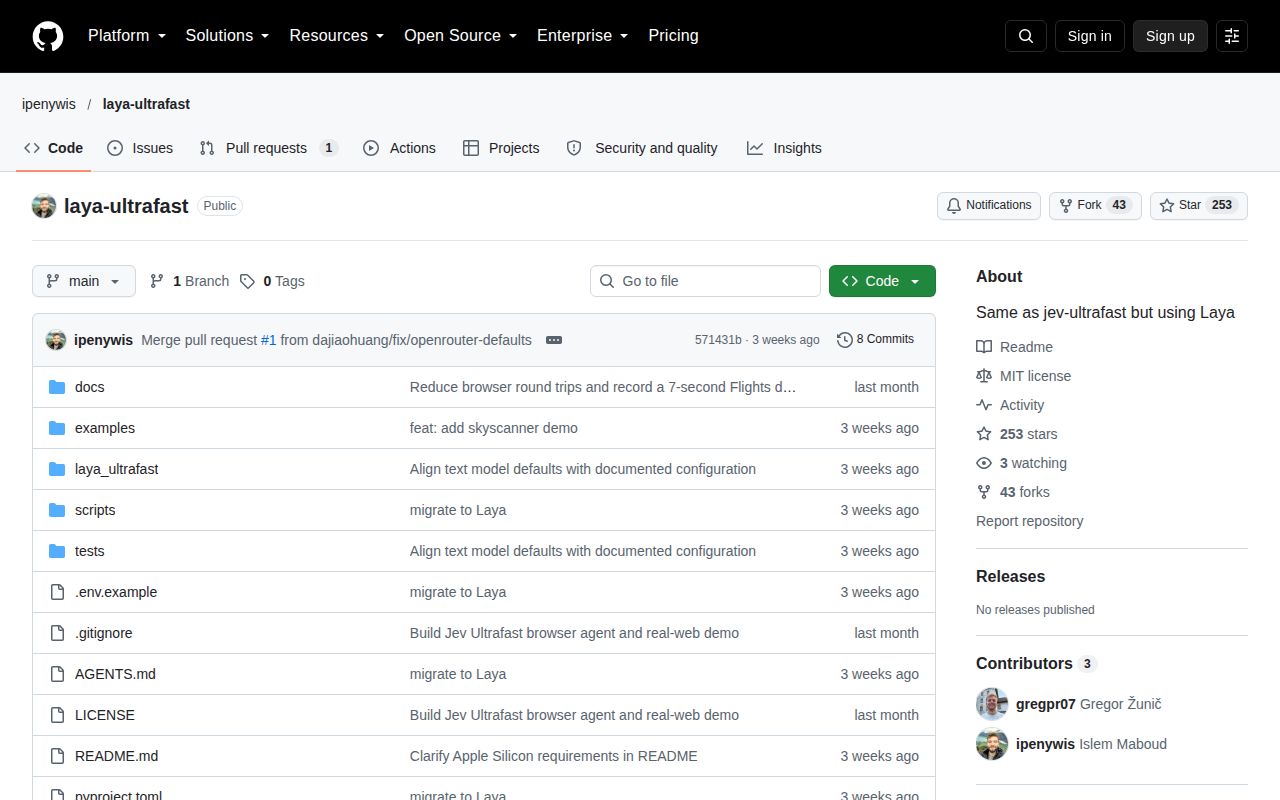
The repository was last pushed on September 22, 2026, and GitHub showed 253 stars on October 12. The sole open item was pull request 2, updated September 27, proposing CLI-backed planning through Codex or Claude. It remained open, so that adapter should not influence an adoption decision as an available feature. GitHub's latest-release endpoint returned no release. Together, these facts describe a young port with limited visible follow-up, not proof of abandonment.
Our scan found 0 CI workflow files and no Dockerfile in the 43-file checkout. Choose the original Jev Ultrafast when you want its hosted policy, or Browser Use when you want a different general browser-agent framework. Playwright is the better choice for flows you can script explicitly. For Laya, make the adoption gate one complete task on your Mac, checked against the resulting page. Keep that check after every change to the planner or website.