One agent across the places developers work
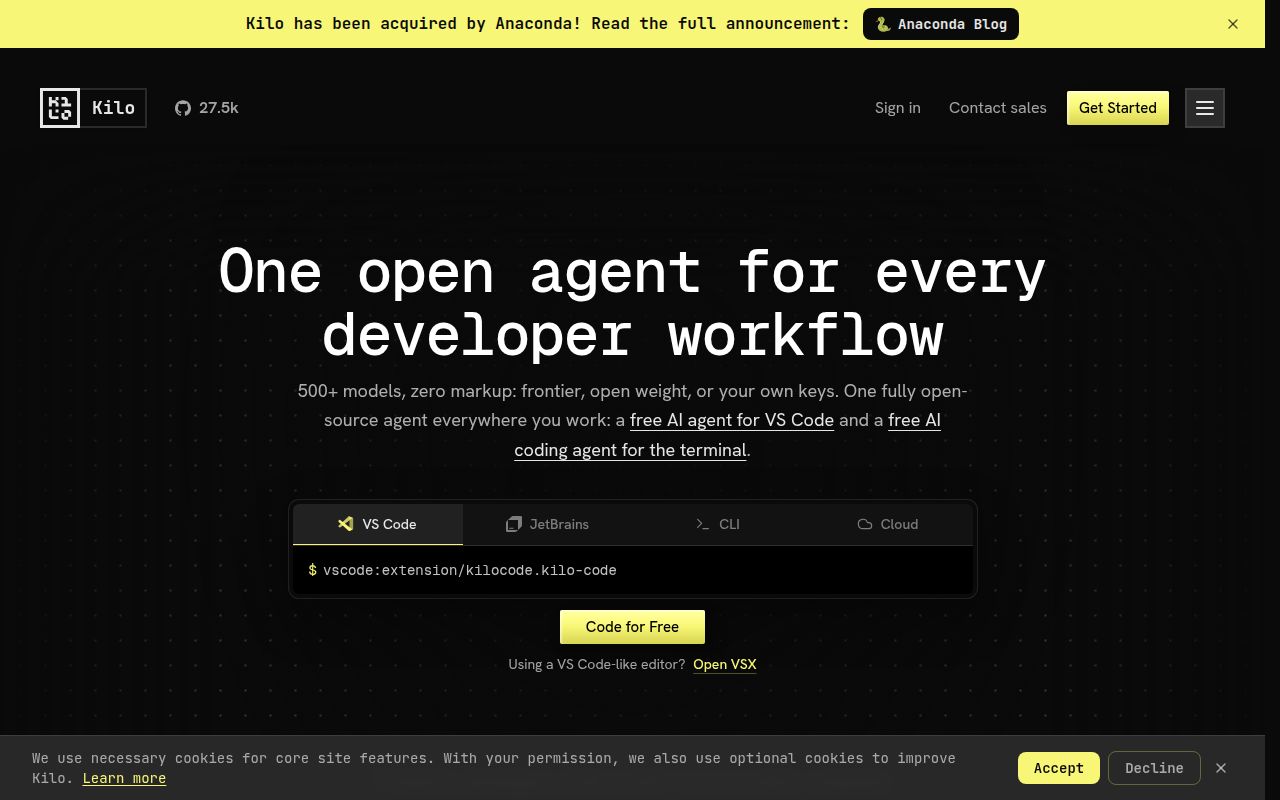
Kilo Code is an open-source coding agent rather than a single autocomplete plugin. It spans VS Code, JetBrains IDEs, a CLI, a cloud agent, pull-request reviews, and an always-on agent called KiloClaw. It can change code from natural language, answer questions, debug failures, review changes, suggest completions, and operate terminal and browser tools. The MIT license permits inspection, modification, and commercial redistribution with the required notices.
Breadth is the differentiator. Kilo says users can choose from 500+ models, switch during a task, and pay provider rates without markup. The README names GPT-5.5, Claude Opus 4.7, Claude Sonnet 4.6, and Gemini 3.1 Pro Preview. That choice appeals to developers who match cost and reasoning to a task, although the supplied evidence cannot verify pricing or compare model quality.
Its working modes create useful boundaries
The built-in agents are easier to reason about than a blank chat box. Code edits files, Plan designs an approach, Ask answers repository questions without touching files, Debug investigates problems, and Review checks performance, security, style, and test coverage. A developer can inspect first, plan a migration, then edit without giving every prompt identical authority. Teams can also define custom agents.
Distribution is unusually broad. The README documents 6 CLI installation routes, marketplace installs for 2 IDE families, and binaries for Windows, macOS, Linux x64, and Linux ARM. It distinguishes older-CPU baseline binaries, musl builds, VSIX packages, and source archives. Those details reduce wrong downloads, while translated README links cover more than 20 languages.
Kilo can also find and connect MCP servers that add tools. Terminal and browser control take it beyond text generation, while self-checking is listed as a feature. The supplied material does not quantify how often that self-checking catches mistakes. Kilo offers a wide integration surface, but it cannot replace review, tests, or normal engineering controls.
What happened when we ran it
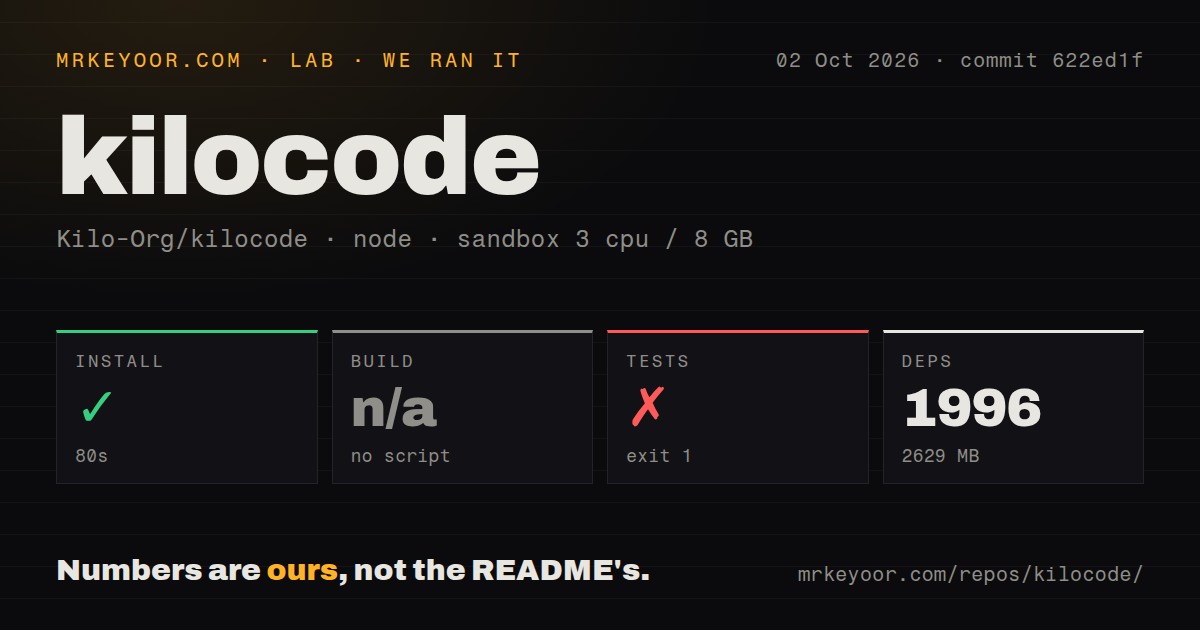
We cloned commit 156fb64 into a fresh unprivileged Debian container with 3 CPUs, 8 GB of RAM, Node 22 tooling, and no secrets. The checkout had 9,611 files, about 1,157,861 source lines, and occupied 105.1 MB. It is a Bun-based Node monorepo with workspaces, 29 CI workflow files, no Dockerfile, and no top-level tests directory. These are measurements of the checkout, not a published extension or binary.
Dependency installation succeeded in 80 seconds. It installed 1,964 packages and expanded to 2,609 MB on disk, a substantial footprint for contributor machines and CI caches. There was no root build script or target, so we skipped build rather than inventing a command. Our run establishes that installation completed, not that every workspace builds.
The root test command failed after 18 seconds with exit code 1. Its output printed "do not run tests from root" and exited. No tests ran, so calling the suite broken would be unfair, but the outcome remains a contributor-experience rough edge. A newcomer using the conventional root install-and-test sequence must locate workspace-specific validation instructions.
Scale and permissions are the main rough edges
Kilo's capabilities create a large trust boundary. Terminal and browser control can amplify a bad instruction. Autonomous CI/CD mode, invoked with kilo run --auto, disables permission prompts and allows actions without confirmation. The README warns users to reserve it for trusted environments. Teams should isolate those jobs, minimize credentials, restrict access, and review changes before deployment.
Repository scale is another cost. A 2,609 MB dependency tree, 1.16 million source lines, multiple workspaces, IDE plugins, cloud features, and 29 workflows make this harder to audit than a focused extension. There is no Dockerfile providing a canonical container path. Organizations should determine which components run locally, which use hosted services, and how account-based model access handles code.
Current activity is strong, but issue volume matters
The push and release dates together show active work. The repository had 27,048 stars, was pushed on August 28, 2026, and published JetBrains v7.1.0 on August 27. Community links include Discord, X, and Reddit, while contributing, conduct, and release documents give prospective contributors useful starting points.
The counterweight is 592 open issues. That may reflect adoption and product breadth as much as neglect, so the number is not a verdict. We lack response-time, closure-rate, and maintainer-count data. Before standardizing on Kilo, search recent issues for your IDE, provider, authentication method, and operating system.
It fits inside existing engineering controls
Kilo belongs beside an editor, terminal, source host, and CI system, not above them as an unquestioned decision-maker. Use Ask and Plan for exploration, Code and Debug in a reviewable branch, and Review as another signal before human approval. Give MCP servers only necessary permissions, and put automated runs in ephemeral environments with scoped credentials and branch protections.
For individuals, a published CLI or marketplace package is the sensible trial; cloning all 9,611 files mainly concerns contributors and auditors. Teams should pilot one repository, document allowed modes and data boundaries, then measure acceptance and rollback rates. Kilo earns a trial through interface coverage, model choice, active releases, and an open license. Our root-level validation shows why it has not earned blind trust.