Codex works locally and uses OpenAI model access
Codex CLI works inside a local repository and signs in through ChatGPT or an OpenAI API key. You give it a task, and the process can inspect files, edit the worktree, and run commands under its approval and sandbox settings. The README separates this terminal tool from the IDE extension, desktop app, and Codex Web. Installing the CLI gives you the local interface, while the account supplies model access.
The repository is much larger than its command-line entry point suggests. Our commit 08b07ee checkout contained 8,825 files, roughly 2,070,775 lines of source, and 87.2 MB of checked-out data. The root includes the Rust workspace, CLI packaging, SDK code, documentation, Bazel files, and a pnpm workspace. Most users should install a release instead of treating this monorepo as the product package.
Five install routes hide a separate Rust source build
The README documents five user paths: a shell installer for macOS and Linux, PowerShell for Windows, npm, Homebrew, or a platform binary from GitHub Releases. After installation, codex starts the sign-in flow. ChatGPT Plus, Pro, Business, Edu, and Enterprise plans are named in the README, while API-key use has its own configuration and billing path.
Source contributors face a different setup. The build guide moves into codex-rs, installs the Rust toolchain plus rustfmt and clippy, adds Just, DotSlash, and cargo-nextest, then uses cargo build and just test. Our scan also found 29 CI workflow files and no Dockerfile. The one-package pnpm result therefore describes a narrow root workspace action, not the documented Rust build.
What happened when we ran it
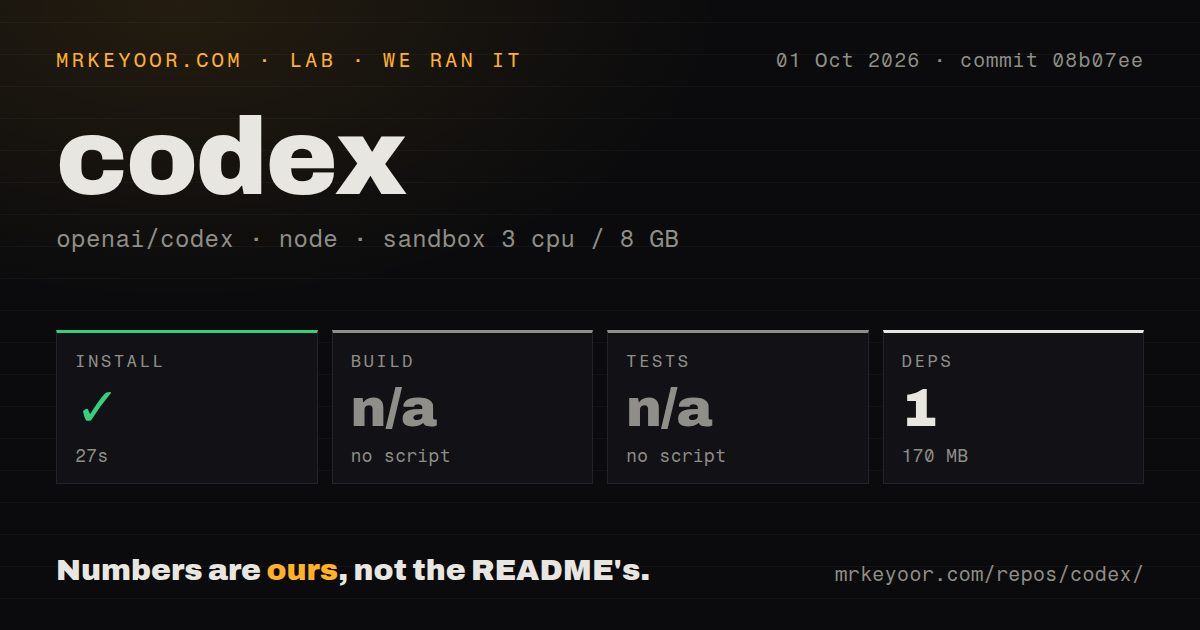
We measured installation in a fresh unprivileged Debian container at commit 08b07ee. Pnpm finished in 27 seconds on 3 CPUs and 8 GB of RAM, using Node 22 with no secrets. It added one package, and the environment occupied 170 MB after installation. The install completed without an error.
The harness found no build script or target, so it skipped the build. It found no test script or target and skipped tests for the same reason. The log contains no compiler failure and no failing test because neither step ran. It also reported monorepo workspaces, 29 CI workflow files, no Dockerfile, and no tests directory at the location its generic detector checks.
The skipped steps set the limit on our result. Our run does not prove that the Rust CLI compiled, that Codex's own test suites passed, or that an authenticated agent completed a task. It proves that the detected pnpm install path works in 27 seconds. Anyone modifying Codex itself should follow the codex-rs instructions and run the relevant Cargo and Just commands.
The 170 MB install leaves command permissions unresolved
Our 170 MB install measured disk use but did not exercise a single authenticated command approval. Codex has dedicated sandbox and approval documentation, plus configuration for repository instructions, skills, and MCP connections. Each connected tool can widen what a session may read or change. Teams still need narrow defaults, protected credentials, and diff review before merging.
Our 3-CPU, 8 GB sandbox had no secrets and never entered an authenticated session, so we did not test model behavior, command approvals, MCP access, or task quality. The source-build guide lists 4 GB as the minimum and recommends 8 GB, which our container met. That only covers memory guidance. Account limits, model availability, network rules, and the target repository's own toolchain still shape the real setup.
OpenAI accepts bug reports, not outside code patches
The Apache-2.0 license permits forks and reuse, but the contribution process is unusually closed for a repository of this size. OpenAI says it does not accept external code contributions or pull requests. Users are asked to provide reproduction steps, logs, root-cause analysis, and feature requests through issues while OpenAI's team handles implementation. That is a reasonable operating choice, yet it removes a common reason developers choose an open-source tool.
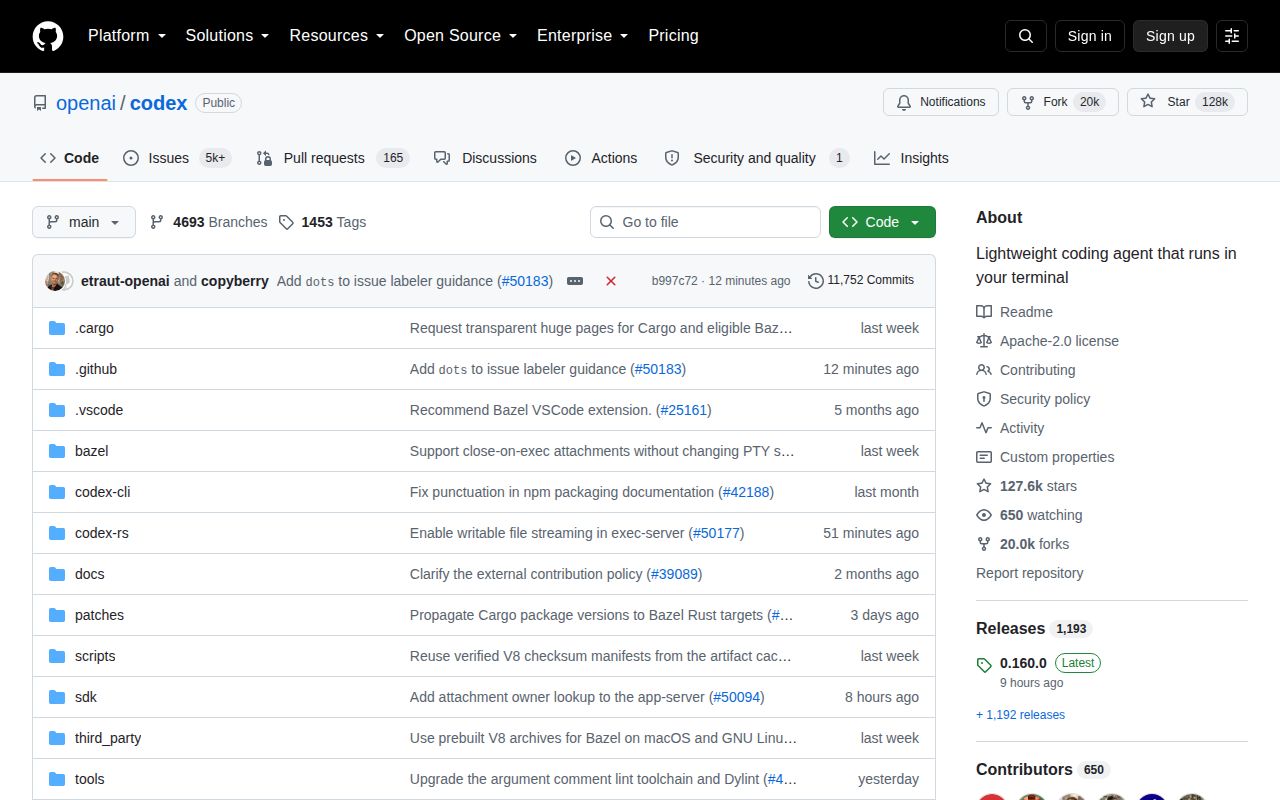
GitHub reported 127,563 stars and 20,058 open issues and pull requests combined on October 2, 2026. The repository was pushed the same day, and issue activity was moving within minutes of our fetch. Codex has a huge audience and active maintenance, alongside a support queue large enough that your particular report may compete with thousands of others.
Version 0.160.0 shows a fast-moving product
Release 0.160.0 arrived on October 1, 2026. It added task-history pagination and projectless sessions, then fixed queued-message recovery, Windows sandbox behavior, SQLite stalls, provider catalogs, and subagent startup handling. Those changes touch daily workflow and platform plumbing rather than a frozen command surface. Pin the CLI version in shared automation and test upgrades against a disposable checkout.
Codex is an easy recommendation for an OpenAI customer who wants an agent in the terminal and already reviews every change before it lands. The 27-second install is pleasant, but it says little about the effort of governing commands or maintaining a 2,070,775-line fork. Teams without a dependable review and approval loop should establish one before giving Codex access to a production repository.