Review one agent task before adding more
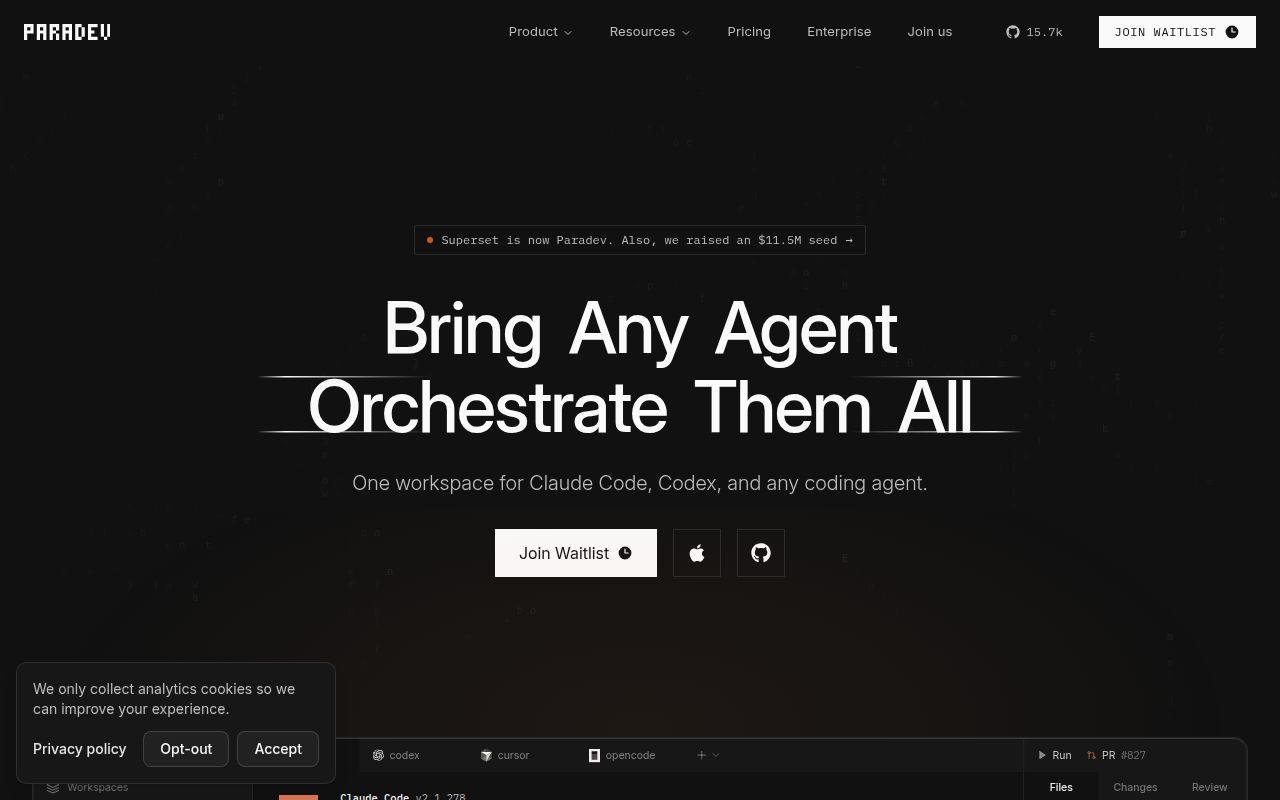
Paradev puts a coding agent's terminal, its diff and an application preview in one desktop workspace. For a macOS developer already using CLI coding agents, that makes it a candidate for evaluating a specific workflow: inspect a patch, request revisions and check the running application before committing.
The README recommends starting with a small change. The supplied sandbox run supports a limited recommendation: evaluate the desktop download separately from the source development workflow. Dependencies installed, but the source build and test command failed. The run did not establish a working desktop application.
What happened when we ran it
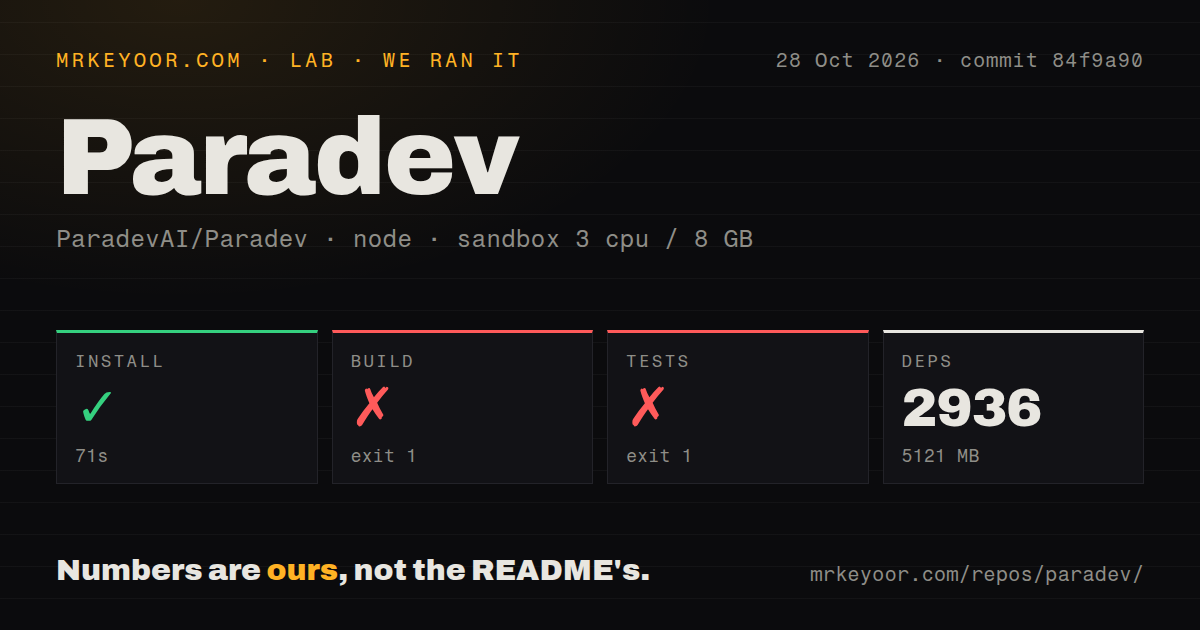
Our Paradev sandbox installed dependencies in 71 seconds, then the build failed after 275 seconds and tests failed after 19 seconds. Both failures returned exit 1. The October 28, 2026 run used commit 84f9a90, recorded 2,936 dependencies and occupied 5,121 MB on disk. These figures describe the measured development environment, not the packaged download or its minimum requirements.
The build tail identifies @superset/desktop. Rollup reports a comment annotation it cannot interpret in a Zod file, then the output reaches chunk rendering before compile:app and prebuild exit unsuccessfully. The tail does not establish that the annotation warning caused the failure. It does not support prescribing a dependency change or a memory setting.
The test tail identifies @superset/cli-framework as the failed task and reports 2 failed tests among 77 run across 8 files in that package. It separately reports 8 tests across 1 file for @superset/host-client. These are package summaries, not a complete repository total. The failed assertions are absent. A warning about missing output files for the host-client task does not explain the cli-framework failures.
The configured sandbox had 3 CPUs, 8 GB RAM and image label lab-node:22. That label does not establish its actual runtime version. The run provides no desktop startup, agent compatibility or parallel-workload measurement. It also does not establish whether a released desktop download runs successfully.
Worktrees separate files, not processes
The README says worktrees separate working files without sandboxing processes or preventing merge conflicts. Each task can have its own branch and terminals, but that separation does not make an arbitrary agent command safe to run on your machine.
Paradev documents a diff viewer for inspecting, commenting on and editing changes. Its browser pane previews development servers, with ports detected per workspace. Those features provide a place to check a patch against its running application; they do not establish that the patch is correct. Keep the relevant tests and review steps before merging.
The README also describes an MCP server that lets agents create and manage workspaces. Its permissions and workspace-management behavior were not verified in the recorded run.
macOS is the documented starting point
The README calls macOS the primary target, labels the Linux AppImage experimental and says Windows is not yet available. Developers who require a Windows desktop build should choose another route. Linux users have an explicitly experimental download to evaluate.
For contributors, the development guide lists Bun v1.4.3+, Docker, jq, Git 2.20+ and gh. It directs contributors to create a workspace in the installed Paradev app and run the local setup script separately in each new worktree before starting development.
The guide says the script allocates workspace-specific ports, starts Postgres, neon-proxy and Redis, runs installation and migrations, and seeds a development account. It says this local route needs no third-party credentials. The recorded dependency installation does not verify that complete service stack, and the supplied logs do not establish which prerequisite, if any, was missing.
If you want to use the interface, begin with the documented macOS download route. If you want to contribute source changes, reproduce the documented contributor setup and investigate the recorded build and package-test failures. Neither route was verified end to end here.
Check the hosting restriction
Paradev's Elastic License 2.0 restricts providing it to third parties as a hosted or managed service that exposes a substantial set of its features. Read the license before building a hosting product around it.
The README says users can keep existing agent subscriptions. It separately says mobile access requires Paradev Pro and iOS 26 or iPadOS 26 or later. Reaching workspaces on your own computer requires enabling Remote Access and keeping that host awake and online. Mobile and remote sessions were not assessed in the recorded run.
Consider how much workspace management you need
Workmux manages Git worktrees and tmux windows together. Its README documents creating matching worktrees and windows, along with setup hooks and cleanup commands. Consider it when you want task organization within a terminal workflow. There is no comparative performance measurement here.
The tmux README describes persistent terminal sessions: tmux supports terminal sessions that detach and later reattach. Choose it when persistent terminals cover your need and you can manage branches, diffs and previews through your existing tools.
Documentation receives an editorial 4/5 for the inspected README and development guide. On this rubric, 1 means the basic route is missing, 2 means major setup details are absent, 3 means a usable route has material gaps, 4 means the text distinguishes user and contributor routes and states prerequisites and limits, and 5 also requires independent verification of those routes. The supplied text meets the 4-point criteria; the routes were not independently exercised. This rating does not assess rendered layout, assets, accessibility or every linked page.
Setup ease, community support and production maturity remain unscored. For a first evaluation, require one reviewed patch and a working preview on your target platform before adding another agent.