What this project is
Stitch Skills is an integration layer between Google Stitch and coding agents. Instead of asking an agent to interpret a design workflow from scratch every time, the repository packages repeatable instructions for generating screens, managing design systems, extracting static HTML, uploading assets, and turning Stitch output into application code. It follows the Agent Skills open standard and targets Codex, Antigravity, Gemini CLI, Claude Code, Cursor, and OpenCode, although installation is not equally smooth for every client.
That positioning matters. This is not another component library, visual editor, or general-purpose prompt collection. Its value comes from making Stitch operations explicit enough that an agent can perform them as named workflows. If your team already treats Stitch as the design source and an agent as an implementation partner, the project can reduce improvised prompts and brittle handoffs. If Stitch is not in your stack, most of the collection has little reason to exist.
What happened when we ran it
We did not run the project. Our measurement sandbox cloned commit 0337446 on August 22, 2026, in an unprivileged Debian container with three CPUs, 8 GB of RAM, and no secrets. The harness reported no supported ecosystem for the repository's TypeScript classification, and the repository did not provide a Dockerfile. As a result, we have no install, build, or test result to report.
That limitation should shape how you read this review. We can assess the documented workflows and repository signals, but we cannot claim that the plugin suite installs cleanly, compiles, or passes tests in a fresh environment. The absence of a Dockerfile is not automatically a flaw for a skills repository, yet it removes one obvious reproducible path for independent evaluation. Teams considering adoption should trial the exact plugin and agent combination they intend to use.
Where it is strong
The clearest strength is scope. The design plugin covers code-to-design conversion, screen generation and editing, design-system management, DESIGN.md extraction, static HTML extraction, and asset upload. These are concrete stages in a real design-to-development pipeline, not merely a folder of vague prompting tips. The README also provides example requests, which helps users understand what each skill is meant to accomplish.
The build side is similarly practical. It includes workflows for React components, React Native output, Remotion walkthroughs, shadcn/ui work, and React plus Vite dashboards. The React component description specifically mentions automated validation and design-token consistency, while the dashboard skill calls out TanStack Query and DESIGN.md tokens. Those details indicate an attempt to preserve system-level decisions rather than produce disconnected screens. They are documented claims, however, not capabilities we independently verified.
Agent coverage is another advantage. Codex gets marketplace instructions with optional sparse checkout paths, while Claude Code and Cursor get concise npx plugins commands. OpenCode is not treated as if it supports the same layout. The README plainly explains that it needs manual skill copying, a remote MCP entry, possible frontmatter and folder renaming, and adaptation of tool names. That candor is useful because cross-agent compatibility often fails in small naming and configuration differences.
Setup costs and rough edges
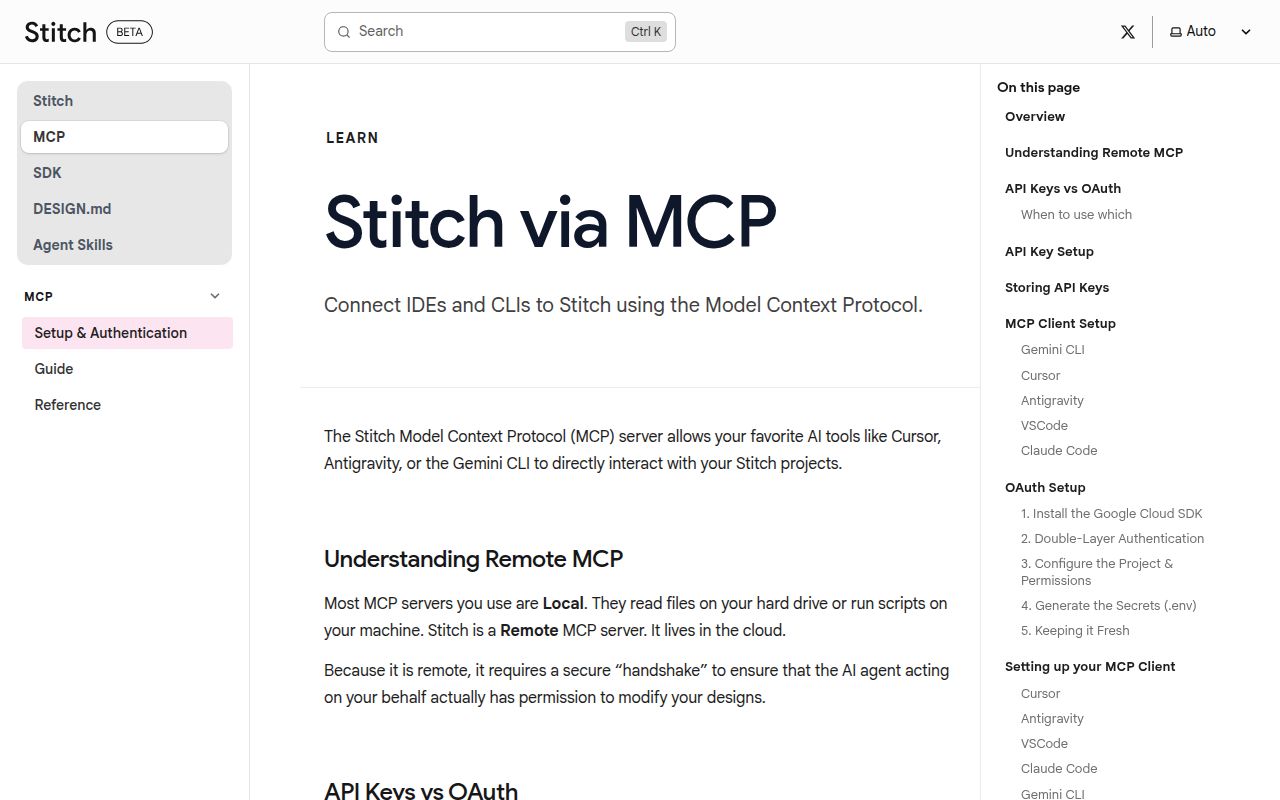
The headline installation commands hide an important prerequisite: Stitch MCP must already be configured and running, with the appropriate endpoint, credentials, and environment variables. Installing a plugin is therefore only one step. A developer without an existing Stitch setup may spend more time on service access and agent configuration than on copying the skills themselves.
Selective installation also carries dependency risk. The README warns that design skills often depend on one another, but the supplied excerpt does not give a dependency map. Users choosing individual skills must inspect their requirements rather than assume each directory is self-contained. OpenCode has the highest friction because installation, MCP configuration, naming, and tool adaptation are manual.
There is also a verification gap. Version 1.0 suggests a declared stable milestone, but our inability to execute any supported install or test path means maturity cannot be inferred from the tag alone. For production use, test representative flows such as editing an existing screen, applying a design system, and regenerating components without losing local conventions. Pay special attention to credentials, generated-file review, and whether repeated runs are idempotent.
Community and project health
The repository has 8,147 stars and 16 open issues, which signals strong attention without an obviously overwhelming visible backlog. Its latest release was v1.0 on May 18, 2026. More importantly, the last push was August 17, only five days before this review, so the older release date is not evidence that development stopped.
The supplied community item only records a GitHub Trending appearance and does not include substantive user commentary. That means popularity is easier to establish than support quality. Before standardizing on it, inspect issue response patterns, recent merged changes, and whether the skills you need receive maintenance rather than judging the whole collection by stars.
Where it fits in a real stack
Treat Stitch Skills as orchestration between design intent and implementation. Stitch remains the design service, Stitch MCP supplies tool access, the coding agent executes the named workflow, and your application repository remains the place where generated code must be reviewed, tested, and integrated. DESIGN.md can serve as the portable contract tying tokens and visual rules together.
The best adoption path is narrow: install one plugin, configure MCP, and validate one end-to-end workflow against a disposable branch. Expand only after checking output quality, repeatability, and how updates interact with hand-written code. For an established Stitch team, this repository is a credible shortcut to consistent agent operations. For everyone else, it adds a service dependency before it delivers value.