A layered PSD still needs an artist and rigging
See-through exports a layered PSD from a single anime character illustration. That's a useful point to stop and inspect the work: can you edit the recovered parts, and do they overlap in the order your character needs? The project's own README says rigging is outside its scope. I'd evaluate it as help with layer preparation before committing to an animation workflow.
The pipeline combines transparent layer generation with depth estimation. Its intended benefit goes beyond tracing visible outlines: upstream describes completing hidden regions and separating semantic parts. That can help an artist begin with editable material, but our sandbox did not evaluate the generated artwork. A convincing project illustration cannot tell you how the model handles your character's hair, clothing or occluded hands.
What happened when we ran it
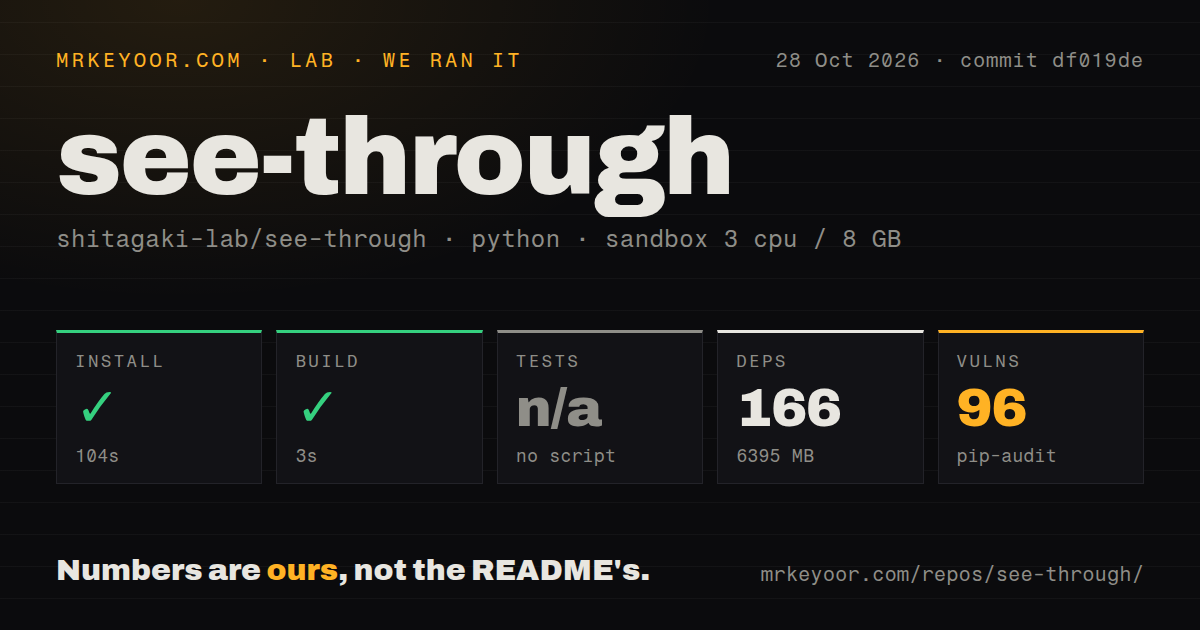
Our See-through sandbox run recorded a successful install in 104 seconds and build in 3 seconds, with 166 dependencies and 6,395 MB on disk. The run used commit df019de on October 28, 2026. That installed footprint is substantial enough to budget explicitly, and it does not establish that model downloads or image inference completed.
Tests were skipped because no tests script or target was found. The scan recorded no CI workflow files, Dockerfile or tests directory. Pip-audit reported 96 known vulnerabilities. We have no package-level or severity breakdown in the supplied measurements, so we cannot identify exposure, name a responsible component or claim that a particular upgrade resolves the findings.
The checkout itself contained 324 files, approximately 49,599 source lines and 10 MB. The sandbox configuration specified 3 CPUs, 8 GB RAM and image ghcr.io/astral-sh/uv:python3.12-bookworm. That image label doesn't establish the actual runtime version or the presence of a GPU. These were setup checks, with no measured decomposition quality, inference speed or successful PSD export.
The command-line path has fewer prerequisites than the UI
The README identifies inference/scripts/inference_psd.py as the main layer-decomposition entry point. It describes a PSD plus intermediate depth maps and segmentation masks, saved under workspace/layerdiff_output by default. Those intermediate artifacts could help you inspect an unexpected result instead of treating the exported stack as the only evidence.
Run scripts from the repository root, as the instructions require. The environment section also prepares an assets path and separates optional annotator packages from the basic requirements. This is a collection of scripts and model assets that needs deliberate configuration. A successful dependency command doesn't demonstrate that the intended model-loading path is ready.
The UI adds a specific prerequisite: workspace/datasets must exist at the repository root because the interface uses sample data. Upstream says it wants to make that arrangement more flexible. Until it does, an artist expecting to launch an interface immediately after package setup has a concrete reason to try the documented command-line path first.
Low-memory routes need their own output check
The documentation provides group offload, quantized inference and block swapping as options for constrained GPU memory. These are upstream execution choices, not routes our sandbox validated. Choose one before estimating what hardware and model assets the workflow will need.
I wouldn't transfer the default pipeline's output expectations to a quantized route without inspecting representative artwork. Keep the chosen model revision and inference options with each evaluation result. That gives you something reproducible to compare when a different route changes a face detail or a layer boundary. We have no measured quality comparison between those options.
Check rectangular exports before handing them downstream
Issue 46 reports that save_psd passes height and width in the wrong order when creating a PSD canvas. The reported consequence is inverted canvas dimensions for non-square exports. That concerns the exported file's geometry, so a visually plausible square demonstration wouldn't settle the question for a portrait-shaped asset.
The report remained open in the public activity inspected here. Our sandbox did not reproduce the problem, and a proposed fix is not proof that your selected revision contains a correction. Check the exported canvas dimensions and layer placement on the aspect ratio you actually intend to use.
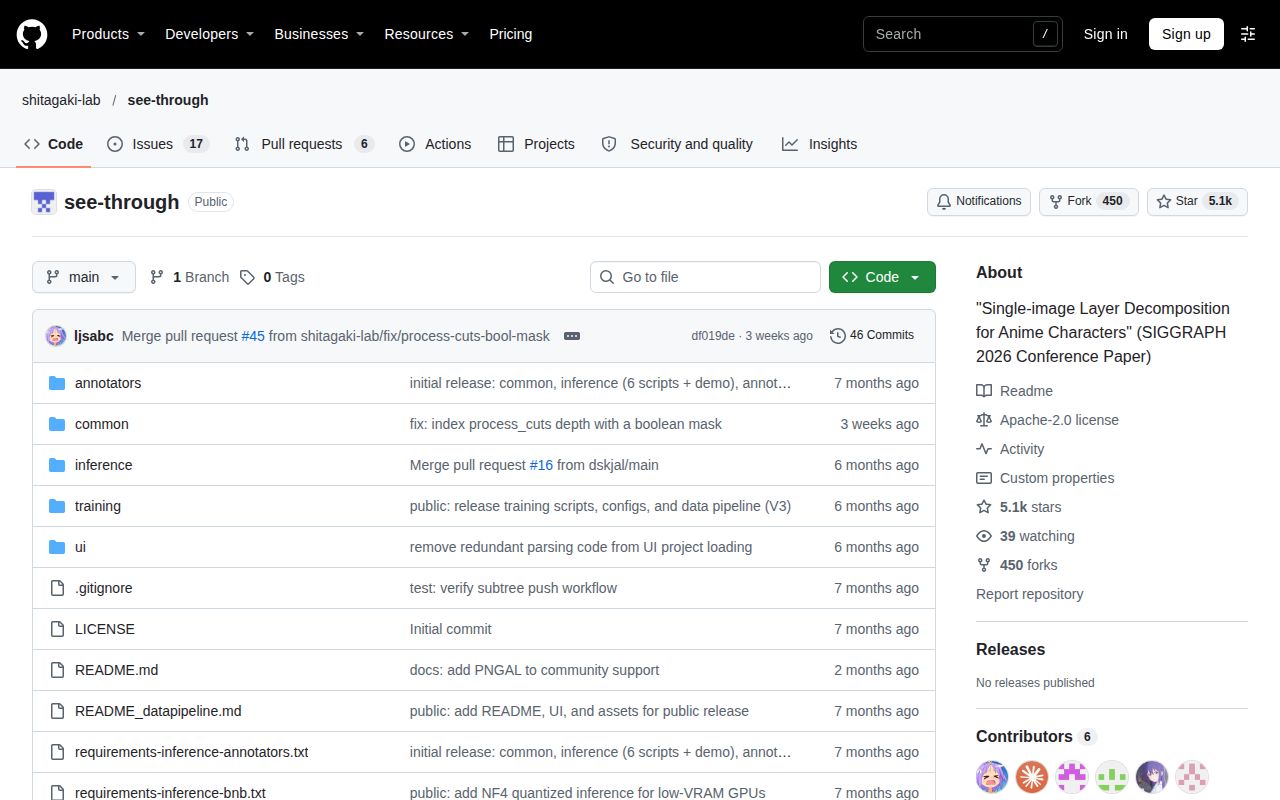
GitHub recorded the last push on October 5, 2026, while the sampled issue and pull-request feed includes October 28 activity. The push and discussion show recent development interest without establishing turnaround times for fixes.
Pick a workflow before choosing a wrapper
ComfyUI-See-through wraps this pipeline in ComfyUI nodes and documents browser PSD export. That makes it an alternative integration for someone already working in ComfyUI. It shares the See-through approach, so don't treat the wrapper as independent confirmation of decomposition quality or assume every upstream export report applies to its browser exporter.
Segment Anything produces object masks from prompts such as points or boxes. Evaluate it when selecting visible regions is the job. Its documented output is useful for building a masking workflow, while See-through aims to supply generated character layers. We haven't compared the systems' output on the same images.
Documentation earns 4/5 on a coverage scale where 1 means a project description, 3 means a usable entry path with substantial gaps, and 5 adds detailed operational guidance with independently checked examples. See-through documents models, output paths and memory options, but those routes remain unverified here. Setup ease, support quality and operational maturity are unassessed.
Start with artwork you can evaluate closely. Inspect the exported dimensions and hidden regions before asking a rigger to use the PSD. The handoff is editable artwork, and the next person's ability to work with it matters more than the number of layers generated.