Flowise now asks you to own its maintenance
Flowise's source repository was archived on August 13, 2026, and its maintainers announced an August 31 end of life. That changes the purchase decision before you draw a workflow. A visual editor can still help you understand an existing assistant, but adopting this code now means choosing who will maintain it. I would keep Flowise on a migration shortlist for existing installations and leave it off the shortlist for a new production service.
The maintainers' shutdown announcement says feature development has stopped and encourages users to maintain forks. Our checkout contained 2,450 files and about 312,816 lines of source. Taking responsibility for that code is a substantial commitment, even if your own workflow only connects a document source to a chat model. A small canvas doesn't make the underlying application small.
The visual editor exposes useful application choices
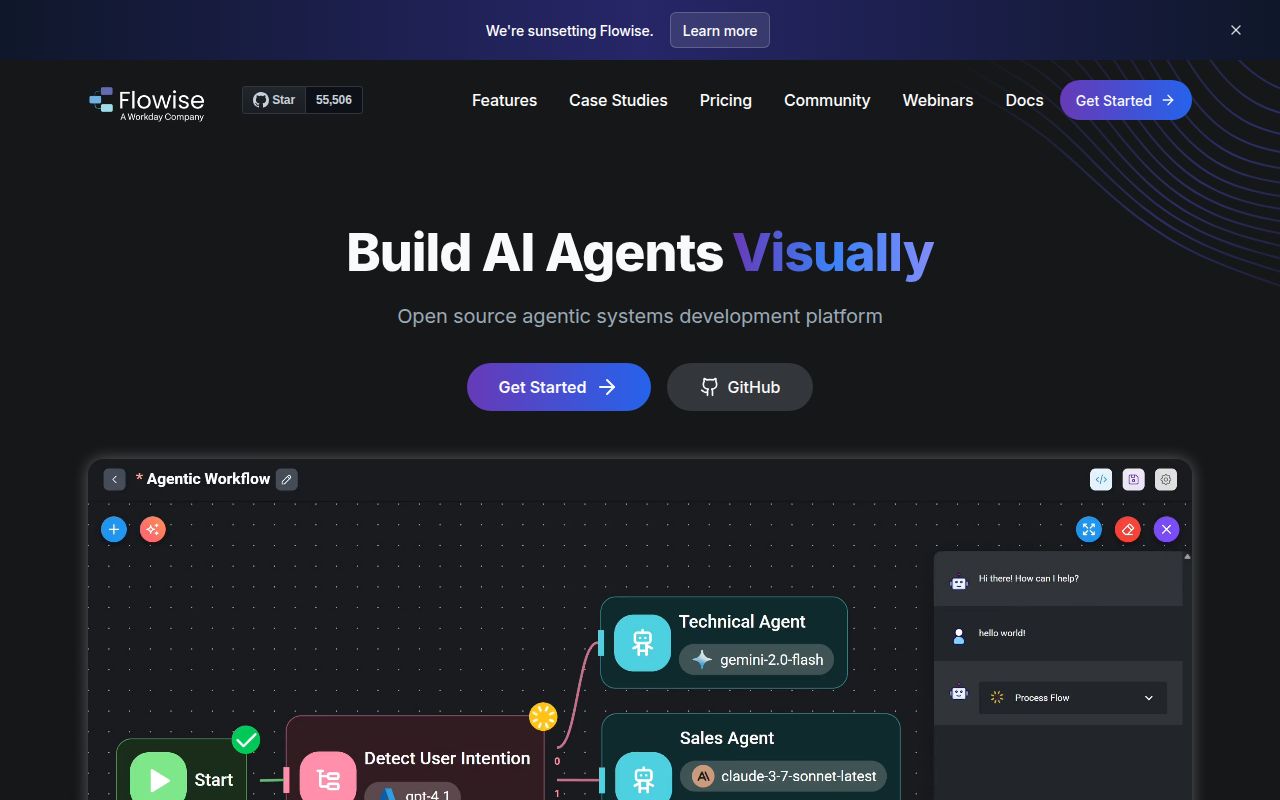
Flowise provides Assistant, Chatflow, and Agentflow editors, with different levels of control over an AI application. Assistant handles a chat helper with tools and uploaded knowledge. Chatflow exposes retrieval choices, while Agentflow supports branching and more involved orchestration. The documentation also describes an API and embedded chat widget. Those are useful ways to let colleagues inspect an application's logic without reading the backend code.
The 43.9 MB checkout includes separate backend, React interface, and integration components in a workspace monorepo. That separation explains both the appeal and the maintenance burden: changing a node can affect its credentials, server behavior, and editor inputs. Flowise supports proprietary and open models, so the canvas doesn't commit you to one model provider. You still have to supply the endpoint and credentials your chosen nodes require.
What happened when we ran it
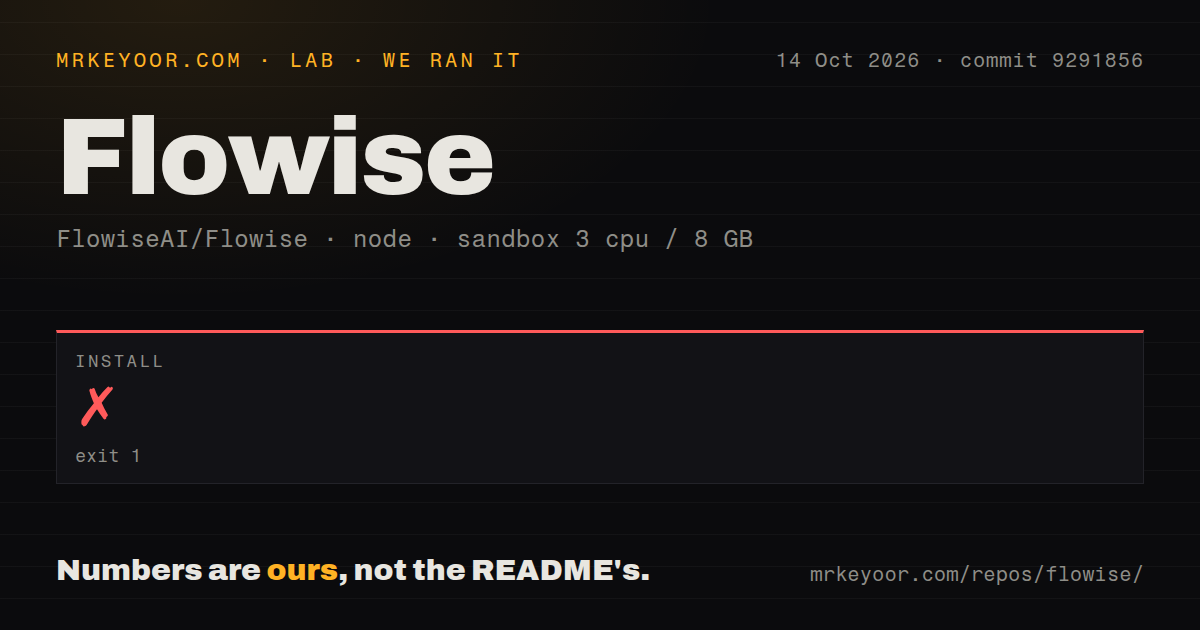
Our run of commit 9291856 failed during pnpm installation after 45 seconds, with exit code 1. We cloned it on October 14, 2026, inside an unprivileged Debian container using lab-node:22, with 3 CPUs, 8 GB of RAM, and no secrets. The log reported ERR_PNPM_IGNORED_BUILDS. This finding concerns the repository installation path we attempted, and provides no evidence that a finished Flowise application started successfully.
The log first said the lockfile passed supply-chain policies, then listed dependency build scripts that had been ignored. Named examples included canvas 2.11.2, sqlite3 5.1.7, and sharp 0.33.5. Its suggested next action was pnpm approve-builds, which lets the operator choose permitted scripts. That is a concrete setup interruption. The log does not establish missing Debian packages, insufficient memory, or a broken Flowise node, and approving scripts would still require another run before claiming success.
Our scan found 8 CI workflow files, a Dockerfile, and no tests directory. The supplied measurement contains no build or test result. A directory scan cannot establish that a project has no tests elsewhere, and existing workflows cannot establish that this checkout passes them. For anyone maintaining a fork, a reproducible installation is the first acceptance check still outstanding from our sandbox evidence.
The quick start leaves service configuration to you
The README's setup instructions separate the published npm package, Docker, and source-development routes. Our failed pnpm installation covers the source route only. The README points operators to environment examples, while the contributor guide documents database and credential-storage settings. An assistant also needs a reachable model service. A retrieval workflow adds its chosen document source and storage connection, each with its own access requirements.
The 45-second stop happened before we could judge any of those runtime choices. Don't read it as a measurement of model speed or workflow reliability. For an existing installation, preserve the configuration and data needed to reproduce its behavior before changing packages. For a fork, choose the integrations you actually need and check their credential handling. The broad component catalog creates more responsibilities than the first chat example makes visible.
MCP users have a specific unresolved transport report
Open issue 6715 describes the Custom MCP SSE fallback in flowise-components 3.1.4. The reporter traces a mismatch between a Node stream returned by the fetch wrapper and the web stream expected by the event transport. This is a user report about the Custom MCP integration, separate from our installation failure. If your assistant depends on that transport, reproducing the connection should precede any migration commitment.
The latest release, flowise@3.1.4, includes fixes involving workspace authorization and operator control over MCP commands. Those release notes show that access boundaries needed ongoing attention before archival. The repository's license file also reserves specified enterprise code and explicitly marked files under commercial terms, despite the README's broad Apache description. A team needing those components should inspect their terms before adopting the archive as its own product foundation.
A large issue queue survives the last push
GitHub showed 55,506 stars and 1,041 open issues and PRs on October 16, 2026. The last push was August 13, 2026. Some pull requests have later update timestamps, but the repository is explicitly archived and the shutdown notice says new pull requests will no longer be accepted. Those updates cannot be treated as evidence that upstream development resumed. Existing discussions remain useful historical material, with no promise of a maintainer response.
Langflow is the first alternative I'd examine for a visual agent canvas. Dify deserves a look when the team wants a shared application workspace with retrieval workflows, while n8n suits broader business automation that also calls models. We haven't measured those alternatives here. Flowise's 2,450-file archive makes sense to retain when replacing a working installation would cost more than maintaining its fork. For a new service, require a maintainer before choosing the editor.