AutoRAG Agent and the Python optimizer need different evaluations
AutoRAG now puts a personal librarian agent at the repository root, with the original Python RAG optimizer under legacy/. If you arrived to compare retrieval pipelines against an evaluation dataset, follow the legacy documentation. The current TypeScript application answers a different question: can an agent find useful evidence across your files and connected sources?
The README says legacy AutoRAG remains in maintenance mode, receiving fixes and dependency updates, while new feature development focuses on the agent. This review covers the current repository and our Bun-based source run. It doesn't evaluate Python pipeline optimization, and it doesn't verify the separate Dazzi desktop application.
For someone already using a coding assistant, AutoRAG Lite is the more focused starting point. Its MCP server supplies retrieval tools to an existing host. The full librarian also runs its own model session and can act on files, so choosing between them changes the permissions you need to understand.
What happened when we ran it
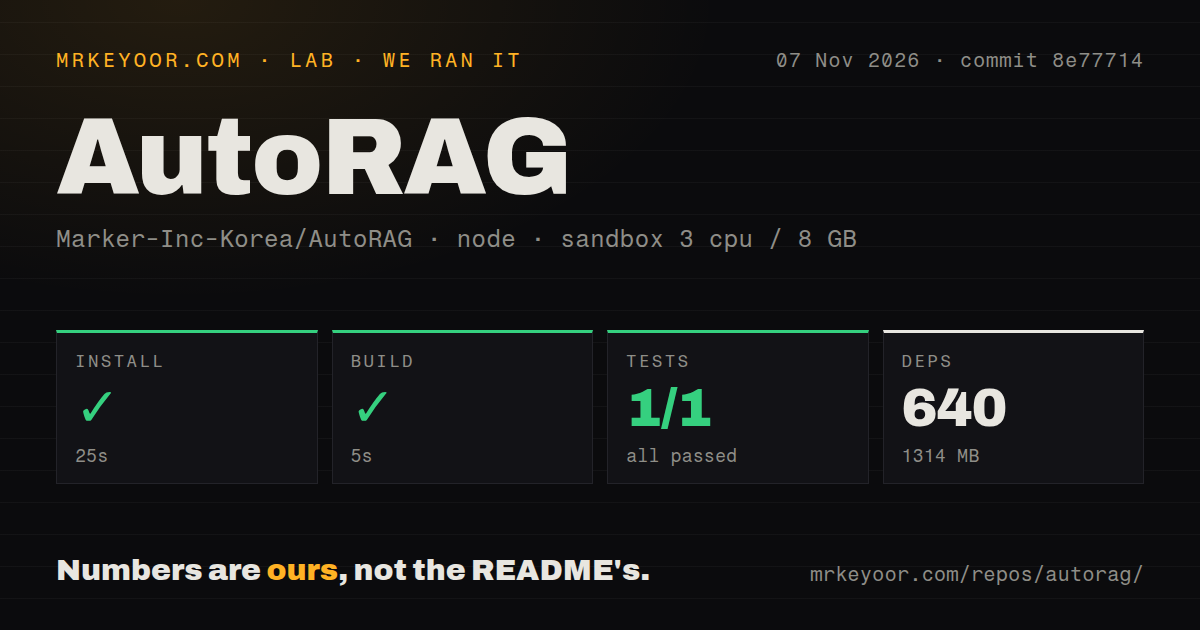
Our AutoRAG install succeeded in 25 seconds and the build succeeded in 5 seconds at commit 8e77714 on November 7, 2026. The Bun run recorded 640 dependencies and 1,314 MB on disk. These steps do not demonstrate successful indexing or a correct answer to a document question.
The test step timed out after 900 seconds. The parser summary records one passed case and zero failed cases, while the visible tail contains separate summaries with 13 and 20 passes. Those fragments aren't a reconciled total for the repository. The last visible runner heading is test/retrieval/rerank-dazzi.test.ts, without a completion result for that file. We cannot identify the timeout's cause from this tail or call the whole suite successful.
The configured sandbox had 3 CPUs, 8 GB RAM and image label lab-node:22. The README currently requires Node.js 24 or later, or Bun. The image label doesn't establish which runtime actually executed, so it cannot diagnose a runtime mismatch. The scan found 9 CI workflows and a tests directory, with no Dockerfile. Our record contains no retrieval-quality benchmark, completed datasource trial or desktop-app evaluation.
Lite supplies context to an assistant you already have
The README describes AutoRAG Lite as retrieval without configuring a librarian language model. Its stdio MCP server exposes search and evidence tools to a host such as Claude Code. The host still supplies its own model if you want a generated answer. Local retrieval and an entirely local answer are separate deployment choices.
Setup starts by selecting search roots and refreshing their indexes. MinSync is downloaded on first run, according to the README. For file-name search on macOS and Linux, the documentation recommends a separately installed fsearch-cli and says the fallback is a slower bounded filesystem walk. These supporting programs deserve attention alongside the npm package.
Start with a copied folder containing documents you can check yourself. Ask questions whose supporting passages you already know, then inspect what Lite returns. That is a proposed evaluation, not something our build performed. A returned path is useful only if the passage supports the question you asked.
The full librarian can change files and has different defaults
The permission guide says interactive TUI sessions default to auto, where the Jev judgment model classifies calls and may approve changes it considers covered by your request. Ask mode requests approval for bash, write, edit and saved-automation calls. Full mode removes that approval check. Read the coverage details before treating any mode as a security boundary.
The defaults also vary by entry point. The guide says autorag search and TUI sessions started with messenger bridges default to full because a terminal approval dialog may be unavailable. External MCP tools sit outside this approval check. An operator who tested an ordinary interactive session should therefore check the mode again before scheduling commands or enabling remote access.
The same guide explicitly warns that its model-based approval check is not a sandbox and can misjudge. We would keep a trial away from irreplaceable working files. Selecting search roots controls the retrieval configuration, but it doesn't prove that arbitrary code run by the agent is confined to those roots.
The README says embeddings are local by default unless a remote embedder is configured. That describes one stage. The full librarian has model-provider configuration, and auto permissions use a judgment backend. Check each service's data flow before describing the entire application as offline or private.
AnythingLLM and Onyx fit different deployment decisions
AnythingLLM documents a chat interface with uploads and source citations. Consider it when a document-chat application is the main deliverable. Its README limits multi-user instance permissioning to the Docker version, so choose the edition before comparing it with a personal retrieval setup.
Onyx builds an internal knowledge representation from connected sources, including metadata and permissions. Consider it when a team's shared application knowledge is the target. Its README says Lite mode cannot index documents, making the standard deployment the relevant comparison for indexed retrieval. We have no comparative quality, latency or installation result for these alternatives.
Active changes leave end-to-end behavior to verify
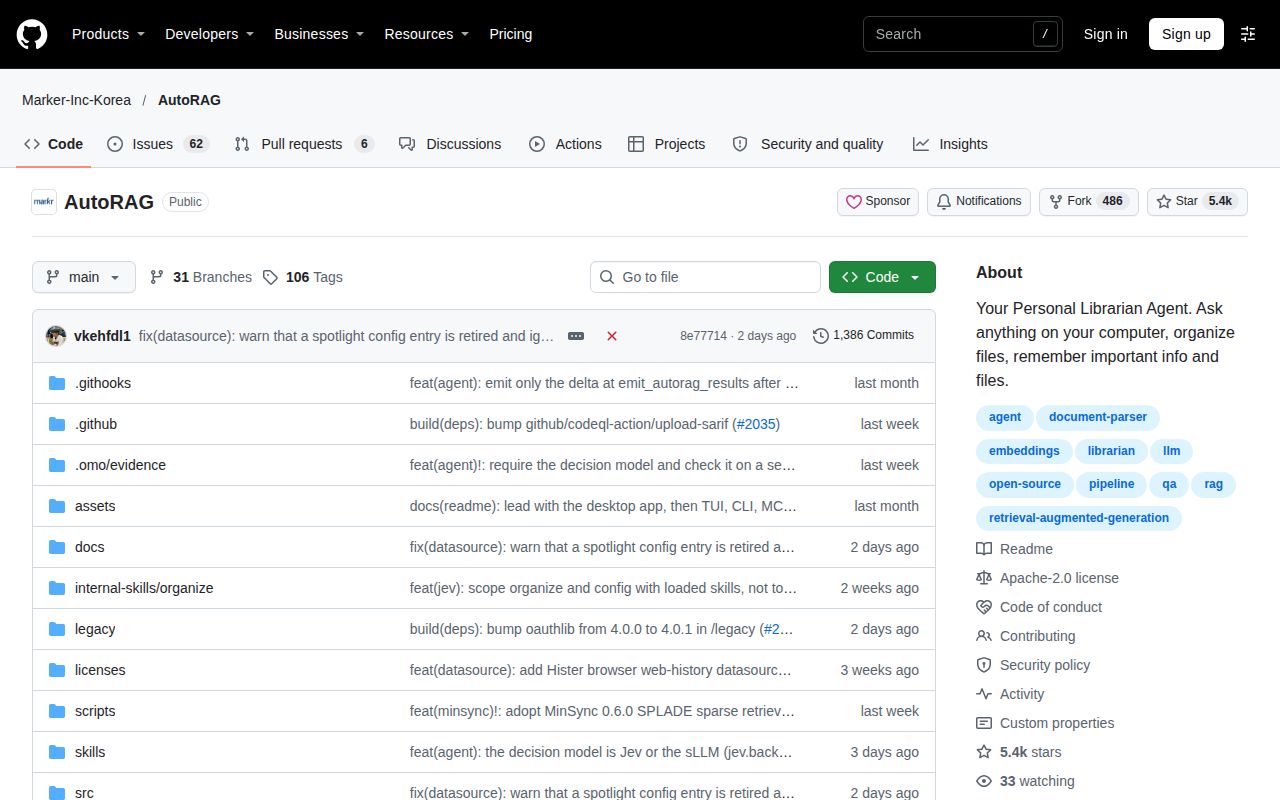
GitHub recorded a November 6, 2026 push. A merged pull request that day clarifies that an old Spotlight datasource configuration is retired, and release v2.13.6 was published on November 5. That is current maintenance activity. It also makes release-specific configuration worth checking, without establishing either support responsiveness or successful retrieval.
Documentation receives 4/5 on a coverage scale where 1 lacks an entry path, 3 covers normal configuration and 5 consistently explains operational boundaries as well. The explicit permission defaults are useful, although the long README needs careful navigation. Setup, community support quality and production maturity remain unassessed. Choose Lite or the full librarian first, then prove retrieval and permission behavior on a disposable corpus before adding personal archives.