Onyx combines company search, chat, and agents in one product
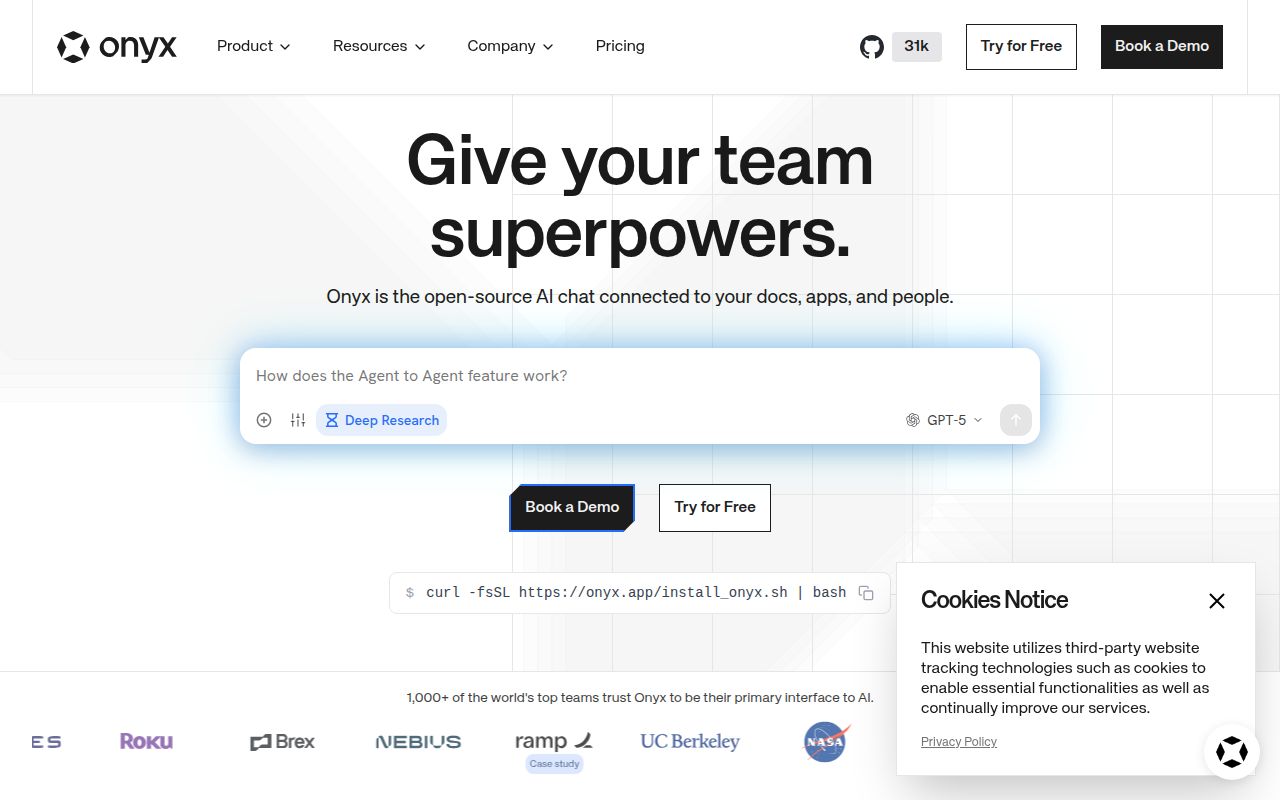
Onyx is what teams often end up building around a language model after the chat demo stops being useful. It indexes company sources, retrieves relevant passages, lets people create agents, and connects those agents to actions through MCP. The same interface can use hosted providers such as OpenAI, Anthropic, and Gemini or self-managed endpoints such as Ollama, LiteLLM, and vLLM.
The breadth is the reason to consider it. The README lists more than 50 indexing connectors, web search, deep research, file creation, code execution, voice, and image generation. Standard Onyx adds hybrid retrieval and background synchronization. Collaboration features let an organization share chats and agents rather than leaving each employee with a private pile of prompts.
That breadth also changes the buying question. Onyx makes sense when several of those jobs must coexist. A team that only wants a browser chat for one local model would be taking on a much larger system than it needs.
Lite stays small because it leaves the retrieval stack out
The project has two deployment modes. Lite is described as a chat UI with agent functions and less than 1 GB of memory use. It skips the vector and keyword index, background job containers, model inference services used during indexing, Redis, and MinIO. That is the sensible evaluation route for someone comparing the interface and model support.
Standard is the actual knowledge platform. Connectors sync content in the background, inference services process it, retrieval combines vector and keyword search, and stateful services keep queues, caches, and blobs. Each piece has an operational purpose. Together they demand backups, capacity planning, secrets, upgrades, and observability. The one-command installer does not erase those responsibilities.
Onyx supports Docker as well as Kubernetes, Helm, Terraform, and major cloud deployment guides. This is useful evidence that the maintainers expect serious installations. It is also a warning against treating the README's curl command as the whole production plan. Read the script, pin the release, and decide where every persistent volume and credential will live.
What happened when we ran it
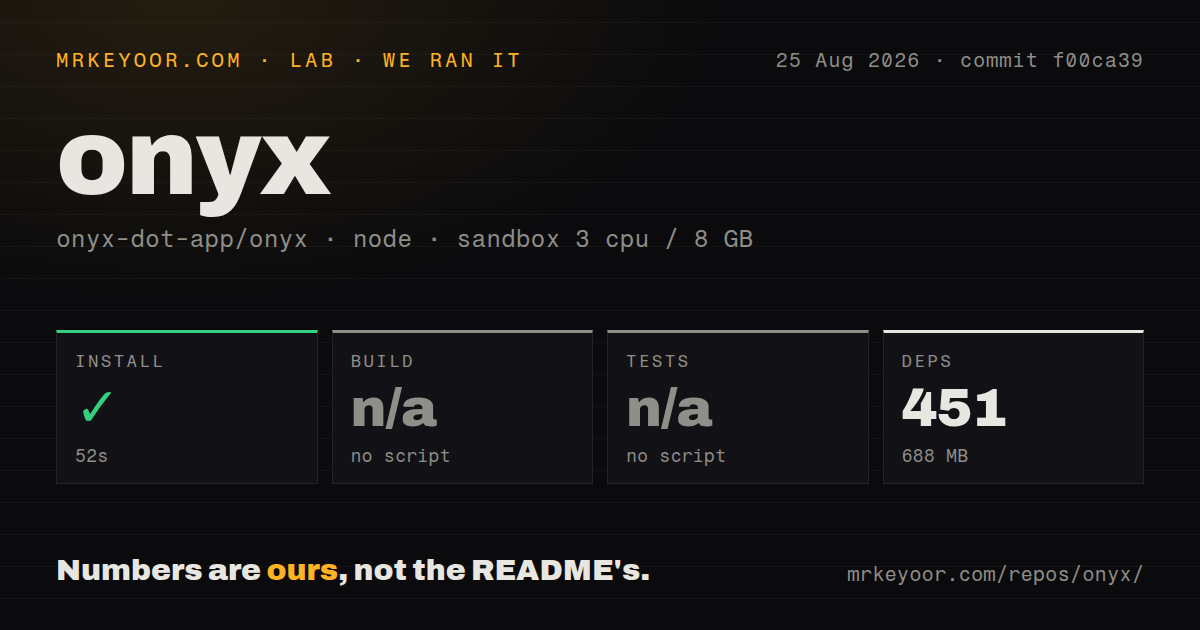
Our sandbox installed 451 Bun workspace packages in 52 seconds, consuming 688 MB on disk. Commit f00ca39 contained 7,442 files and roughly 1,156,364 source lines in a 64.2 MB checkout. Those numbers capture the root Node workspace in an unprivileged Node 22 container without secrets. They do not mean that Onyx, its indexes, or an LLM became available.
No build script or target was detected, so the lab skipped the build. No test script or target was detected either. Calling either step successful would be wrong. The measured repository exposed monorepo workspaces and 44 CI workflow files, but the scanner found no Dockerfile and no tests directory. The result tells us that a generic root install is not a useful health check for this multi-service product.
The 688 MB dependency footprint is already substantial before model weights, indexed documents, Redis, MinIO, or database storage enter the picture. Operators should size an evaluation around the chosen mode and real data volume, not around the Git checkout.
Enterprise controls are separate from the MIT community core
The root license explains the split precisely. Code outside ee directories uses the MIT Expat license, while enterprise directories carry the Onyx Enterprise License. The README places Google OAuth, OIDC or SAML SSO, SCIM provisioning, role-based access, usage analytics, query history, custom code hooks, and whitelabeling in the enterprise edition.
This is a reasonable commercial boundary, but procurement should map required controls before a pilot. A company may be able to test chat and retrieval with the community edition, then discover that its identity or audit requirements change the cost and license. Do that check before connector setup and indexing make migration expensive.
Privacy also needs product-level testing. Open issue #11929 reports that a user's name and email are inserted into the LLM system prompt without an opt-out. The report was still open and updated on August 25, 2026. Any deployment handling employee data should inspect outbound prompts and provider logs with a test account rather than assuming the self-hosted application keeps every field local.
MCP reaches outside systems, subject to network policy
Onyx can connect agents to external applications through MCP and supports flexible authentication. This puts actions beside search instead of leaving the model read-only. It also expands the security boundary: connector credentials, action permissions, network access, and tool output all need review. The mcp tag here refers to Onyx acting as a client and action host, not to a tiny standalone MCP server.
A current bug shows why that distinction matters. Issue #14209 says MCP servers on internal or private endpoints can be blocked by the sandbox proxy before MCP policy evaluation. Teams connecting intranet tools should reproduce their network path early. A public demo endpoint says little about DNS, proxy rules, certificate trust, and service reachability inside a real cluster.
Current releases show speed and some upgrade risk
The repository was pushed on August 25, 2026, one day after release v4.6.2. GitHub listed 403 open issues and pull requests combined, with active work on connectors, indexing, Redis TLS, internationalization, and code search. The release itself fixed an OIDC deadlock, while a new report against v4.6.2 described a separate OIDC provisioning failure involving a null role. Fast movement is obvious; regression-free identity upgrades are not.
Onyx is worth the operational work when the alternative is assembling search, ingestion, agents, and permissions from separate products. Start with Lite to judge the interface. Move to Standard only after naming the connectors, models, enterprise controls, storage, and people who will operate it. For a single user chatting with a handful of files, AnythingLLM or Khoj carries less machinery.