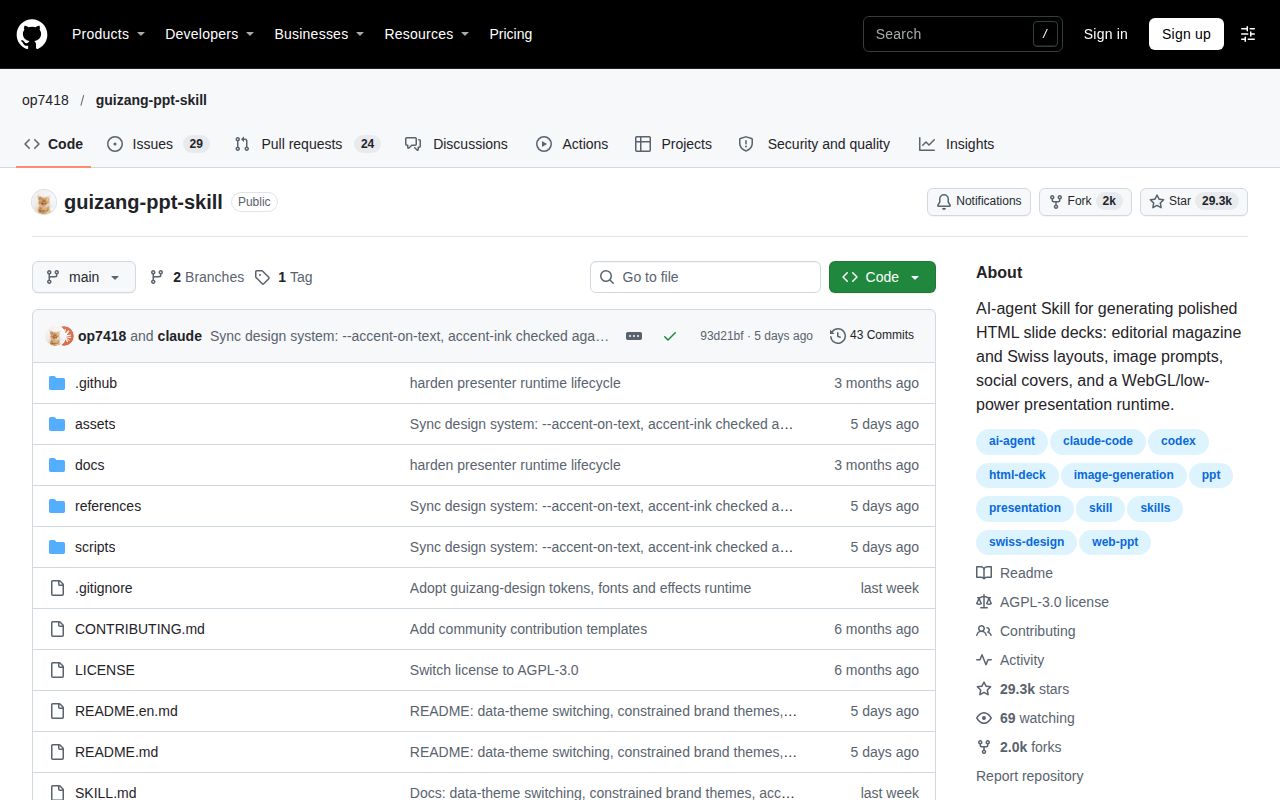
The deliverable is a browser presentation
Guizang PPT Skill's documented output is a single-file HTML deck, with PPTX conversion left to a separate workflow. Settle that delivery requirement before choosing its magazine styling or Swiss layouts. If your colleague expects to open and edit a native PowerPoint file, the project's own FAQ gives you a reason to look elsewhere.
This is a Chinese-first agent skill for Claude Code, Codex and similar tools, with an English README available. It supplies templates and instructions for generating presentations, visuals and covers. The proposed audience is a speaker preparing a talk through an agent that can work with local files. A normal chatbot without filesystem access is explicitly discouraged in the documentation.
What happened when we ran it
We did not run Guizang PPT Skill: the November 2, 2026 lab record for commit 93d21bf classified it as HTML, with no supported ecosystem and no Dockerfile. There is no measured installation, build or test result for this project. That is a limitation of the supplied lab coverage, not a failed presentation or evidence that the skill is broken. No generated deck, browser playback or presenter session was evaluated. The capability descriptions below come from primary documentation. They should help you decide whether a local trial is worth doing, without treating screenshots or upstream validation instructions as our results.
Fixed layouts reduce the design choices you need to make
The English README describes Style A as an editorial magazine system and Style B as a Swiss system with locked layouts. Guizang PPT Skill's Swiss theme offers 22 named layouts and requires images to occupy predefined slots. Its rules cover title placement and a grid with sharp rectangles, rather than inviting the agent to invent a different composition on every slide.
That constraint is the reason I would consider the skill for a talk with a strong visual identity. A consistent set of layouts gives the agent less freedom to produce unrelated pages. It also means you must accept the design system. Someone seeking unrestricted slide composition should expect to change more than a prompt. Guizang PPT Skill explicitly excludes data-heavy tables and dense training decks in its English README. Take that seriously. A talk can move a detailed table into supporting material, while a training handout may need the detail on the page. Choosing a sparse visual system does not remove that requirement.
The agent needs source material and a browser check
The documented workflow starts by choosing a style and clarifying audience, duration and source material. It then copies the appropriate HTML template and fills matching layout skeletons. This is a guided authoring process, not a promise that an arbitrary document becomes a presentation ready to deliver without revision. I would begin a trial with a short outline and material you are willing to check slide by slide. Inspect factual claims and labels separately from whether the layout looks tidy. The project documents validators for Swiss layouts and presenter mode, plus browser preview. Their existence describes intended quality control, not a passing result from our lab.
Image generation is optional. The English instructions also distinguish preserving a screenshot through framing from reconstructing it as a generated visual. If a product screenshot must remain accurate, keep the original content and verify any resizing or cropping. A prettier replacement is no substitute for the interface the audience needs to see.
Presenter sync still leaves the physical display to you
Guizang PPT Skill's documented presenter mode opens a separate audience window and keeps notes, timing and rehearsal inside the browser. It documents a disconnected state when the audience window closes or stops responding. Guizang PPT Skill's FAQ says the browser cannot verify a physical HDMI or projector cable. That is a useful boundary for a speaker: a synchronized software window does not prove the audience can see the screen in the room. Rehearse on the intended display and check popups, fonts and images before relying on the deck at an event. We have no projector compatibility or offline asset-loading result to add to those instructions.
Guizang PPT Skill's static HTML output excludes multi-user collaborative editing, according to its English README. Sharing a finished file fits the documented delivery model. A team that needs several people editing the same presentation together should choose a workflow designed around that requirement.
Marp and Slidev offer different authoring choices
Marp lets you write presentations in plain Markdown. Consider it when you want to own the slide text directly through that format rather than begin with an agent-led template workflow. Its repository is the entry point to a family of tools, so select the relevant application before evaluating exports. Slidev documents built-in code highlighting and live coding. Consider it for a technical talk where code presentation drives the choice. These are documentation-based alternatives, with no comparative setup or rendering measurements here. Neither recommendation promises that a converted file preserves every interactive feature.
GitHub recorded Guizang PPT Skill's last push on October 30, 2026, alongside recent template-system pull-request activity. That shows development beyond the older release tag, though it does not establish support responsiveness. Guizang PPT Skill is licensed under AGPL-3.0, according to its English README.
Try Guizang PPT Skill when a browser-delivered talk and its fixed visual rules match the job. Before adopting it, produce a representative deck with your real source material and rehearse the audience window on the display you will use. If native PowerPoint editing is a delivery condition, settle that conversion workflow first.