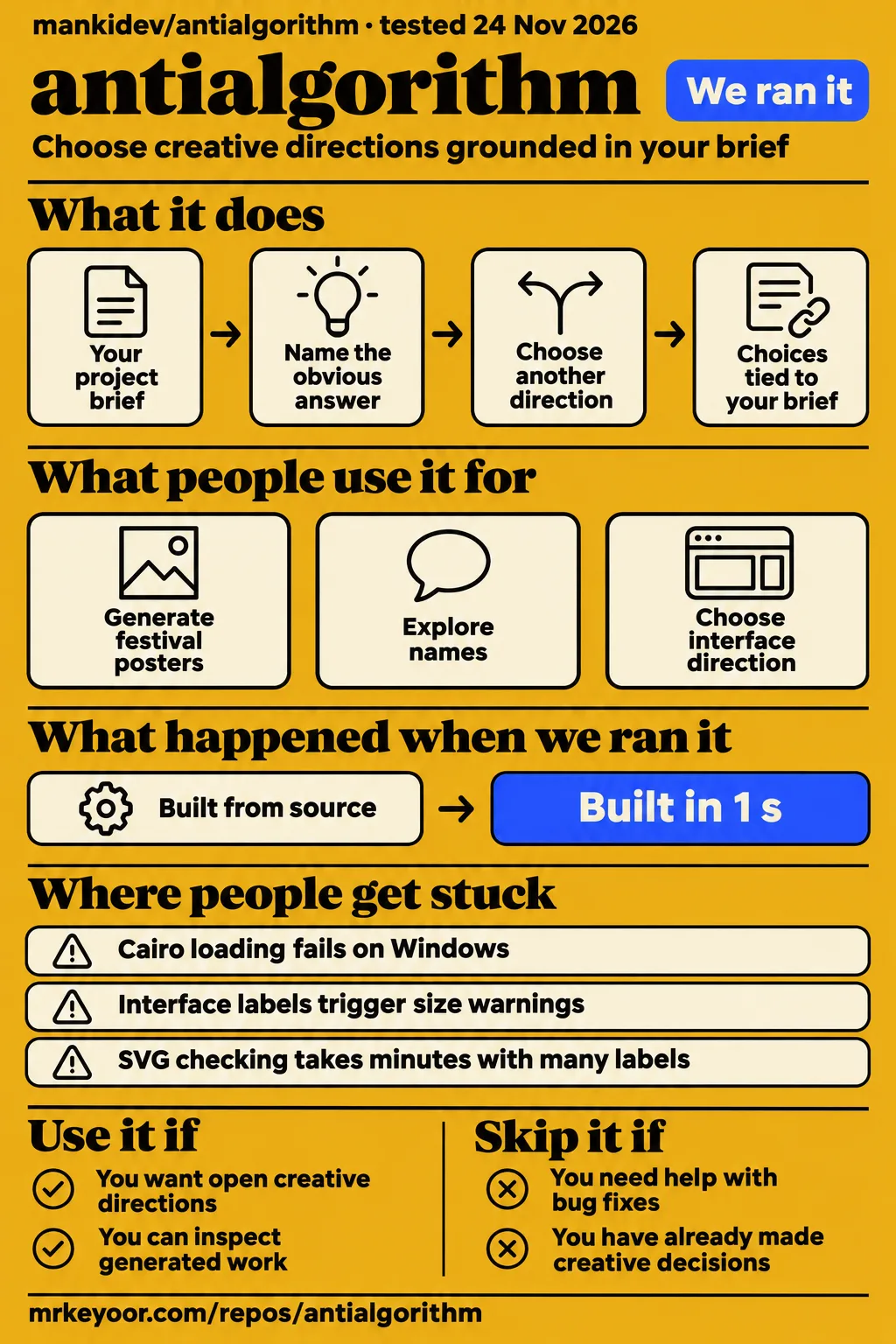
Antialgorithm asks your AI assistant to name its obvious creative answer, then choose another direction for a reason grounded in your project. Our sandbox installation completed in 4 seconds and its build in 1 second. The practical question is whether you want that extra decision process inside an assistant you already use. Designers and writers exploring open directions are its intended readers; developers seeking code identifiers or bug fixes fall outside the skill's stated scope.
Its central instruction is more specific than asking a model to be original. A departure should depend on the project's audience, setting or constraints. That gives you something concrete to inspect in an answer: whether the explanation belongs to your brief. This review follows that decision through the author's poster example, the helper scripts, persistent history and our recorded setup results.
What you can do with antialgorithm
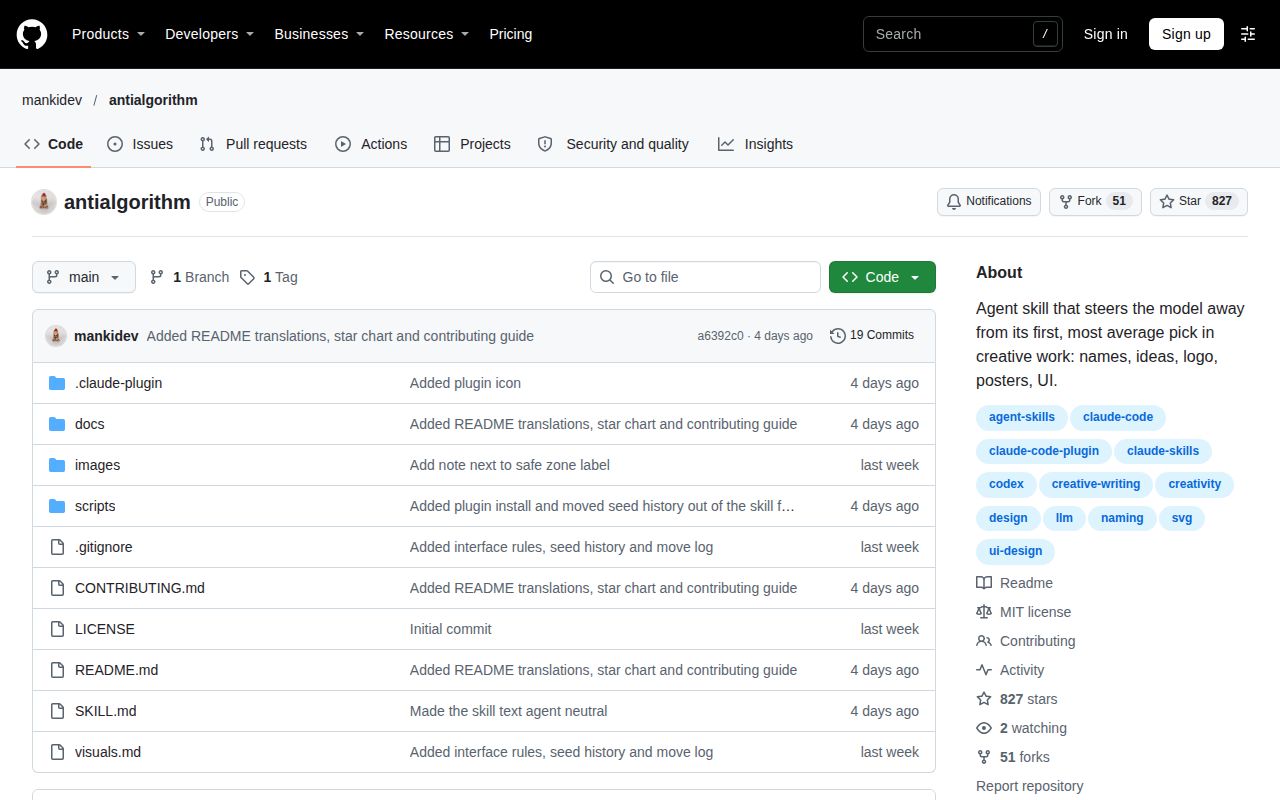
Antialgorithm covers open choices in names, stories, game mechanics, slogans, posters and interfaces. The skill instructs the assistant to identify its default answer before using details from the project to move away from it. You bring the assistant that reads these instructions and performs the creative work. The repository supplies guidance and scripts rather than a separate poster-editing application.
For a thin brief, seed.py supplies a starting point. The README describes visual seeds containing a making method, colors, layout, type and other axes; text seeds contain a voice, a way in and a register. Idea seeds contain a verb, constraint, scale and pressure. The documented --keep "axis=value" option holds an axis fixed, allowing a subject to stay in place while other choices change.
The project context is the reason for choosing a direction, rather than an explanation added after choosing a style. The skill says to start with a project, place, person, purpose or constraint when the request contains that information. For someone assessing the answer, this supplies a practical question: which detail in the brief led to this choice? A generic preference for a particular palette gives less information than a reason tied to the subject.
What people use antialgorithm for
The project author used the same 400×600 SVG music-festival prompt for examples with and without the skill. The README says the baseline contains six runs with none omitted, while the assisted row was selected from about a dozen development runs. The author's comparison disclosure explains how the two rows were assembled, making the selection procedure part of the example itself.
| Who used it | Task | Published outcome |
|---|---|---|
| The project author | Generate a music-festival poster as a 400×600 SVG using the same prompt | Six baseline runs with none omitted; assisted examples selected from about a dozen development runs, according to the README comparison disclosure |
The poster prompt asks for a final.svg file in the current folder, so the example has a specific artifact and dimensions. Naming, slogans and interface direction are further applications documented in the creative skill instructions. The festival posters give readers one concrete application to inspect, while the instructions describe how the process is intended to apply to other creative tasks.
What happened when we ran it
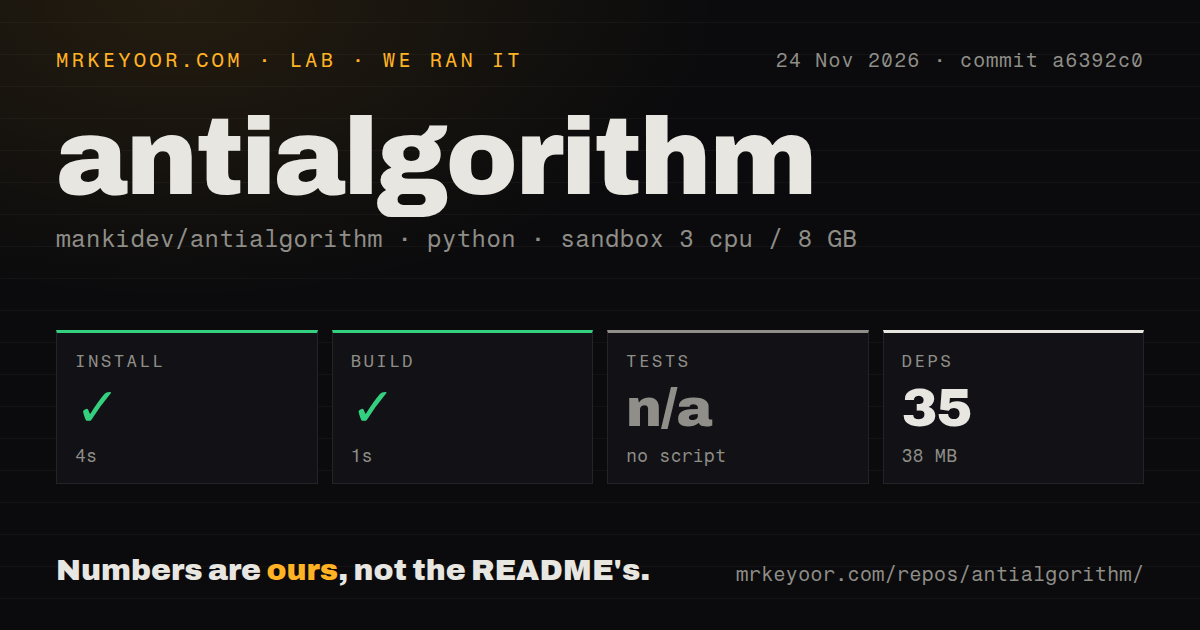
Our November 24, 2026 sandbox run at commit a6392c0 completed installation in 4 seconds and the build in 1 second. Our recorded measurements also show 35 dependencies and 38 MB on disk. The configured allocation was 3 CPUs and 8 GB RAM, with image label ghcr.io/astral-sh/uv:python3.12-bookworm. These figures describe the recorded setup environment and completed steps.
| Sandbox check | Recorded outcome | What you can take from it |
|---|---|---|
| Install | Succeeded in 4 seconds | The recorded installation step completed |
| Build | Succeeded in 1 second | The recorded build step completed |
| Tests | No tests script or target, skipped | The runner skipped this step |
| Dependency footprint | 35 dependencies, 38 MB on disk | The recorded environment footprint |
| Repository scan | 25 files, about 1,015 source lines, 2.1 MB checked out | The recorded checkout size |
| Automation and packaging signals | 0 CI workflow files, no Dockerfile, no tests directory | The repository scan findings |
A separate hands-on path stopped at its safety step because none of compose.yaml, compose.yml, docker-compose.yaml or docker-compose.yml existed. Its error was: "unsafe repo: none of compose.yaml, compose.yml, docker-compose.yaml, docker-compose.yml exists (rule: a compose file is required)". The runner required a container configuration that this checkout lacked; the README's installation routes instead place the skill where an assistant reads it.
The hands-on summary claimed deployment with its own Docker Compose and every port bound to 127.0.0.1, contradicting the failed step. We use the explicit safety-step failure as the operational outcome. The teardown record reported "ok". Here, "unsafe" is the runner's label for its missing-Compose rule, rather than a reported security defect in the skill.
Where people get stuck: SVG rendering needs more than the skill
The scripts need Python 3, and the README lists numpy, Pillow and rsvg-convert or cairosvg for check.py. Those installation requirements concern the optional graphics workflow as well as the skill files. Making instructions available to an assistant and preparing its graphics checker are separate setup tasks. The assistant still supplies the model that reads the instructions and produces the work.
The README's CLI route is npx skills add mankidev/antialgorithm. It also documents cloning into an agent's skills folder and a Claude Code plugin command. For Claude Code versions before 2.1.275, it specifies adding the marketplace first. These are upstream installation instructions, distinct from the generic install step recorded by our sandbox. The documented routes target different ways an assistant discovers skills.
| If this is your problem | What the code or docs say to inspect |
|---|---|
| Rendering requires another executable or package | The README lists rsvg-convert or cairosvg |
| Cairo loading fails on Windows | The cairo_dir function checks PATH and candidate directories for libcairo-2.dll |
| Ordinary interface labels trigger size warnings | The visual guide specifies --min-text 0.6 for interfaces |
| An SVG has many text labels | The visual guide says checking takes minutes and recommends background execution |
The Windows discovery function includes CAIROCFFI_DLL_DIRECTORIES, MSYS2 locations and application directories such as Inkscape among its candidates. Those are visible implementation details, rather than installation results. For interfaces, the visual guide explains its threshold with a 1440 px screen containing normal 12 px labels. Its statement that checking can take minutes is documentation guidance, separate from our measured installation and build durations.
Creative history lives outside your project
Antialgorithm saves seed history under ~/.local/state/antialgorithm/history.jsonl, with $XDG_STATE_HOME changing the base location. The README says plugin updates leave that file alone. It also describes moves.py as a short log of the main creative move behind an answer. The model reads that log before presenting new work, with the stated aim of avoiding reuse of a previously successful move.
Persistent state changes how a repeated-prompt comparison should be recorded. A new checkout can coexist with earlier seed history because the documented history file lives outside the repository. Record whether a comparison carries earlier choices forward or starts with empty history, along with the prompt and skill revision. This is an evaluation recommendation derived from the documented storage behavior: the history condition is another input to the creative process.
The seed and move logs serve related purposes. The seed log tracks generated starting points, while the move log describes the direction behind an answer, such as the README's "neon tube wall, almost no type" example. Keeping those roles distinct helps explain what the project is trying to avoid: repetition can happen in an initial seed or in the assistant's later interpretation of it.
Visual rules protect the information people need
The visual guide says required information and controls must stay whole, clear and in place. Its rules identify information someone must read, things someone must press and shapes someone must recognize. That gives a concrete standard for reviewing an assistant's proposed interface: texture and style must preserve the parts that let someone use the result. A visually unusual button still has to perform its job.
The README describes rough.py as changing straight lines, shapes, letters and repeated spacing in SVGs. It reserves that treatment for handmade methods such as print, paint, stamps and ink; screen, camera and rendered looks keep their own marks. This makes the script a tool for a chosen visual method. Applying roughness to every output would disregard the distinction the project makes between those methods.
The documented SVG review loop renders at full and icon sizes, lists text problems, asks the assistant to fix them, then requires inspection of both renders. The visual guide describes that sequence. The combination gives the assistant a reported set of text checks and an instruction to look at the actual images before presenting the result, with another pass through the checker after fixes.
Antialgorithm vs plain prompting, frontend-design and brainstorming
Choose antialgorithm for open creative directions, frontend-design for interface design, brainstorming for unclear requirements, and plain prompting to establish your existing agent's baseline. These choices follow the tools' documented roles and the author's same-prompt poster comparison. They answer different immediate needs: choosing a creative direction, designing an interface or clarifying what should be built. The comparison below uses those task boundaries rather than a numerical ranking.
| Option | What it gives you | When to choose it |
|---|---|---|
| The same agent without antialgorithm | The baseline route in the author's poster example | You want to inspect what your existing brief produces |
| Antialgorithm | Project-based departures from defaults, optional seeds and creative history | Your agent keeps returning similar directions for open creative requests |
| Anthropic frontend-design | Visual-design guidance for new or existing UI | Your deliverable is an interface |
| Superpowers brainstorming | A conversation about what the user wants and why | Requirements or intent need clarification before building |
Anthropic's frontend-design skill provides guidance for building new UI or reshaping an existing interface. Its instructions cover aesthetic direction, typography and choices grounded in the brief. That scope makes it a direct candidate for interface work. Antialgorithm also addresses names, stories and ideas, giving it a broader creative remit across the documented applications, without making the two skills equivalent for every task.
Superpowers brainstorming focuses on finding out what the user wants and why before building. Its instructions describe questions and discussion as ways to clarify that intent. A seed can supply a creative starting point once there is a task to explore. Clarifying the task itself is the reason to choose a requirements conversation first, especially when an attractive output would leave the underlying request unresolved.
Documented features and the author's warning about repetition
The Agent Skills directory lists creative-move tracking and supporting SVG checks. Its feature summary also describes naming the default answer and deriving starting points from the project. Those entries describe what the skill is intended to do. The README and visual guide give the more detailed explanations of scripts, stored history, rendering and the review loop discussed above.
The skill warns that an escape that worked once can become the next safe pick. That warning makes repetition a useful subject for evaluation across several outputs, rather than something settled by finding one unusual poster. The seed history and creative-move log address different points in that process. Their documented purpose is to keep earlier choices from becoming the automatic starting point for later work.
For a useful next comparison, choose a real brief and define what makes an output usable before selecting favorites. Retain every output, record the model and revision, and state the history condition. That proposed procedure connects the project's anti-repetition aim to observable work: whether several attempts produce usable directions, and whether their reasons depend on the brief. It also preserves unsuccessful attempts alongside the examples someone prefers.
FAQ
Antialgorithm combines creative-direction instructions with seed generation, move history and SVG helpers. The README describes those components as parts of an assistant workflow: seed.py introduces a starting point, moves.py records the main creative move, rough.py changes handmade SVG marks and check.py renders and checks text. The assistant interprets the brief and produces the work; the scripts have narrower roles within that process.
What are antialgorithm's main features?
Seed.py introduces visual, text or idea starting points, while moves.py records the main move behind an answer. The README distinguishes those jobs from rough.py's handmade SVG treatment and check.py's rendering and text checks. For someone choosing where to begin, the useful distinction is the task: thin requests need starting material, repeated directions call for attention to history, and SVG work brings in the visual helpers.
What can I use antialgorithm for?
Antialgorithm applies to creative choices left open in naming, stories, game mechanics, posters, interface direction, slogans and creative copy. The skill lists that scope and says to start from real context when the request contains it. For a detailed brief, that means using its project, place, person, purpose or constraint; the seed tool is documented for requests that are thin.
What are antialgorithm's limitations?
Antialgorithm excludes code identifiers, bug fixes and choices the user has already made. Its scope also excludes texts whose form is fixed by standing user rules, including release notes and license text. These are application boundaries in the skill itself: use the workflow for choices still open to the assistant, while retaining the user's existing decisions as part of the brief.
Can you make me a New Year poster?
A New Year poster fits the documented poster scope, and GitHub issue #5 records that request in Russian. The issue is closed, has one comment and contains the maintainer's reply "damn". For someone making a poster through an assistant, event information and the required language belong in the brief; the skill guides the creative choices around those requirements.
What we have not tested yet
Our completed run measured repository setup, not creative effectiveness or a working assistant integration. We did not generate posters, run the SVG checker against known defects, compare models or evaluate repeated names, slogans and interfaces. The Compose safety stop supplies no working deployment, generated artifact, memory profile or task-latency measurement. Tests were skipped, and the image label alone does not identify actual runtime or operating-system versions.
The author's selected assisted posters do not establish a consistent quality gain or the frequency of usable results. There is no controlled comparison here with plain prompting, frontend-design or brainstorming. The examined issue is a poster request rather than a substantive bug investigation. Adoption, support responsiveness and sustained creative behavior are unassessed, as are rendered page layout, resolved links and site recommendation modules. The recorded commit a6392c0 is the setup reference; these results are not attributed to a release tag.
The SVG checker cannot see letters drawn as paths or text overflowing its own box, according to the visual guide's explicit warning. Those require manual inspection after a clean report. Windows Cairo discovery, platform-specific library lookup, different fonts, dense interfaces and history isolation were outside the completed run. This review also includes no security audit or model-provider privacy assessment, and the documented installation commands are not presented as commands executed in our run.