rolldown review
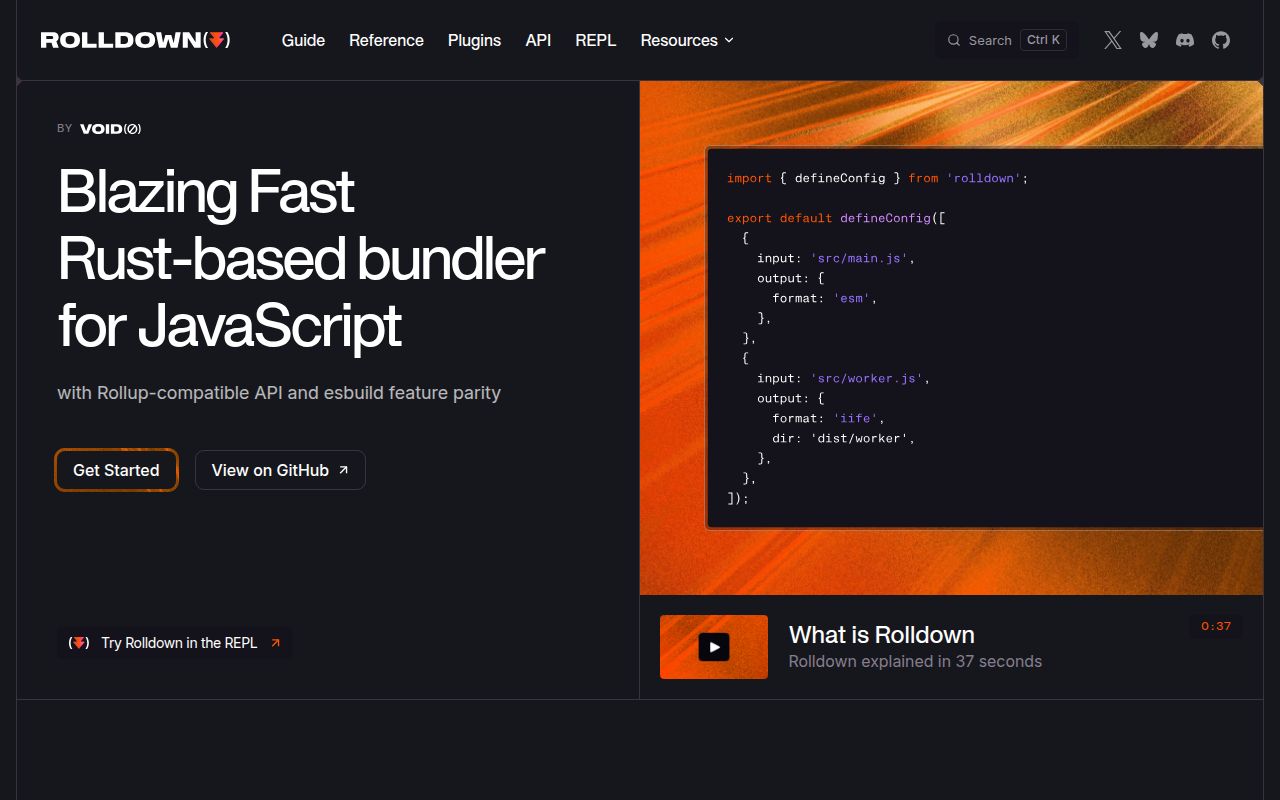
Rolldown 1.2.6 is a Rust-based JavaScript and TypeScript bundler exposed through a Node CLI, config files, a Rollup-shaped build API, watch mode, code splitting, transforms, minification, and plugins. It is intended for Vite's future bundling path and aims at a broader job than a strict Rollup reimplementation. The current release adds property-name mangling, a `tsconfig` option to `transform`, top-level tsconfig handling in Vite resolution, and development module-graph queries, plus several dev-engine and code-splitting fixes. Our measured 1.2.5 install used 21 MB because platform-native code is part of the toolchain, and its browser bundle failed. This belongs in Node build tooling, not application runtime code.
Our rolldown 1.2.5 install took 1.6 seconds, occupied 21 MB across 4 packages, produced 0 audit findings, and could not be bundled for the browser. Test current 1.2.6 in Node build pipelines where Rollup-shaped APIs and native performance matter, but keep the old bundler available until plugin and output fixtures match.
We installed it
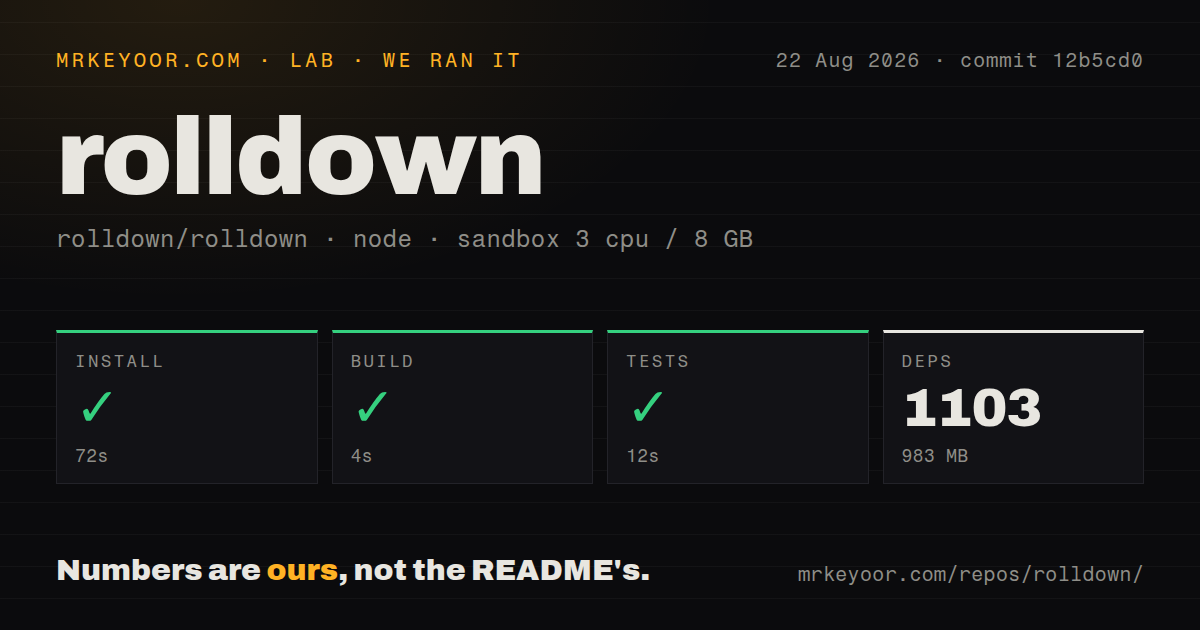
| Install | ✓ · 1.6s | 4 packages on disk · 21 MB |
| Import | ✓ | ESM import works · require() works · ESM package with exports map |
| Browser | n/a | could not be bundled for the browser (Node-only code, most likely) |
| Types | ✓ | TypeScript types bundled |
| Known vulns | 0 | 0 critical · 0 high · 0 moderate · 0 low (npm audit) |
Answers from our run
Does rolldown install cleanly?
Yes. In a fresh container with an empty cache, npm install rolldown finished in 2 seconds, leaving 4 packages and 21 MB on disk. npm audit reported no known vulnerabilities.
Can rolldown run in a browser?
Not directly: esbuild could not bundle it for the browser in our run, which normally means it depends on Node built-ins. Use it on the server, or find a browser-targeted alternative.
Does rolldown work with both ESM and CommonJS?
Yes. Both import 'rolldown' and require('rolldown') worked in Node 22 in our run. The package is published as ESM with an exports map.
Does rolldown include TypeScript types?
Yes, type declarations ship inside the package, so no @types install is needed.
rolldown or rollup: which should you use?
rollup: Choose it when its mature plugin behavior and established library-bundling semantics outweigh a native speed experiment. Our rolldown 1.2.5 install took 1.6 seconds, occupied 21 MB across 4 packages, produced 0 audit findings, and could not be bundled for the browser.
When should you not use rolldown?
Your Node runtime is below 20.19 or between unsupported 21.x releases. Version 1.2.6 requires ^20.19.0 || >=22.12.0.
Discussed on
- hnRolldown: Rollup compatible bundler written in Rust186 points
- hnRolldown-Vite: a Rust-Rewrite of Rollup23 points
- hnVoidZero Announces Rolldown 1.09 points
- hnRolldown-Vite4 points
- hnVitejs team is working on a new bundler: rolldown4 points
Use it if
- A project wants Rollup-shaped configuration and plugins while testing the Rust bundler that Vite is adopting.
- Build speed on a large JavaScript or TypeScript graph matters enough to benchmark a native tool against the current Rollup or esbuild pipeline.
- You need code splitting, tree shaking, transforms, watch mode, library formats, and programmatic generation in one Node bundler.
- The team can run compatibility fixtures for every plugin, output format, sourcemap, and edge-case module before switching production builds.
- Your Node runtime is below 20.19 or between unsupported 21.x releases. Version 1.2.6 requires `^20.19.0 || >=22.12.0`.
- The bundler must run in ordinary browser application code. Our esbuild browser attempt failed; native bindings and filesystem-oriented build behavior belong in Node tooling.
- Exact Rollup plugin compatibility is non-negotiable and the existing pipeline already works. Rolldown documents a Rollup-compatible direction, not a guarantee that every hook and plugin edge behaves identically.
- Installing native platform packages is forbidden in the build environment. Our clean install occupied 21 MB despite the main package reporting 960 KB unpacked.
- You expect bundling TypeScript to replace type checking or declaration generation. Rolldown strips and transforms syntax; run `tsc --noEmit` and a declaration tool separately when those outputs matter.
Setup reality
We installed rolldown 1.2.5 in a clean Node 22 Bookworm container. npm finished in 1.6 seconds and left 4 packages using 21 MB on disk. npm audit found 0 vulnerabilities at critical, high, moderate, and low severities. The package declares 2 direct dependencies and 0 peers and is 960 KB unpacked before its platform binding is considered. It requires Node ^20.19.0 || >=22.12.0, includes TypeScript declarations, uses ESM with an exports map, and passed our require() and ESM import probes.
No credential is needed. Put repeatable builds in rolldown.config.*, choose one or more inputs, and send multiple chunks to output.dir. The cleanDir option removes existing output, so it must point at a dedicated generated directory. TypeScript parsing does not check types or write declaration files. Version 1.2.6 adds tsconfig routing and transform support, but a separate type-check remains part of CI.
Our attempt to bundle rolldown itself for a browser with esbuild failed, which is expected for native Node build tooling. The 21 MB installed footprint includes the selected native binding; unsupported platforms may use different packages or fail during loading. Cache npm artifacts per platform and architecture rather than copying one node_modules tree between machines. Close programmatic bundles and watchers so native handles and plugin resources are released.
Rollup compatibility should be proven with output snapshots, plugin integration tests, sourcemap checks, and runtime tests for every format you publish. Externalized packages remain imports and must exist for users at runtime. Manual chunk groups can worsen caching when they produce one oversized vendor file. Property-name mangling in 1.2.6 can break reflective access, serialized keys, or public APIs unless names are reserved carefully. Watch mode and the development engine are long-running processes, so close them on signals and surface rebuild errors instead of treating one successful startup as proof.
Patterns
Bundle one TypeScript entry bundle-from-cli
npx rolldown src/main.ts --file dist/app.js --format esm --sourcemapThis transforms TypeScript syntax and writes JavaScript. It does not run the type checker or emit declaration files.
Define a repeatable browser build configure-build
import { defineConfig } from 'rolldown';

export default defineConfig({
  input: 'src/main.ts',
  platform: 'browser',
  output: {
    dir: 'dist',
    format: 'esm',
    sourcemap: true,
    cleanDir: true,
  },
});
Run with `rolldown -c`. `cleanDir` deletes existing contents, so reserve the directory for generated files.
Name two entry chunks bundle-multiple-entries
export default defineConfig({
  input: { app: 'src/app.ts', worker: 'src/worker.ts' },
  output: {
    dir: 'dist',
    entryFileNames: '[name]-[hash].js',
    chunkFileNames: 'chunks/[name]-[hash].js',
  },
});
Shared dependencies and dynamic imports can add chunks, which is why this build uses `output.dir` instead of one file.
Write output through the Node API bundle-programmatically
import { rolldown } from 'rolldown';

const bundle = await rolldown({ input: 'src/main.ts' });
try {
  await bundle.write({ file: 'dist/app.mjs', format: 'esm' });
} finally {
  await bundle.close();
}
Close the bundle to release native and plugin resources. Use `generate()` when files should stay in memory.
Generate ESM and CommonJS in memory generate-two-formats
const bundle = await rolldown({ input: 'src/index.ts' });
try {
  const esm = await bundle.generate({ format: 'esm' });
  const cjs = await bundle.generate({ format: 'cjs' });
  inspect(esm.output, cjs.output);
} finally {
  await bundle.close();
}
`generate()` does not write to disk. Exercise both formats because interop behavior can diverge.
Keep runtime packages out of a library bundle externalize-dependencies
const dependencies = new Set(['react', 'react-dom']);

export default defineConfig({
  input: 'src/index.ts',
  external(id) {
    return [...dependencies].some(name => id === name || id.startsWith(`${name}/`));
  },
  output: { file: 'dist/index.mjs', format: 'esm' },
});
External imports remain in the artifact. Consumers must install them, and subpath imports need to match the predicate.
Use a project tsconfig apply-tsconfig
export default defineConfig({
  input: 'src/main.ts',
  tsconfig: './tsconfig.json',
  transform: { target: 'es2020' },
  output: { dir: 'dist' },
});
Version 1.2.6 expands tsconfig support. Resolution and transforms can use it, but no TypeScript type check runs.
Replace build-time globals define-constants
export default defineConfig({
  input: 'src/main.ts',
  transform: {
    define: {
      IS_PROD: 'true',
      'process.env.NODE_ENV': '"production"',
    },
  },
  output: { dir: 'dist' },
});
Definitions are code expressions. A string value needs quotes inside the replacement text.
Provide a virtual module write-plugin
const buildInfo = {
  name: 'build-info',
  resolveId(id) {
    if (id === 'virtual:build-info') return '\0virtual:build-info';
  },
  load(id) {
    if (id === '\0virtual:build-info') return 'export const channel = "stable";';
  },
};
The zero byte marks an internal ID. Test reused Rollup plugins because hook compatibility is broad but not absolute.
Group node_modules into a chunk split-vendor-chunk
export default defineConfig({
  input: 'src/main.ts',
  output: {
    dir: 'dist',
    codeSplitting: {
      groups: [{ name: 'vendor', test: /node_modules/ }],
    },
  },
});
Inspect the emitted graph. One vendor group can create a large file with worse cache invalidation than automatic splitting.
Close a watcher on interruption watch-files
import { watch } from 'rolldown';

const watcher = watch({ input: 'src/main.ts', output: { dir: 'dist' } });
watcher.on('event', event => {
  if (event.code === 'ERROR') console.error(event.error);
});
process.once('SIGINT', async () => {
  await watcher.close();
});
Watcher shutdown is asynchronous. Await it so native handles and pending plugin work can settle before exit.
Build a CommonJS Node command target-node
export default defineConfig({
  input: 'src/cli.ts',
  platform: 'node',
  external: [/^node:/],
  output: {
    file: 'dist/cli.cjs',
    format: 'cjs',
    sourcemap: true,
  },
});
The Node platform changes resolution defaults. Keep built-ins external and decide which package dependencies remain runtime imports.
Alternatives
| Package | Registry | Pick it when |
|---|---|---|
| rollup | npm | Choose it when its mature plugin behavior and established library-bundling semantics outweigh a native speed experiment. |
| esbuild | npm | Choose it for a mature fast native bundler and transformer with a smaller Rollup-compatibility goal. |
| vite | npm | Choose it for a full development server and application build workflow rather than operating the bundler directly. |
| rspack | npm | Choose it when webpack compatibility, loaders, and plugin migration are the primary constraints. |
More cli & tooling guides
commander · chalk · typescript · esbuild · yargs · click · the whole shelf →
How this guide is made: grounded in the library's documentation, release notes, changelog, and issue history, on a fixed rubric — not a hands-on install of every release. The 50 most-downloaded entries are additionally install-verified in clean containers. Corrections: contact the desk.