chalk review
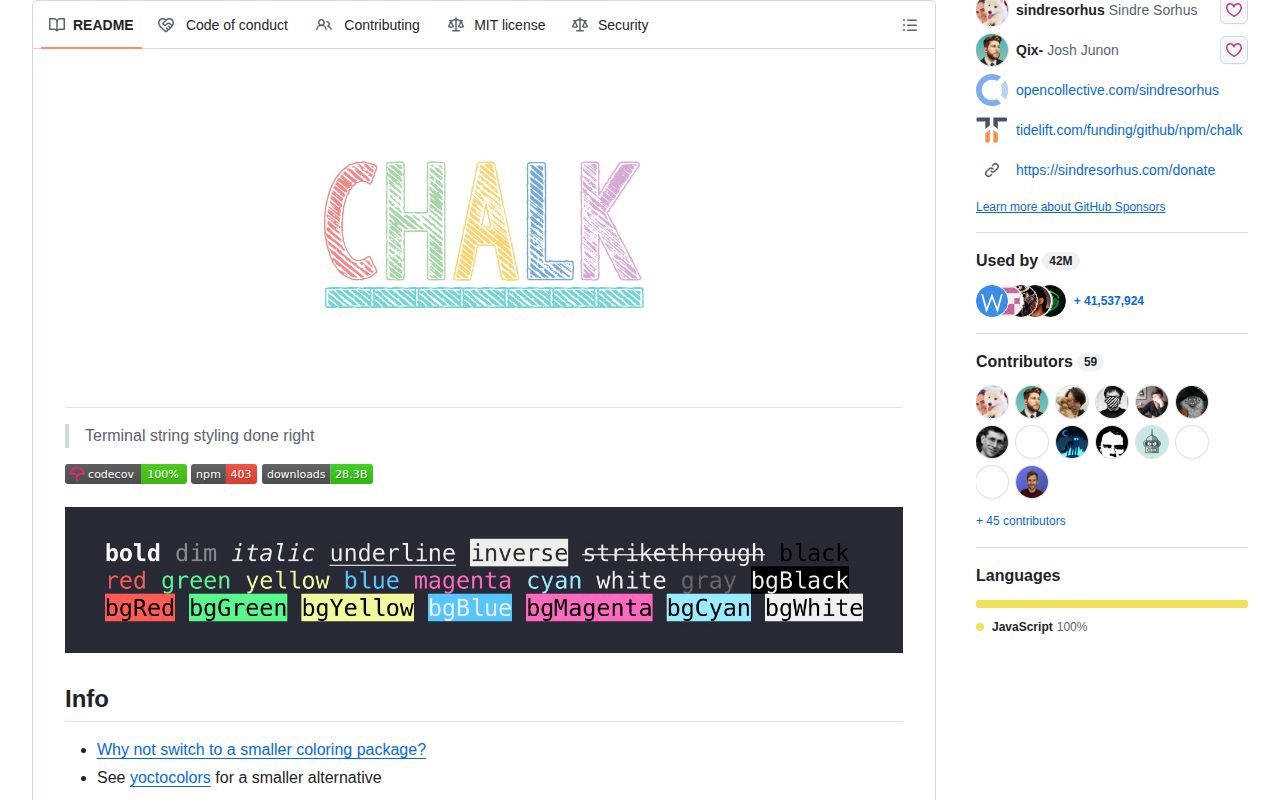
Chalk turns strings into ANSI-styled terminal output through chains such as chalk.bold.red('failed'). It detects stdout and stderr color support, restores outer styles after nested calls, and reduces RGB or 256-color requests to the terminal's available level. Version 6 requires Node 22, adds double, curly, dotted, and dashed underlines plus independently colored underlines, and changes numeric FORCE_COLOR values to select an exact level. Our browser build was 2.7 KB gzipped, but Chalk is meant for terminal output rather than page styling.
Install Chalk 6 for a Node 22 CLI that genuinely uses nesting, color negotiation, or the new underline controls. Pick a smaller helper for three fixed colors, and do not install it for browser UI.
We installed it
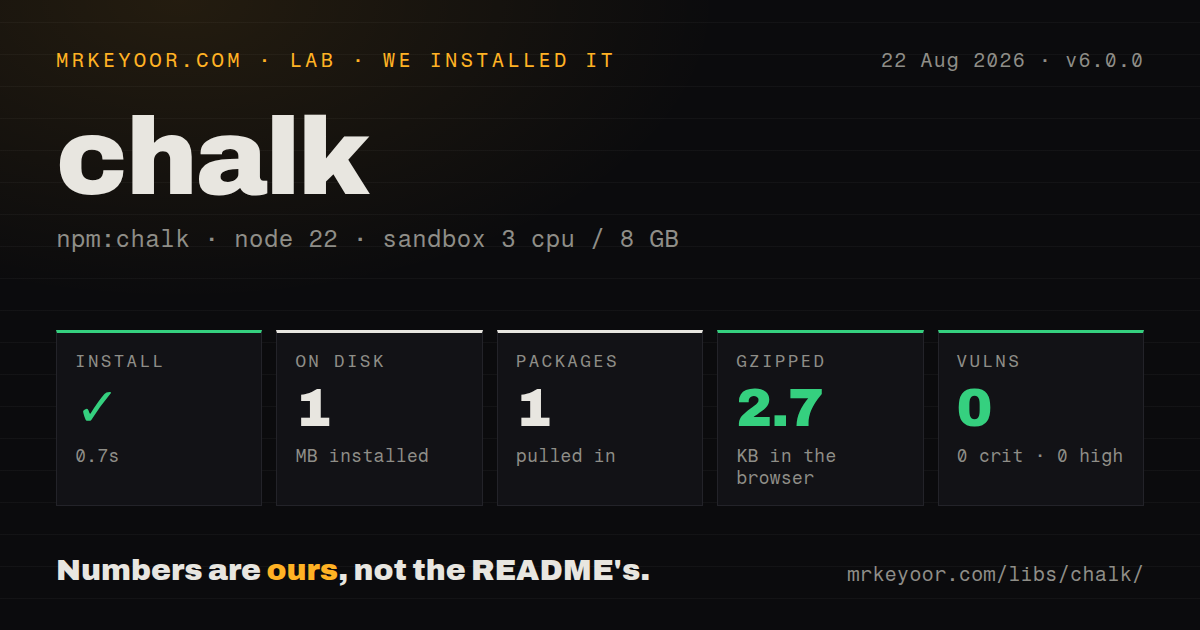
| Install | ✓ · 0.7s | 1 package on disk · 1 MB |
| Import | ✓ | ESM import works · require() works · ESM package with exports map |
| Browser | 2.7 KB | gzipped (6.5 KB minified), bundled with esbuild |
| Types | — | no TypeScript types found |
| Known vulns | 0 | 0 critical · 0 high · 0 moderate · 0 low (npm audit) |
Answers from our run
Does chalk install cleanly?
Yes. In a fresh container with an empty cache, npm install chalk finished in 0.7s, leaving 1 package and 1 MB on disk. npm audit reported no known vulnerabilities.
How much does chalk add to a browser bundle?
2.7 KB gzipped (6.5 KB minified) when the whole package is bundled for the browser with esbuild. Importing only part of it is usually smaller.
Does chalk work with both ESM and CommonJS?
Yes. Both import 'chalk' and require('chalk') worked in Node 22 in our run. The package is published as ESM with an exports map.
Does chalk include TypeScript types?
No type declarations were found in our install, so TypeScript users need their own declarations.
chalk or yoctocolors: which should you use?
yoctocolors: Use it when a tiny fixed-function color API matters more than Chalk's chaining and detection surface. Install Chalk 6 for a Node 22 CLI that genuinely uses nesting, color negotiation, or the new underline controls.
When should you not use chalk?
Your runtime is Node 20 or older; Chalk 6 declares Node >=22, so use Chalk 5 or another color package instead
Discussed on
Use it if
- You maintain a Node 22 CLI whose status lines need nested foreground, background, underline, and modifier styles
- Your output may be redirected or run in CI, so automatic stdout and stderr color detection matters
- You accept user-selected RGB or ANSI 256 colors and need them reduced to the terminal's supported palette
- You want a zero-dependency formatter that returns ordinary strings and never patches String.prototype
- Your runtime is Node 20 or older; Chalk 6 declares Node >=22, so use Chalk 5 or another color package instead
- You still depend on a CommonJS-only toolchain and cannot test its interop path; the package is ESM even though require() worked in our Node 22 check
- You only need a few fixed color functions and count every byte; the README itself points size-sensitive users to yoctocolors
- You are coloring browser UI; ANSI escape sequences belong in terminals, while CSS is the right layer for page text
- You expect italic, advanced underline shapes, or underline colors to look the same everywhere; the README marks those styles as not widely supported
Setup reality
Our clean Node 22 install of Chalk 6.0.0 succeeded in 0.7 seconds. It left one package using 1 MB, and npm audit found no known vulnerabilities. Chalk has no direct or peer dependencies; its own unpacked package is 104 KB. It is an ESM package with an exports map. Both require() and ESM import worked in the sandbox. Our type check found no TypeScript types. A full esbuild browser import measured 6.5 KB minified and 2.7 KB gzipped.
There are no credentials or config files. Color detection reads the output stream and command-line flags. Users can override it with --color, --no-color, or FORCE_COLOR. In v6, FORCE_COLOR=1, 2, or 3 selects that exact level; FORCE_COLOR=true enables color while still allowing detection to choose the level. Keep those environment rules in mind when snapshots pass locally and emit escapes in CI.
The default chalk instance has a global level. Changing chalk.level inside a reusable package can alter every other Chalk consumer in the process. Create new Chalk({level}) when a library needs a fixed policy. stdout and stderr are detected separately, so use chalkStderr for diagnostics rather than assuming the console's normal instance has the same capability.
Terminal support is the remaining variable. RGB and ansi256 colors are reduced when the active level is lower; v6 also reduces ansi256 background colors and underline colors at level 1. Curly or colored underlines may be ignored by older terminals. Chalk only styles strings. It does not sanitize control characters in untrusted text, manage line clearing, or coordinate concurrent writers.
Patterns
Color a status line style-status
import chalk from 'chalk';

console.log(chalk.green('ready'));
console.error(chalk.bold.red('failed'));
Chalk returns strings. console.log and console.error decide where they are written.
Chain foreground, background, and modifiers compose-styles
const label = chalk.black.bgYellow.bold(' WARNING ');
console.log(label, 'disk nearly full');
Style order does not matter. A later style of the same kind wins.
Restore an outer style after nesting nest-styles
console.log(chalk.green(
  'build ' + chalk.bold.red('failed') + ' after 12 tasks'
));
The text after the nested red segment returns to green.
Request an RGB color use-rgb-color
const accent = chalk.rgb(120, 80, 240);
console.log(accent('violet status'));
Chalk reduces RGB to 256 or 16 colors when the terminal reports a lower color level.
Define named project styles use-hex-theme
const ui = {
  error: chalk.bold.hex('#ff4d4f'),
  warning: chalk.hex('#faad14'),
};

console.error(ui.error('compile failed'));
Keep theme functions local instead of mutating the default Chalk instance.
Create an isolated color policy create-fixed-instance
import {Chalk} from 'chalk';

const plain = new Chalk({level: 0});
console.log(plain.red('no escape codes'));
Use a separate instance in reusable code. Assigning chalk.level changes the shared default instance.
Use stderr-specific detection write-stderr
import {chalkStderr, supportsColorStderr} from 'chalk';

if (supportsColorStderr) console.error(chalkStderr.yellow('warning'));
stdout and stderr can report different color support when one stream is redirected.
Hide decoration when color is disabled show-cosmetic-text
console.log(`${chalk.visible.gray('›')} compiling`);visible removes its content at color level 0, so do not put required information inside it.
Color a curly underline add-colored-underline
console.log(chalk.underlineRed.underlineCurly('misspelled'));Chalk 6 adds underline shapes and colors. Many terminals ignore one or both controls.
Check a requested foreground color validate-style-name
import chalk, {foregroundColorNames} from 'chalk';

function colorize(name, text) {
  return foregroundColorNames.includes(name) ? chalk[name](text) : text;
}
Validate dynamic property names before indexing the Chalk object.
Branch on detected color depth inspect-color-level
import {supportsColor} from 'chalk';

const level = supportsColor?.level ?? 0;
console.log(level >= 3 ? chalk.hex('#deaded')('truecolor') : chalk.red('basic'));
supportsColor is false when color is unavailable, so optional chaining avoids reading level from a boolean.
Make snapshot output deterministic disable-colors-in-test
import {Chalk} from 'chalk';

const testChalk = new Chalk({level: 0});
expect(testChalk.red('error')).toBe('error');
An isolated level-0 instance avoids depending on the test runner's terminal detection.
Alternatives
| Package | Registry | Pick it when |
|---|---|---|
| yoctocolors | npm | Use it when a tiny fixed-function color API matters more than Chalk's chaining and detection surface |
| picocolors | npm | Use it for a small CommonJS-friendly set of ANSI helpers in build tooling |
| kleur | npm | Use it when you want chainable terminal styles while supporting older Node releases |
More cli & tooling guides
commander · typescript · esbuild · yargs · click · vite · the whole shelf →
How this guide is made: grounded in the library's documentation, release notes, changelog, and issue history, on a fixed rubric — not a hands-on install of every release. The 50 most-downloaded entries are additionally install-verified in clean containers. Corrections: contact the desk.