rich-argparse review
rich-argparse 1.8.0 replaces the help formatter in Python's standard `argparse` with Rich-rendered usage, groups, option names, metavariables, defaults, descriptions, and epilogs. Parsing, validation, actions, and the returned namespace still belong to `argparse`. Five core formatters mirror the standard library's wrapping modes; extra modules cover paragraph-preserving text, Django commands, preview export, and experimental `optparse`. Version 1.8.0 drops Python 3.8, adds PyPy 3.11, and introduces `ExtendedParagraphRichHelpFormatter` for separate control over paragraph breaks with and without spacing.
rich-argparse 1.8.0 installed in 0.4 seconds, used 8 MB across 5 packages, passed pip-audit, and imported in 0.19 seconds in our sandbox. Add it to an argparse CLI when styled help and exportable previews justify Rich; do not install it expecting command construction, automatic subparser inheritance, or terminal-independent snapshots.
We installed it
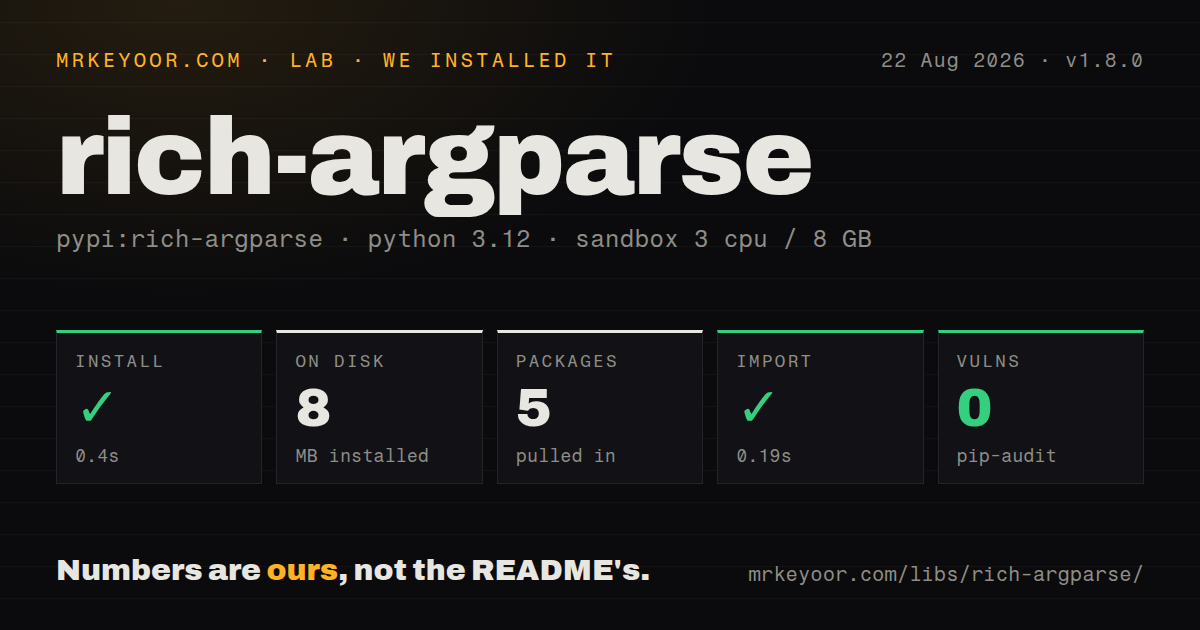
| Install | ✓ · 0.4s | 5 packages on disk · 8 MB |
| Import | ✓ | import rich_argparse in 0.19s · pure Python · py.typed · requires Python >=3.9 |
| Known vulns | 0 | (pip-audit) |
Answers from our run
Does rich-argparse install cleanly?
Yes. In a fresh container with an empty cache, pip install rich-argparse finished in 0.4s, leaving 5 packages and 8 MB on disk. pip-audit reported no known vulnerabilities.
What does rich-argparse need to run?
Python >=3.9, and nothing compiled: it is pure Python. In our run import rich_argparse succeeded in 0.19s, and the package ships py.typed for type checkers.
rich-argparse or rich-click: which should you use?
rich-click: Use it when the existing command tree is built with Click. rich-argparse 1.8.0 installed in 0.4 seconds, used 8 MB across 5 packages, passed pip-audit, and imported in 0.19 seconds in our sandbox.
When should you not use rich-argparse?
You want commands generated from type hints, shell completion, prompts, or application execution helpers. rich-argparse only formats help.
Use it if
- An existing argparse command needs clearer help output without being rewritten around decorators or a new command framework.
- Descriptions need Rich markup, custom styles, regex highlights, Markdown, tables, or another Rich renderable.
- Help output must also be exported to SVG, HTML, or text for checked-in documentation.
- Django management commands should share one formatter, or an old optparse application can accept experimental support.
- You want commands generated from type hints, shell completion, prompts, or application execution helpers. rich-argparse only formats help.
- The command tree uses Click or Typer. `rich-click` targets those frameworks, while this package works with argparse and related adapters.
- A tiny script must remain standard-library-only. The 1.8.0 wheel has 1 direct dependency on Rich and our environment installed 5 packages total.
- Help strings contain untrusted or bracket-heavy text. Descriptions, epilogs, and argument help interpret Rich markup by default unless disabled.
- Every subcommand must inherit parent settings automatically. argparse creates each subparser separately, so `formatter_class` must be passed again.
Setup reality
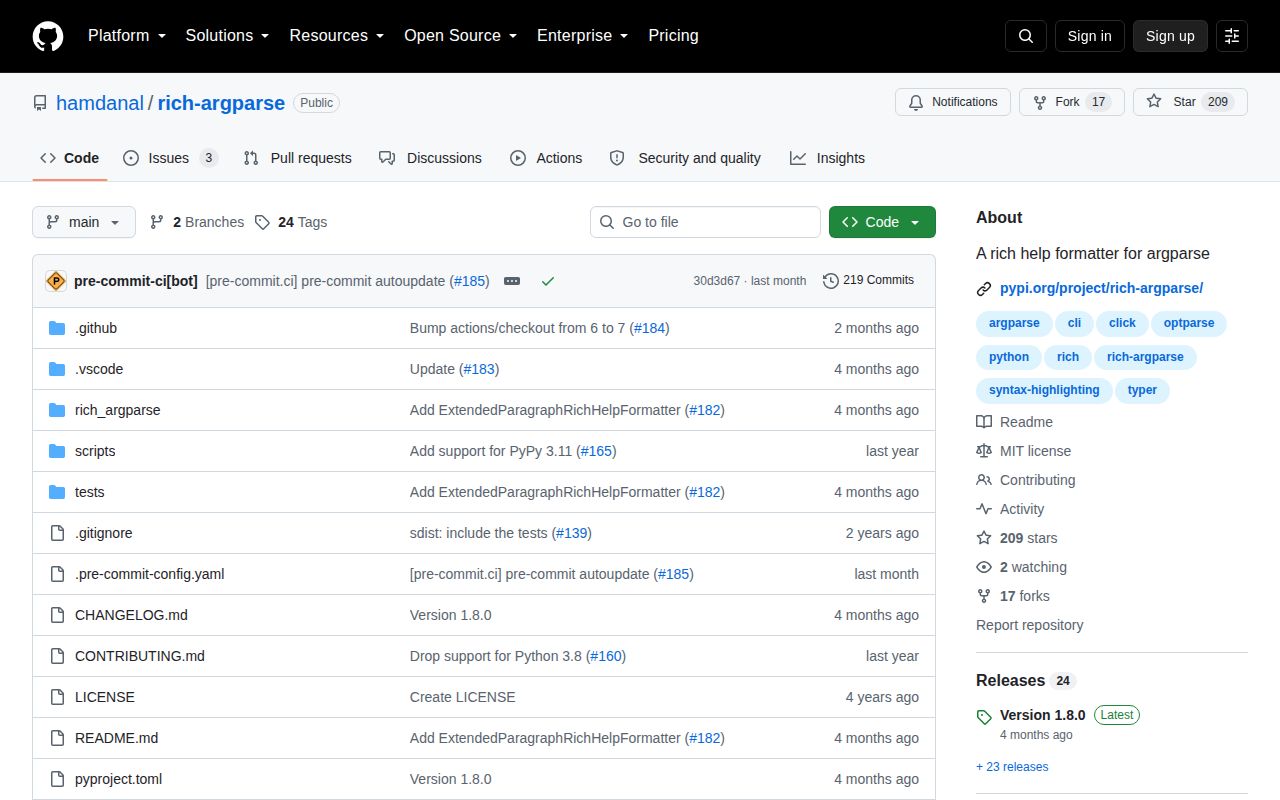
We installed rich-argparse 1.8.0 in a fresh Python 3.12 Bookworm sandbox in 0.4 seconds. The environment contained 5 packages and used 8 MB on disk. pip-audit found 0 known vulnerabilities. The pure-Python package has 1 direct dependency, requires Python 3.9 or newer, ships py.typed, and imported as rich_argparse in 0.19 seconds. Our package measurement could not identify a license, although the GitHub repository labels its code MIT.
Nothing changes until formatter_class is passed to ArgumentParser. Subparsers are a common surprise because argparse does not inherit that class; each add_parser() call needs it explicitly. Choose among the 5 core formatters based on whitespace rules. Ordinary RichHelpFormatter wraps text like the standard formatter, while raw, paragraph, and extended paragraph variants preserve different breaks. Version 1.8.0's extended formatter distinguishes 2 newlines from 3, so snapshots can change when prose spacing changes.
Rich markup is active in descriptions, epilogs, and option help. Literal text such as array[index], templates, and regular expressions can be parsed as tags. Escape brackets or subclass the formatter with text_markup = False and help_markup = False. Do not mutate RichHelpFormatter.styles or highlights in reusable library code because both are class-level containers shared across parsers. Copy them onto a subclass. Arbitrary Rich renderables skip the string highlighter, argparse.text styling, and %(prog)s replacement.
Terminal width and color capability affect output. For tests, pass a Console with fixed width and color policy through the formatter's keyword-only console argument; Python 3.14 compatibility was one reason this signature changed in 1.7.1. HelpPreviewAction writes an SVG, HTML, or text file when its hidden option runs, so the destination must exist and be writable. Django's patch function must run before execute_from_command_line, and the README still labels optparse support experimental.
Patterns
Style one argparse command format-help
import argparse
from rich_argparse import RichHelpFormatter

parser = argparse.ArgumentParser(
    prog='acme',
    description='Manage the Acme service.',
    formatter_class=RichHelpFormatter,
)
parser.add_argument('--region', metavar='NAME', help='Target region')
args = parser.parse_args()
Only rendering changes in version 1.8.0. argparse still owns parsing, validation, actions, errors, and the returned namespace.
Print default values in help show-defaults
from rich_argparse import ArgumentDefaultsRichHelpFormatter

parser = argparse.ArgumentParser(
    formatter_class=ArgumentDefaultsRichHelpFormatter,
)
parser.add_argument('--timeout', type=float, default=10.0, help='Request timeout')
Defaults appear in user-visible help. Keep credentials and machine-specific secrets out of argument defaults.
Keep a description's line breaks preserve-description
from rich_argparse import RawDescriptionRichHelpFormatter

parser = argparse.ArgumentParser(
    description='First step:\n  acme init\n\nSecond step:\n  acme run',
    formatter_class=RawDescriptionRichHelpFormatter,
)
RawDescription preserves description and epilog layout. Individual option help continues to use normal argparse wrapping.
Control paragraph spacing space-paragraphs
from rich_argparse.contrib import ExtendedParagraphRichHelpFormatter

parser = argparse.ArgumentParser(
    description='Close paragraph.\n\nNext line.\n\n\nSpaced paragraph.',
    formatter_class=ExtendedParagraphRichHelpFormatter,
)
ExtendedParagraphRichHelpFormatter is new in 1.8.0. Two newlines break a paragraph; 3 add spacing.
Format every subcommand style-subparsers
parser = argparse.ArgumentParser(formatter_class=RichHelpFormatter)
commands = parser.add_subparsers(dest='command', required=True)

build = commands.add_parser('build', formatter_class=parser.formatter_class)
build.add_argument('--release', action='store_true')
argparse does not copy `formatter_class` into subparsers. Omitting it gives that subcommand plain help.
Isolate a project color scheme customize-styles
class AcmeFormatter(RichHelpFormatter):
    styles = {
        **RichHelpFormatter.styles,
        'argparse.args': 'bold cyan',
        'argparse.groups': 'bold magenta',
        'argparse.metavar': 'yellow',
    }

parser = argparse.ArgumentParser(formatter_class=AcmeFormatter)
Copy the style dictionary. Mutating the base class changes every parser using RichHelpFormatter in the process.
Render square brackets literally disable-markup
class LiteralFormatter(RichHelpFormatter):
    text_markup = False
    help_markup = False

parser = argparse.ArgumentParser(
    description='Accepts array[index].',
    formatter_class=LiteralFormatter,
)
Both markup switches default to true. Disable them for generated, untrusted, or bracket-heavy help strings.
Highlight a config filename add-highlight
class ProjectFormatter(RichHelpFormatter):
    styles = {**RichHelpFormatter.styles, 'argparse.config': 'bold green'}
    highlights = [
        *RichHelpFormatter.highlights,
        r'\b(?P<config>pyproject\.toml)\b',
    ]
The named regex group `config` maps to the `argparse.config` style. Copy the list before adding a pattern.
Use Markdown in a description render-markdown
from rich.markdown import Markdown

description = Markdown('# Acme deploy\n\n* Validate\n* Upload', style='argparse.text')
parser = argparse.ArgumentParser(
    description=description,
    formatter_class=RichHelpFormatter,
)
A Rich renderable does not receive string highlights or `%(prog)s` substitution. Apply its style explicitly.
Write help to an SVG file export-preview
from rich_argparse import HelpPreviewAction

parser.add_argument(
    '--generate-help-preview',
    action=HelpPreviewAction,
    path='docs/help.svg',
)
The action is hidden and writes only when invoked. Its directory must exist and `COLUMNS` controls the exported width.
Fix console width in snapshots stabilize-tests
from rich.console import Console

console = Console(width=100, color_system=None, force_terminal=False)
def formatter(prog):
    return RichHelpFormatter(prog, console=console)

parser = argparse.ArgumentParser(formatter_class=formatter)
help_text = parser.format_help()
The `console` parameter is keyword-only after 1.7.1. Fixed width and color remove 2 sources of terminal-dependent diffs.
Format Django management commands patch-django-help
from rich_argparse.django import richify_command_line_help
from django.core.management import execute_from_command_line

richify_command_line_help()
execute_from_command_line(sys.argv)
Call the patch before Django's `execute_from_command_line`. It affects built-in, extension, and project management commands.
Alternatives
| Package | Registry | Pick it when |
|---|---|---|
| rich-click | PyPI | Use it when the existing command tree is built with Click. |
| typer | PyPI | Use it for a new type-annotated CLI with command construction and completion included. |
| click | PyPI | Use it when you need a full command framework and can add styling separately. |
| argcomplete | PyPI | Use it when shell completion is the missing argparse feature rather than help presentation. |
More cli & tooling guides
commander · chalk · typescript · esbuild · yargs · click · the whole shelf →
How this guide is made: grounded in the library's documentation, release notes, changelog, and issue history, on a fixed rubric — not a hands-on install of every release. The 50 most-downloaded entries are additionally install-verified in clean containers. Corrections: contact the desk.