ora review
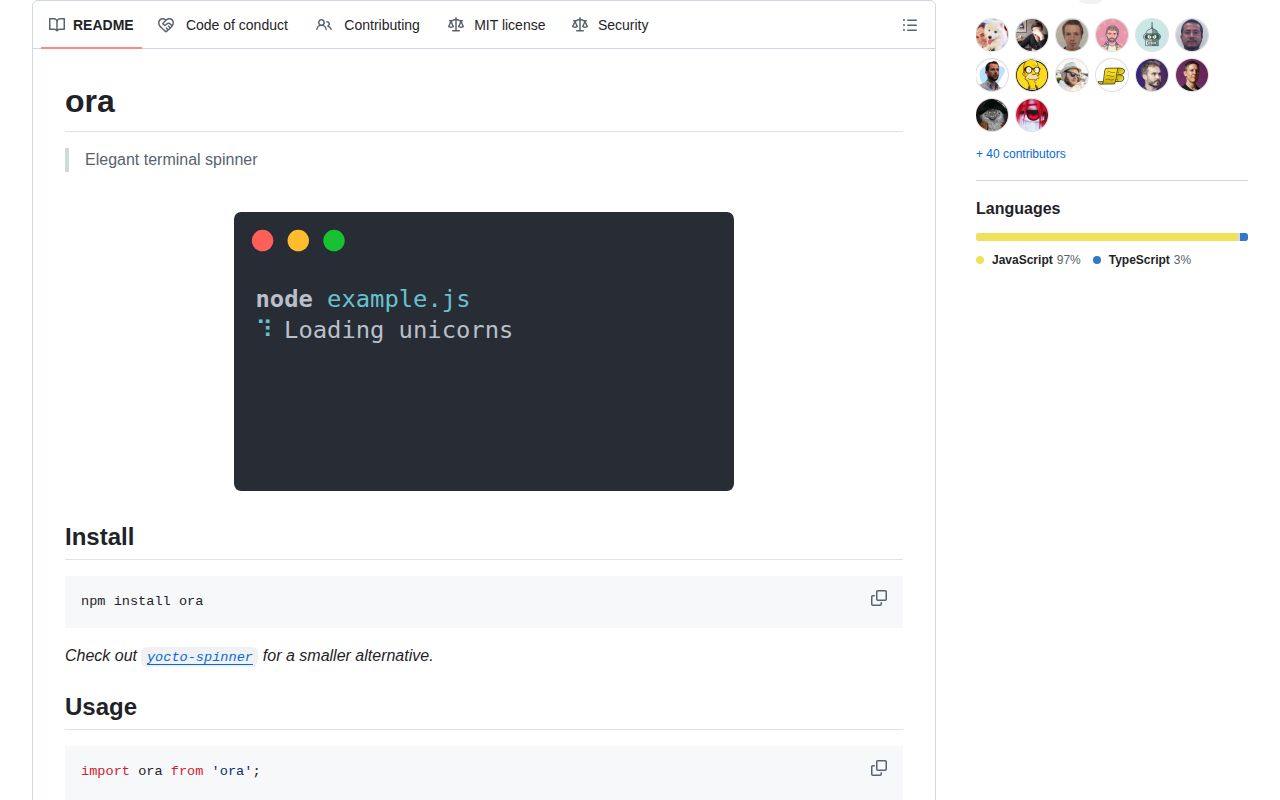
We installed ora 9.4.1 and exercised both its ESM and require entry paths under Node 22. Ora owns one animated terminal status line: start it with text, update it while work runs, then persist a success, failure, warning, information, or custom symbol. It writes to stderr by default so stdout can remain machine-readable, disables animation outside suitable terminals, and can discard keystrokes while active. oraPromise ties that lifecycle to a promise. Version 9.4 adds custom success and failure symbols to oraPromise; 9.4.1 corrects the TypeScript definitions and types rejected values as unknown rather than Error.
Ora is worth installing for one polished terminal wait state when you need correct stderr, CI, cursor, and stdin behavior around it. Pick a task list for concurrent work, a progress bar for known totals, or yocto-spinner when a thinner status line is enough.
We installed it
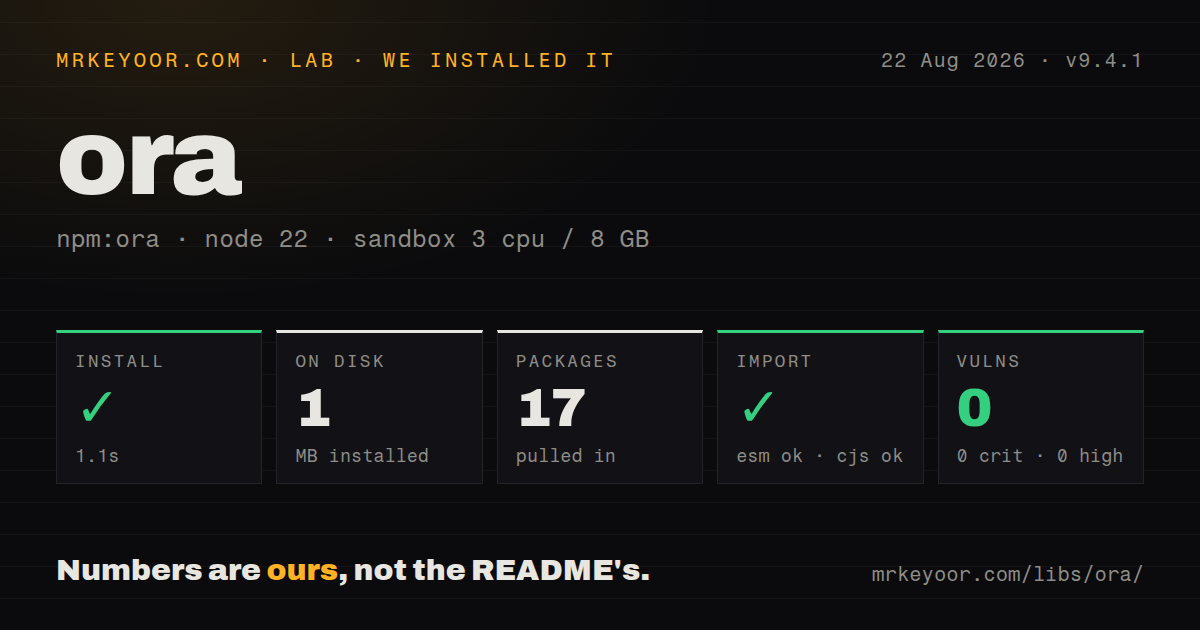
| Install | ✓ · 1.1s | 17 packages on disk · 1 MB |
| Import | ✓ | ESM import works · require() works · ESM package with exports map |
| Browser | n/a | could not be bundled for the browser (Node-only code, most likely) |
| Types | ✓ | TypeScript types bundled |
| Known vulns | 0 | 0 critical · 0 high · 0 moderate · 0 low (npm audit) |
Answers from our run
Does ora install cleanly?
Yes. In a fresh container with an empty cache, npm install ora finished in 1 seconds, leaving 17 packages and 1 MB on disk. npm audit reported no known vulnerabilities.
Can ora run in a browser?
Not directly: esbuild could not bundle it for the browser in our run, which normally means it depends on Node built-ins. Use it on the server, or find a browser-targeted alternative.
Does ora work with both ESM and CommonJS?
Yes. Both import 'ora' and require('ora') worked in Node 22 in our run. The package is published as ESM with an exports map.
Does ora include TypeScript types?
Yes, type declarations ship inside the package, so no @types install is needed.
ora or yocto-spinner: which should you use?
yocto-spinner: Use it for a smaller single-spinner API when Ora's stream interception and wider option surface are unnecessary. Ora is worth installing for one polished terminal wait state when you need correct stderr, CI, cursor, and stdin behavior around it.
When should you not use ora?
Several jobs must stay visible at once; Ora manages one spinner, while listr2 is built for concurrent and nested task lists
Use it if
- A Node CLI waits on network, filesystem, or child-process work and needs one clear indeterminate status line
- Stdout is structured or pipeable output, so progress belongs on stderr and must degrade cleanly in CI
- You want a promise wrapper that chooses final text and symbols from the resolved value or rejected reason
- Your minimum runtime is Node 20 and bundled TypeScript declarations are part of the package requirement
- Several jobs must stay visible at once; Ora manages one spinner, while listr2 is built for concurrent and nested task lists
- The operation reports completed units, percentage, or ETA; cli-progress can display measurable progress instead of an indefinite animation
- Your work blocks the event loop; the README warns that the spinner and Ora's Ctrl+C handling cannot update until synchronous work yields
- The code runs in a browser or browser-targeted bundle; our esbuild browser build failed, and the package depends on terminal streams, cursor control, and stdin behavior
- Eight direct dependencies are too much for one status line; Ora's README points to yocto-spinner as the smaller choice
Setup reality
Our fresh Node 22 container installed ora 9.4.1 in 1.1 seconds. The resulting environment contained 17 packages and used 1 MB. Ora declares 8 direct dependencies, 0 peer dependencies, 56 KB unpacked, Node 20 or newer, and the MIT License. npm audit found 0 known vulnerabilities at every severity. TypeScript declarations are bundled. The package has no native build step in the measured install.
Ora declares type: module and exposes its ESM file through an exports map. ESM import worked, and require() also worked in our Node 22 check. Since the published source is ESM, test require behavior on the oldest runtime you support instead of assuming a CommonJS artifact exists. Our browser bundle failed, which fits the API: Ora works with Node terminal streams, stdin, cursor control, and TTY detection. Keep it out of browser entry points.
The default stream is stderr. isEnabled controls animation and ANSI output but still prints text; isSilent suppresses all spinner and final text. In a non-TTY or CI process, Ora normally disables animation. Windows terminals outside Windows Terminal use the simpler line spinner according to the README. External console writes are supported in version 9, but logs should target the same expected terminal flow or redirected output can become confusing. Use one Ora instance for one live line.
discardStdin defaults to true on supported TTYs and puts stdin in raw mode. Ora re-emits Ctrl+C, yet synchronous CPU work delays that handling along with every animation frame. Move CPU-heavy work into a worker or child process and keep the spinner in the main thread. Always end a started spinner in success, failure, stop, or stopAndPersist, including exception and signal paths, so the cursor and terminal line are restored. oraPromise handles this cleanup for one promise and rethrows its original rejection.
Patterns
Persist a successful result start-and-succeed
import ora from 'ora';

const spinner = ora('Downloading index').start();
try {
  await downloadIndex();
  spinner.succeed('Index downloaded');
} catch (error) {
  spinner.fail(`Download failed: ${String(error)}`);
  throw error;
}
succeed and fail stop animation and leave a symbol line in scrollback. stop clears without a final status.
Bind status to a promise wrap-promise
import {oraPromise} from 'ora';

const result = await oraPromise(() => buildProject(), {
  text: 'Building project',
  successText: value => `Built ${value.files} files`,
  failText: reason => `Build failed: ${String(reason)}`,
});
Version 9.4.1 types the rejected value as unknown. Narrow or stringify it before reading properties.
Change oraPromise outcome symbols custom-promise-symbols
await oraPromise(upload(), {
  text: 'Uploading',
  successSymbol: 'UP',
  failSymbol: 'ERR',
});
successSymbol and failSymbol were added in 9.4. They affect the persisted outcome, not animation frames.
Change text and color while running update-running-text
const spinner = ora('Connecting').start();
await connect();
spinner.text = 'Downloading records';
spinner.color = 'yellow';
await download();
spinner.succeed('Records ready');
Mutate the running instance. Starting a second Ora instance makes both compete for the same terminal line.
Provide terminal-safe frames define-spinner-frames
const spinner = ora({
  text: 'Waiting',
  spinner: {frames: ['-', '\\', '|', '/'], interval: 100},
  color: false,
}).start();
ASCII frames avoid Unicode rendering problems. Ora otherwise uses a line fallback on older Windows terminals.
Write data to stdout and status to stderr keep-stdout-clean
const spinner = ora({text: 'Querying API', stream: process.stderr}).start();
const rows = await query();
spinner.succeed(`Received ${rows.length} rows`);
process.stdout.write(`${JSON.stringify(rows)}\n`);
stderr is already Ora's default. Keeping JSON on stdout lets shell users pipe it without animation bytes.
Print plain status without animation disable-animation
const spinner = ora({
  text: 'Running migration',
  isEnabled: false,
}).start();
await migrate();
spinner.succeed('Migration complete');
isEnabled false still emits text. Use isSilent when the command must produce no status output at all.
Suppress spinner and final text silence-status
const spinner = ora({
  text: 'Syncing',
  isSilent: options.quiet,
}).start();
await sync();
spinner.succeed('Synced');
isSilent suppresses the final succeed or fail line too, which is appropriate for a true quiet flag.
Stop with a custom marker persist-custom-status
spinner.stopAndPersist({
  symbol: 'SKIP',
  text: 'Upload skipped by policy',
  suffixText: '(config.yml)',
});
stopAndPersist accepts its own text, prefix, suffix, and symbol while ending the active animation.
Render a dynamic suffix counter show-live-counter
let completed = 0;
const spinner = ora({
  text: 'Checking files',
  suffixText: () => `${completed}/${files.length}`,
}).start();
for (const file of files) {
  await check(file);
  completed += 1;
}
spinner.succeed();
The suffix function is evaluated during rendering. This is still an indeterminate spinner, not a percentage bar.
Leave stdin available to the application allow-terminal-input
const spinner = ora({
  text: 'Waiting for selection',
  discardStdin: false,
}).start();
Disable input discarding when another prompt or raw-input handler owns stdin. Two components changing raw mode can interfere with each other.
Keep animation outside a worker report-worker-progress
const spinner = ora('Indexing').start();
const worker = new Worker(new URL('./index-worker.js', import.meta.url));
worker.on('message', message => {
  if (message.type === 'progress') spinner.text = message.text;
});
await once(worker, 'exit');
spinner.succeed('Index ready');
CPU-heavy code belongs in the worker. Ora remains on the main event loop so frames and Ctrl+C stay responsive.
Alternatives
| Package | Registry | Pick it when |
|---|---|---|
| yocto-spinner | npm | Use it for a smaller single-spinner API when Ora's stream interception and wider option surface are unnecessary. |
| listr2 | npm | Use it when users must follow several concurrent, nested, skipped, or failed tasks at the same time. |
| cli-progress | npm | Use it when the task exposes totals and users benefit from percentages, counters, or multiple progress bars. |
More cli & tooling guides
commander · chalk · typescript · esbuild · yargs · click · the whole shelf →
How this guide is made: grounded in the library's documentation, release notes, changelog, and issue history, on a fixed rubric — not a hands-on install of every release. The 50 most-downloaded entries are additionally install-verified in clean containers. Corrections: contact the desk.