Folders and timelines improve the chat sites you already use
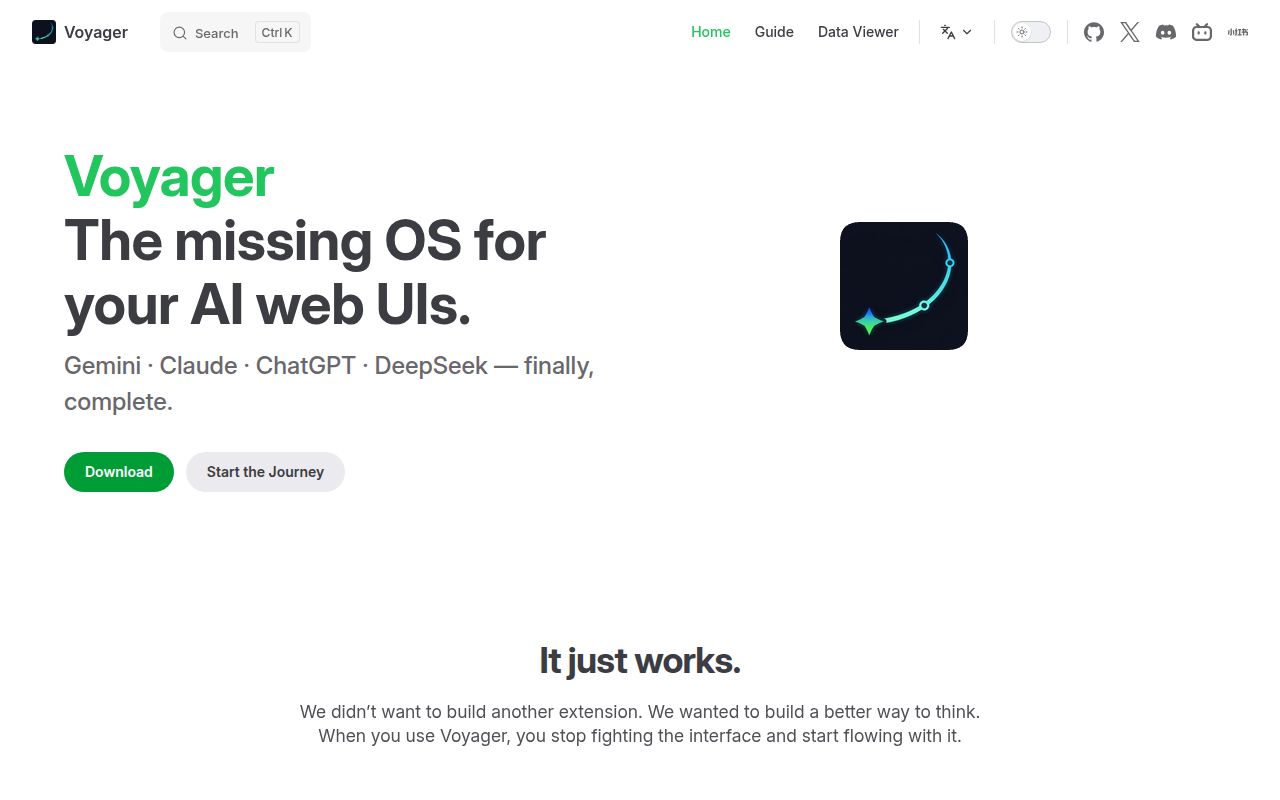
Voyager adds folders, saved prompts, and conversation navigation to existing AI chat websites. On Gemini, you can arrange chats in a two-level folder hierarchy and jump between messages on a timeline. That addresses a familiar irritation: remembering that an answer exists, then scrolling through a long conversation to find it. You keep using the provider's website and account, with an extension adding the missing controls.
Our checkout contained 3,136 files and roughly 426,468 source lines in 42.1 MB. This is a sizeable extension project, covering several browsers and site-specific features. Its English README is detailed, with translated versions linked alongside it. The practical attraction is strongest for someone already committed to these web interfaces. A person seeking an independent chat service should look elsewhere.
What happened when we ran it
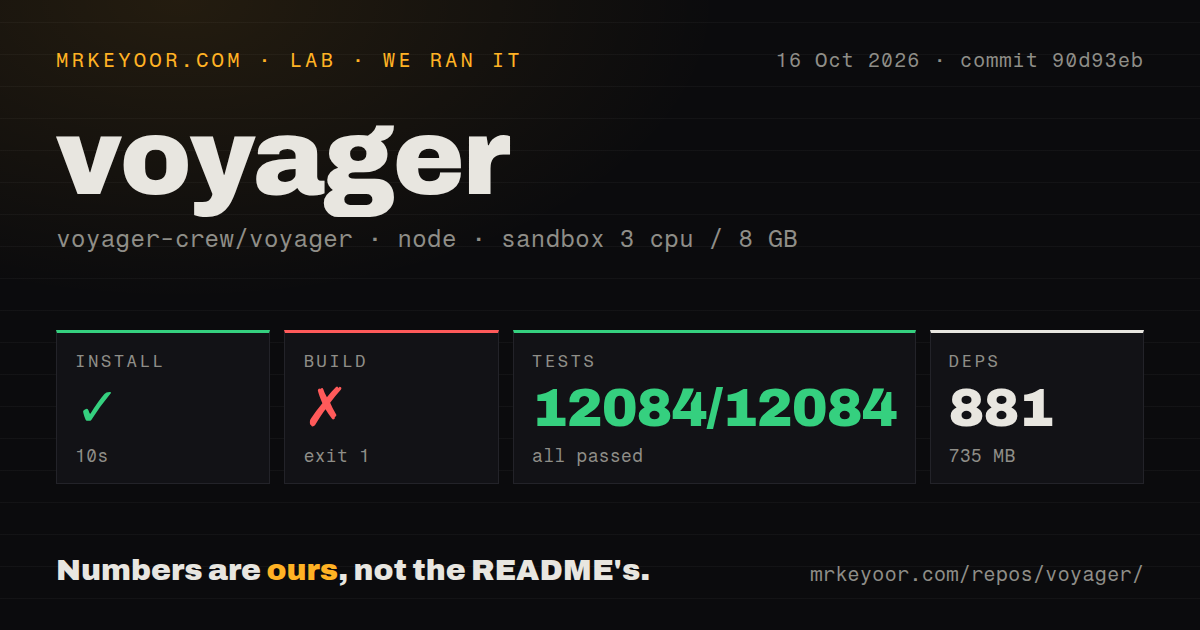
Our Voyager run installed 881 packages in 10 seconds, leaving 735 MB on disk. We cloned commit 90d93eb on October 16, 2026, into an unprivileged sandbox with 3 CPUs, 8 GB of RAM, no secrets, and the lab-node:22 image. The Node project uses Bun. Installation succeeded, so the first failure came after dependency setup rather than during it.
The build failed with exit code 1 after 3 seconds. Its error says catalog freshness requires full Git history and instructs the caller to fetch with --unshallow or use fetch-depth: 0. The stack runs through getCatalogRevision and Vite's configuration loading before the build script exits. That identifies a checkout requirement. We did not record a successful build after changing the checkout, so the remedy in the error remains unverified by this run.
Vitest nevertheless passed all 12,084 tests with 0 failures in 546 seconds. That is a meaningful result alongside the failed build, and both belong in the decision. Passing the suite does not establish that the extension package was produced or that every feature works against today's live chat pages. These measurements cover the repository commands; they contain no hands-on browser session, export-quality comparison, or interaction-speed benchmark.
Gemini Enterprise gets only Prompt Manager
The installation guide explicitly limits Gemini Enterprise support to Prompt Manager. Anyone buying into the folder or timeline screenshots for that product would be disappointed. Consumer Gemini and AI Studio receive a different feature set. The README also lets Prompt Manager appear on custom websites, including local applications, which may be enough if reusable prompts are your actual problem.
Features beyond Gemini need individual inspection. The README describes Claude, ChatGPT, and DeepSeek plugins that you enable in the popup and grant access to each site. Formula copying, reading width, and input helpers have different coverage; Gemini export includes formats and features that should not be assumed everywhere. Our 12,084 passing tests do not erase those documented product boundaries. Pick the feature on the exact site you use before choosing the extension.
Manual cloud sync leaves model answers out of star backups
Voyager's cloud-sync guide says uploads go directly to your Google Drive, or iCloud on Safari, without a Voyager sync server. Sync starts disabled and runs on demand. Star backups include user prompts but exclude model answers. That makes sync useful for carrying organization between devices, while a saved star should not be mistaken for a complete archived exchange.
The same guide warns that concurrent device uploads can overwrite another device's changes, with recovery dependent on a later sync from a device retaining the data. I would keep local exports for anything costly to recreate. Folder organization and chat export solve different jobs here. Choosing Google Drive for convenience does not turn a navigation tool into an archival system with guaranteed recovery.
Release packages avoid the source-build route
The v2.0.0 release supplies browser packages and warns against using GitHub's automatic source archives as installable extensions. Chrome-family browsers, Firefox, and Safari have different distribution paths. The README also notes that store review delays can leave manual packages useful. A regular user should choose the documented browser package rather than inherit the source checkout's full-history requirement.
Developers face the 881-package, 735 MB environment we measured. The README's development commands use Bun and separate browser targets; Safari development additionally requires macOS and the tracked Xcode project. Those are real platform commitments for a contributor. The failed build also means a shallow CI checkout needs attention before packaging can proceed. Preserve full history as the error requests, then verify the resulting artifact yourself.
October maintenance includes site-specific repairs
The last push was October 16, 2026. GitHub reported 20,405 stars and 7 open issues and PRs; our scan found 10 CI workflow files, no Dockerfile, and no directory named tests. The passing Vitest command shows why that last directory signal cannot determine whether checks exist. Release v2.0.0 shipped October 14, and recent issue updates continued October 16. There is current maintenance behind the browser support claims.
Open issue 1040 reports Gemini's older-chat sidebar loading freezing with Voyager v1.9.0 enabled. The v2.0.0 release notes describe a fix for that same problem, although the issue remains open. I would check the exact scenario after updating rather than label it either certainly broken or certainly resolved. This is the maintenance burden of changing another company's interface: upstream page changes can affect the controls you depend on.
Voyager earns a trial for folders and reusable prompts inside existing chat sites. Use ChatGPT Conversation Timeline if navigation alone covers the need, or Open WebUI if you want to operate your own chat interface. For Voyager, keep the first trial narrow: confirm your site's feature coverage, export something you care about, and check that you can reopen it before reorganizing your working history.