VERT keeps non-video conversion on your device
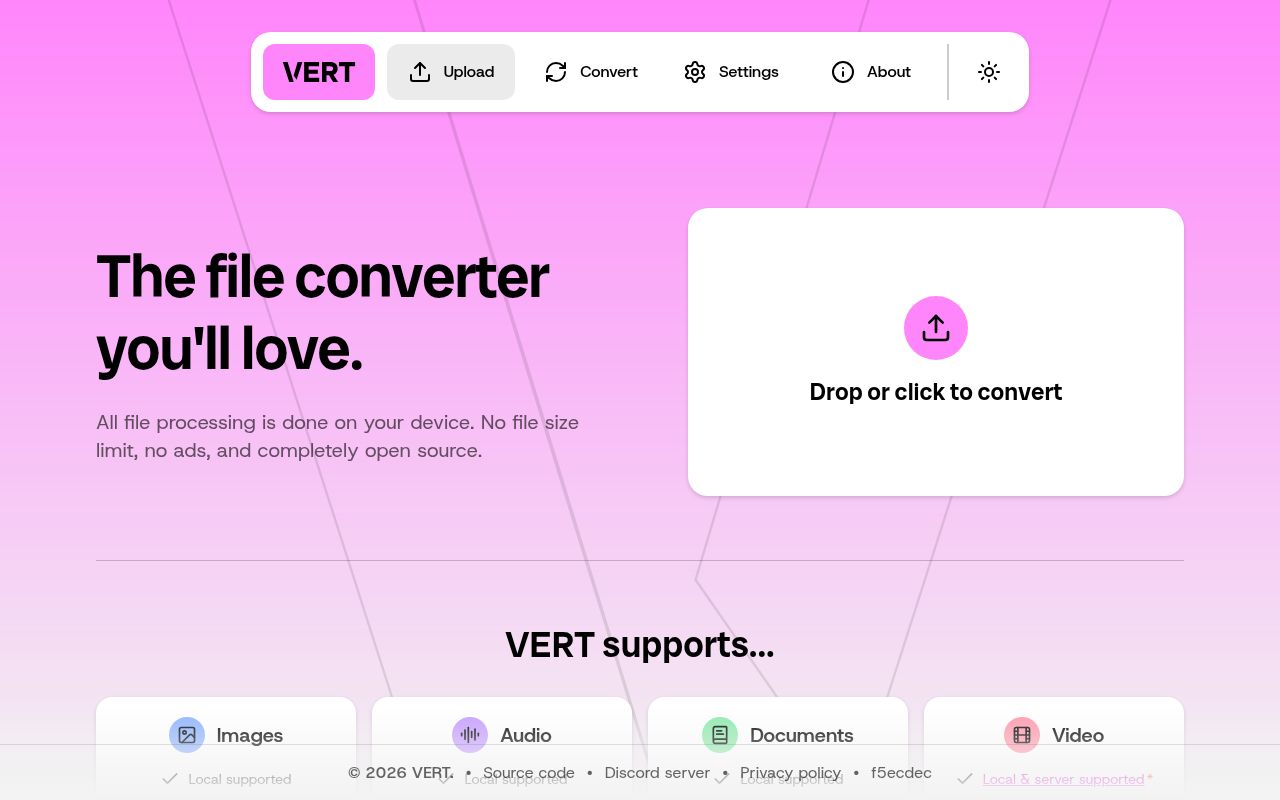
Convert a document or an image through VERT, and the project says the file stays on your device while WebAssembly does the work. That makes it appealing when the alternative is uploading a private file to an unfamiliar conversion site. The README lists images, audio, documents, and video behind a Svelte interface with conversion settings. Video needs a closer look because some jobs can leave the browser and use a separate server.
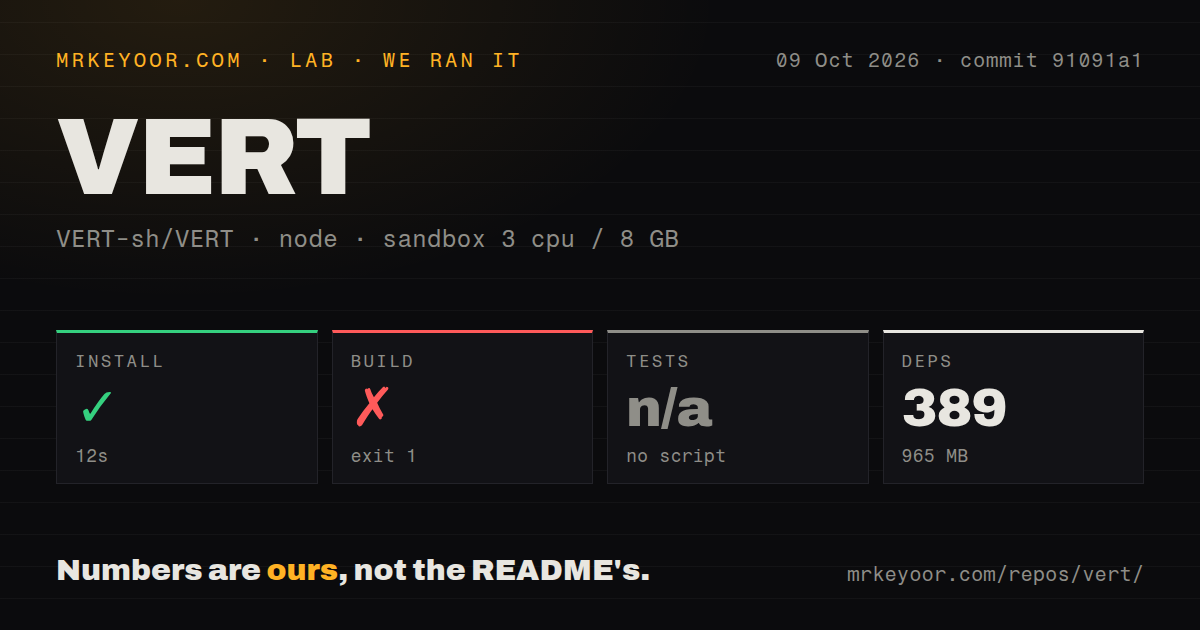
Our checkout occupied 55.1 MB across 169 files and roughly 16,745 lines of source. Installation expanded the environment to 965 MB, so the repository is a more substantial self-hosting commitment than its simple upload screen suggests. That disk figure describes our developer setup, not how much a visitor downloads. VERT is worth considering for occasional interactive conversion, especially when you want a browser interface rather than remembering a different command for each file type.
What happened when we ran it
Our VERT sandbox installed commit 91091a1 in 12 seconds, adding 389 packages and using 965 MB on disk. The October 9, 2026 run used the lab-node:22 image with Bun, 3 CPUs, and 8 GB of RAM in an unprivileged container without secrets. Installation succeeded. The build failed with exit code 1 after 18 seconds, and tests were skipped because the harness found no supported test script or target.
The supplied build tail is a Rollup stack trace. It names error handling, variable tracing, and binding calls, then says the build script exited with code 1. It does not identify the missing symbol, source file, or diagnostic that triggered the stack. A specific dependency mismatch or configuration mistake would be a guess. The result is a failed production-build step at this commit, with the cause unresolved from the evidence provided.
Our scan found 2 CI workflow files, a Dockerfile, and a Compose file, but no tests directory. Those deployment files provide documented routes to inspect, not proof that an alternative route succeeds. We have no passing suite or vulnerability-audit result for VERT. We also have no conversion-quality or throughput measurements, so neither the supported-format list nor a short dependency install should be read as evidence that your particular file will convert correctly.
Video can use a separate conversion server
The video conversion guide says browser video processing uses Mediabunny where possible. Unsupported or unsuitable jobs may need server processing through vertd, an FFmpeg wrapper. The project operates a public daemon, and you can point the interface at your own instance. This gives users a choice, but the destination matters: a browser-based interface alone does not promise that every video remains on the same device.
Our 18-second failed build offers no evidence about either conversion path. The FAQ describes retention for uploads to the official video server, while the dedicated guide describes local processing first. Read the FAQ's upload policy as applying to the server route, and verify which route your selected job uses. For sensitive video, I would configure a controlled daemon before loading the file, rather than rely on the appearance of a local upload interface.
The external-request switch still permits an FFmpeg CDN fetch
The FAQ documents PUB_DISABLE_ALL_EXTERNAL_REQUESTS as a build-time setting for disabling services such as analytics and server conversion. It then names an exception: cdn.jsdelivr.net supplies the FFmpeg WebAssembly build. That makes the option useful for reducing outside contact, while falling short of a documented air-gapped setup. If your network blocks all external hosts, check the asset path before choosing VERT for offline conversion.
The 965 MB we measured belongs to the installed development environment and does not establish that a browser has every conversion asset cached. The FAQ also names FFmpeg, ImageMagick, and Pandoc as conversion libraries and describes Plausible analytics with a settings opt-out. Those statements explain parts of the design, not an independent audit of network behavior. Teams with strict privacy rules should verify actual requests for each permitted file category and deployment configuration.
Docker settings are baked into the image
The Docker guide says configuration values are embedded during the build. Pulling the supplied image prevents you from changing them as ordinary runtime environment variables. That affects the daemon URL, analytics destination, and external-request policy. A team expecting to promote one identical container through environments and inject different settings at startup will need to account for this constraint when packaging its own instance.
Our 389-package installation succeeded, but it did not produce a successful build, so a custom image remains an unverified route in this review. The getting-started guide requires Bun and an environment file based on the supplied example. Basic non-video conversion does not require a paid conversion account. Server video adds the daemon and its connection settings, plus the ordinary work of deciding where that service runs and who can reach it.
October activity continues without a latest release entry
The repository was pushed on October 9, 2026. GitHub listed 15,823 stars and 43 open issues and PRs, and the latest-release endpoint returned no release. Recent activity included closed AVIF/HEIC and image-sequence requests alongside an open contributors-display PR. These observations show activity beyond a release tag. A closed conversion issue alone does not establish that its reported file now works, so it should not substitute for checking your own inputs.
The lab's 55.1 MB checkout and failed build make me cautious about recommending an immediate source deployment. For local video with a dedicated desktop interface, compare HandBrake. For repeatable scripted work, FFmpeg or ImageMagick gives more direct control over media-specific operations. Choose VERT when the browser interface earns its operating cost, and confirm the processing destination before converting a file whose privacy matters.