The PS5 launcher sits on Eden's emulator core
ProsperoEden puts Eden behind a PlayStation 5 homebrew interface, with a library screen, profiles, and per-game settings. The port credits Eden for the emulator core and separate projects for the console runtime and graphics drivers. Its attraction is specific: playing your dumped Switch games on a modified PS5 through a controller-friendly launcher. That makes it interesting to homebrew users who already own the right console setup, rather than a general route into emulation.
Our checkout contained 605 files, about 119,336 source lines, and 66.6 MB of material. The repository includes the native frontend and packaging tools, while its build process fetches pinned dependencies. The README calls it an early alpha and says compatibility varies by game. That description deserves more weight than the length of the feature list. A working menu cannot establish that your particular game will survive a long session.
What happened when we ran it
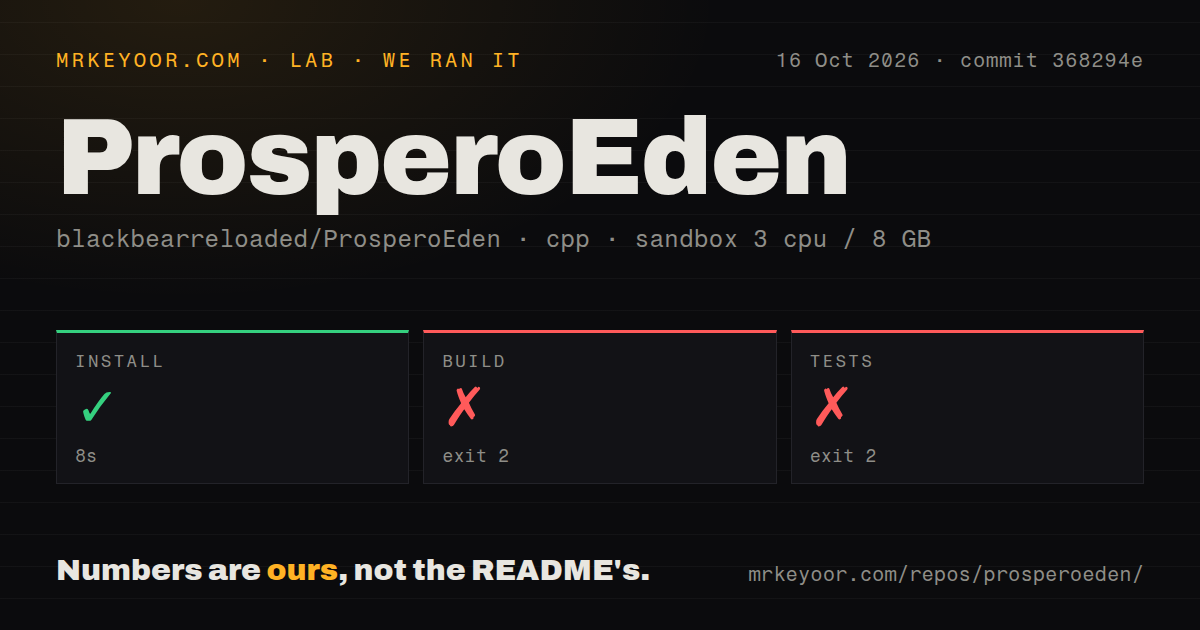
Our sandbox installed ProsperoEden in 8 seconds, then failed its build after 116 seconds with exit code 2. The test step also failed with exit code 2, after 6 seconds. We ran commit 368294e on October 16, 2026, using an unprivileged Debian container with 3 CPUs, 8 GB of RAM, the lab-cpp:1 image, and no secrets. No successful application build emerged from those steps.
Both failing log tails point through tools/deps.py to tools/setup-native-dependencies.sh returning status 2. Make then reports failure at its deps target. The supplied tail does not identify the error inside that shell script, so naming a missing package or broken compiler would be guessing. Our scan found 2 CI workflow files, no Dockerfile, and no tests directory. The failed test command is evidence of a blocked dependency path, without a result for emulator correctness.
The source route expects a specialized Linux toolchain
The build guide targets Ubuntu and provides both a host-tool list and a Nix shell. Make fetches pinned inputs and prepares the console graphics and packaging components. That is useful documentation for someone prepared to develop the port. It also means the headline make command stands on a substantial host environment that a fresh generic C++ container cannot be assumed to reproduce.
The 8-second successful install did not remove that problem in our run. Dependency preparation later failed before we obtained a package to inspect on hardware. If you want to contribute, read the toolchain guide before budgeting your first change and preserve the full failure output when a prerequisite stops. The visible script name narrows where to investigate. It does not tell us whether changing the host distribution would have fixed this particular failure.
Installation assumes an existing PS5 homebrew environment
The console instructions require a modified PS5, a homebrew mounting setup, and your own dumped keys, firmware, and games. The release folder goes into a location the launcher can find, and the app must reopen after game-file configuration changes so setup is checked again. These are concrete prerequisites. Downloading the repository alone does not create the runtime environment or provide the material the emulator needs.
Our 66.6 MB checkout contains no evidence of console compatibility from the lab, because no PS5 participated in that run. The README documents both Vulkan and OpenGL choices and settings that trade accuracy for speed. I would begin with the documented defaults and change one game setting at a time. Keep a copy of the save outside the console before experimenting, especially if you move between emulator builds or import an existing library.
Multiplayer remains a separate qualification problem
The multiplayer guide explicitly leaves PS5 gameplay, internet play, and Tailscale forwarding unqualified. Joining an Eden room establishes connectivity to that room, while the guide says game compatibility still needs checking with the actual builds and game update. This is a good reason to walk away if your purchase decision depends on a dependable multiplayer session. A connected indicator cannot settle that requirement.
The 116-second build failure is separate from those multiplayer limitations. Our sandbox never reached gameplay, and we should not use it to explain a network or graphics defect. The README also documents save import and export, per-profile settings, and optional RomM integration. Those controls make experimentation more practical, but each adds another state to preserve when a game or console session fails.
October reports show active work alongside real breakage
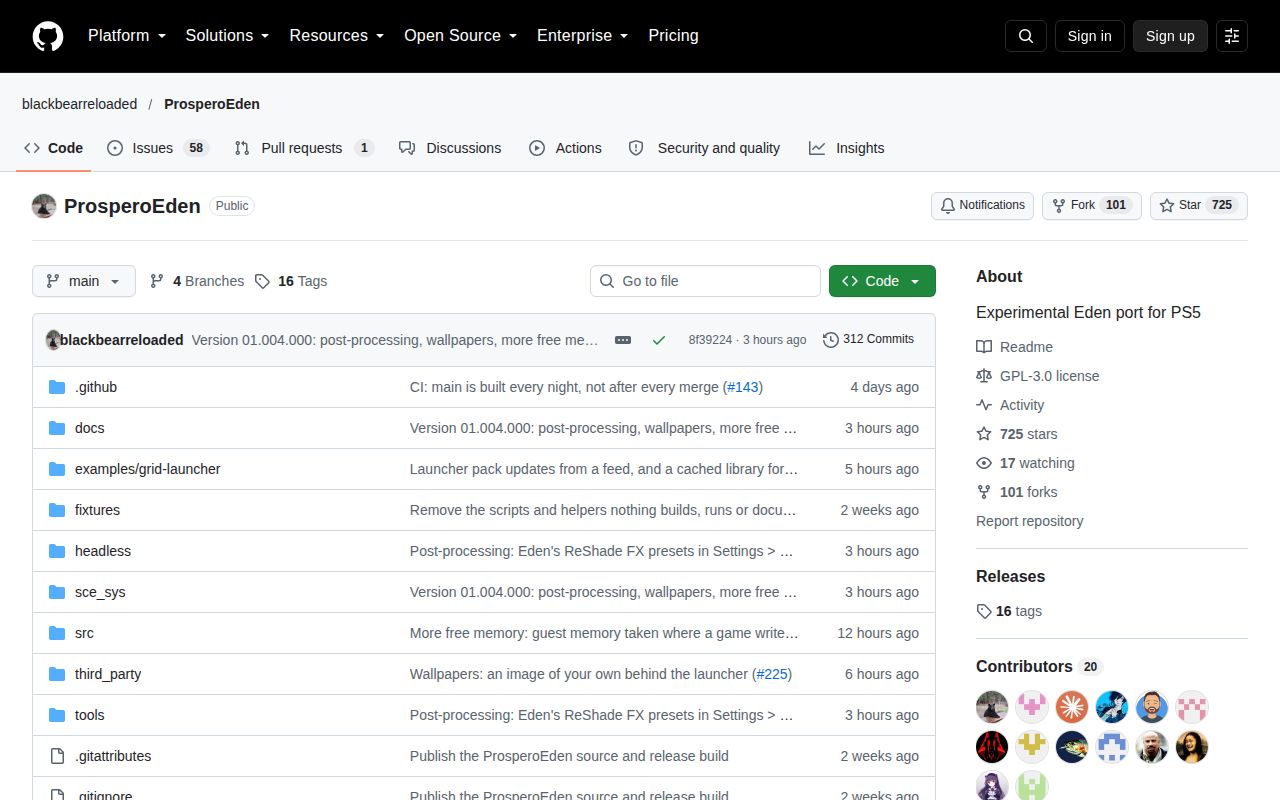
The repository was pushed on October 17, 2026, and GitHub showed 725 stars with 59 open issues and PRs. The README names v1.004.000 as the current release. Recent reports include a lost Vulkan GPU device in a particular game scene and an updater treating a closed application as still running. Issue 232 describes the latter and reports restarting the console as a workaround. These are user reports, separate from our dependency failure.
Our 6-second test-step failure gives no reason to dismiss the port's ongoing work, but it does keep the recommendation experimental. Choose upstream Eden if you want its emulator on another supported platform. RetroArch is a different option for other retro systems with suitable cores, without promising Switch-on-PS5 compatibility. Choose ProsperoEden for the console-port experiment itself, and keep the last working package and exported saves within reach.