HandBrake turns existing video into three practical container formats
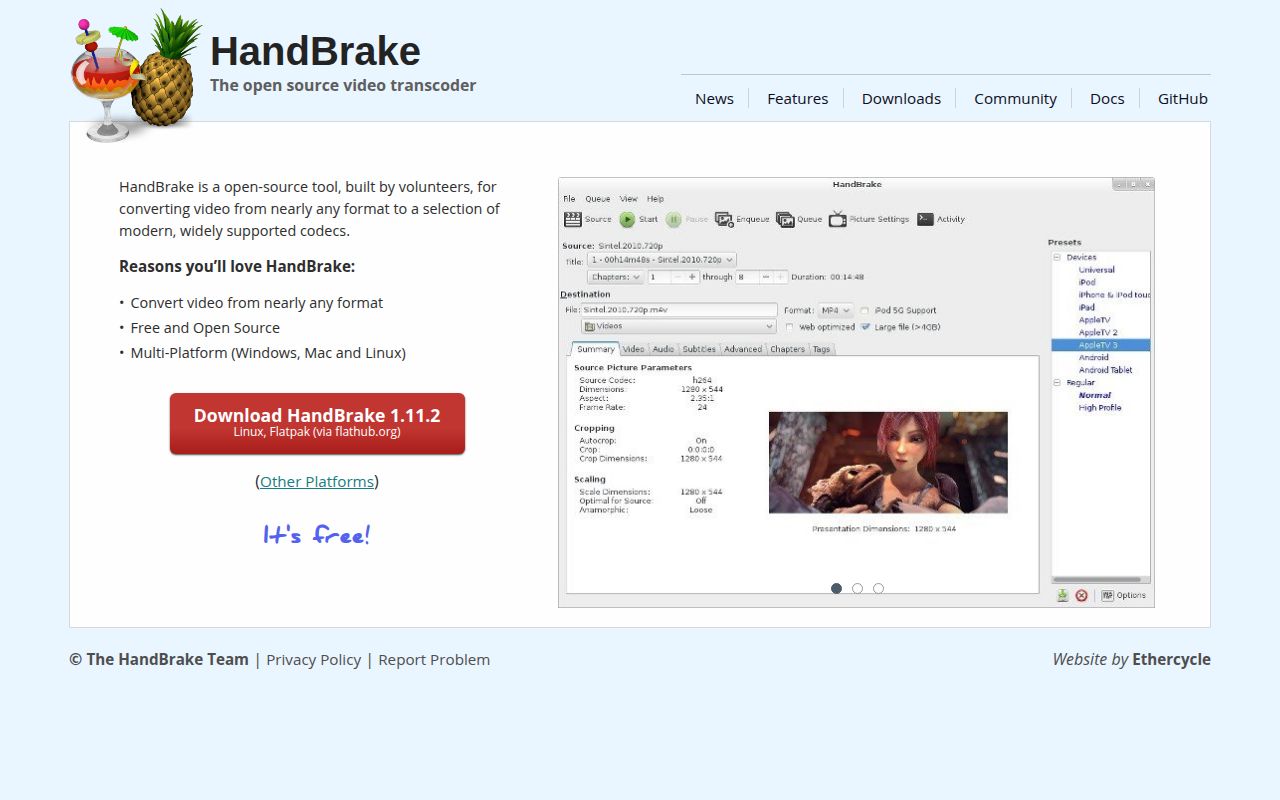
HandBrake accepts common camera files, screen recordings, and unprotected DVD or Blu-ray sources, then creates MP4, MKV, or WebM output. The desktop interface makes this approachable through presets aimed at devices and playback targets. You can still adjust dimensions, crop, frame rate, quality, codecs, audio tracks, subtitles, chapters, and filters. HandBrakeCLI exposes the same general job to scripts when clicking through a queue stops making sense.
The friendly interface sits on a substantial native project. Our checkout had 2,358 files and about 227,685 lines of source. Its encoding core draws on FFmpeg libraries plus x264, x265, and SVT-AV1, while each operating system has its own interface and hardware paths. That size matters mainly to contributors. A person converting a family video should download the signed application, choose a preset, preview a short section, and leave the build system alone.
Presets reduce codec work without hiding the important choices
HandBrake's best feature is restraint. It asks for a source, a destination, and an output preset before exposing the deeper controls. The official presets give ordinary users a reasonable combination of container, resolution, codec, and compatibility. Queues handle several files, previews catch an ugly crop or filter choice, and the activity log records enough detail for support. The application remains useful after the first easy job because those choices can be saved in custom presets.
A 32.9 MB source checkout contains far more flexibility than the basic workflow shows. Audio can pass through for supported types, surround sound can be downmixed, subtitle tracks can be kept or added, and deinterlacing filters can repair older sources. Video itself always gets encoded. If a job only needs to move an existing video stream into another container, HandBrake spends time and may alter quality where FFmpeg stream copy would be the better operation.
What happened when we ran it
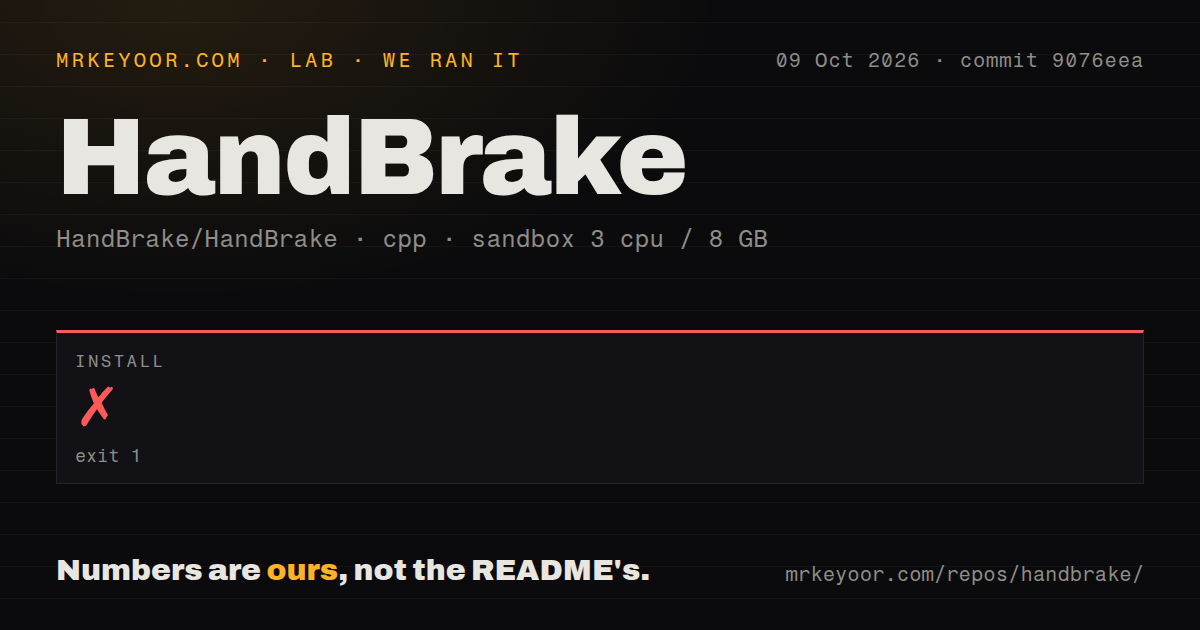
Our install check on commit 1d2135b failed after 6 seconds in a fresh unprivileged Debian container with 3 CPUs and 8 GB of RAM. HandBrake's configure probe successfully located patch, rm, ranlib, strip, tar, python3, gcc, gmake, autoconf, and automake. It then reported libtool...(fail) not found and exited with status 1. The log identifies the missing program plainly; it does not support a broader diagnosis.
Because the install step stopped, our lab recorded no build or test result for this commit. The checkout did contain a tests directory and 7 CI workflow files, with no Dockerfile. Those signals show that upstream has testing and platform automation, but they cannot turn our incomplete run into a pass. A general C/C++ lab image is not enough for this source tree. Follow the distribution-specific dependency page before running configure.
The Debian guide names the dependency our image lacked
HandBrake's repository README is short and sends build questions to a separate documentation site. The Debian page lists libtool and libtool-bin among many compiler, codec, compression, font, and build-system packages. GTK adds another group, while Intel Quick Sync uses optional VA and DRM development libraries. Once those are present, the Linux guide runs configure with parallel jobs and produces both HandBrakeCLI and the GTK application.
For viewers rather than contributors, none of those 2,358 source files needs to compile locally. The project publishes desktop downloads and calls its Flathub Flatpak the convenient Linux route. It also publishes checksums and OpenPGP signatures. The top-level README could state the source prerequisites more directly. Our missing libtool was documented one click beyond the build page, not visible in the repository introduction.
Version 1.11.2 fixes codecs while platform differences remain
Release 1.11.2 was published on June 7, 2026. It fixed crashes and memory leaks in several two-pass encoding paths, updated FFmpeg to 8.0.2 and SVT-AV1 to 4.1.0, and changed smaller audio, subtitle, and interface behaviors. The release also tells users to finish queued encodes and back up custom presets before upgrading. Windows users need .NET Desktop Runtime 10.0 for this version.
Hardware encoding still depends on the exact operating system, package, driver, and GPU. Open issue 8075 reports that Linux 1.11.2 shows only None for NVENC tune and omits an additional-options field that appears on Windows. Issue 8050 reports unavailable AMD hardware acceleration in a Fedora Flatpak snapshot. These are user reports, not proof that every matching machine fails. Test a representative file before committing a large queue to a GPU preset.
It converts video but does not replace an editor or disc tool
The official documentation draws unusually clear boundaries. HandBrake cannot combine several clips into one, create DVD or Blu-ray discs, or pass video through without encoding. It also does not bypass DRM or other copy protection, so protected streaming downloads and many commercial discs will not open directly. A nonlinear editor, disc-authoring program, or lawful disc extraction tool handles those separate jobs.
Linux users should check interface parity before treating a 227,685-line cross-platform project as one identical application. Issue 1445 tracks simultaneous GUI encodes: the moderator checklist marks the feature complete on Windows and macOS but incomplete on Linux. The command-line version can support external job control, and Tdarr can distribute library work. Neither changes what the GTK queue itself currently exposes.
August code and September issue replies show an active project
The repository was pushed on August 31, 2026, and a Linux NVENC issue received replies on September 3. GitHub listed 275 open issues excluding pull requests, 298 combined issues and pull requests, and 24,259 stars when fetched. A queue that large contains old requests as well as current bugs, so its count alone is not a quality score. The fresh push, June release, and recent maintainer discussion together show ongoing work.