Preferred DNS answers leave your traffic on a direct connection
Edge Smart DoH changes DNS answers so a browser can try preferred Cloudflare addresses and receive information for an encrypted handshake. Your browser still connects directly to the destination. The README explicitly says the service does not hide your IP address. That is the first distinction to understand before replacing a working resolver: the tool tackles address selection and handshake metadata, with no general promise of anonymity or faster access to every website.
Our checkout was 1.3 MB across 85 files. The project concentrates on a specific networking problem, with preferred pools selected for Chinese ISP routes and an explanation endpoint that shows how an answer was chosen. Its README and deployment guides are Chinese, without a linked English edition. An English-speaking operator can inspect the code and configuration names, but should allow time to understand the routing and privacy explanations before putting it in a shared network.
What happened when we ran it
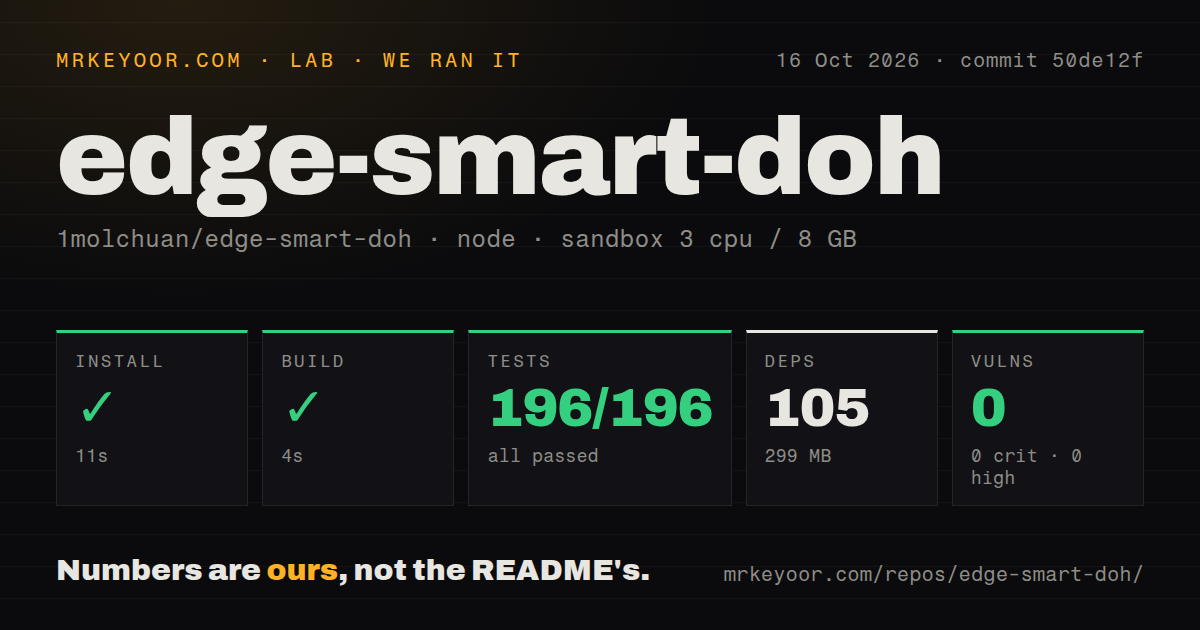
Our run installed 105 npm packages in 11 seconds, built successfully in 4 seconds, and passed all 196 Vitest tests in 5 seconds at commit 50de12f. The run took place on October 16, 2026 in a fresh Debian container with 3 CPUs and 8 GB of RAM, using lab-node:22 without secrets or elevated privileges. Installed disk use was 299 MB. Nothing in those results indicates an install, build, or test failure.
Npm audit reported 0 known vulnerabilities, including 0 critical, high, moderate, or low findings. Our scan found a tests directory, 0 CI workflow files, and no Dockerfile. These are encouraging repository checks with a clear limit: neither the passing suite nor the audit establishes that a preferred IP is faster on your connection, that browser ECH succeeds, or that an operator's deployment preserves the intended privacy behavior.
Browser configuration determines whether ECH can help
The README says the browser must use this DoH service to request HTTPS DNS records for its ECH path. Configuring only a router or operating-system resolver does not satisfy that documented route. ECH encrypts the hostname within the TLS client greeting when the setup supports it. The address rewrite and the HTTPS record therefore need to agree, which is why the project also changes address hints and handles relevant CNAME chains.
The 196 passing tests provide useful local regression evidence, but we did not verify a browser handshake. The /explain endpoint is a practical next step because it reports returned records and whether the response can support Chromium's ECH behavior. It also shows the requesting IP. Keep that in mind before sharing diagnostic screenshots, and check the actual target site rather than assuming every successful DNS response means the handshake used ECH.
Upstream speed does not establish upstream trust
The resolver can ask another upstream when the first takes too long or fails, then use a valid response. The README warns that all upstreams in that race must be equally trusted: a faster polluted answer can win. That is a useful warning for anyone mixing resolvers reached through different network routes. Selecting more upstreams can change whose answer you accept, even if the interface makes the change look like a latency preference.
Our 4-second build tells us nothing about that trust decision. Preferred address pools introduce another configuration boundary. The related cfhub project supplies ISP-specific choices, while local probes and static or domain-derived pools provide other layers. The README says pools expire and fall back through those layers. You can run without cfhub, but then you need to understand which remaining source actually determines the addresses returned to your clients.
DNSSEC validation is outside the service's job
The README's cache section says this resolver does not validate DNSSEC. Rewritten answers lose their signatures and authenticated-data flag because the original signatures no longer match. That is an explicit reason to walk away if your network requires a validating resolver with intact signed answers. The ECH feature does not compensate for that different requirement.
The 299 MB installed environment also contains no evidence of a privacy audit by us. According to the README, ordinary queries are not logged by default, while debug and query-logging options change what gets recorded. Client subnet information can be sent upstream for selected routing decisions. Review those ECS settings and the upstream provider's role before describing the system as private simply because the browser-to-resolver connection uses HTTPS.
Node, Workers, and EdgeOne need different operating choices
The Node deployment uses Caddy for HTTPS and handling the client IP header. Cloudflare Workers needs account deployment access and suitable domain configuration. The Worker guide specifies Node 20 or newer for that deployment workflow. An edge deployment also has its own route from the client to the resolver, so hosting on Cloudflare cannot by itself solve poor access to Cloudflare's network.
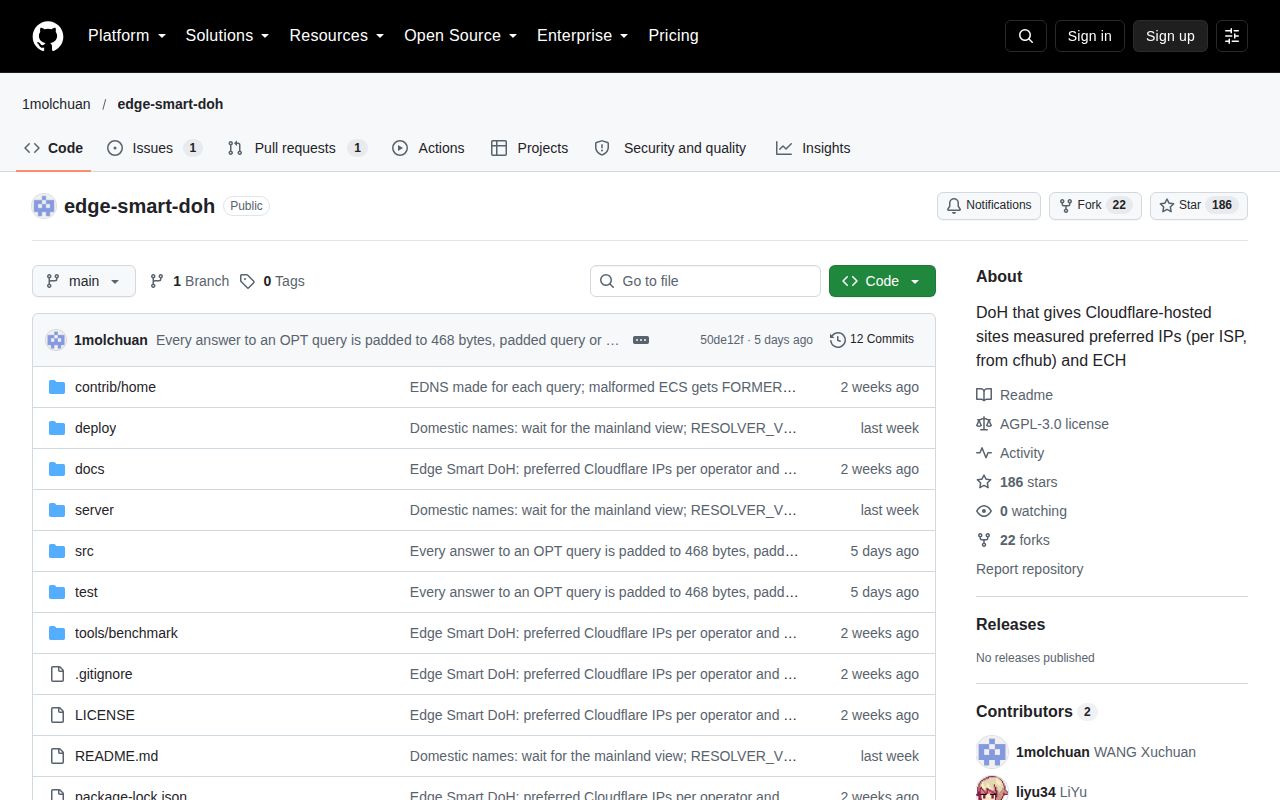
The latest push was October 12, 2026. GitHub listed 186 stars and 2 open issues and PRs, with a home-deployment proposal updated October 17 and no latest published release. That shows recent work and discussion, rather than abandonment inferred from missing release tags. AGPL licensing also matters if you modify and serve the software. Start with one browser and a known troublesome site, then keep the resolver only if the connection outcome improves on the network where you actually use it.