The browser is the screen, while the Mac receives CarPlay
PlayPort makes a browser into a CarPlay display without asking that browser to negotiate directly with the iPhone. A Mac receives the wireless connection, forwards encoded media over a WebSocket, and sends the browser's controls back to the phone. That separation is useful for experimenting with a spare tablet or another computer as a screen. It still leaves the Mac responsible for the receiver, Bluetooth bootstrap, and local network connection.
Our 1.3 MB checkout contained 138 files and roughly 16,990 source lines. GitHub identifies Kotlin as the main language, while the lab recognized the npm project inside web/. Those facts describe different parts of the same repository. The TypeScript viewer is only the front end of a larger system containing a JVM protocol layer, a server, and a native macOS Bluetooth helper. A successful browser build cannot stand in for all of those components.
What happened when we ran it
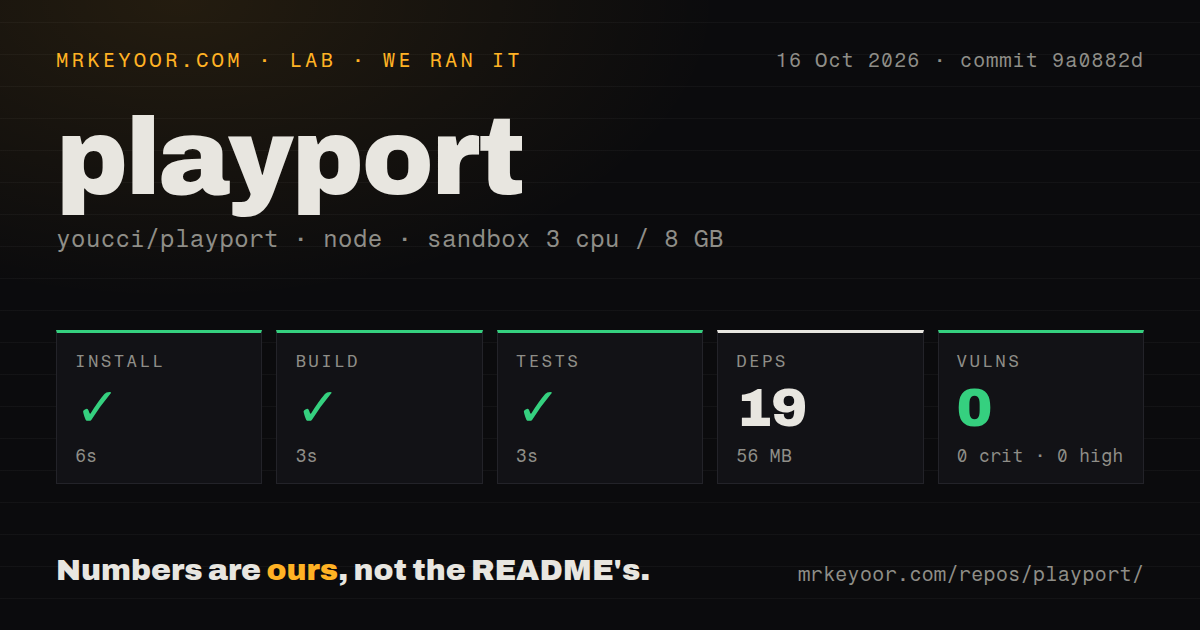
Our run installed 19 npm packages in 6 seconds, occupying 56 MB, then built the web project in 3 seconds. Its test command passed in another 3 seconds. We measured commit 9a0882d on October 16, 2026, using lab-node:22 in an unprivileged Debian container with 3 CPUs, 8 GB of RAM, and no secrets. Npm audit reported 0 known vulnerabilities across all listed severity levels.
The lab found 0 CI workflow files, no Dockerfile, and no tests directory on its recognized path. The measurement block supplies no test-case count, so the passing command should not become a count of verified receiver behaviors. We did not establish JVM receiver operation, Bluetooth pairing, accessory authentication, phone compatibility, or media quality. The narrow result is encouraging for someone editing the browser client and insufficient for someone deciding whether CarPlay will work in a vehicle.
The web check stops before a phone connection
The web package scripts point the check command at a local JavaScript file. Reading that file shows input handling exercised against a simulated DOM surface, without a browser or phone. It checks the controller's responses to keys and pointer events, which is useful local coverage. It cannot establish that an actual CarPlay session interprets those messages correctly after they cross the server and protocol layers.
That distinction survives the 3-second successful result. Issue #2 reports that several visible buttons react without performing their action, and that seeking in music restarts playback. The report concerns live touch behavior, so it is directly relevant to choosing a browser as the control surface. We did not reproduce it. Treat it as a reason to verify your own phone and browser combination before depending on the interface.
Accessory authentication is a hard prerequisite
The server requires a matching accessory certificate and private key, or a configured remote authentication service. The repository does not include the local identity. The README says the server refuses to start without authentication material and explains that a public experimental identity can be revoked. PlayPort is also explicitly not Apple-certified. That dependency can stop an otherwise correct local setup before the browser ever receives a frame.
Our 56 MB package environment contains none of that missing receiver setup. A working installation additionally requires the JVM server, the macOS Bluetooth helper, pairing, and network configuration. The README names JDK and Xcode tooling, with the iPhone and Mac on the same Wi-Fi network. If obtaining and managing the identity is outside your intended work, walk away before investing in the display. The browser URL does not remove the receiver's prerequisites.
HTTPS and macOS permissions affect the first connection
The browser decodes the forwarded video and audio with WebCodecs, which requires a secure context. PlayPort therefore prints an HTTPS URL with an access token and uses a locally generated certificate. The setup instructions also ask users to disable macOS AirPlay Receiver, allow Bluetooth access for the terminal, and permit incoming Java connections where necessary. Those settings explain why an apparently ordinary local web app still needs several operating-system decisions.
Neither the 6-second npm install nor the audit result verifies those settings. The README says anyone on the LAN with the token can control the connected session, making the URL an access credential. Browser codec support also matters: HEVC depends on the client, and the phone can choose a lower resolution than requested. Verify the received stream and controls on the actual display instead of assuming a resolution setting is an observed output.
Recent reports fit an experimental Mac project
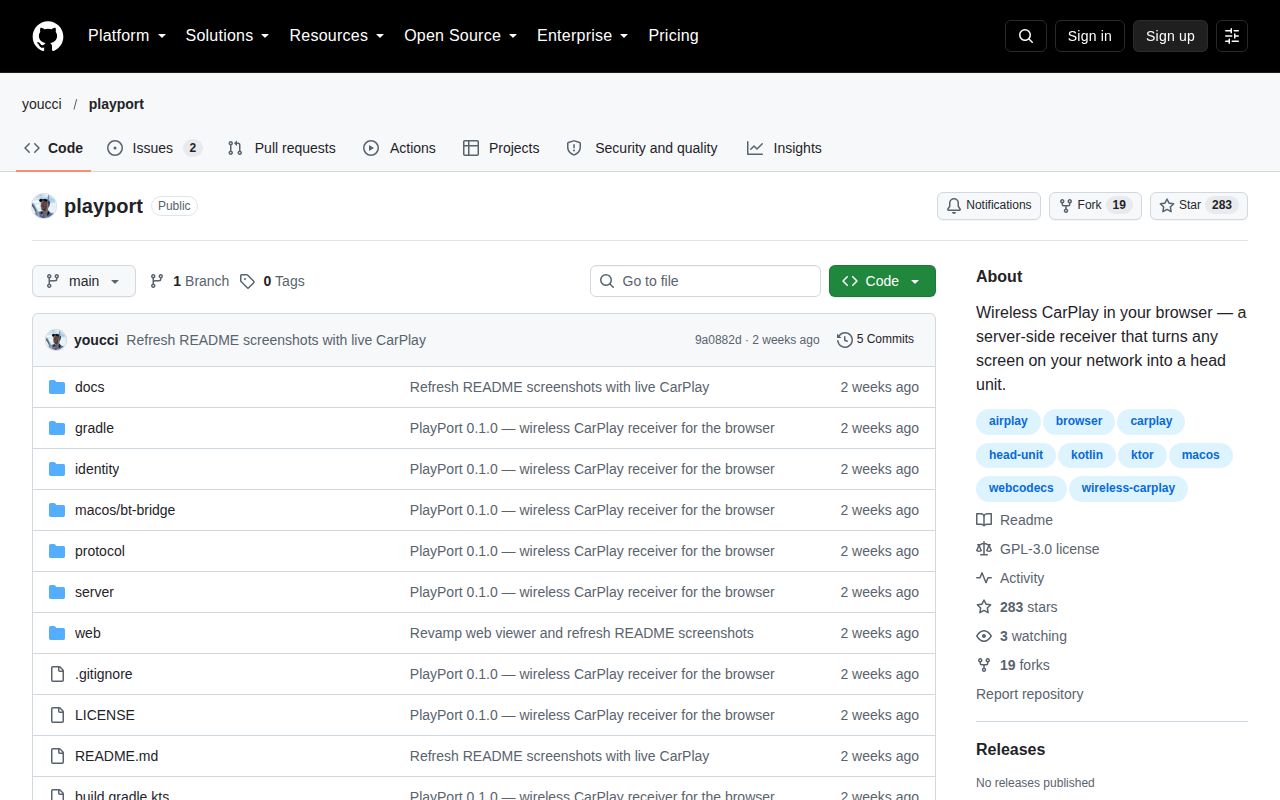
GitHub showed 283 stars, an October 1, 2026 push, and 2 open issues and PRs. The latest-release endpoint returned no release. The open reports concern touch behavior and Raspberry Pi support, with activity after the last push. Together they show current user interest and unresolved adoption questions, rather than proving abandonment. The README already states that Linux and wired USB are unsupported and that telephony button behavior remains unverified.
DiPlay is a more relevant candidate for a compatible BYD Android head unit, while xcertplay serves Android receiver setups and includes physical authentication options. They carry their own hardware constraints. PlayPort's particular attraction is the Mac-to-browser arrangement. Keep it if a stationary trial on your equipment establishes pairing, usable audio, and dependable input. A green web command is a good start for development, but the deciding evidence has to come from the connected phone.