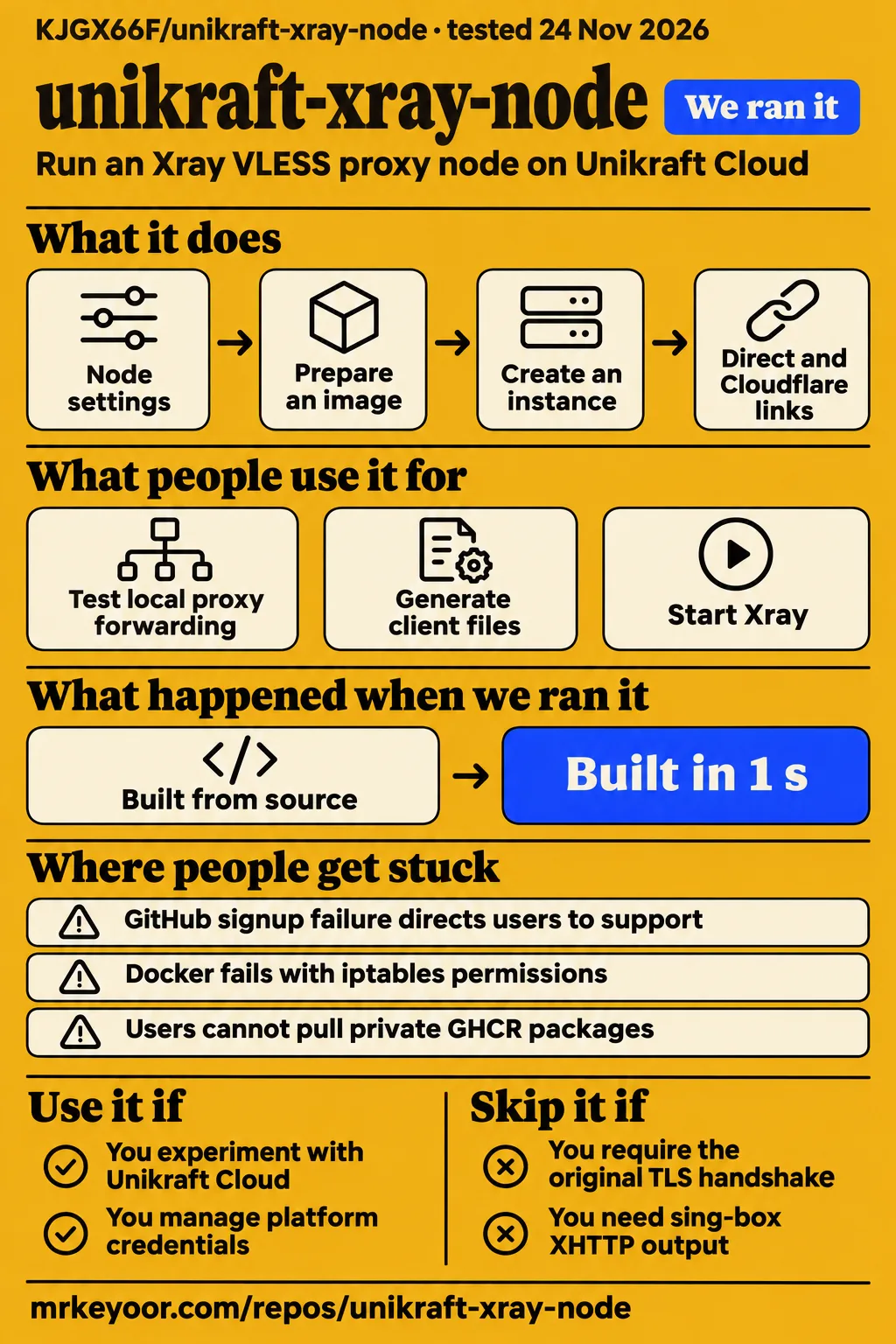
unikraft-xray-node is a Unikraft Cloud deployment package whose author reports local WS and XHTTP forwarding success. Our November 24, 2026 source checks completed installation and build, while a separate deployment attempt stopped at a missing Compose file. The useful decision is whether its platform-specific routing and generated client files fit your experiment. The author's local forwarding results and our failed deployment prerequisite describe different stages of that work.
What people use unikraft-xray-node for
The author reports local proxy forwarding, client-file generation and startup from environment variables. Xray is the proxy engine; VLESS is the protocol used by this package. WS means WebSocket, while XHTTP is its alternative HTTP transport. The deployment target is commercial Unikraft Cloud. The Unikraft SDK repository identifies itself as a separate project, so its operating-system development tutorials address a different toolchain.
| What someone did | Who did it | Outcome and practical use |
|---|---|---|
| Sent traffic through a local Xray client, server and HTTP target | Project author | WS and XHTTP returned HTTP 200 and hello-via-proxy, exercising forwarding after simulated gateway TLS termination. |
| Generated direct and Cloudflare client files | Project author | Reported four correctly generated links and structurally correct Clash and sing-box files; sing-box output contained WS only. |
| Started Xray using environment-generated configuration | Project author | Reported WS 101 Switching Protocols and an expected sessionless XHTTP 404. |
The forwarding result exercised a local client, server and HTTP target, returning the target's response over both transports. The startup result answered a separate question: whether the entrypoint could generate configuration and start listeners. The author also reports that xray run -test -c returned Configuration OK for the generated configuration, with WS on 8080 and XHTTP on 8081 using mode=auto. These README results distinguish configuration parsing, listener behavior and traffic forwarding.
What happened when we ran it
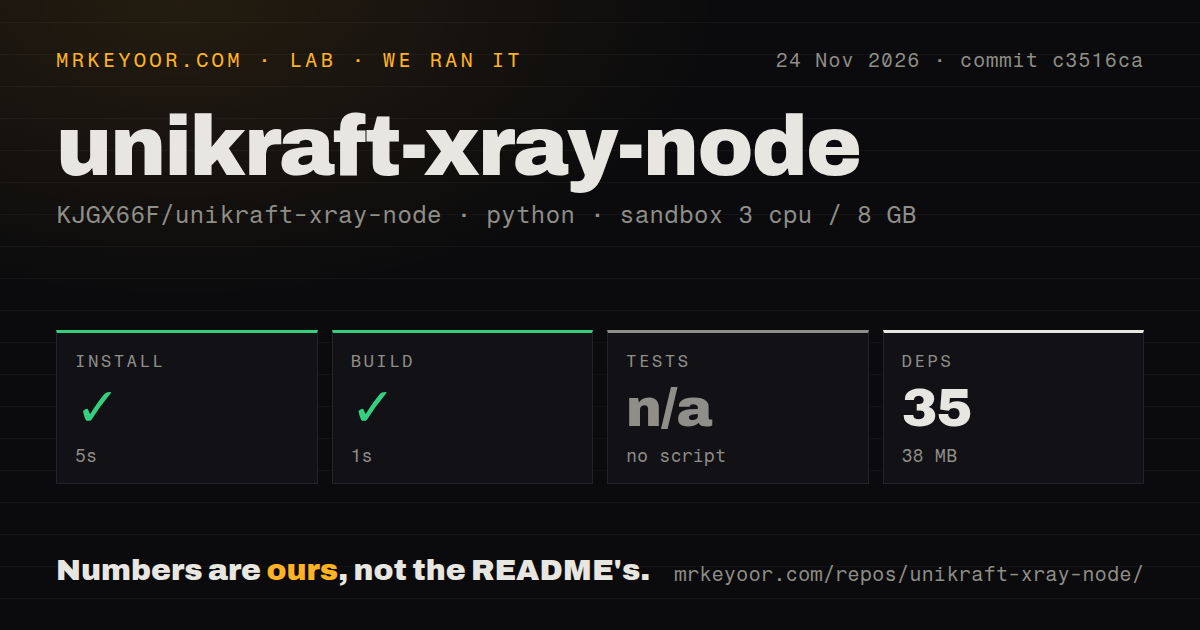
Our source install succeeded in 5 seconds, and the build succeeded in 1 second. We measured those steps at commit c3516ca on November 24, 2026; the source-run measurements record 35 dependencies and 38 MB on disk. The separate Compose deployment safety step failed because none of its four accepted filenames existed. The recorded outcomes belong to separate checks.
| Question | Answer | Verdict | Why |
|---|---|---|---|
| Could the Compose deployment route proceed? | No compose.yaml, compose.yml, docker-compose.yaml or docker-compose.yml existed. | Stopped | The safety step required a Compose file. |
| Did teardown finish? | teardown: ok | Completed | The cleanup record reports success. |
| Did source installation finish? | 5 seconds; 35 dependencies; 38 MB on disk | Succeeded | The install step completed successfully. |
| Did the source build finish? | 1 second | Succeeded | The build step completed successfully. |
| Did a test suite run? | No tests script or target; skipped | Skipped | The measurement records no test entry point. |
| What did the checkout contain? | 13 files, about 372 source lines, 0.1 MB; three CI workflow files, a Dockerfile and no tests directory | Inventory recorded | These are checkout and automation signals. |
The deployment run header describes Docker Compose deployment with every port bound to 127.0.0.1. Its detailed execution record instead reports hands-on step safety: FAILED. The failed step determines the outcome: the attempt stopped at its Compose prerequisite. The log's unsafe repo wording names that prerequisite failure; it does not identify a vulnerability in the repository. Teardown then reported completion.
The source sandbox was configured with 3 CPUs, 8 GB RAM and image ghcr.io/astral-sh/uv:python3.12-bookworm. Its checkout contained about 372 source lines across 13 files, occupying 0.1 MB, according to our measurement record. Keeping the commit and environment beside the timings makes the result usable: a reader can distinguish this source check from the README's Docker packaging, registry push and cloud-instance workflow.
Where people get stuck: registration and image packaging
Issue #1 reports GitHub registration failure and a message directing the user to support. The captured registration issue is open with 0 comments. Its author asks whether excessive registrations caused the problem. This is an account-creation obstacle, before any Xray configuration or client import. The practical distinction is between obtaining platform access and configuring a node after that access exists.
The GHCR route still requires local BuildKit, according to the README. GHCR stores the Docker image, while Kraftfile.oci and unikraft build prepare the public-cloud package. The separate unikraft.yml workflow moves that preparation to GitHub's servers. The README explicitly distinguishes these routes, which prevents an easy installation mistake: assuming that downloading an existing Docker image eliminates the local packaging toolchain.
| Obstacle | Documented next step | Recorded status |
|---|---|---|
| GitHub signup directs the user to support | Contact provider support | Issue #1 is open with 0 comments. |
| Another user cannot pull a newly pushed GHCR package | Make it public or authenticate with docker login ghcr.io | The README says new packages default to Private. |
| Local Docker/BuildKit is unavailable | Use the separate unikraft.yml Actions build route | The README documents packaging on GitHub's servers. |
| dockerd fails with iptables permissions in the author's sandbox | Use Docker Desktop or the documented Actions routes | The author reports that environment failure. |
The author's dockerd failure and our missing-Compose stop occurred in different environments and at different prerequisites. The README names iptables permissions as the reason Docker could not start in the author's sandbox. Our log names absent Compose files. Keeping those errors separate gives readers the right troubleshooting branch instead of treating both as a single failure of Xray forwarding.
Platform TLS termination determines the transport design
Unikraft's CLI requires http+tls on public port 443 and tls on other public ports. Its published-port documentation defines TLS termination at the platform. The package maps WS through 443:8080/http+tls and XHTTP through 8443:8081/tls. Xray receives traffic after the gateway removes TLS, so the README configures plaintext listeners on internal ports 8080 and 8081.
The README excludes REALITY, Vision and native Trojan TLS from this arrangement because they require the original TLS handshake to reach the application. It also states that hosted public cloud lacks the UDP service needed by its listed AWG, WireGuard, Hysteria2, TUIC and QUIC alternatives. These are the author's documented compatibility boundaries. They make transport requirements a decision to settle before following the deployment commands.
The generated sing-box.json contains WS entries only. For XHTTP in the generated Clash configuration, the README specifies mihomo 1.19.22 or newer. It positions WS as primary and XHTTP as backup, while reporting a WS deprecation warning from Xray v26.11.9. Those versioned client instructions describe this package's output; the broad claim about every sing-box version is unnecessary to explain which entries its generator produces.
Security starts with the platform token and node links
The README says the platform token can create, stop and delete instances and volumes. Its Actions instructions place that token in the repository secret UKC_TOKEN. The token warning makes the account-access consequence explicit: running the deployment workflow involves a credential with powers beyond connecting a proxy client. The instance workflow additionally takes NODE_UUID, NODE_WS_PATH and NODE_XHTTP_PATH as secrets.
The README describes entrypoint.sh generating server configuration from environment variables at container startup. It says deploy.sh keeps its generated UUID in local .env.local, and describes the image as containing Xray plus the entrypoint rather than embedded node credentials. These are documented implementation statements. The UUID is the client access identifier, while the WS and XHTTP paths are generated separately for the node.
The deployment workflow deliberately omits node links from its logs because the links contain the access UUID. After obtaining the instance domain, the README directs users to generate client files separately with gen_links.py. For optional Cloudflare routing, it specifies Full (Strict) TLS mode and warns that Flexible makes the origin connection plaintext. These credential and TLS instructions concern different parts of the connection and deserve separate attention.
The Chinese README explains three deployment workflows
The Chinese README describes docker.yml, unikraft.yml and deploy.yml as different workflows. The first builds a Docker image for GHCR; the second runs Unikraft image preparation on GitHub; the third creates an instance. The workflow descriptions explain why completing one workflow does not replace the inputs required by the next. English command names alone do not convey those surrounding instructions.
The README names links.txt, clash.yaml, sing-box.json and node.json as client outputs. It also describes node-ws-direct.png as an optional QR code produced when the qrcode library is available. The output table specifies two direct links plus two additional Cloudflare links when a Cloudflare domain is configured. Those four links use the same node credentials and transport paths rather than representing four servers.
unikraft-xray-node vs alternatives and deployment choices
Upstream Xray-core lists an official Linux installation script and official Docker image. Its installation section is the relevant starting point when you want to choose your own host and manage Xray configuration directly. unikraft-xray-node instead bundles decisions for Unikraft Cloud, including its gateway port mappings, generated links and Actions workflows. The difference is deployment scope rather than a measured performance ranking.
| Choice | Source-backed distinction | Pick when |
|---|---|---|
| unikraft-xray-node vs upstream Xray-core | This wrapper targets Unikraft Cloud; upstream lists official Linux and Docker installation routes. | Choose the wrapper for its platform-specific workflow, or upstream for hosting you manage directly. |
| WS vs XHTTP | The README makes WS primary and XHTTP backup. | Match the transport to the entries supported by your client. |
| Direct vs Cloudflare | The author recommends trying direct Singapore routing first. | Add the Cloudflare domain when evaluating a separate routing path. |
| Local packaging vs Actions | The GHCR script route uses local BuildKit; unikraft.yml runs packaging on GitHub. | Choose the environment where you can run the toolchain and manage credentials. |
| Unikraft vs E2B | The author positions Unikraft as a primary-node candidate and E2B as a one-hour temporary option. | Investigate E2B for a temporary sandbox requirement. |
The README's routing advice says Cloudflare can add delay when direct Singapore access is already fast and may help when direct traffic is interfered with or throttled. It asks users to compare their routes. Its E2B statement is likewise the author's positioning. Neither statement supplies a throughput table, so the comparison here helps select a deployment path without assigning a service-speed winner.
Outdated claims, corrected
NeeWP labels unikraft-xray-node as Content & Creation software while describing its VLESS proxy function. The NeeWP listing therefore gives readers a category inconsistent with the project's own networking description. Its generated connection files serve proxy clients; they are not an authoring workflow. This correction concerns that named listing, while the following two concern Unikraft's cloud overview and hosting documentation.
The cloud overview says Unikraft Cloud can run anything put in a Dockerfile. The overview's broad compatibility statement needs to be read beside the CLI's required ingress handlers. The CLI port rules require platform TLS termination, which directly affects protocols that need their original handshake. Docker packaging and public ingress are separate compatibility questions; this package's plaintext inbounds address the latter.
The hosting-options documentation places live migration among features exclusive to dedicated, BYOC and on-prem installations. Its hosting restriction supplies the qualification needed when reading the broader cloud overview. That makes live migration an unsuitable feature to borrow for this hosted Hobby-node recommendation. The correction rests on the hosting text itself and assigns no modification date to that page.
FAQ
The README documents both remote image preparation and remote instance creation through GitHub Actions. These are separate workflows: unikraft.yml prepares an image, and deploy.yml creates an instance. The Actions instructions distinguish their required secrets and outputs. Account registration, platform ingress and client-file generation sit around those steps, which explains why readers ask different questions about apparently similar deployment commands.
Why can't I register for Unikraft through GitHub, and why am I being told to contact support?
Issue #1 records GitHub signup failing and directing its author to support. The user's question proposes excessive registrations as a possible cause. The captured thread contains 0 comments, so it supplies the reported screen and the user's explanation rather than a provider diagnosis. The message concerns platform account access, before the node's transport, image or client settings enter the process.
Why does unikraft-xray-node use WS and XHTTP behind platform TLS termination?
The platform removes TLS before traffic reaches Xray, and the package uses plaintext WS and XHTTP listeners behind it. The README's gateway explanation maps public ports 443 and 8443 to internal ports 8080 and 8081. That architecture explains its exclusion of handshake-dependent choices such as REALITY, Vision and native Trojan TLS, while retaining WS as the primary generated connection type.
Can I build the Unikraft image without building anything locally?
Yes, the README documents unikraft.yml running unikraft build on GitHub's servers and pushing to the Unikraft registry. The remote-build instructions require UKC_TOKEN and describe manual workflow triggering. This is distinct from deploy.sh --from-ghcr, whose documented path still uses local BuildKit to prepare the GHCR image. Selecting the remote-build workflow is the README's route for moving that preparation off your computer.
Can GitHub Actions create the instance without filling in the console form?
Yes, the README documents deploy.yml running unikraft run on GitHub to create the instance. Its instance-creation instructions require UKC_TOKEN, NODE_UUID, NODE_WS_PATH and NODE_XHTTP_PATH; the default metro is sin and the default name is xray-node. The workflow prints the instance domain, while the user generates credential-bearing client links separately after obtaining that domain.
What we have not tested yet
Our checks produced no hosted client session, throughput, latency, video-playback or sustained-connectivity result. The author's successful forwarding was local. The README says Docker packaging, pushing and instance startup were not run in the author's sandbox, and identifies long connections through base-compat, Alpine and the platform gateway as the next acceptance question. Its untested-work description also says the two Cloudflare routes were not exercised.
The README's November 19 account describes free, card-free Hobby hosting but leaves monthly bandwidth unresolved and calls its terms interpretation a grey area rather than permission. Those are the author's pricing and acceptable-use findings, not current entitlements established by this review. Provider authorization, current quotas and credential security have not been assessed. The readable evidence also does not establish Git or Docker exclusion rules for .env.local or node-out/.
The sandbox image name records configuration rather than actual runtime versions. The registration thread supplies no diagnosis or resolution, and its single unanswered report is too small a sample for a support rating. The platform status history records resolved Singapore connectivity maintenance on November 19. We measured no active-client recovery through maintenance; disabling scale-to-zero and restarting a process do not answer that network-recovery question.
The README's acceptance procedure calls for WS direct first, generate_204=204 and an exit IP matching Singapore, followed by the XHTTP and Cloudflare routes. It also asks for latency and video checks, including evening use. Those are proposed acceptance steps, not results reported here. A completed hosted session with the client, transport and route recorded would answer the deployment question left by the stopped Compose attempt.