The 4,648-file default branch targets mobile, Web, and mini programs
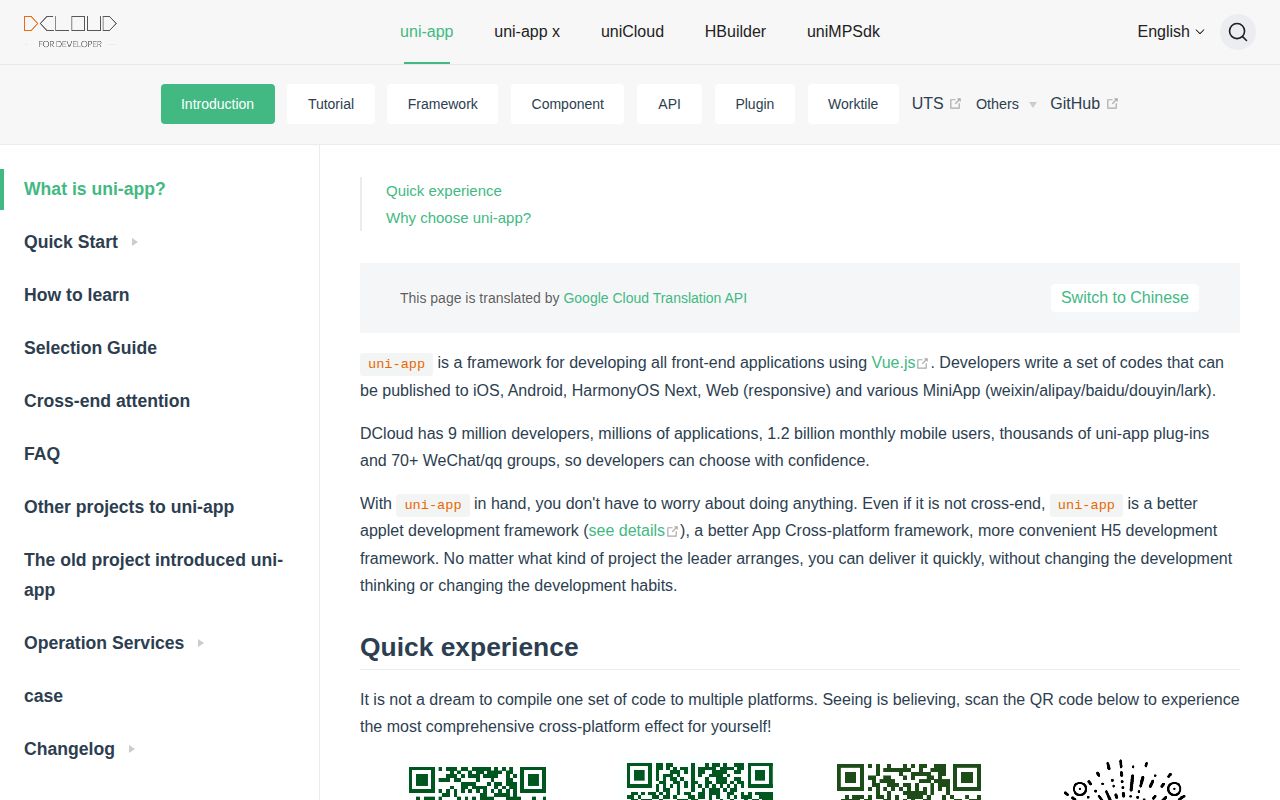
uni-app lets Vue developers write one application for iOS, Android, HarmonyOS, responsive Web, and a long list of mini-program hosts. The default branch is uni-app x, the newer edition with a native rendering engine for app targets. Older uni-app editions use JavaScript in a logic layer and a WebView rendering layer; their Vue 2 and Vue 3 sources live on separate branches. That split is important because a search result labeled uni-app may describe a different edition from the code you clone.
The 328.8 MB checkout contains source, examples, documentation, test cases, and vendor benchmark reports. The English README is an overview rather than a source-build guide. Its quick preview points to a QR code and the separate hello-uniapp repository, while the root package.json identifies a private v0.0.1 workspace whose scripts only synchronize subtrees. A developer evaluating uni-app x should begin with the documented product workflow, then treat this repository as the framework source behind it.
UTS turns one extension language into four target languages
UTS resembles TypeScript and compiles to Kotlin on Android, Swift on iOS, ArkTS on HarmonyOS, and JavaScript on Web and mini programs. That gives plugin authors a single language for native extensions while preserving target-native output. The framework also keeps a Vue-style declarative interface across targets. This is the main technical reason to consider uni-app x: it reaches Chinese mini-program hosts that many Western cross-platform frameworks do not address at all.
Cross-platform reach increases the number of places where behavior can diverge. The 139,167 source lines include target-specific compilers, runtime code, components, and examples. Issue 6057 reports custom components becoming empty views in a Douyin mini program after a package upgrade. Issue 6033 shows an image on an iOS subpackage page but missing on HarmonyOS. Neither report condemns the whole framework; both show why a shared codebase still needs acceptance tests on every shipping target.
What happened when we ran it
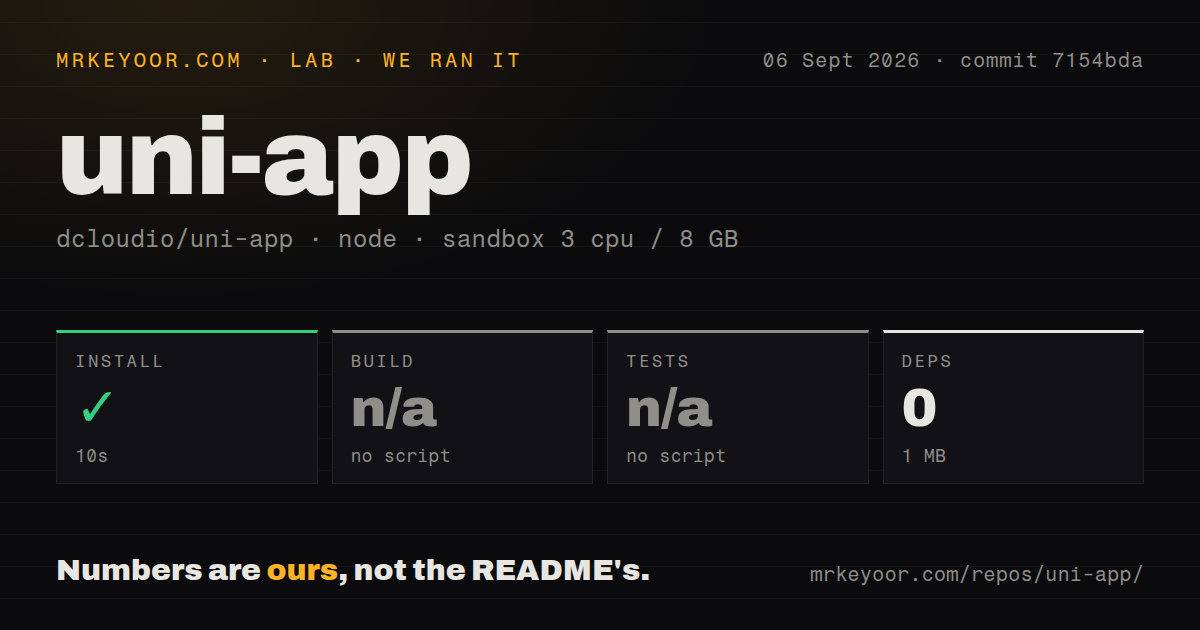
Our sandbox completed Yarn installation in 10 seconds and reported success, yet it installed 0 packages and added only 1 MB on disk. The source checkout itself was much larger at 328.8 MB, spanning 4,648 files and roughly 139,167 lines. Those figures describe the repository at commit 7154bda in a fresh unprivileged Debian container with 3 CPUs, 8 GB of RAM, Node 22, and no secrets.
No root build script or target was available, so the build step was skipped. The same was true for tests: there was no test script or target, and we did not claim a passing suite. Our scan still found a tests directory and monorepo workspaces, but 0 CI workflow files and no Dockerfile. The useful finding is that a generic root install does not prove an app can be created, compiled, tested, or packaged from this checkout.
One open CLI issue makes HBuilderX part of the CI decision
Issue 6049 says uni-app x cannot create a project through the CLI and asks whether a Jenkins server must install HBuilderX and its command-line interface for packaging. The root manifest supports that concern indirectly: its 3 scripts update source subtrees rather than create, build, or test an application. Teams that require headless, reproducible CI should demonstrate project creation and every target build on their own runners before standardizing on the framework.
Windows adds a version-specific concern. Issue 5991 reports Node.js v24 failing during startup or compilation because a Windows absolute path reaches the ESM loader without a file:// URL. The reporter supplies a preload workaround and says HBuilderX may make it awkward to inject. Our Node 22 lab did not exercise that path, compile an app, or run on Windows. The report is still relevant to teams planning an immediate Node 24 migration.
HBuilderX 5.24 has a reported H5 accessibility failure
Issue 6062 documents the default H5 navigation back control as a div without a button role, tab stop, accessible label, or Enter and Space handling. The report says screen readers and role-based Playwright or axe-core checks cannot identify the control, and gives a 100 percent reproduction rate with HBuilderX 5.24.2026081301. A custom navigation bar may allow an application-level workaround, but the default control should not pass an accessibility review based on that report.
This risk is easy to miss when the sales proposition centers on one codebase. The 4,648-file framework can keep application structure shared while generated semantics and native behavior vary by target. Teams should put keyboard navigation, screen-reader output, component rendering, lifecycle events, file access, and store packaging into per-platform release checks. uni-app reduces duplicate application code; it does not make Apple, Google, Huawei, and mini-program runtimes behave alike.
September 2026 work is active despite 707 open items
GitHub showed 41,601 stars, a last push on September 5, 2026, and active issue updates on the same date. Its combined open count was 707; separate searches found 696 issues and 11 pull requests. The latest-release API returned no GitHub release, so a missing recent tag is not evidence that work stopped. The repository instead uses branch history and a detailed changelog tied to HBuilderX-style version numbers.
The queue also reflects the surface area: Web accessibility, Windows tooling, HarmonyOS rendering, and Douyin components can all produce unrelated reports. With 139,167 source lines and many vendors in scope, issue volume needs triage by the exact targets a buyer cares about. For a Chinese-speaking Vue team shipping to mini programs, uni-app offers coverage that Ionic, Expo, and NativeScript do not. For an iOS, Android, and Web app with no mini-program requirement, those narrower ecosystems are easier to evaluate and automate.